
This page is not an official page of the app or its developer, but an independent editorial publication created for informational and commentary purposes. Unless expressly stated otherwise, neither the app nor its developer is affiliated with, endorsed by, sponsored by, authorized by, or otherwise officially connected with MWM, Apple, Google Play, the app publisher, or the app's developer, and nothing on this page implies that the app was developed using MWM's services. Any trademarks, logos, screenshots, and other content remain the property of their respective owners.


Weekly: Budget Planner App
Stop the monthly overwhelm. Sync your bank, track daily spending effortlessly, and reach your savings goals with a beautiful budget that gives you permission to spend.
Downloads
107K+User Rating
Total Ratings
4K+Publisher
Category
FinanceLocales
1Latest Version
4.4.6Size
74.5 MBFirst Released
Oct 20, 2019Master Your Money, One Week at a Time
Stop guessing how much you can spend. Weekly transforms your bills, income, and goals into a single, stress-free number for your seven-day cycle.
Know Your Safe-to-Spend
No more mental math. See exactly what is left for fun and groceries after your bills and savings goals are automatically factored in.
Automatic Bank Syncing
Securely connect your accounts to skip manual entry. Use one-tap reviews to categorize transactions and stay on track in seconds.
Frequently Asked Questions
Everything you need to know about Weekly: Budget Planner App
What is Weekly: Budget Planner App?
Weekly is a budget app designed to help users plan budgets, stop overspending, and save money based on a weekly cycle. It functions as both a budget planner and a spending tracker.
How does the Weekly app calculate the weekly safe-to-spend limit?
Weekly calculates your weekly spending limit by considering your recurring bills, income, and set savings goals. It then determines what you can safely spend each week.
Does the Weekly app include a spending tracker?
Yes, Weekly includes a spending tracker. It monitors day-to-day spending by downloading transactions from your bank or allowing manual entry. Users can categorize purchases.
Can the Weekly Budget Planner App connect to my bank accounts?
Yes, Weekly connects to your banks and credit cards. This allows you to see all account balances in one place and automatically download transactions for spending tracking.
Does Weekly function as a bill organizer?
Yes, Weekly is a bill organizer. It displays upcoming bills, indicates if they are paid, shows days left until due, and sends notifications when bills are due.
Is the Weekly app free to use?
Yes, Weekly is free to use. Users can also subscribe to Weekly PRO for additional premium features.
Can I share the Weekly budget app with a spouse or partner?
Yes, you can share Weekly with a spouse or partner. This feature allows both individuals to stay on track with their shared budget.
How do users categorize spending within the Weekly app?
Weekly allows users to quickly and easily organize purchases into categories. It shows total and average spending by category, helping users track where their money goes.
What premium features does Weekly PRO offer?
Weekly PRO offers premium features, enhancing the budgeting experience. Users can upgrade to access these additional functionalities.
How do I set up a budget using the Weekly Budget Planner App?
To set up a budget in Weekly, use the guided walkthrough. Enter your regular income, recurring expenses like mortgage and utilities, and set up savings goals.
The following screenshots and description are sourced directly from the app's official store listing and are the property of the app developer.
App Store
Screenshots
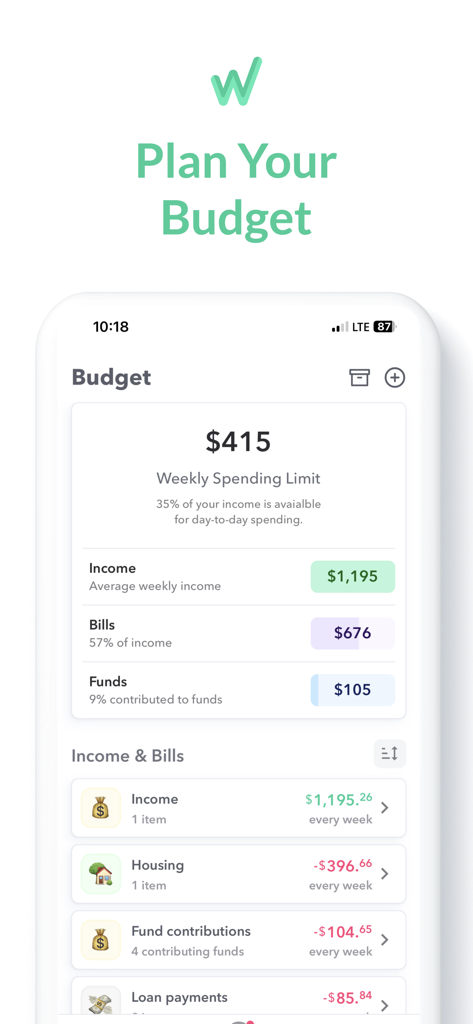
Weekly Budget Planner app interface showing a weekly spending limit of 415 dollars with a breakdown of income and bills
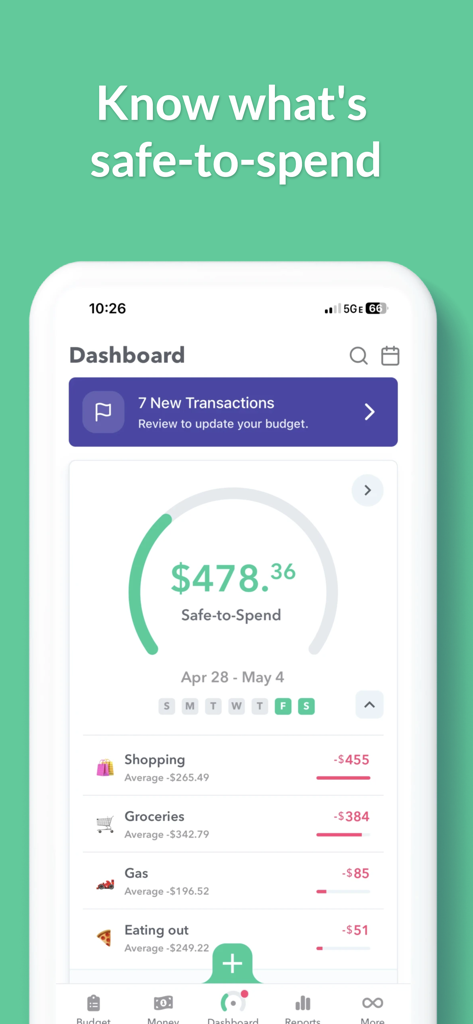
Weekly Budget Planner app dashboard showing the safe-to-spend balance and categorized expenses like groceries and dining.
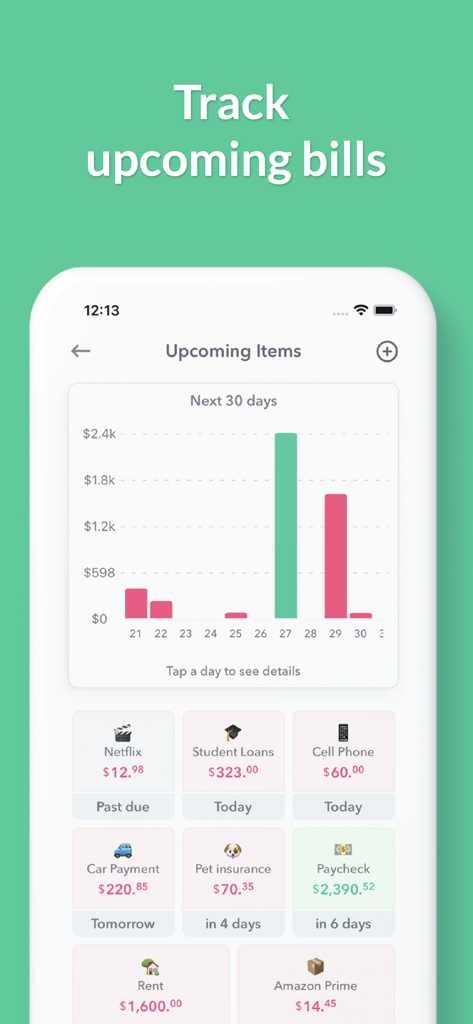
A mobile screenshot of the Weekly budget app showing an upcoming bills dashboard with a spending forecast chart and transaction cards.
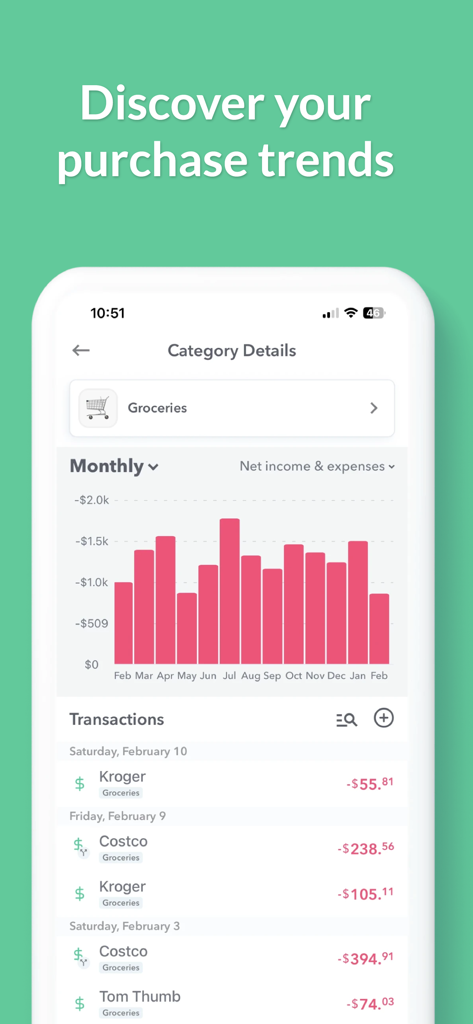
A mobile app screen showing a monthly bar chart and transaction list for grocery spending trends.
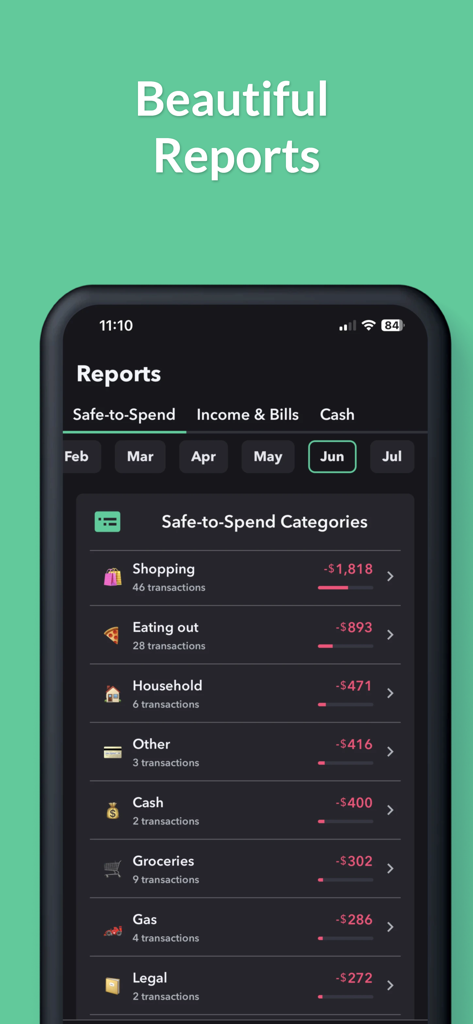
Weekly budget app displaying monthly spending reports and safe to spend categories
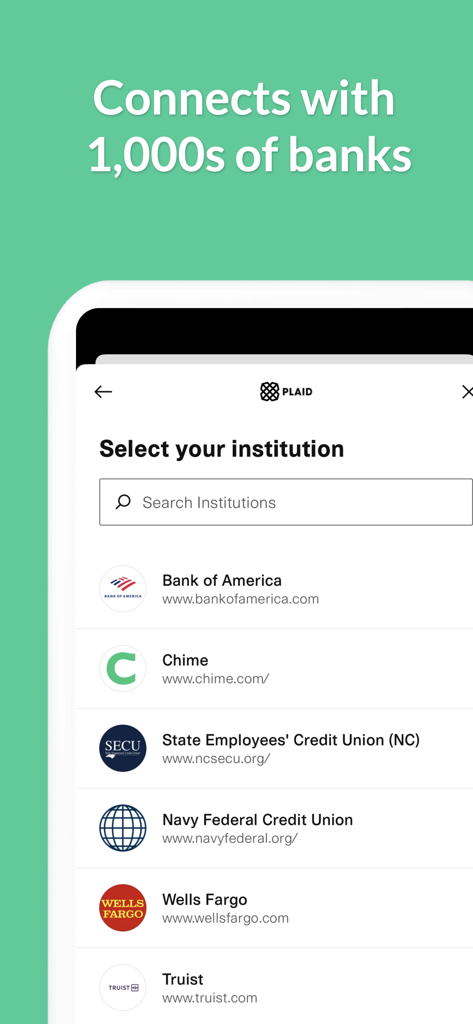
Weekly app screen showing bank integration with Plaid to connect thousands of financial institutions like Bank of America and Wells Fargo
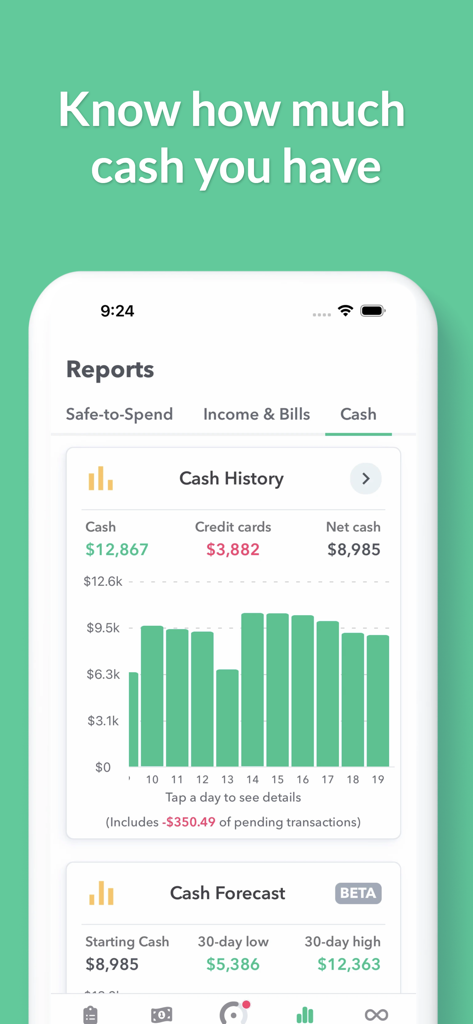
iPhone screenshot of the Weekly app showing cash history chart and financial forecast reports.
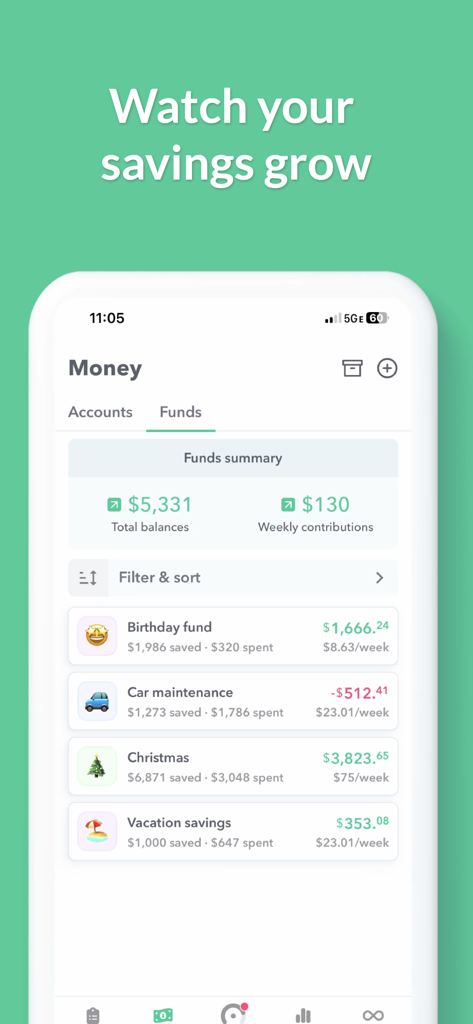
Savings funds dashboard in the Weekly budget planner app showing progress for vacation and car maintenance goals
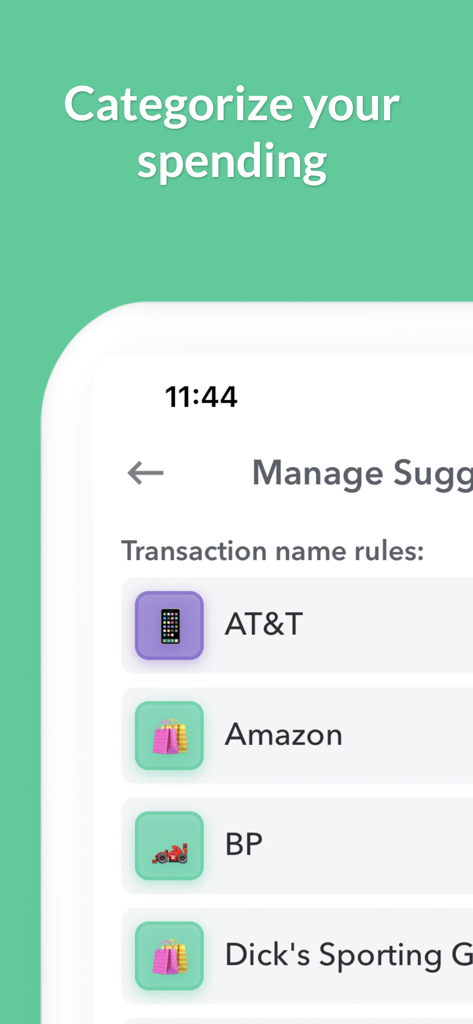
Weekly budget app spending categorization screen showing transaction rules with merchant icons
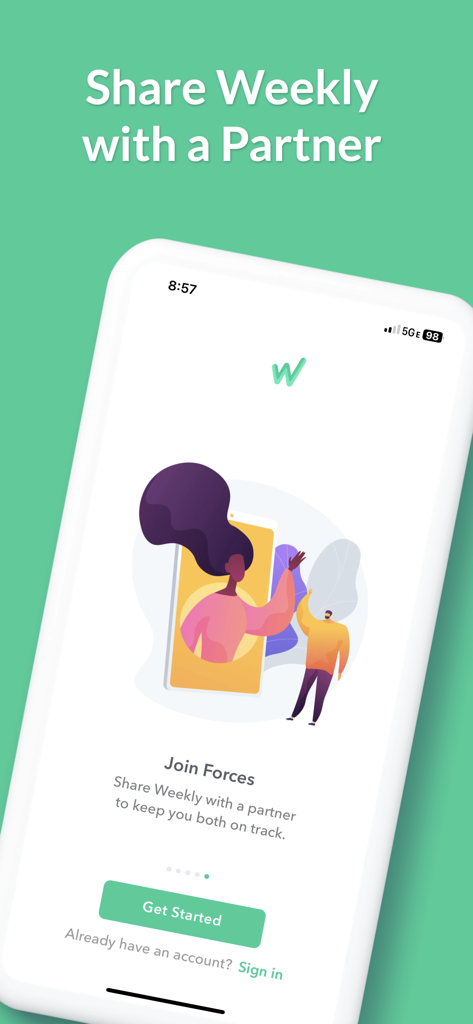
Weekly Budget Planner app screen featuring the Join Forces shared budgeting option for couples
Description
Download
More Like This
Apps with similar features and user experience

鲨鱼记账本-城市理财圈子必备工具软件
Beijing Shark Pioneer Network Technology Co.,Ltd

咔皮记账 -自动记账 AI记账 预算 多账本 资产管理 存钱
Shanghai Yuhuan Technology Co., Ltd.

Money manager, expense tracker
Orange dog d.o.o.

Money Manager Expense & Budget
Realbyte Inc.

Budget Planner App - Fleur
Akash Jain

iCost记账-快速简洁好用的记账理财助手&记账软件
Guangzhou Quji Technology Co., Ltd.

YNAB
You Need A Budget LLC

Copilot: Track & Budget Money
Copilot Money, Inc.

小青账记账-存钱记账本理财购物清单
YouQian
This page is not an official page of the app or its developer, but an independent editorial publication created for informational and commentary purposes. Unless expressly stated otherwise, neither the app nor its developer is affiliated with, endorsed by, sponsored by, authorized by, or otherwise officially connected with MWM, Apple, Google Play, the app publisher, or the app's developer, and nothing on this page implies that the app was developed using MWM's services. Any trademarks, logos, screenshots, and other content remain the property of their respective owners.