
微信输入法
Tencent Technology (Shenzhen) Company Limited


专为追求极致效率的你打造。内置 DeepSeek 与混元大模型,集智能拼写、快捷语音及跨端同步于一体,在极简设计中开启智能输入新时代。
Publisher
Category
UtilitiesDownloads
35M+User Rating
Total Ratings
126K+Locales
1Discover the interface used by 35M+ users.
The tools that make this app stand out, trusted by 35M+ users.
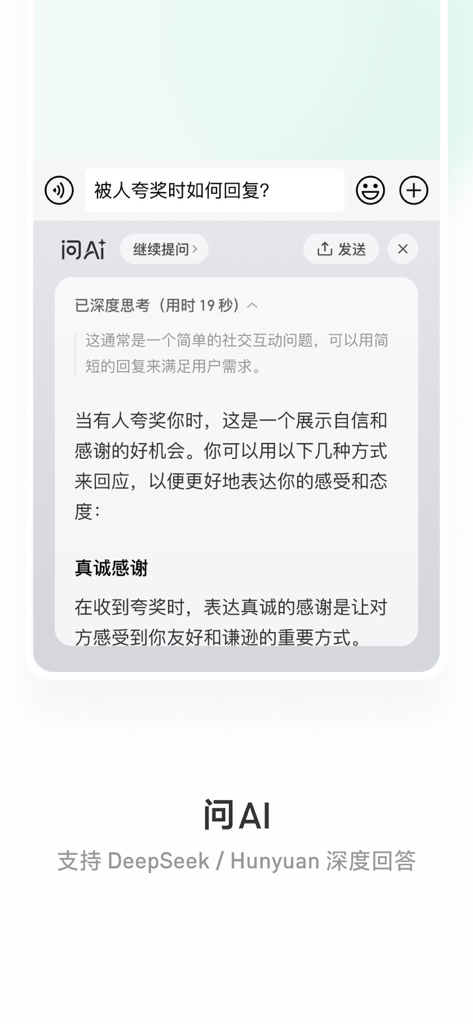
Harness the power of DeepSeek and Hunyuan directly within your keyboard to draft copy, summarize texts, or get answers without switching apps.
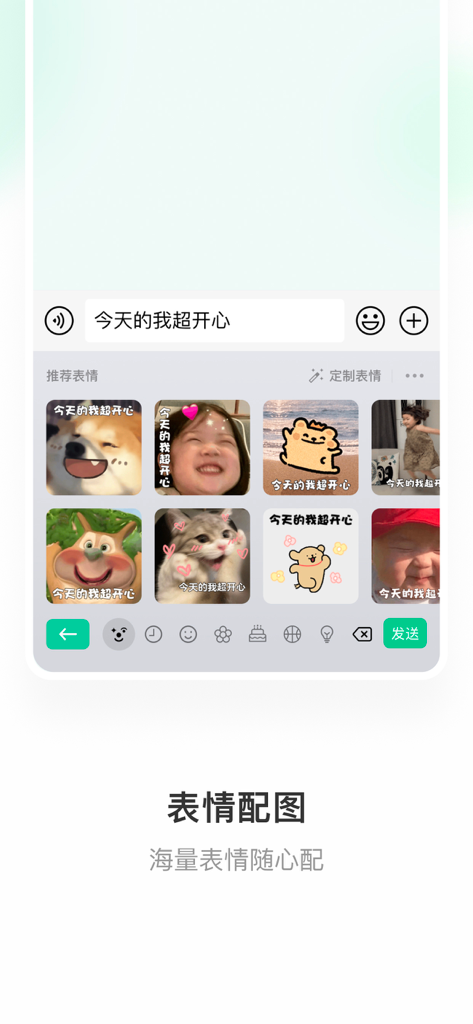
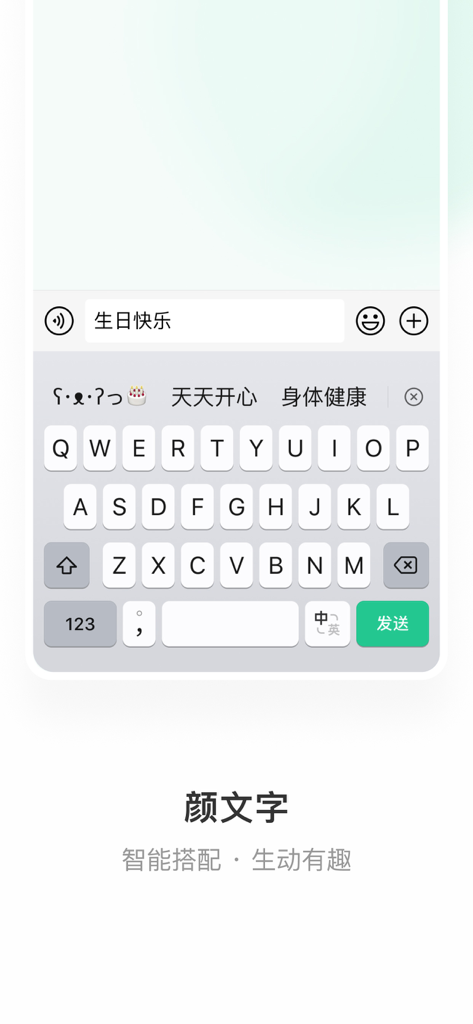
Type faster with Spelling Plus mode, featuring intelligent emoji suggestions and context-aware predictive text that understands your intent.
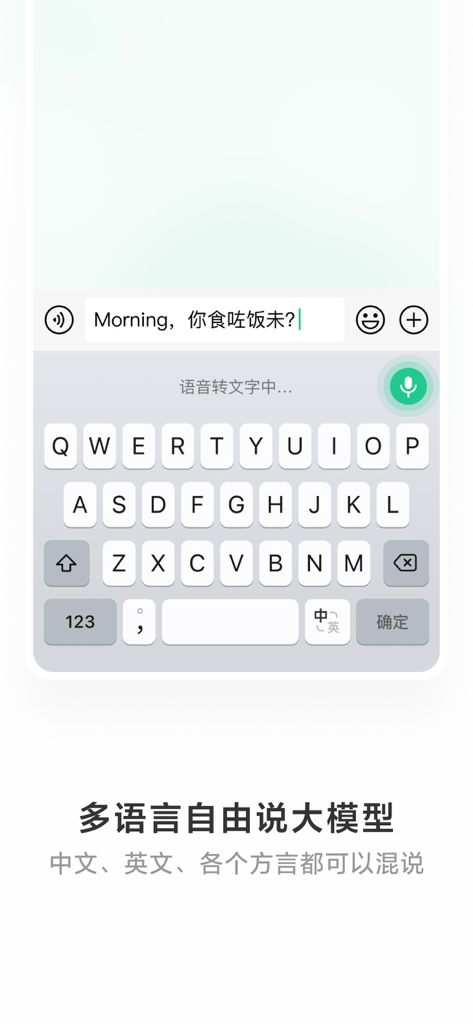
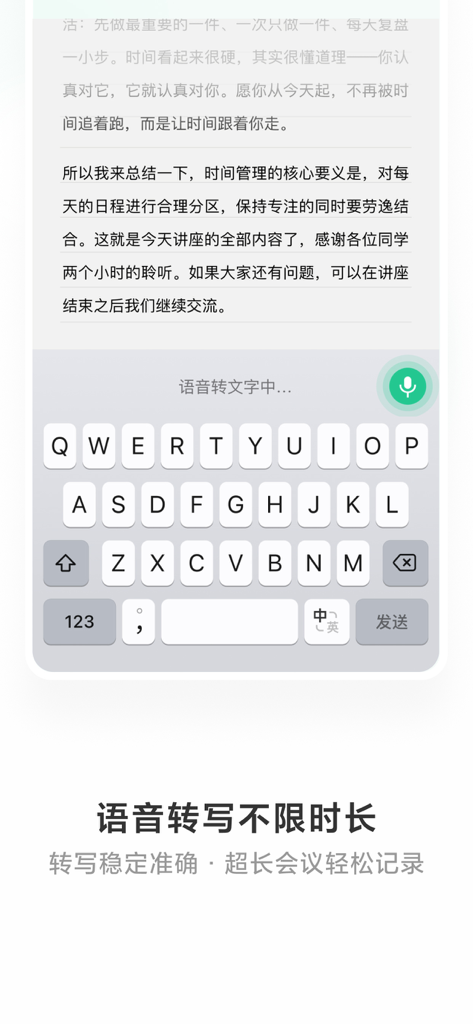
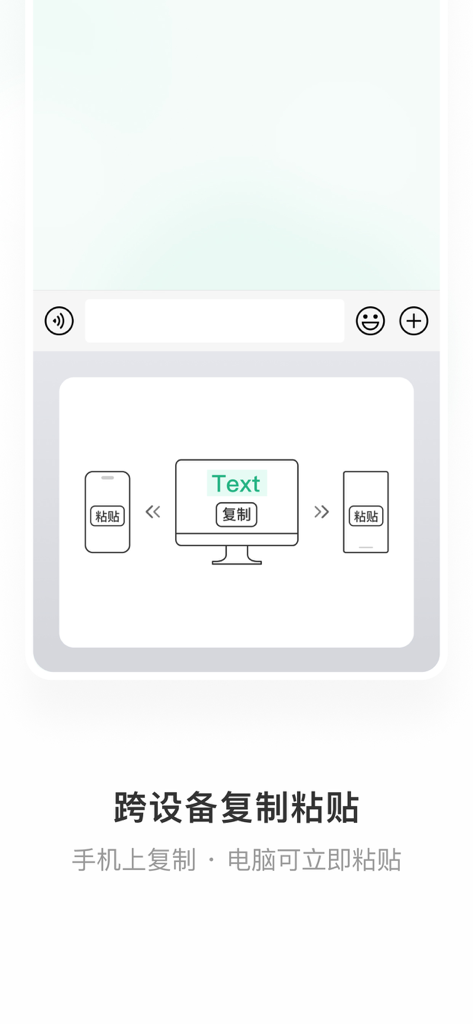
Convert voice to text instantly and sync your clipboard across devices, making it the perfect tool for multi-tasking and cross-border communication.
Trusted by 35M+ people who love this app.
"The DeepSeek AI integration is a total game-changer for my daily workflow. Being able to ask for quick translations or summarize professional messages without leaving my chat app has made me so much more productive. It is easily the most intelligent keyboard I have ever used."
"I finally found a Chinese keyboard that feels native to iOS. It is clean, fast, and doesn't have the clutter of other apps. The voice-to-text is incredibly accurate even when I am walking through a noisy city, and the smart emoji suggestions are always spot on."
Everything you need to know about 微信输入法.
Description
Latest Version
3.0.0
Size
392.2 MB
First Released
Dec 18, 2022
集成 DeepSeek 深度回答与高效拼写模式,专为追求极致效率的你打造,让每一次沟通都更聪明、更懂你。
Everything you need to know about 微信输入法
Yes, 微信输入法 (WeChat Input Method) supports AI deep answers. It integrates with DeepSeek and Hunyuan models, allowing users to instantly get and share AI-generated responses for various informational and creative needs.
Yes, 微信输入法 (WeChat Input Method) provides a speech-to-text function. This feature enables quick voice input without needing a long press and supports unlimited transcription duration for ease of use.
微信输入法 (WeChat Input Method) offers six distinct keyboard input modes. Combined with its speech-to-text function, these options provide users with diverse and personalized input experiences.
微信输入法 (WeChat Input Method) includes several quick input tools. These features encompass common phrases, a clipboard for cross-device copy-paste, handwriting character lookup, and spell checking for faster, more accurate typing.
Yes, the privacy policy for 微信输入法 (WeChat Input Method) is publicly available. Users can access the complete policy document at the provided URL: https://wetype.weixin.qq.com/web/privacy?platform=ios.
Yes, 微信输入法 (WeChat Input Method) enhances communication with comprehensive emoji features. It provides emoji recommendations and supports custom emojis, offering a wide array of options for user expression.
Yes, 微信输入法 (WeChat Input Method) supports cross-device copy-paste. This functionality allows users to copy text on their mobile device and instantly paste it on their computer, facilitating seamless workflow.
Apps with similar features and user experience

Mikhail Chelbaev
DAMIEN, NATHANAEL ELLEDGE

LanguageTooler GmbH

Curious Creators Co.

Appnest Technologies LLC

Jie Huang

Grammarly, Inc

QuillBot, a Learneo Inc. business

Nanjing Diant Network Technology Co., LTD