
This page is not an official page of the app or its developer, but an independent editorial publication created for informational and commentary purposes. Unless expressly stated otherwise, neither the app nor its developer is affiliated with, endorsed by, sponsored by, authorized by, or otherwise officially connected with MWM, Apple, Google Play, the app publisher, or the app's developer, and nothing on this page implies that the app was developed using MWM's services. Any trademarks, logos, screenshots, and other content remain the property of their respective owners.

QuillBot: AI Writing, Keyboard
Communicate with confidence in any app. Polish your tone, fix grammar instantly, and generate ideas on the go with the writing tool trusted by millions of students and professionals.
Downloads
2M+User Rating
Total Ratings
6K+Publisher
Category
ProductivityLocales
1Latest Version
2.0.3Size
127.5 MBFirst Released
Oct 21, 2023Elevate Your Writing Instantly
From academic essays to professional emails, QuillBot provides the AI-powered tools you need to communicate with confidence and clarity.
AI-Powered Keyboard
Rephrase, fix grammar, and translate directly inside your favorite apps like Slack, Gmail, and Instagram.
Master Every Tone
Switch between Academic, Formal, or Creative modes to match your audience and sound your best every time.
Frequently Asked Questions
Everything you need to know about QuillBot: AI Writing, Keyboard
What is QuillBot: AI Writing, Keyboard?
QuillBot: AI Writing, Keyboard is an app that provides AI-powered writing assistance. It features tools like paraphrasing, grammar checking, AI detection, translation, generative AI, and document storage to improve communication.
What are the key features of the QuillBot app?
The QuillBot app includes six powerful tools: Paraphraser, Grammar Checker, AI Detector, Translator, Generative AI, and Document Save. These features are designed to enhance writing across various applications.
Can QuillBot: AI Writing, Keyboard fix grammar mistakes?
Yes, QuillBot: AI Writing, Keyboard includes a Free Grammar Checker. It instantly fixes punctuation, grammar, and spelling errors, and can rephrase unclear sentences for improved clarity and accuracy.
Does QuillBot offer an AI Detector for written content?
Yes, QuillBot provides an AI Detector. It scans your writing to identify AI-generated content and delivers a detailed report on the AI usage within your text.
How many languages does the QuillBot Translator support?
The QuillBot Translator supports over 50 languages. It enables instant text translation, allowing users to communicate effectively across various linguistic barriers within the app.
How do I install and use the QuillBot AI Writing Keyboard?
Install the QuillBot AI Writing Keyboard app from the App Store, create an optional free account, then enable keyboard permissions. You can then access QuillBot's AI tools for writing, reviewing, and generating content anywhere you type.
What exclusive features does QuillBot Premium offer?
QuillBot Premium unlocks over 10 paraphrasing modes, advanced grammar suggestions, unlimited words in the Paraphraser, and unlimited AI generation. It enhances the writing experience with more sophisticated tools.
Is QuillBot: AI Writing, Keyboard a free application?
Yes, QuillBot: AI Writing, Keyboard provides free access to core tools including Paraphraser, Grammar Checker, Translator, AI Detector, and Generative AI. Free accounts receive 5 AI generations per day.
What paraphrasing modes are available in QuillBot?
QuillBot offers free modes like Standard and Fluency. Premium modes include Humanize, Formal, Academic, Simple, Creative, Expand, Shorten, and Custom, providing diverse options for rephrasing text.
Is user data safe with QuillBot: AI Writing, Keyboard?
Yes, QuillBot: AI Writing, Keyboard prioritizes data security. Users can review the Privacy Policy and Terms and Conditions on the QuillBot website for details on how data is handled.
The following screenshots and description are sourced directly from the app's official store listing and are the property of the app developer.
App Store
Screenshots
QuillBot splash screen with the headline Strengthen your writing anywhere and mention of 35 million users.
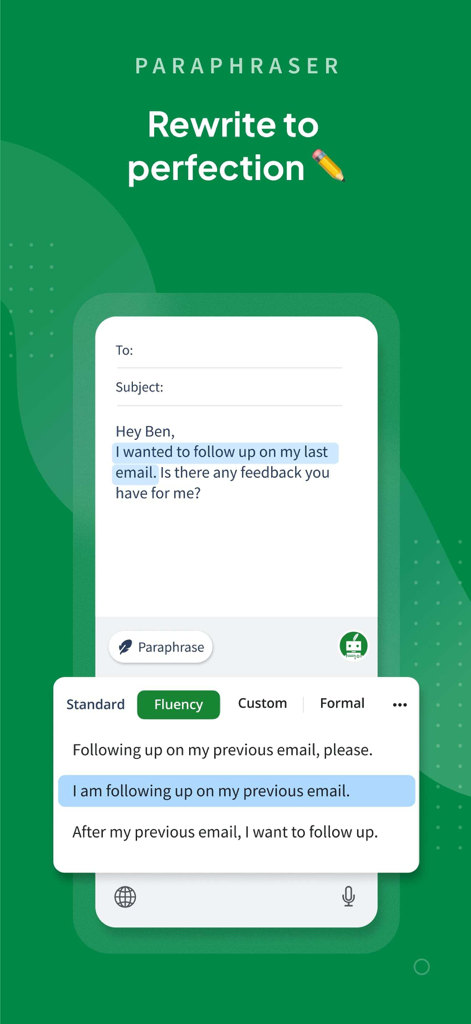
QuillBot mobile app interface showing the AI paraphraser tool rewriting an email for better fluency
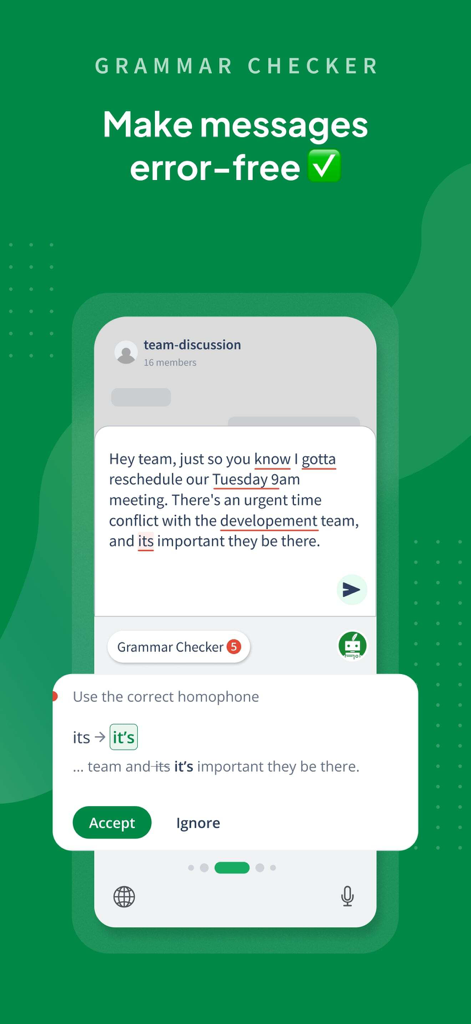
QuillBot mobile app interface showing the grammar checker tool correcting a homophone mistake in a team message
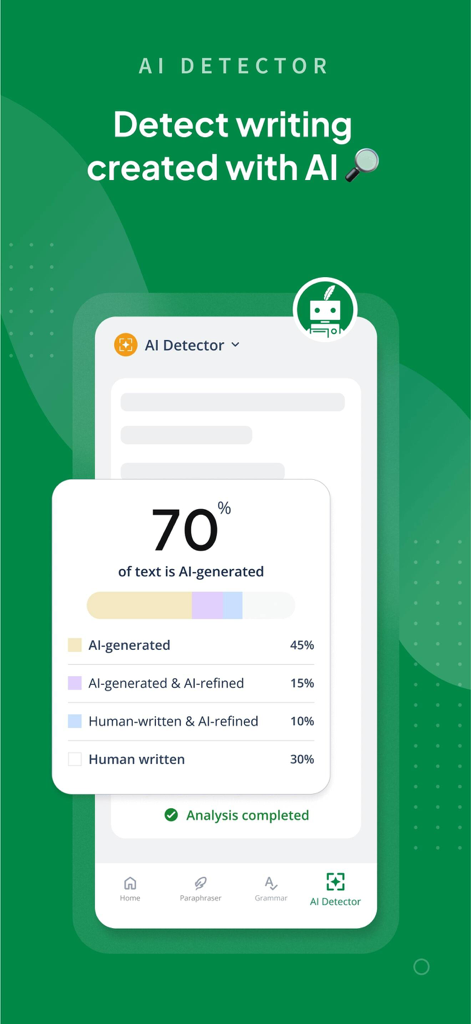
Interface of the QuillBot AI detector showing a detailed report indicating 70 percent of analyzed text is AI-generated.
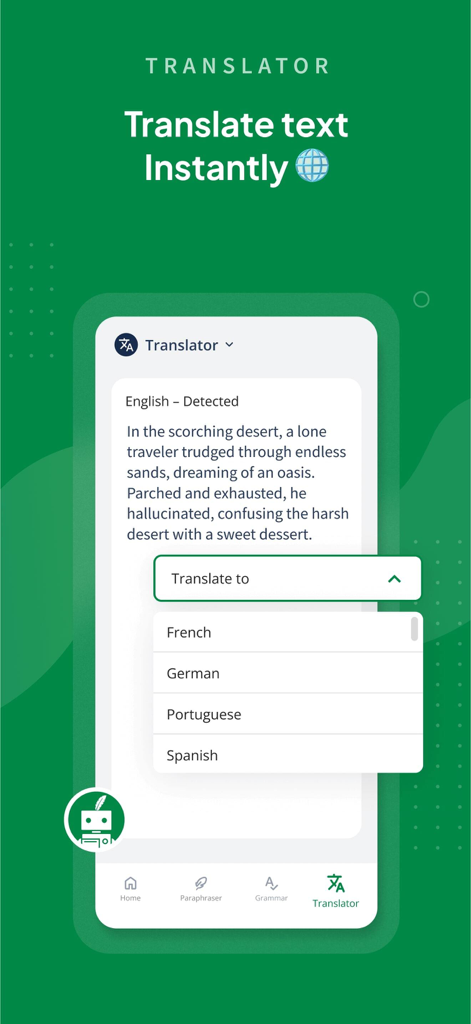
A mobile screen showing the QuillBot AI translator interface with a menu to select languages for instant text translation
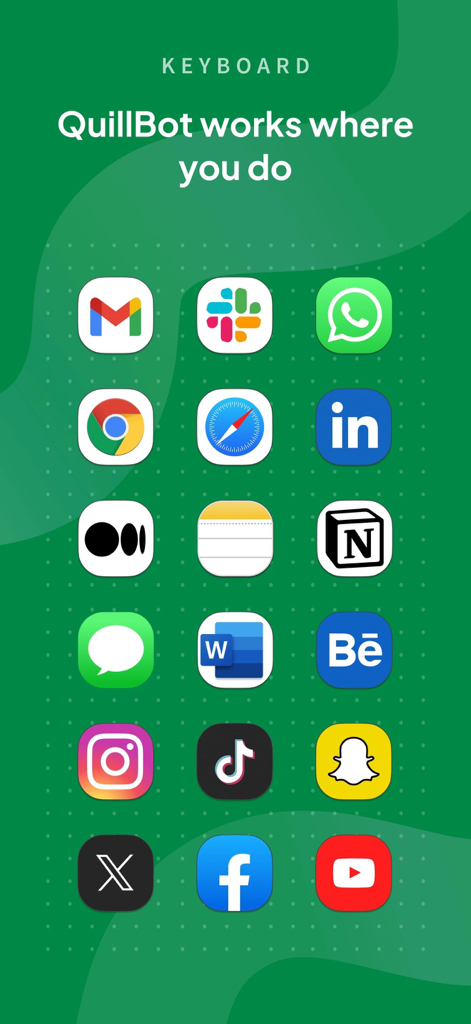
Grid of popular app icons including Gmail Slack and LinkedIn showing QuillBot keyboard compatibility
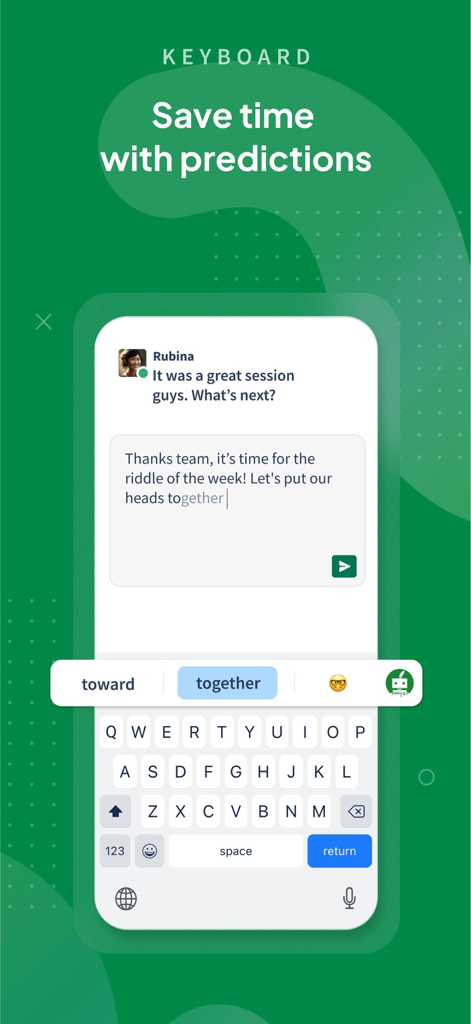
QuillBot mobile keyboard interface showing predictive text suggestions to save time while typing
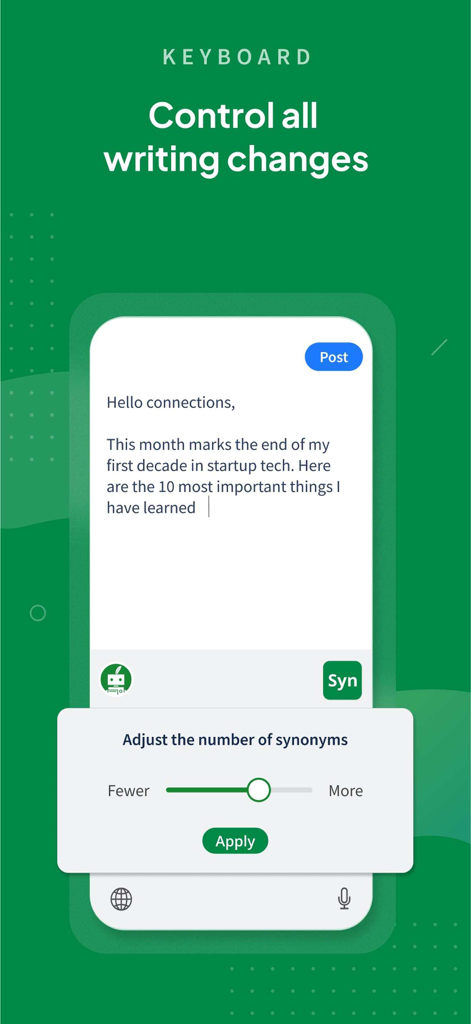
QuillBot mobile keyboard interface with a slider to adjust the number of synonyms in a text draft
Description
Download
More Like This
Apps with similar features and user experience

AiText: Grammar & Spell Check
Mikhail Chelbaev
Grammar Check Corrector AI
DAMIEN, NATHANAEL ELLEDGE

LanguageTool - Grammar Checker
LanguageTooler GmbH

AI Email Writer - Boss
Curious Creators Co.
AI Keyboard Type AI – AnyWrite
Appnest Technologies LLC

TypeEasy-AI Keyboard & Writer
Jie Huang
Grammarly: AI Writing Keyboard
Grammarly, Inc

微信输入法
Tencent Technology (Shenzhen) Company Limited

G.AI - AI ChatBot Assistant
Nanjing Diant Network Technology Co., LTD
This page is not an official page of the app or its developer, but an independent editorial publication created for informational and commentary purposes. Unless expressly stated otherwise, neither the app nor its developer is affiliated with, endorsed by, sponsored by, authorized by, or otherwise officially connected with MWM, Apple, Google Play, the app publisher, or the app's developer, and nothing on this page implies that the app was developed using MWM's services. Any trademarks, logos, screenshots, and other content remain the property of their respective owners.