
This page is not an official page of the app or its developer, but an independent editorial publication created for informational and commentary purposes. Unless expressly stated otherwise, neither the app nor its developer is affiliated with, endorsed by, sponsored by, authorized by, or otherwise officially connected with MWM, Apple, Google Play, the app publisher, or the app's developer, and nothing on this page implies that the app was developed using MWM's services. Any trademarks, logos, screenshots, and other content remain the property of their respective owners.


WellsOne Expense Manager
Securely capture receipts, submit reimbursements, and manage your commercial account on the go—designed for professionals who value efficiency.
Downloads
75K+User Rating
Total Ratings
100Publisher
Category
BusinessLocales
18Latest Version
253.0Size
149.8 MBFirst Released
Oct 27, 2020Expense Management, Simplified for Professionals
Reduce administrative friction and eliminate the paperwork pile-up with powerful tools designed for the modern corporate traveler and finance manager.
Instant Receipt Capture
Snap a photo of your receipt the moment you spend. Our app digitizes paper records immediately, ensuring you never lose a reimbursement opportunity again.
Swift Mobile Approvals
Review, approve, or return transactions directly from your device. Keep your team’s workflow moving even when you are between meetings or in transit.
The following screenshots and description are sourced directly from the app's official store listing and are the property of the app developer.
App Store
Screenshots
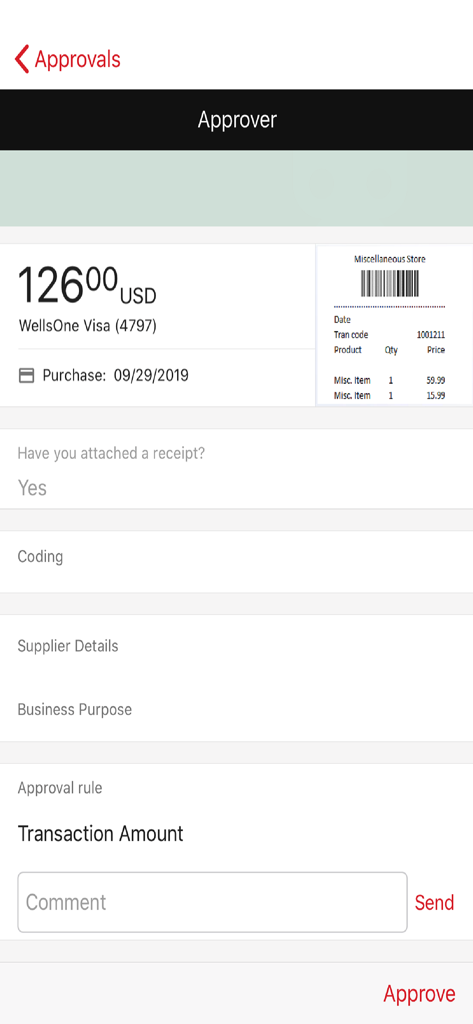
Approval screen in the WellsOne Expense Manager app showing a transaction summary and digital receipt
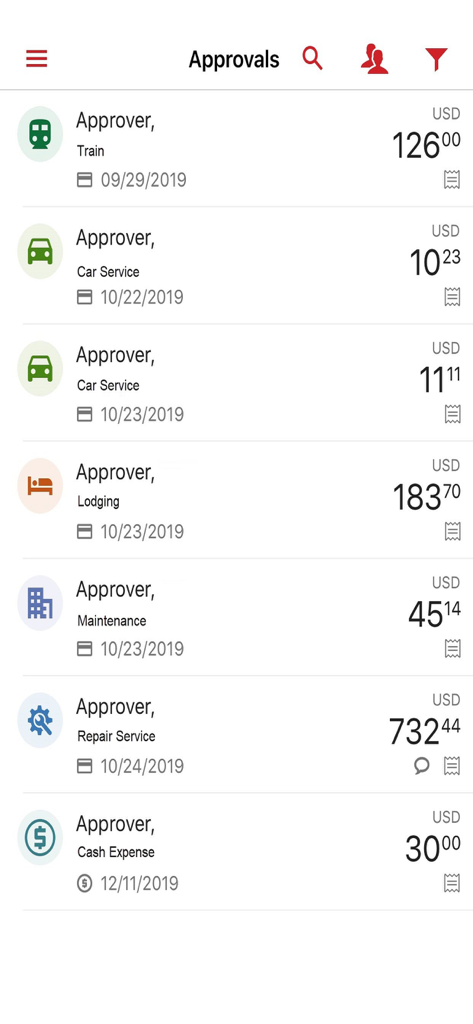
A list of pending business expense approvals in the WellsOne app showing categories like train travel lodging and car services with their respective costs
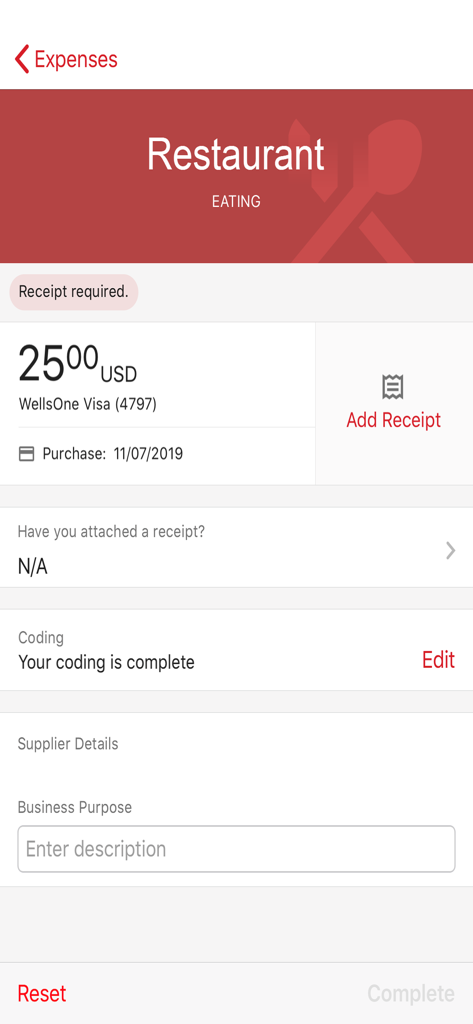
WellsOne Expense Manager app screen showing a restaurant transaction for twenty-five dollars with a button to add a receipt.
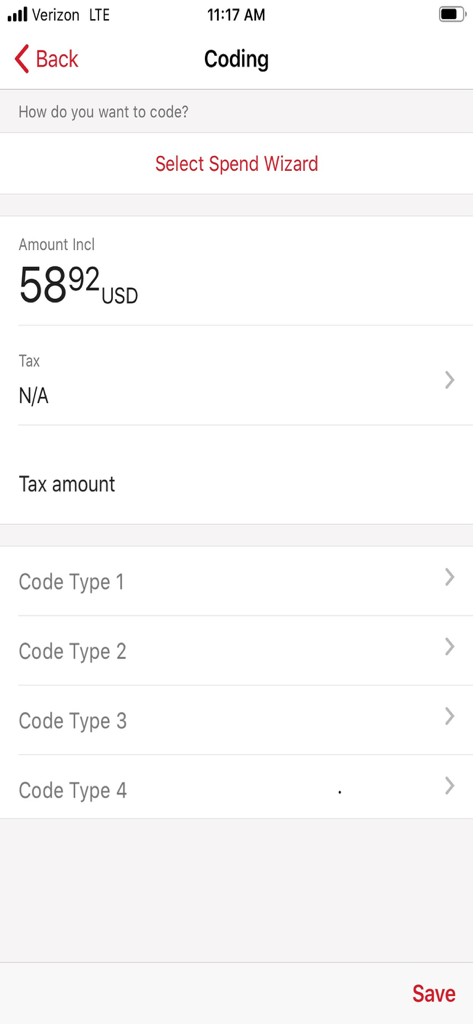
User interface of the WellsOne Expense Manager app showing transaction coding options for a 58.92 USD expense
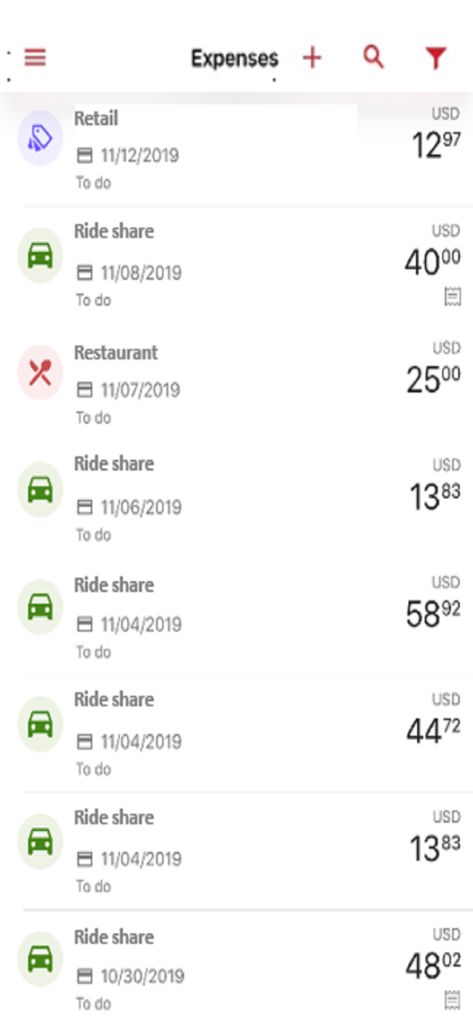
A list of recent business expenses in the WellsOne Expense Manager app including ride shares and retail purchases
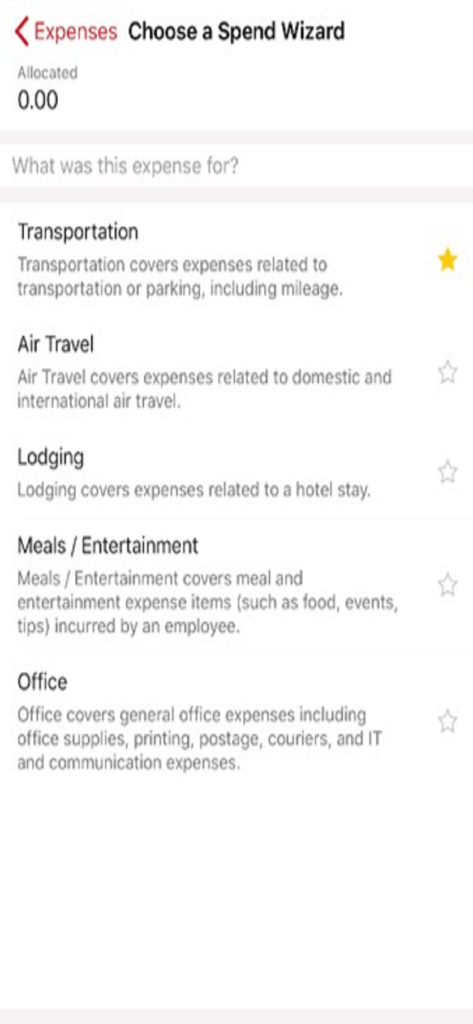
WellsOne Expense Manager app screen showing a list of expense categories like transportation and air travel under the Choose a Spend Wizard menu.
Description
Download
More Like This
Top-ranked apps in the same category

Microsoft Teams
Microsoft Corporation

Zoom Workplace
Zoom Communications, Inc.

WhatsApp Business
WhatsApp Inc.

Indeed Job Search
Indeed Inc.

LinkedIn: Network & Job Finder
LinkedIn Corporation

Adobe Acrobat Reader: Sign PDF
Adobe Inc.

WeCom-Work Communication&Tools
Tencent Technology (Shenzhen) Company Limited

BOSS直聘-招聘求职找工作神器
Beijing China Product Bo Farce Network Technology Co., Ltd.

DingDing - Redefine Work in AI
DingTalk Technology Co., Ltd.
This page is not an official page of the app or its developer, but an independent editorial publication created for informational and commentary purposes. Unless expressly stated otherwise, neither the app nor its developer is affiliated with, endorsed by, sponsored by, authorized by, or otherwise officially connected with MWM, Apple, Google Play, the app publisher, or the app's developer, and nothing on this page implies that the app was developed using MWM's services. Any trademarks, logos, screenshots, and other content remain the property of their respective owners.