
Westpac One NZ Mobile Banking



Experience seamless banking with Face ID security, instant card control, and a smart transaction timeline. From applying for loans to making international payments, manage your finances with ease wherever you are.
Publisher
Category
FinanceDownloads
638K+User Rating
Total Ratings
24K+Locales
1Discover the interface used by 638K+ users.
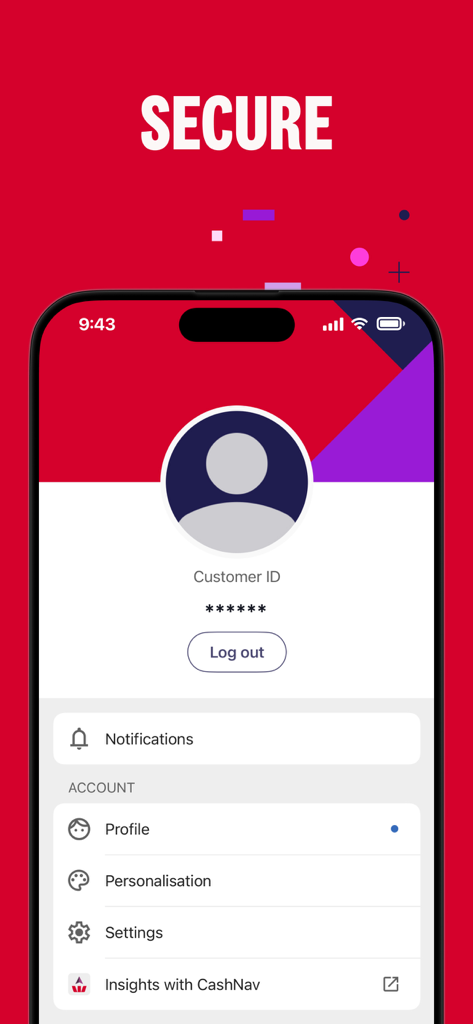
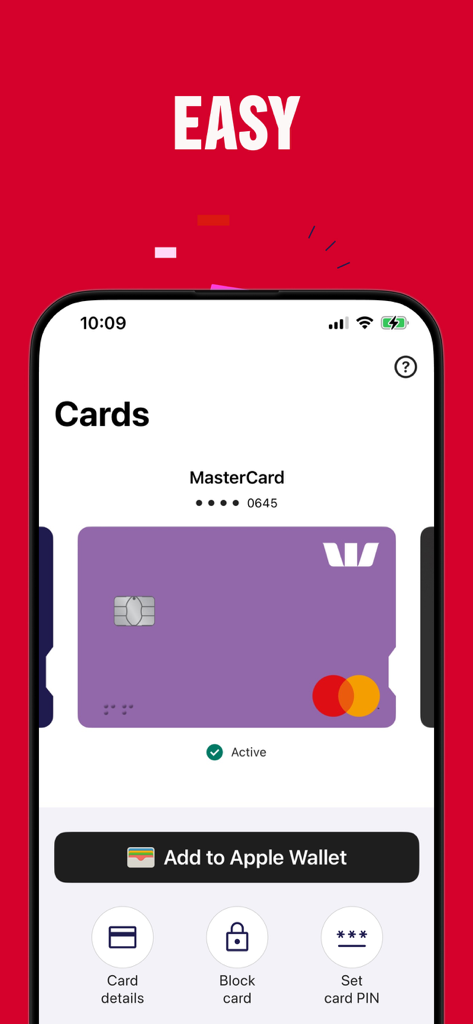
The tools that make this app stand out, trusted by 638K+ users.
Log in seamlessly with Face ID and enjoy total peace of mind with the ability to instantly freeze your card if it ever goes missing.
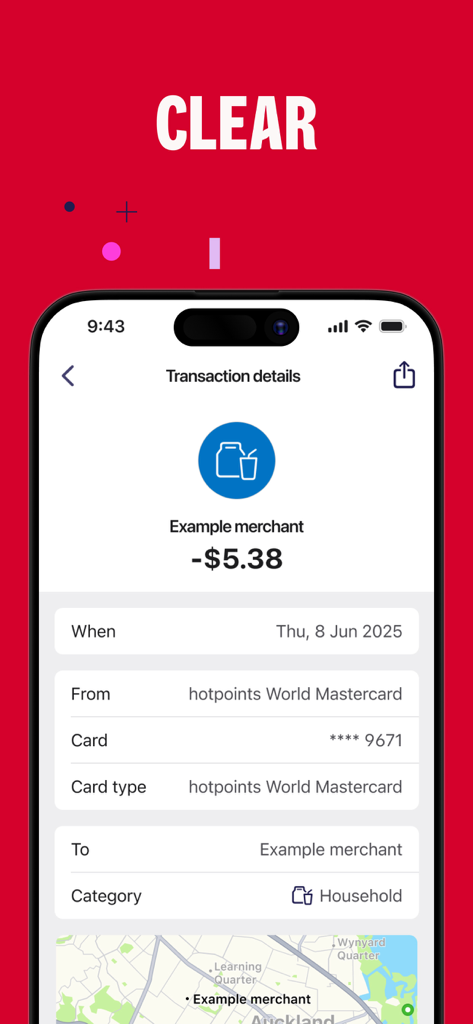
Stop digging through statements. Search, filter, and track every transaction across all your accounts in one intuitive, social-media-style feed.
Move money overseas, open new accounts, or apply for loans in minutes—all the power of a bank branch right in your pocket.
Insights from user reviews.
Sentiment Score
Summary
The Westpac mobile app receives predominantly negative feedback, primarily due to persistent and critical issues with login and app stability, with users frequently reporting inability to access their accounts, freezing, and crashes that often persist even after updates. While some users appreciate the ease of use for basic banking functions and the recent addition of a digital card, the overall user experience is marred by an outdated interface lacking customization options like dark mode or personalized account displays. Additionally, users express frustration over missing key features such as secure messaging and deposit notifications, alongside inaccurate transaction history displays. Multiple reviews also point to version-specific problems, such as login failures after certain updates, or poor Apple Watch compatibility.
Common Themes
Everything you need to know about Westpac One NZ Mobile Banking.
Description
Latest Version
40.4
Size
171.7 MB
First Released
Apr 19, 2012
Join over 638,000 users banking smarter with Westpac One. Experience the freedom of secure, mobile-first banking—from instant card blocks to global payments, all at your fingertips.
Everything you need to know about Westpac One NZ Mobile Banking
Yes, Westpac One uses world-class online security through Online Guardian. It also offers secure access with Face ID, Touch ID, or a five-digit PIN for logging in.
The Westpac One app supports secure login using Face ID, Touch ID, or a five-digit PIN. This allows for convenient and protected access to your accounts.
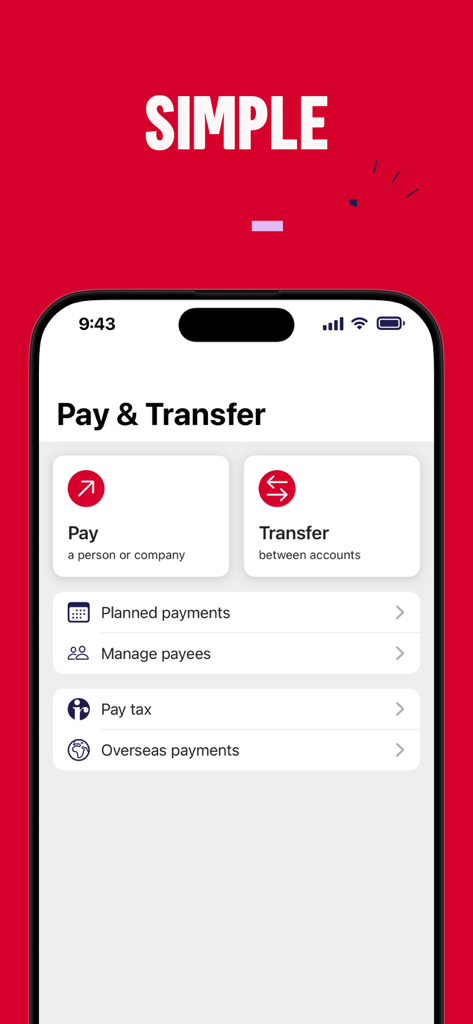
Yes, the Westpac One app allows you to make payments to accounts in New Zealand or overseas. This feature is available directly within the application.
Yes, the Westpac One app enables users to temporarily block their credit card if it is lost. This provides immediate control over card security.
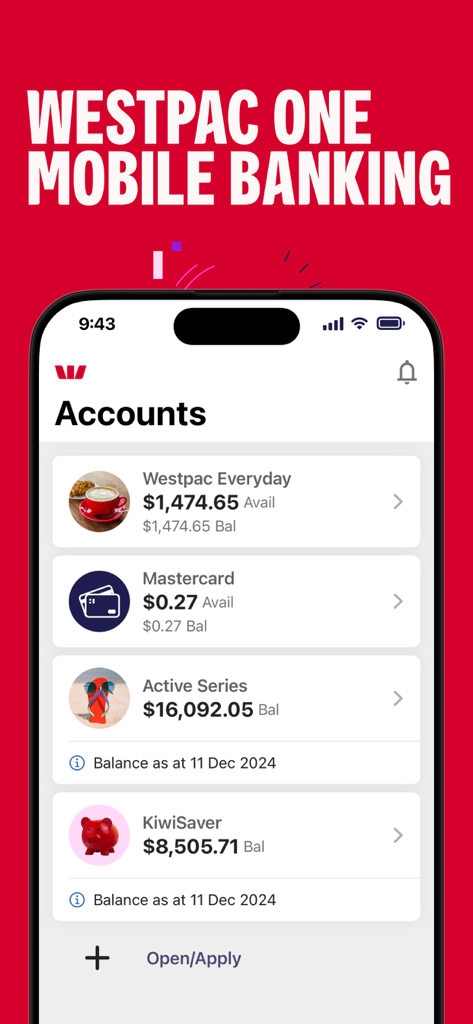
The Westpac One app displays various account types including Westpac Everyday, Mastercard, Active Series, and KiwiSaver. Balances and available funds are clearly shown for each.
Yes, the Westpac One app features a smart Timeline where you can view, search, and filter all your transactions from all your accounts in one place.
The Westpac One app is available only to Westpac New Zealand Limited customers who are registered users of the Westpac One online banking service.
All information submitted during Westpac One app use is retained by Westpac and used in accordance with the privacy provisions in Westpac New Zealand's General Terms and Conditions.
Yes, the Westpac One app allows you to add your Westpac cards directly to Apple Wallet. This option is available from the card management screen.
Yes, the Westpac One app provides the functionality to open new accounts and to open and view term deposits directly within the application.
Yes, you can check the balance of selected accounts and transfer between those accounts without having to fully log in to the Westpac One app.
Apps with similar features and user experience

Enpara Bank Anonim Sirketi

Alinma Bank

The Huntington National Bank, Inc

Cathay United Bank

CTBC Bank Co., Ltd.

FirstRand Bank Limited

Riyad Bank

CIMB Bank Berhad

Regions Financial
App information, icons, screenshots, and descriptions displayed on this page are sourced from the Apple App Store and are the property of their respective developers. Download estimates and rankings are based on MWM's proprietary models and may not reflect actual figures. This page is provided for informational and analytical purposes only.
Believe this page infringes your intellectual property? File a dispute
