
This page is not an official page of the app or its developer, but an independent editorial publication created for informational and commentary purposes. Unless expressly stated otherwise, neither the app nor its developer is affiliated with, endorsed by, sponsored by, authorized by, or otherwise officially connected with MWM, Apple, Google Play, the app publisher, or the app's developer, and nothing on this page implies that the app was developed using MWM's services. Any trademarks, logos, screenshots, and other content remain the property of their respective owners.


Widget for Messages
Personalize your Home Screen with beautiful widgets that display your latest conversations. Stay connected with StandBy support and jump straight into chats with a single tap.
Downloads
1K+User Rating
Total Ratings
0Publisher
Category
Social NetworkingLocales
11Latest Version
1.03.1Size
22.0 MBFirst Released
Sep 14, 2025Your Conversations, Right on Your Home Screen
Get instant access to your latest messages with beautiful, customizable widgets that fit your iPhone's unique style.
Aesthetic Home Screen Widgets
Choose from small, medium, or large sizes to match your layout and see your latest texts at a glance.
Tap to Chat Instantly
Skip the search—tap any message on your widget to jump directly into the conversation inside the Messages app.
The following screenshots and description are sourced directly from the app's official store listing and are the property of the app developer.
App Store
Screenshots
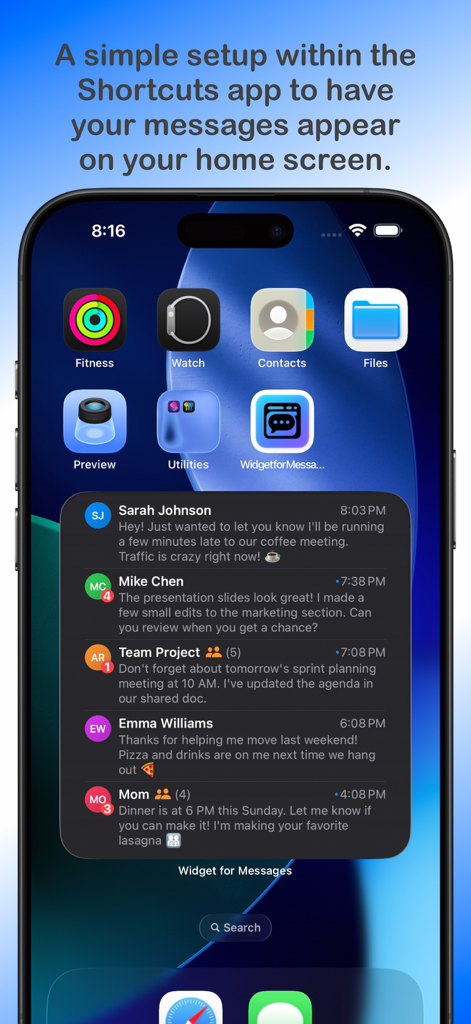
iPhone home screen featuring a large widget that displays recent message previews from multiple contacts with unread badges
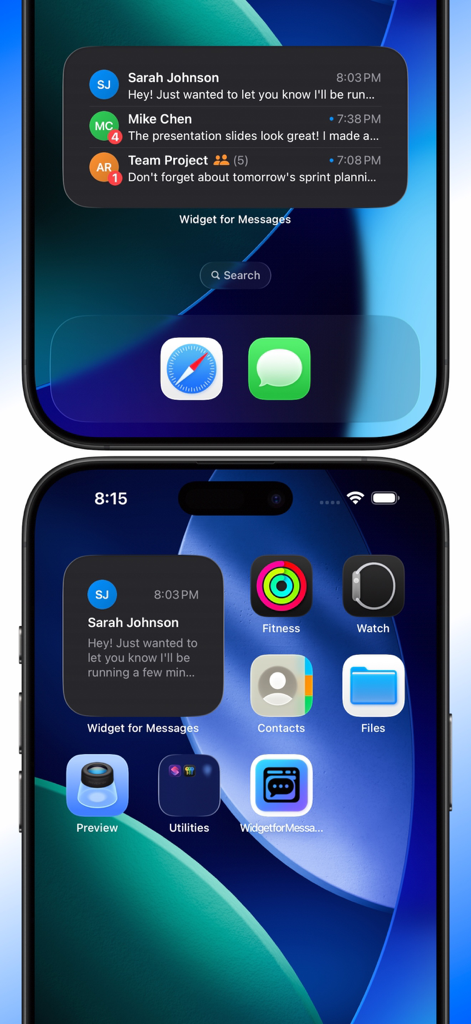
iPhone home screen showing small and medium widgets displaying recent text messages from Sarah Johnson and Mike Chen.
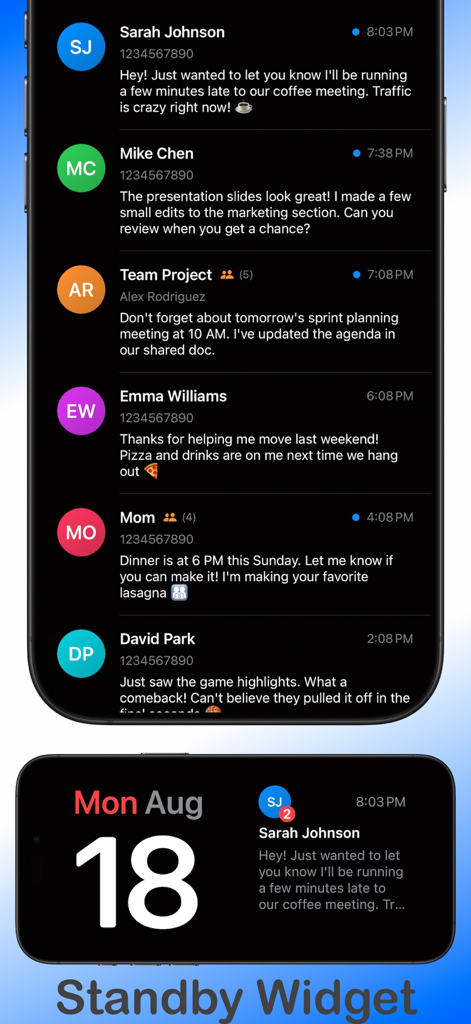
Screenshot of the Widget for Messages app showing a list of message previews and a view of the iOS StandBy mode widget with a message notification.
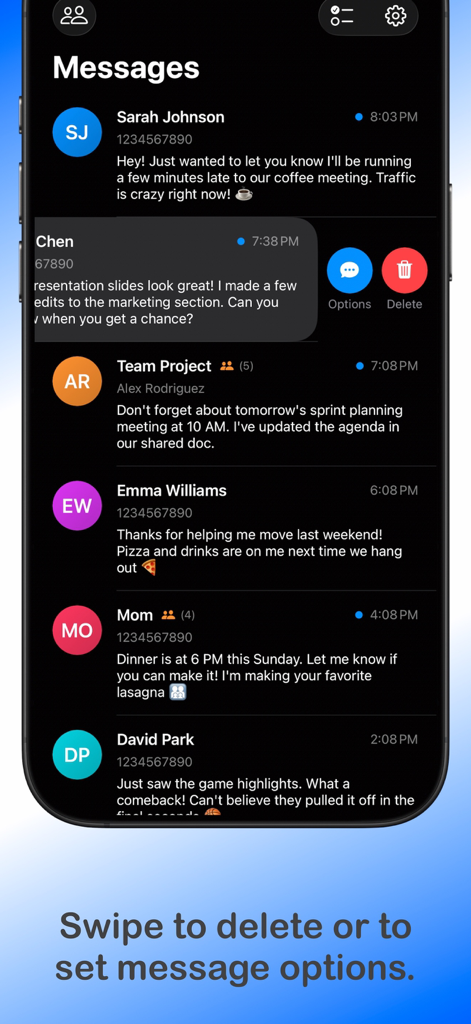
Interface of the Widget for Messages app showing a list of text conversations with a swipe gesture to access delete and option buttons
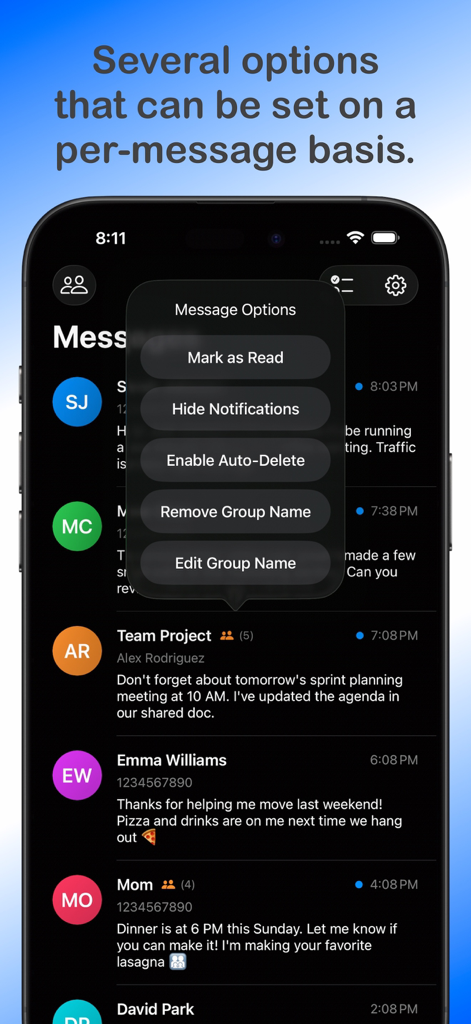
A smartphone screen showing the message options menu with settings for mark as read and auto delete
Description
Download
More Like This
Top-ranked apps in the same category

Threads
Instagram, Inc.

Telegram Messenger
Telegram FZ-LLC

WhatsApp Messenger
WhatsApp Inc.

Meta Platforms, Inc.

Discord - Talk, Play, Hang Out
Discord Inc.

Messenger
Meta Platforms, Inc.

Google Meet
Google LLC

rednote
Xingin Information Technology (Shanghai) Co., Ltd

Tencent Technology (Shenzhen) Company Limited
This page is not an official page of the app or its developer, but an independent editorial publication created for informational and commentary purposes. Unless expressly stated otherwise, neither the app nor its developer is affiliated with, endorsed by, sponsored by, authorized by, or otherwise officially connected with MWM, Apple, Google Play, the app publisher, or the app's developer, and nothing on this page implies that the app was developed using MWM's services. Any trademarks, logos, screenshots, and other content remain the property of their respective owners.