Widgy Widgets: Home/Lock/Watch

Widgy Widgets: Home/Lock/Watch

Download on App Store
Logo of Widgy Widgets: Home/Lock/Watch

Widgy Widgets: Home/Lock/Watch: Design the iOS Experience You’ve Always Wanted

Stop settling for stock layouts. Join over 8 million users and transform your screens with the most powerful, 100% customizable widget builder for iPhone, Mac, and Apple Watch. No templates, no limits—just your aesthetic, your way.

Publisher

Woodsign jdoo

Category

Graphics & Design

Downloads

8M+

User Rating

4.6/5

Total Ratings

121K+

Locales

18

Your Screen, Reimagined

Discover the interface used by 8M+ users.
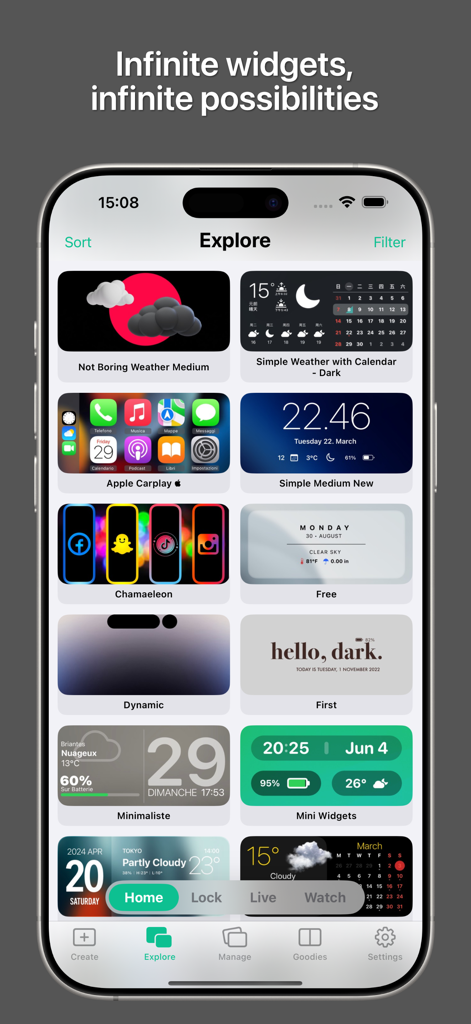
Widgy app explore screen showing a variety of custom widget designs for iOS home and lock screens.

Widgy app explore screen showing a variety of custom widget designs for iOS home and lock screens.

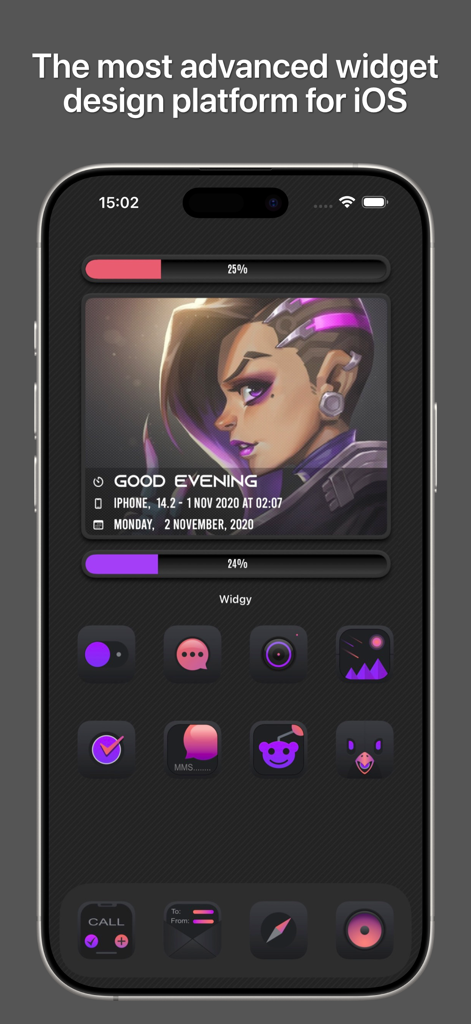
A custom iPhone home screen featuring a dark aesthetic widget and stylized icons designed with Widgy

A custom iPhone home screen featuring a dark aesthetic widget and stylized icons designed with Widgy

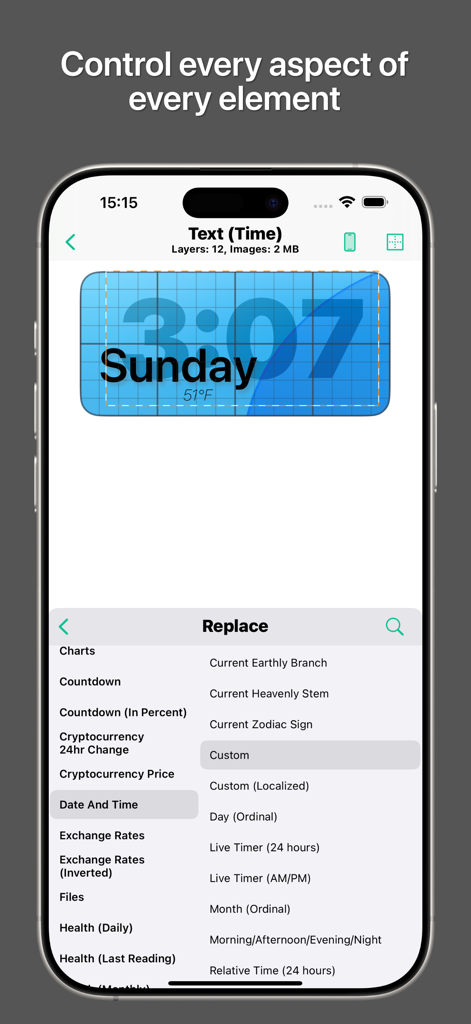
Widgy app screen showing widget customization and a list of available data sources

Widgy app screen showing widget customization and a list of available data sources

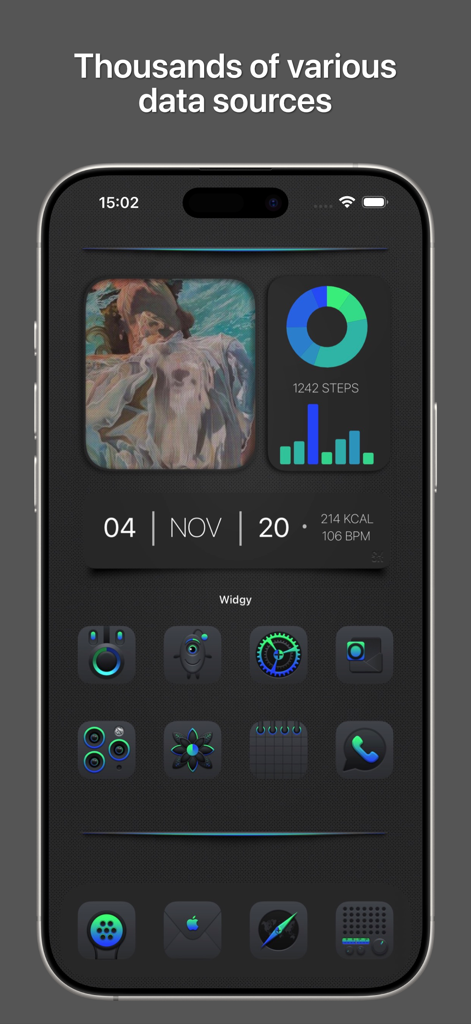
Custom dark mode iPhone home screen using Widgy widgets for health data and personalized neon icons

Custom dark mode iPhone home screen using Widgy widgets for health data and personalized neon icons

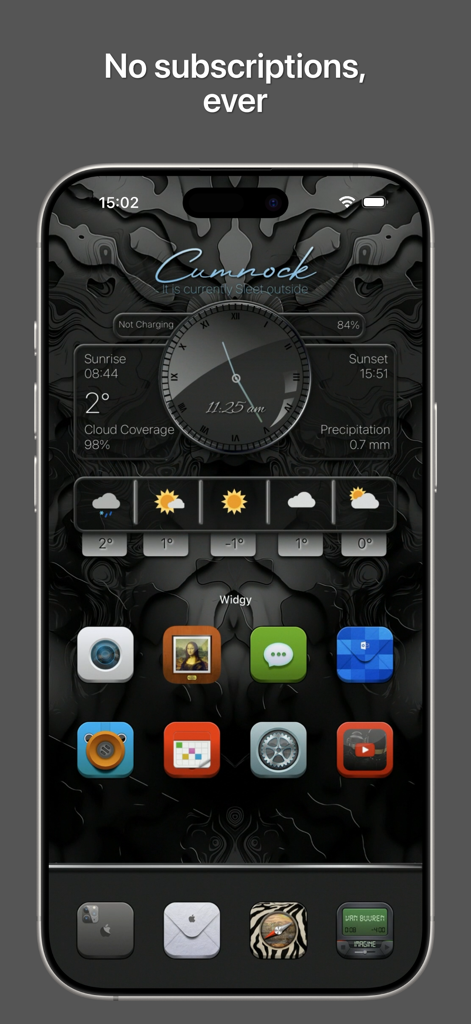
Customized iPhone home screen showing dark aesthetic Widgy widgets for clock and weather

Customized iPhone home screen showing dark aesthetic Widgy widgets for clock and weather

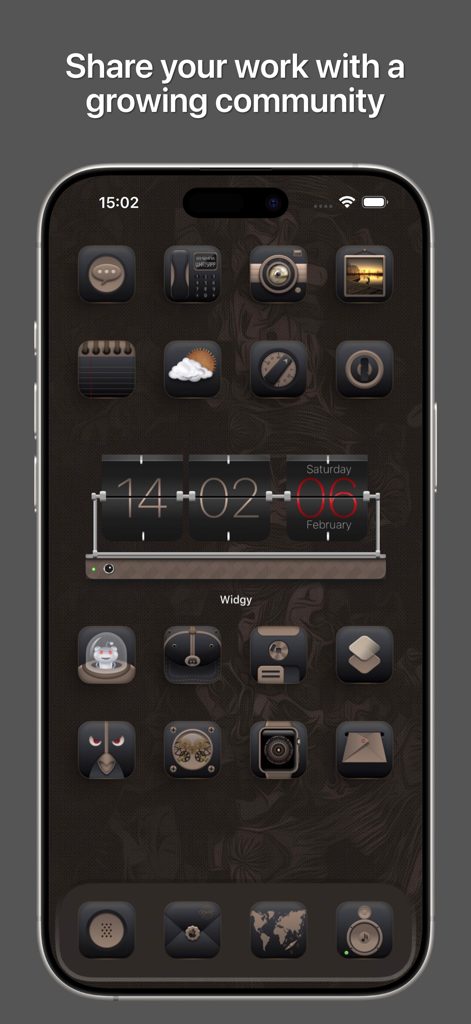
A customized iPhone home screen with a dark steampunk theme and a Widgy flip clock widget

A customized iPhone home screen with a dark steampunk theme and a Widgy flip clock widget

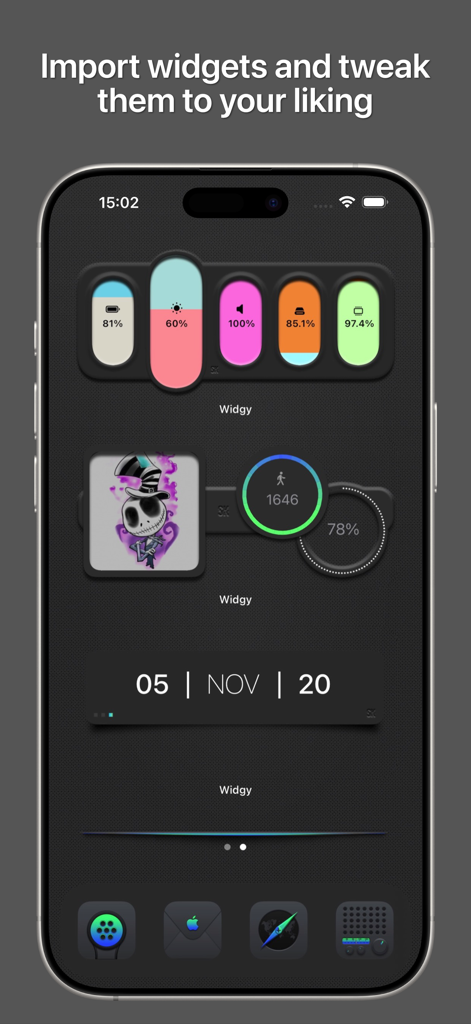
A dark-themed iOS home screen showcasing custom Widgy widgets for battery levels, system stats, step counts, and the current date.

A dark-themed iOS home screen showcasing custom Widgy widgets for battery levels, system stats, step counts, and the current date.

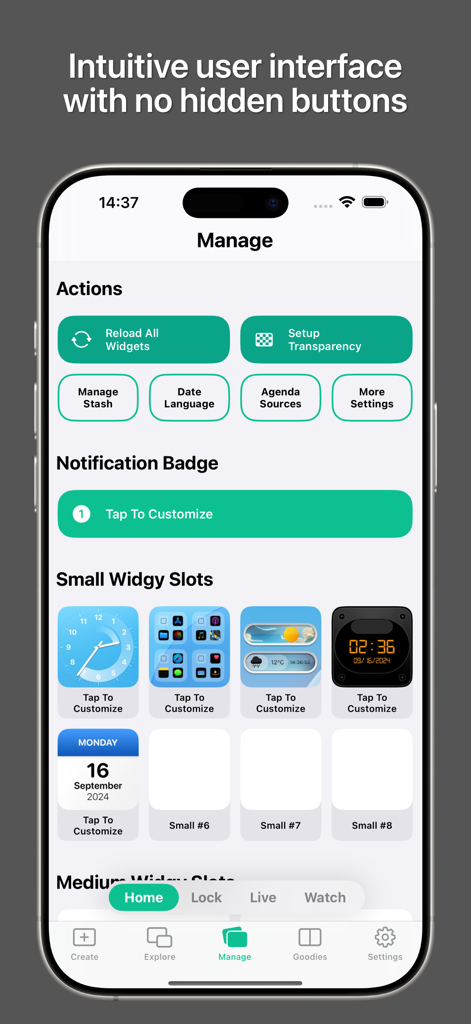
Widgy app interface showing the Manage tab with small widget slots and action buttons

Widgy app interface showing the Manage tab with small widget slots and action buttons

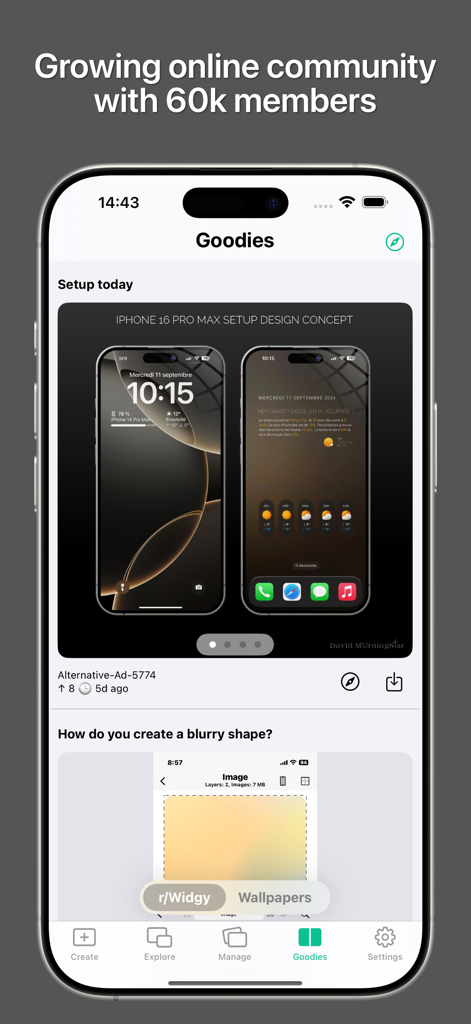
Widgy app interface showing community designs and setup concepts for iOS customization.

Widgy app interface showing community designs and setup concepts for iOS customization.

Your Device, Reimagined

The tools that make this app stand out, trusted by 8M+ users.

🎨

Professional-Grade Editor

Experience a powerful layer-based editor that lets you customize every pixel. Total creative freedom without needing a design degree.

📈

Smart Data Integration

Sync with Apple Health, weather, and system info to create the ultimate all-in-one dashboard. No more switching between apps.

🤝

Seamless Community Sharing

Discover trending setups in the Explore gallery or share your own masterpieces with the global community using simple QR codes.

About the app

Everything you need to know about Widgy Widgets: Home/Lock/Watch.

Description

With Widgy, your home and lock screens become YOUR screens. Create any widget you can imagine to perfectly match your style. Get all the info you need, exactly how you want it, without the clutter. • Easy Widget Creation • You don’t need to be a pro designer. Just know what you want, and let your creativity flow. Add an element, pick a data source, throw on some effects, and place it where you want. Repeat until your widget is perfect, then assign it to a slot and drop it on your home screen. Voila! The Widgy editor is super simple with just two parts: the preview and the layer list. Edit a layer to tweak its appearance and data. The live preview shows exactly how your widget will look, so no more back-and-forth. • Everything You Need • Widgy has all the elements and data sources you could ever need, from system info to weather. Display your data as text, charts, or whatever you like. • No Limits • Forget templates. With Widgy, everything is 100% customizable. It’s your widget, your way. The only limit is your imagination. • Easy Sharing & Discovering • Share your creations with friends or the entire Widgy community in just a few taps. Use a URL, QR code, JSON data, or a file. You can even publish it in the Explore section for everyone to see. Need inspiration? Check out thousands of widgets in the Explore section, or join the Reddit (r/Widgy) and Discord communities to see what others have created. NOTE: Widgy optionally integrates with Apple Health. This integration is used to display your data if you select one of those widget types. Permission for Widgy to access this data is controlled through the Apple Health app. As with Health, all other permissions for Widgy are optional and are there just to show you the data you want to be displayed. Widgets for screenshots designed by SCOSeanKly. Some of the icons packs in screenshots designed by bulldog5278.

Latest Version

26.1.1

Size

177.7 MB

First Released

Oct 10, 2020

Make Your Screen Truly Yours

Join 8 million creators and stop settling for stock. Download Widgy to build the aesthetic layouts and data-rich dashboards you have always wanted.

Download on App Store
FAQ

Frequently Asked Questions

Everything you need to know about Widgy Widgets: Home/Lock/Watch

What is Widgy Widgets?

Widgy Widgets allows users to create custom widgets for their home and lock screens on iOS, offering extensive customization for style and information display without clutter.

Does Widgy Widgets support creating widgets for the lock screen?

Yes, Widgy Widgets allows users to create custom widgets for both their home and lock screens, matching their personal style and providing needed information.

How easy is it to create widgets with Widgy?

Widgy offers an easy widget creation process. Users add elements, pick data sources, apply effects, and place them. The live preview in the editor simplifies design, showing exactly how the widget will look.

What is the Widgy editor like?

The Widgy editor features a preview and a layer list. Users edit layers to tweak appearance and data, while a live preview instantly shows how the widget will look, eliminating back-and-forth adjustments.

Does Widgy Widgets offer templates for widget creation?

No, Widgy Widgets explicitly states 'Forget templates.' It provides 100% customization, giving users full control to design their widgets exactly as they desire, limited only by imagination.

What kind of data sources can Widgy Widgets display?

Widgy Widgets supports various data sources, including system information, weather, health data, and cryptocurrency. Users can display this data as text, charts, or other visual formats.

Can I share my custom Widgy widgets with others?

Yes, Widgy Widgets allows users to easily share their creations with friends or the community. Sharing options include URLs, QR codes, JSON data, files, and publishing to the Explore section.

Does Widgy Widgets require a subscription?

No, Widgy Widgets explicitly states 'No subscriptions, ever.' Users can access its features without any recurring payment plans.

Does Widgy integrate with Apple Health?

Yes, Widgy optionally integrates with Apple Health. This integration displays health data if users select those widget types. Permissions are managed directly through the Apple Health app.

Where can I find inspiration or pre-made widgets for Widgy?

Users can find inspiration and thousands of widgets in the Widgy Explore section. They can also join the Reddit (r/Widgy) and Discord communities to see others' creations.

How does Widgy Widgets ensure privacy regarding user data?

Widgy Widgets treats all permissions as optional. They are only requested to display the specific data a user chooses, such as Apple Health integration, which is controlled via the Apple Health app.

App information, icons, screenshots, and descriptions displayed on this page are sourced from the Apple App Store and are the property of their respective developers. Download estimates and rankings are based on MWM's proprietary models and may not reflect actual figures. This page is provided for informational and analytical purposes only.

Believe this page infringes your intellectual property? File a dispute