WiDI - MIDI Studio
WiDI - MIDI Studio
Download on App Store

This page is not an official page of the app or its developer, but an independent editorial publication created for informational and commentary purposes. Unless expressly stated otherwise, neither the app nor its developer is affiliated with, endorsed by, sponsored by, authorized by, or otherwise officially connected with MWM, Apple, Google Play, the app publisher, or the app's developer, and nothing on this page implies that the app was developed using MWM's services. Any trademarks, logos, screenshots, and other content remain the property of their respective owners.

Logo of WiDI - MIDI Studio
Download on App Store

WiDI - MIDI Studio

Transform your iOS device into a professional MIDI hub. Design bespoke layouts, automate CCs, and trigger complex sequences wirelessly for a faster, more tactile studio workflow.

Key Figures

Downloads

2K+

User Rating

4.4/5

Total Ratings

0

Publisher

HYPERTIDE

Category

Music

Locales

1

Latest Version

1.8.3

Size

26.1 MB

First Released

Aug 7, 2018
Features

Your Studio, Your Rules

Transform your iOS device into a professional MIDI control surface and sequencer designed to bridge the gap between your creative flow and your DAW.

Bespoke Control Surfaces

Build the exact MIDI layout you need with custom knobs, faders, and pads. Stop reaching for your mouse and start interacting with your music using tactile, responsive controls.

Seamless Wireless Integration

Cut the cables with native MIDI Network Session support. Control Ableton, Logic, or your hardware synths from anywhere in your studio with zero-hassle wireless connectivity.

The following screenshots and description are sourced directly from the app's official store listing and are the property of the app developer.

App Store

Screenshots
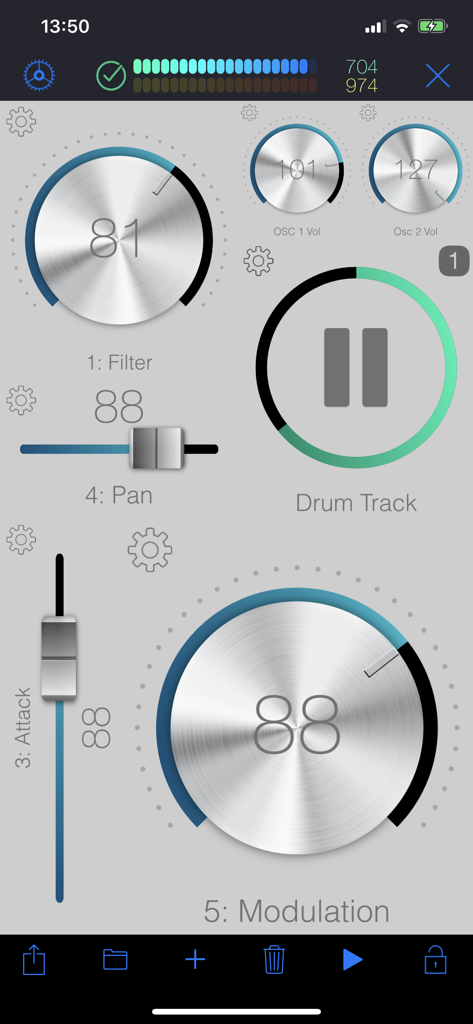
WiDI - MIDI Studio - A customizable MIDI control surface in the WiDI app featuring virtual knobs and faders for music production.
A customizable MIDI control surface in the WiDI app featuring virtual knobs and faders for music production.

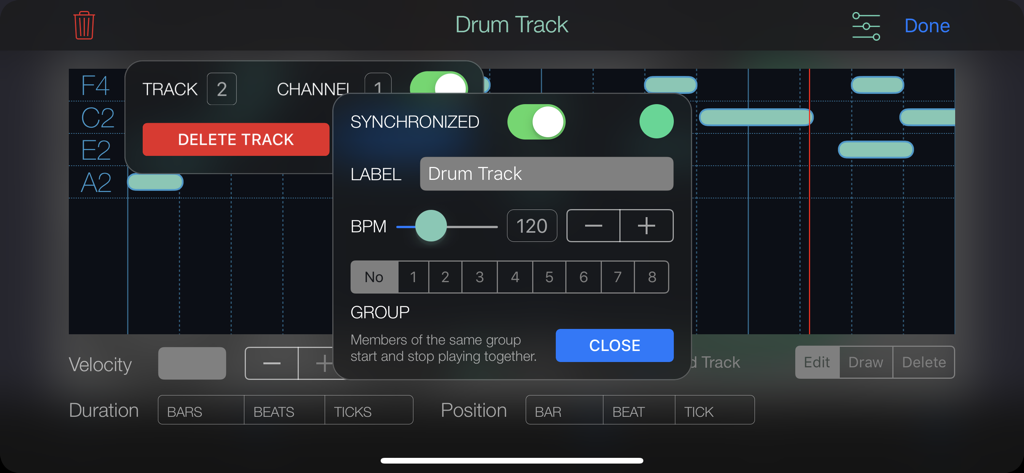
WiDI - MIDI Studio - WiDI MIDI Studio app interface showing drum track sequencer settings and BPM controls
WiDI MIDI Studio app interface showing drum track sequencer settings and BPM controls

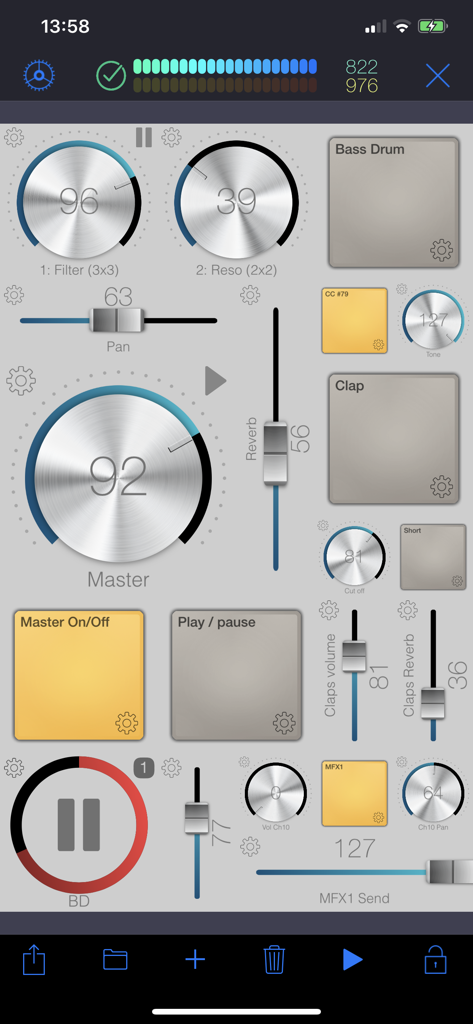
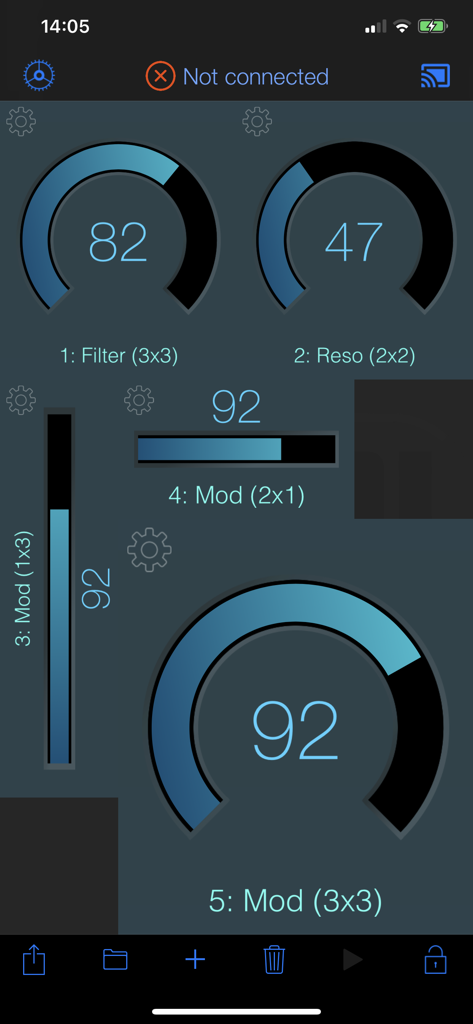
WiDI - MIDI Studio - Interface of WiDI MIDI Studio app featuring a custom layout of virtual knobs faders and pads for music control
Interface of WiDI MIDI Studio app featuring a custom layout of virtual knobs faders and pads for music control

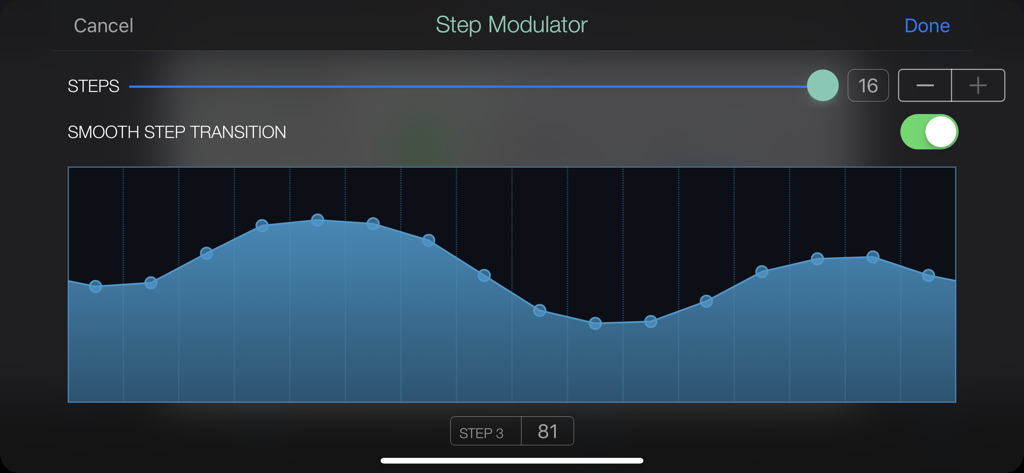
WiDI - MIDI Studio - Step Modulator interface in WiDI MIDI Studio showing a 16-step modulation pattern with smooth transitions enabled
Step Modulator interface in WiDI MIDI Studio showing a 16-step modulation pattern with smooth transitions enabled

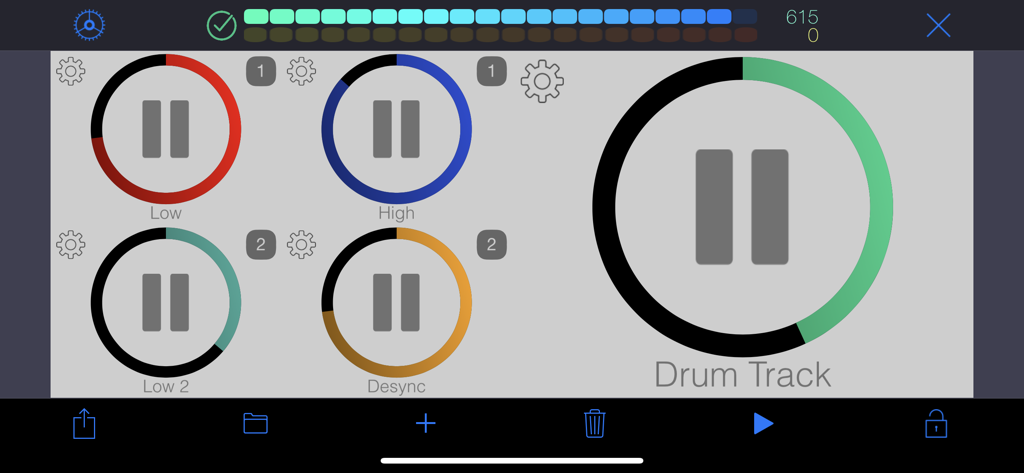
WiDI - MIDI Studio - Customizable MIDI control surface with color coded playback buttons for music production
Customizable MIDI control surface with color coded playback buttons for music production

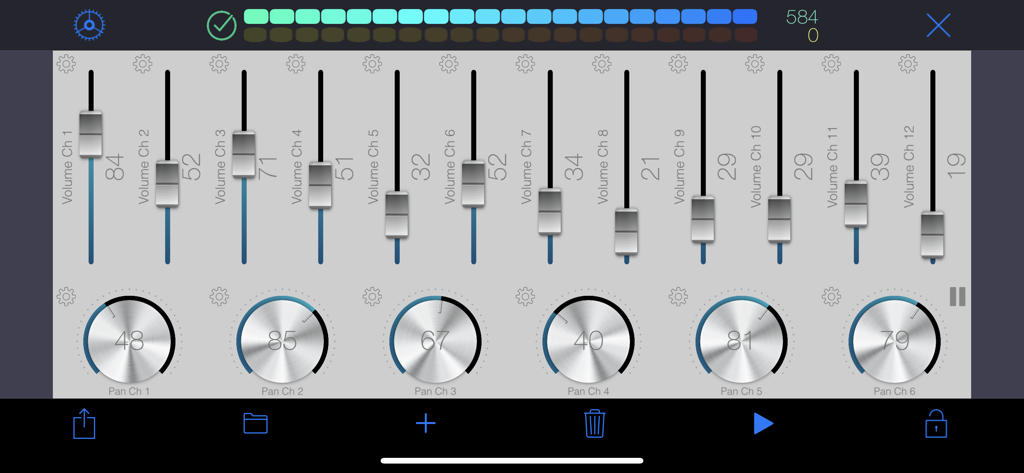
WiDI - MIDI Studio - WiDI MIDI Studio app interface featuring volume faders and pan knobs for music control
WiDI MIDI Studio app interface featuring volume faders and pan knobs for music control

WiDI - MIDI Studio - WiDI app interface showing customizable MIDI knobs and sliders for music production
WiDI app interface showing customizable MIDI knobs and sliders for music production

WiDI - MIDI Studio - Graphic showing the WiDI app connecting wirelessly to a computer and external music gear via WiFi.

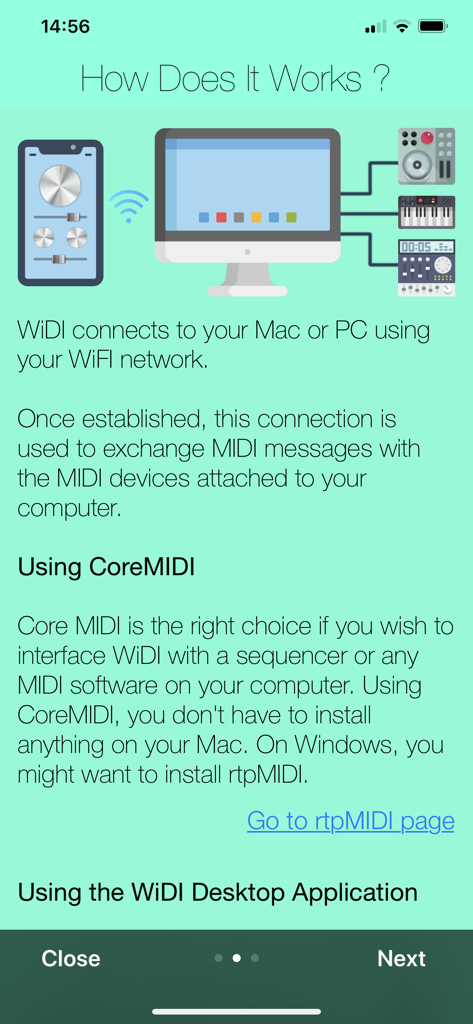
Graphic showing the WiDI app connecting wirelessly to a computer and external music gear via WiFi.

Description

WiDI is a control surface with an integrated step sequencer in which you create controls such as buttons, pads, knobs and faders to send MIDI events and play sequences. • CONTROL SURFACE AND SEQUENCER: A control is bound to a channel and a specific MIDI Control Change. You can either specify the CC number if you know it, or let the app learn it. Once placed on the surface, use this control to interact with your MIDI device. Alternatively, any CC event sent by your device will be shown live by the control(s) bound to this CC. Pads are special controls: they can either produce MIDI CC events, Notes or Program changes. If bound to a CC, the pad can act as an on/off switch (you specify the values for each state.) If bound to a note, each tap produces the specified MIDI note. This is especially useful to operate MIDI instruments without keyboards such as synthesizer modules or drum machines. A sequence can hold as many tracks as you wish, and send notes to different MIDI channels. Sequences can play in sync or running freely. You may also group sequences together to start or pause them at the same time. • MIDI: To interface WiDI with any MIDI instruments/devices connected to your Mac or PC, connect to a MIDI Network Session on your Mac or your PC. On a Mac, this is natively supported by macOS, and you do not need to install third party software (use Audio MIDI Setup.) On a PC running Windows, you might want to install rtpMIDI. As an alternative to MIDI Network Sessions, you may use the WiDI Desktop Application. It acts as a MIDI bridge between the network and your MIDI hardware. You can install the desktop application on as many computers as you want (it's free!). It's a very lightweight package that doesn't need to perform any installation procedure whatsoever. You may download the WiDI Desktop Application for macOS on the Mac App Store, or go to : https://www.hypertide.com/widi/ for both macOS and Windows archives. Additionally, any class-compliant MIDI interface natively supported by iOS can also be used directly by WiDI without the need of a network connection. • FEATURES: ○ Use any CoreMIDI-supported MIDI interface connected to your device ○ MIDI network session: use WiDI as an external control surface for any DAW such as Logic Pro, Ableton Live, Cubase, ... ○ Multiple iPhone and iPad can connect to your computer, allowing different control surfaces simultaneously ○ Integrated step sequencer: create sequences, each one holding as many tracks as needed ○ Sequences can run freely or in sync and start simultaneously if grouped together in fire groups ○ Auto discover MIDI CC : you don't need to know each one to add controls, WiDI learns CC numbers sent by your devices ○ Automate CC : sweep ranges or use the step modulator to design patterns to modulate controls values, supporting various advanced options like step-by-step or smooth variations, bouncing, repeating, changing speed ○ Add as many pads as you want to generate MIDI Notes, Control Changes or Program Changes ○ Flexible control surface : set layout and grid size for both portrait and landscape orientations ○ Re-arranging controls is as simple as drag & drop ○ Fully customizable user interface : themes, colors, display of values and labels, aspect ratios, grid spacing, grid coloring, background, ... ○ Integrated File Manager to load and save your surfaces, which are also accessible in the iOS Files app and your computer's iTunes connection ○ Exchange surfaces between devices with the integrated QR code generator and scanner ○ Or use the share feature, so you may import them on any device. We'd love to hear from you! Should you be in need of support or eager to request a new feature, please contact us at support+widi@hypertide.com

Download

Download on App Store

This page is not an official page of the app or its developer, but an independent editorial publication created for informational and commentary purposes. Unless expressly stated otherwise, neither the app nor its developer is affiliated with, endorsed by, sponsored by, authorized by, or otherwise officially connected with MWM, Apple, Google Play, the app publisher, or the app's developer, and nothing on this page implies that the app was developed using MWM's services. Any trademarks, logos, screenshots, and other content remain the property of their respective owners.







