
This page is not an official page of the app or its developer, but an independent editorial publication created for informational and commentary purposes. Unless expressly stated otherwise, neither the app nor its developer is affiliated with, endorsed by, sponsored by, authorized by, or otherwise officially connected with MWM, Apple, Google Play, the app publisher, or the app's developer, and nothing on this page implies that the app was developed using MWM's services. Any trademarks, logos, screenshots, and other content remain the property of their respective owners.

WiFi Connect: Internet & Speed
Join over 1 million users finding secure hotspots and passwords across 50,000 cities. Test your connection in real-time and skip the roaming fees—even when you're offline.
Downloads
1M+User Rating
Total Ratings
10K+Publisher
Category
TravelLocales
3Latest Version
4.0.6Size
135.9 MBFirst Released
Jul 7, 2015Stay Connected, Anywhere in the World
Avoid expensive roaming fees and slow connections with our all-in-one WiFi toolkit designed for travelers and remote professionals.
Global Hotspot Map
Access millions of WiFi hotspots and passwords across 50,000+ cities. Find free internet in cafes, airports, and restaurants instantly.
Precision Speed Testing
Don't settle for slow internet. Run accurate download and upload tests to ensure your connection is fast enough for video calls and streaming.
Frequently Asked Questions
Everything you need to know about WiFi Connect: Internet & Speed
What is WiFi Connect: Internet & Speed?
WiFi Connect: Internet & Speed finds Wi-Fi hotspots for internet access globally and provides an accurate speed test for internet connections. It helps users save on roaming, 3G, 4G, LTE, and 5G costs by locating available Wi-Fi.
Does WiFi Connect: Internet & Speed provide Wi-Fi passwords?
Yes, WiFi Connect: Internet & Speed can provide passwords and credentials for protected Wi-Fi networks. Users can find and access these hotspots in various locations worldwide, saving money on mobile data.
Is WiFi Connect: Internet & Speed available globally?
Yes, WiFi Connect: Internet & Speed covers the entire world with hotspots. Users find internet and hotspots in every continent, country, and city, including the USA, Europe, South America, and Asia.
Is the speed test in WiFi Connect: Internet & Speed accurate?
Yes, the WiFi Connect: Internet & Speed app provides an accurate speed test. Its advanced algorithm ensures reliable download and upload speed results every time. It also offers real-time monitoring and network analysis.
How does WiFi Connect: Internet & Speed analyze a Wi-Fi network?
WiFi Connect: Internet & Speed analyzes a network by uncovering potential issues. It discovers weak signal areas and helps troubleshoot connectivity problems. The app also displays real-time speed graphs and historical data.
Can I use WiFi Connect: Internet & Speed offline?
Yes, WiFi Connect: Internet & Speed works offline. Users can save places for future use, allowing them to access stored hotspot information even without an active internet connection.
What are the subscription options for WiFi Connect: Internet & Speed?
WiFi Connect: Internet & Speed offers subscription lengths of 1 week, 1 month, or 1 year. Payment is charged to the iTunes Account upon purchase confirmation. Subscriptions automatically renew unless auto-renewal is turned off.
How do I manage my WiFi Connect: Internet & Speed subscription?
Users manage their WiFi Connect: Internet & Speed subscription and turn off auto-renewal through their Account Settings after purchase. This action must be performed at least 24 hours before the current period ends.
How do I find Wi-Fi hotspots with WiFi Connect: Internet & Speed?
Users find Wi-Fi hotspots by typing an address, city, country, or place name into WiFi Connect: Internet & Speed. The app features a map that displays real Wi-Fi hotspots, including those nearby.
Does WiFi Connect: Internet & Speed impact battery life?
Yes, continued use of GPS running in the background by WiFi Connect: Internet & Speed can dramatically decrease battery life. This is mentioned in the app's disclaimer.
Can I add or edit Wi-Fi hotspots in WiFi Connect: Internet & Speed?
Yes, users can add new Wi-Fi hotspots and edit current hotspots within the WiFi Connect: Internet & Speed app. This functionality allows for community contributions to the hotspot database.
The following screenshots and description are sourced directly from the app's official store listing and are the property of the app developer.
App Store
Screenshots
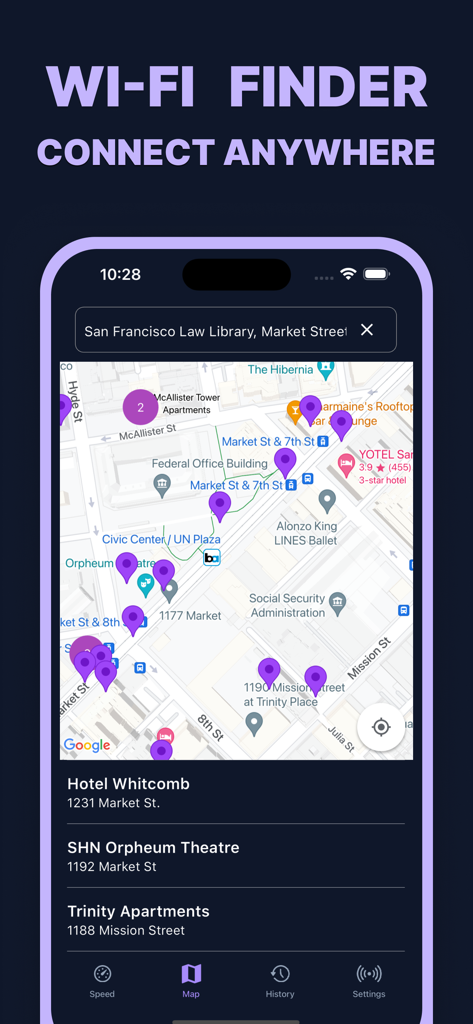
WiFi Finder map interface showing multiple hotspot locations in San Francisco.
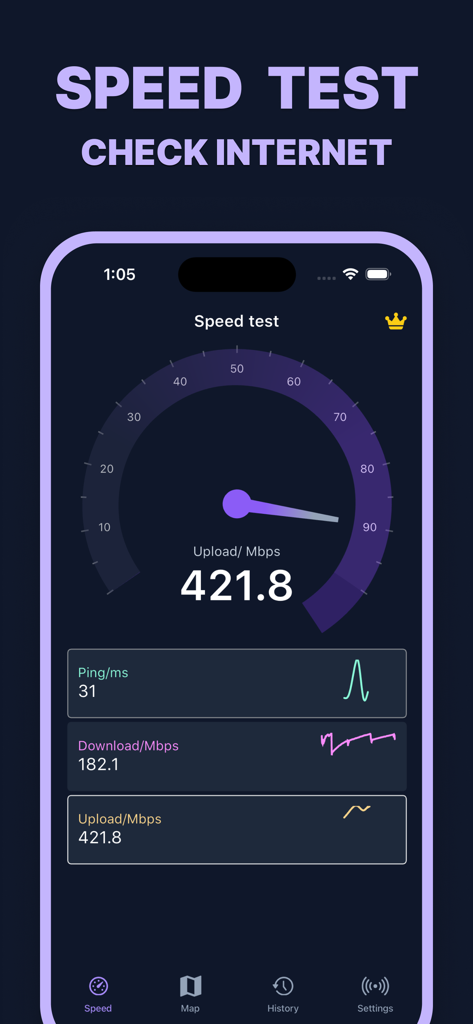
Interface of WiFi Connect app displaying an internet speed test with upload and download speeds
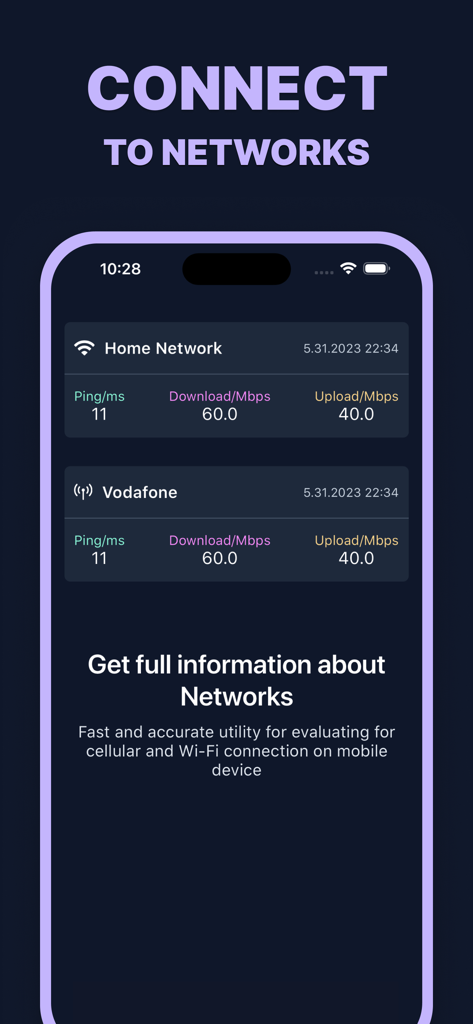
WiFi Connect app interface showing speed test metrics for home and cellular networks including ping download and upload speeds
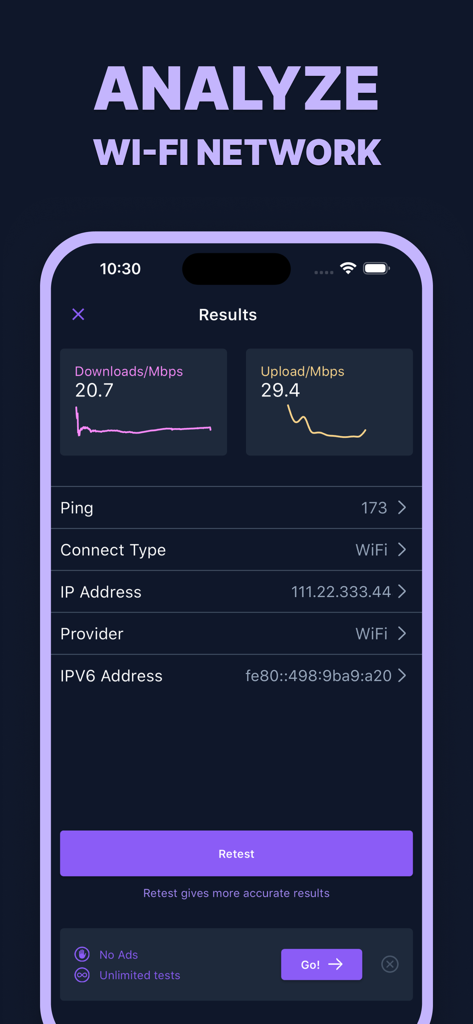
WiFi Connect app interface showing speed test results including download and upload speeds with network details
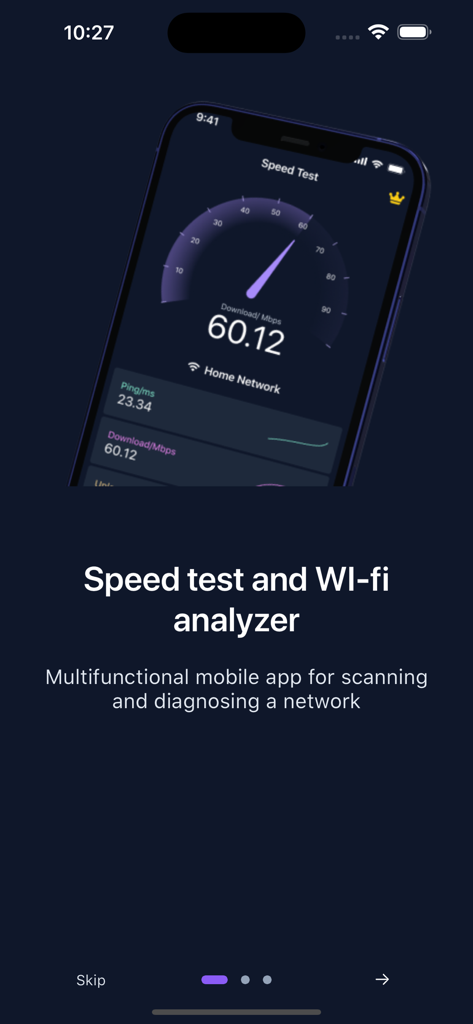
WiFi Connect app onboarding screen showing a network speed test and analyzer interface
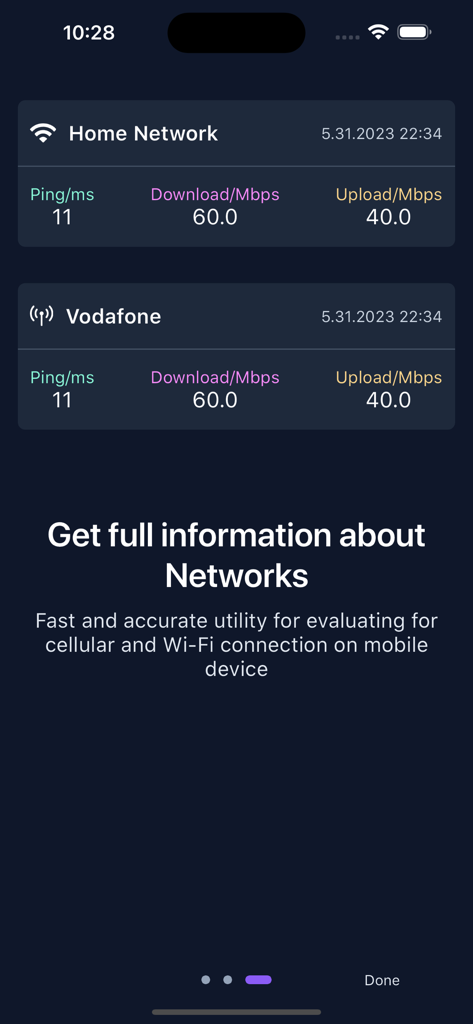
Interface showing internet speed test metrics for WiFi and cellular networks
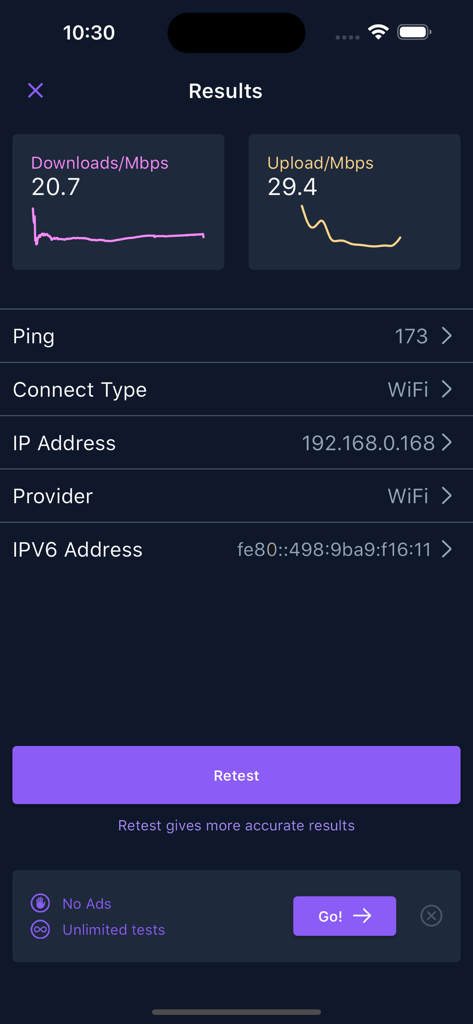
WiFi speed test results showing download and upload rates
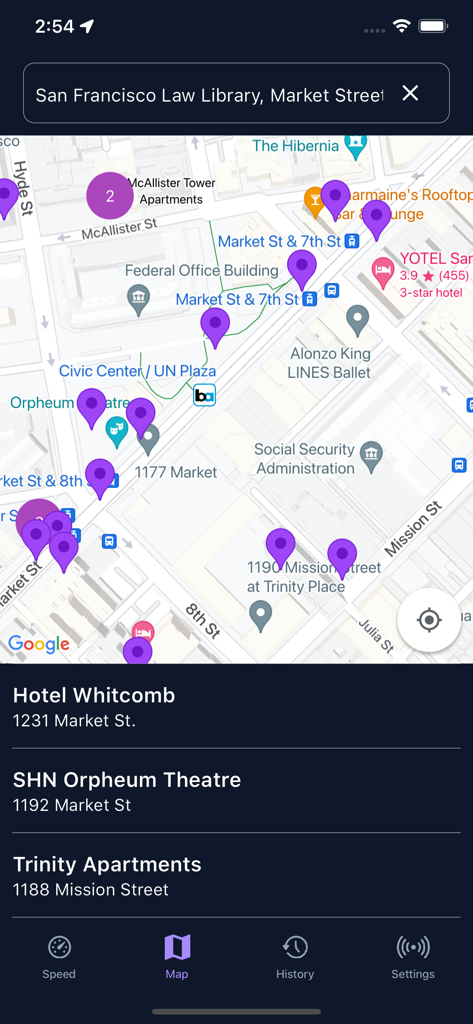
Mobile app screen showing a map with WiFi hotspots and locations in San Francisco
Description
Download
More Like This
Apps with similar features and user experience

WiFi Chùa
APPOTA INC PTE LTD
WiFi Map: Internet + eSIM
WIFI MAP LLC
Wifi Password on Map Wifi View
Drashtang Chovatiya
WiFinder: Wifi Location Map
ANDROID VIETNAM TECHNOLOGY CORPORATION

TownWiFi byGMO
TownWiFi Inc.

WiFi Finder + Map
Etrality GmbH

WiFi Around - Nearby Hotspots
Chengdu Meiji Tuwen Co. LTD

WiFi密码查看器-WiFi热点一键链接查看
Jiaxing Lingyue Trade Co.,Ltd.

Wifi password connect
zaai developer
This page is not an official page of the app or its developer, but an independent editorial publication created for informational and commentary purposes. Unless expressly stated otherwise, neither the app nor its developer is affiliated with, endorsed by, sponsored by, authorized by, or otherwise officially connected with MWM, Apple, Google Play, the app publisher, or the app's developer, and nothing on this page implies that the app was developed using MWM's services. Any trademarks, logos, screenshots, and other content remain the property of their respective owners.