
This page is not an official page of the app or its developer, but an independent editorial publication created for informational and commentary purposes. Unless expressly stated otherwise, neither the app nor its developer is affiliated with, endorsed by, sponsored by, authorized by, or otherwise officially connected with MWM, Apple, Google Play, the app publisher, or the app's developer, and nothing on this page implies that the app was developed using MWM's services. Any trademarks, logos, screenshots, and other content remain the property of their respective owners.


X Air Controller
Take total control of your XR12, XR16, or XR18 with a streamlined interface designed for live sound. Navigate faders, EQ, and bus sends with the precision and mobility you need for a perfect mix.
Downloads
217K+User Rating
Total Ratings
200Publisher
Category
MusicLocales
1Latest Version
2.1Size
19.3 MBFirst Released
May 27, 2018Master Your Mix with Total Precision
The ultimate third-party interface for Behringer X Air and Midas M Air series. Designed for sound engineers and musicians who need fast, reliable control during mission-critical live events.
Optimized iPad Mobility
Step away from the rack. Use dedicated iPad layouts and left/right-hand modes to walk the venue and dial in your mix from every corner of the room.
Streamlined Live Workflow
Declutter your screen by hiding unused channels and using the auto-scan function to find your mixer instantly. Focus only on the faders that matter most.
The following screenshots and description are sourced directly from the app's official store listing and are the property of the app developer.
App Store
Screenshots
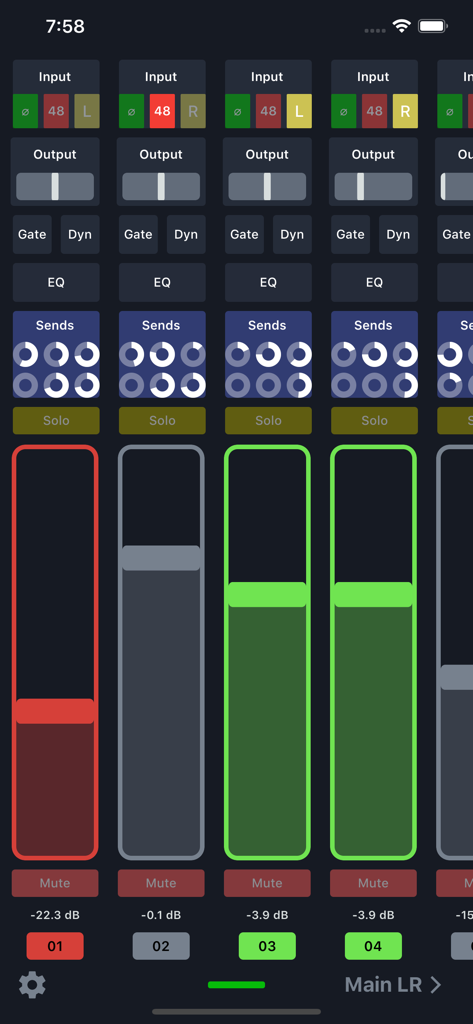
Digital audio mixer interface showing channel faders and sound settings for Behringer X Air
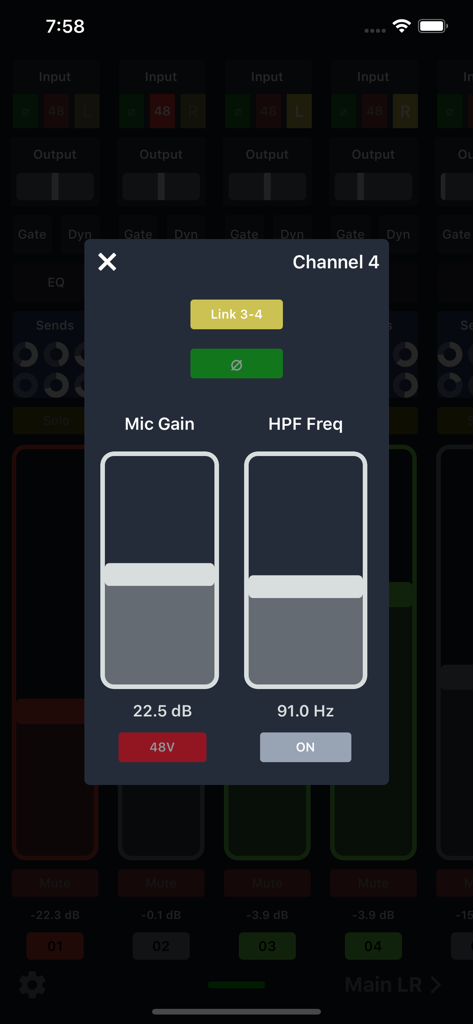
X Air Controller app channel 4 settings showing mic gain and high pass filter controls
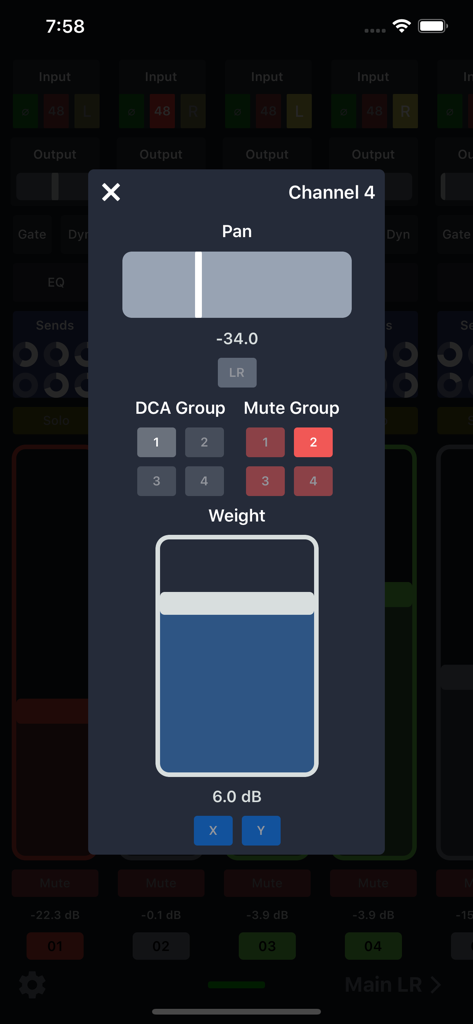
X Air Controller app interface showing channel settings for pan and mute groups
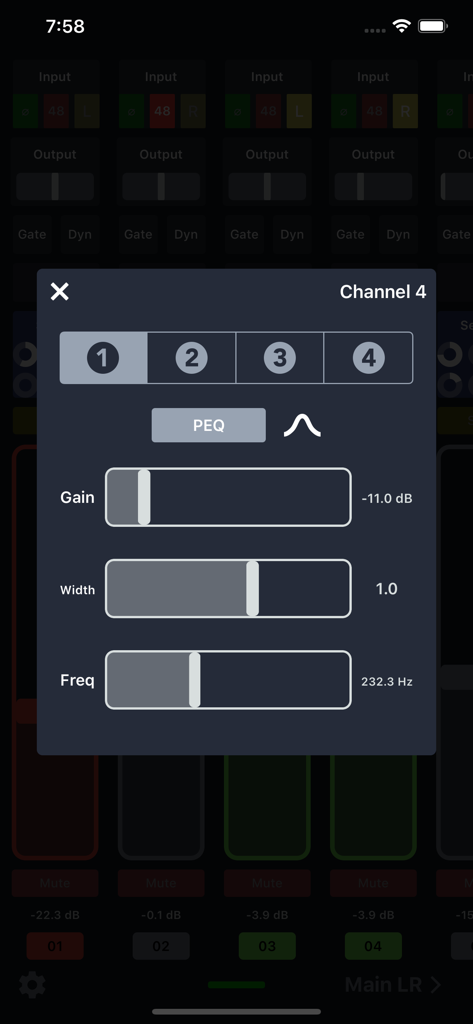
X Air Controller app interface showing channel equalizer settings with gain width and frequency sliders.
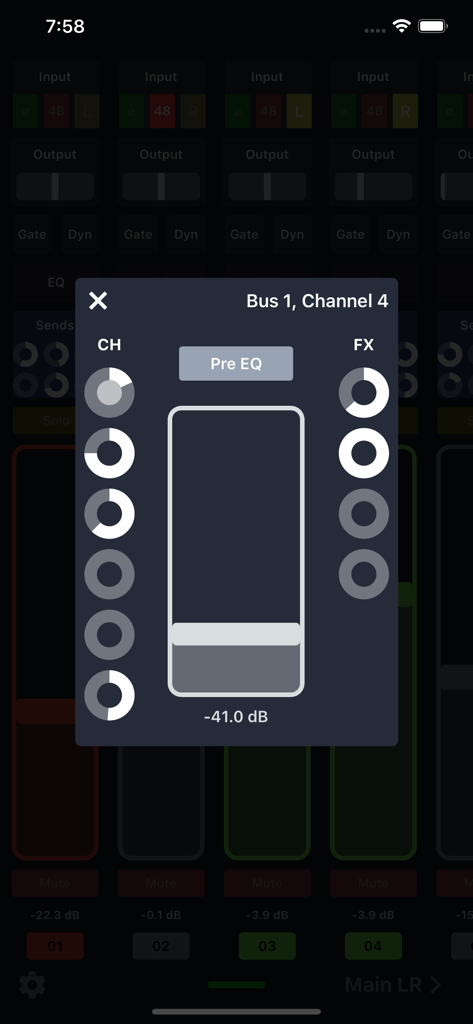
X Air Controller app bus and channel control interface
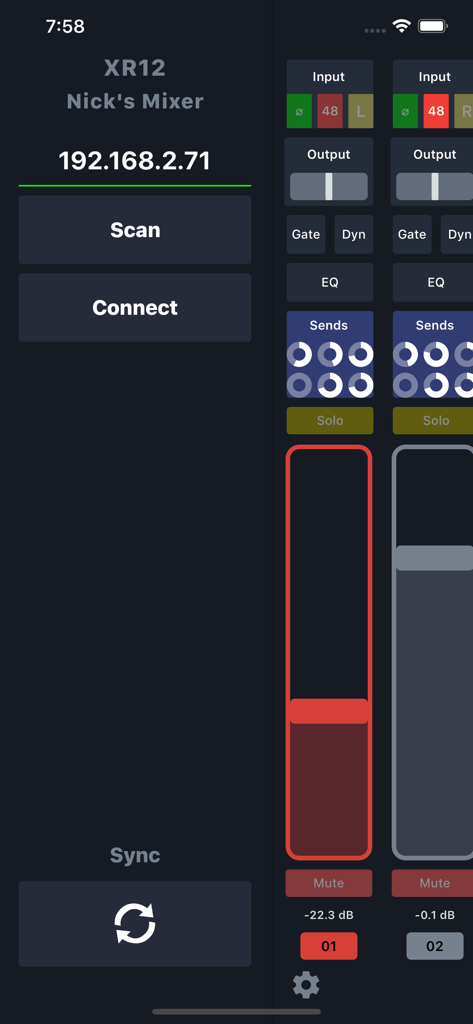
X Air Controller app interface showing mixer connection setup and channel faders
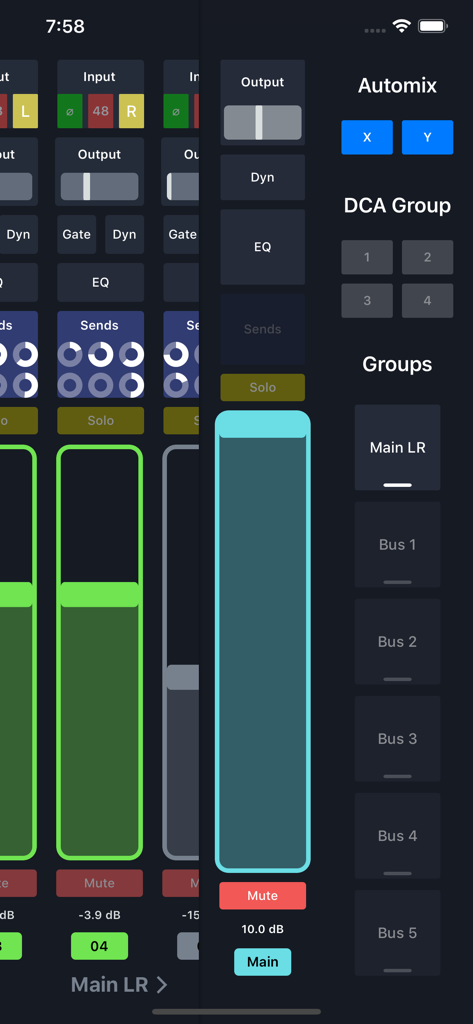
Digital audio mixer interface showing channel faders and bus group controls in the X Air Controller app
Description
Download
More Like This
Top-ranked apps in the same category

Spotify: Music and Podcasts
Spotify

YouTube Music
Google LLC

Shazam: Find Music & Concerts
Apple Inc.

SoundCloud: The Music You Love
SoundCloud Global Limited & Co KG

Suno - AI Songs & Music
Suno Inc.

QQ音乐 - 听我想听
Tencent Technology (Shenzhen) Company Limited

Audiomack - Play Music Offline
Audiomack, Inc.

GuitarTuna: Tune & Play Guitar
Yousician Ltd

BandLab – Music Maker & Beats
BandLab Singapore Pte Ltd
This page is not an official page of the app or its developer, but an independent editorial publication created for informational and commentary purposes. Unless expressly stated otherwise, neither the app nor its developer is affiliated with, endorsed by, sponsored by, authorized by, or otherwise officially connected with MWM, Apple, Google Play, the app publisher, or the app's developer, and nothing on this page implies that the app was developed using MWM's services. Any trademarks, logos, screenshots, and other content remain the property of their respective owners.