
XMEye
HANGZHOU JF SOFTWARE CO., LTD.


Take total control of your DIY security system. Access live video feeds, remote playback, and PTZ controls for your DVR and IP cameras—anytime, anywhere, with zero subscription fees.
Publisher
Category
UtilitiesDownloads
9M+User Rating
Total Ratings
5K+Locales
15Discover the interface used by 9M+ users.
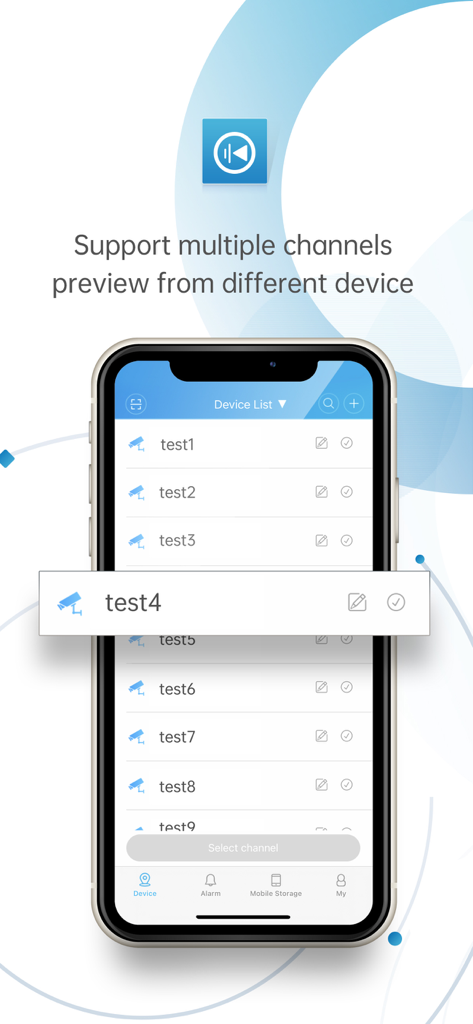
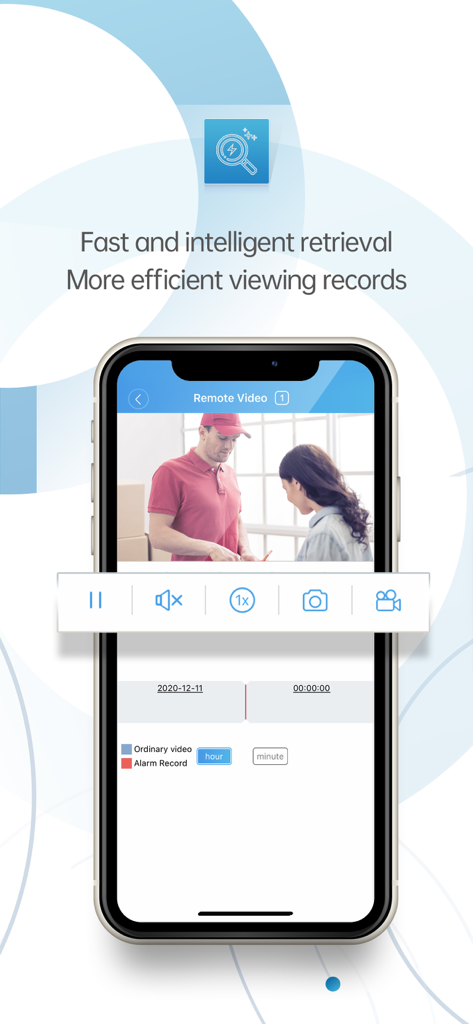
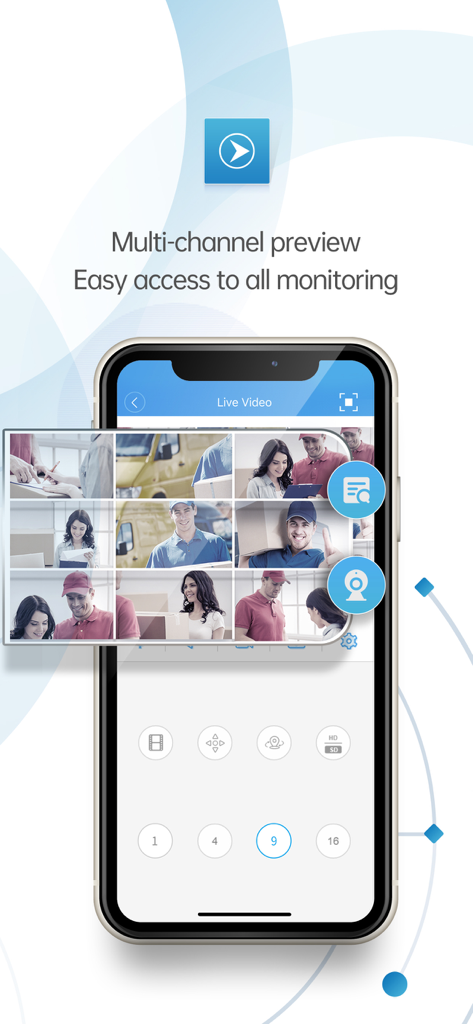
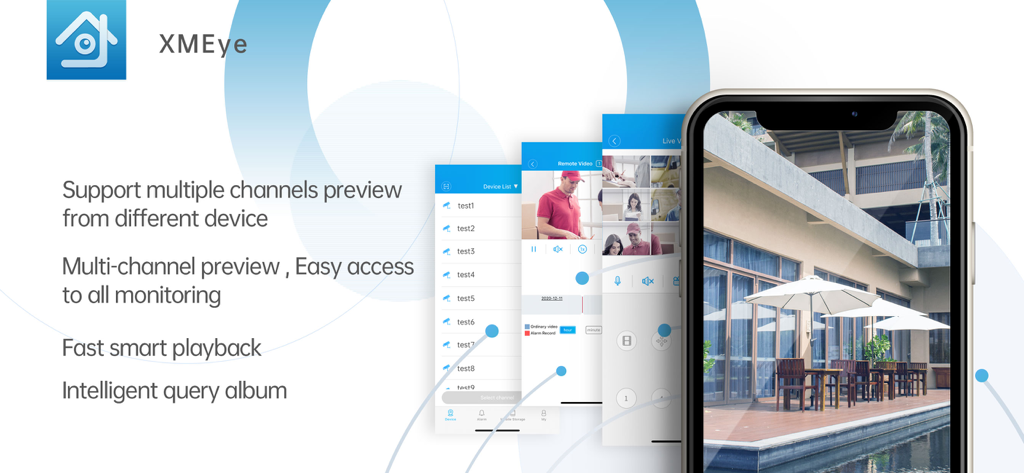
The tools that make this app stand out, trusted by 9M+ users.
Skip the complex network configuration. Simply scan your device's serial number via QR code to start streaming live video in seconds.
Avoid the 'subscription tax' of major brands. Enjoy remote viewing, local recording, and playback without any recurring monthly costs.
Don't just watch—interact. Use PTZ controls to move your cameras or bidirectional talk to speak with visitors directly through the app.
Insights from user reviews.
Sentiment Score
Summary
This mobile app receives overwhelmingly negative feedback, primarily due to an excessive and intrusive advertising experience that frequently interrupts usage and forcibly redirects users to app stores. Many users report significant issues with camera connectivity, video loading, and app performance, including freezing screens and general unreliability. A recurring bug prevents sharing recorded videos, specifically noted on iOS 26, and limits photo sharing, despite some users giving high overall ratings. While a few users praise the ease of installation, recording quality, and long-term stability, these positive points are largely overshadowed by critical usability flaws and advertising issues.
Common Themes
Everything you need to know about XMEye.
Description
Latest Version
3.5.1
Size
162.0 MB
First Released
Jun 15, 2014
Join over 9 million DIY homeowners and small business owners who trust XMEye for professional-grade monitoring. Scan your QR code and start protecting what matters most today.
Everything you need to know about XMEye
XMEye enables video monitoring for IPC and DVR devices. Users log in using the device's serial number with cloud technology to view live video feeds directly on their phone and perform operations.
Yes, XMEye supports remote playback of recorded video. This feature allows users to access and view past footage from their monitored devices.
Yes, XMEye supports local recording and playback. This allows users to store video footage directly on their device and review it when needed.
Yes, XMEye provides PTZ control. This feature allows users to remotely adjust the pan, tilt, and zoom functions of compatible cameras connected to the system.
XMEye allows adding devices by scanning a QR code serial number, manually searching in a LAN, adding by address, or through remote/local device management. It supports adding, editing, and deleting devices.
Yes, XMEye can display multiple channels simultaneously. It supports multi-channel preview from different devices, providing easy access to all monitoring feeds.
XMEye supports video monitoring for IPC (IP Camera) and DVR (Digital Video Recorder) devices. It provides live view and operational control for these systems.
Yes, XMEye supports bidirectional talk. This feature allows users to engage in two-way communication through their connected monitoring devices.
XMEye facilitates login using cloud technology by the device's serial number. It supports cloud user registration, modification, and device management for live viewing.
Apps with similar features and user experience

Hangzhou Dong Bin Information Technology Co., Ltd.

Shenzhen Jooan Technology Company

PHOTON SAIL TECHNOLOGIES PTE. LTD.

洪波 王

SimpliSafe, Inc.

JFL Equipamentos Eletronicos Industria e Comercio Ltda.

Shenzhen Weixi Technology Co., Ltd

Bot Home Automation, INC

Hangzhou Hikvision Digital Technology Co., Ltd.
App information, icons, screenshots, and descriptions displayed on this page are sourced from the Apple App Store and are the property of their respective developers. Download estimates and rankings are based on MWM's proprietary models and may not reflect actual figures. This page is provided for informational and analytical purposes only.
Believe this page infringes your intellectual property? File a dispute