
This page is not an official page of the app or its developer, but an independent editorial publication created for informational and commentary purposes. Unless expressly stated otherwise, neither the app nor its developer is affiliated with, endorsed by, sponsored by, authorized by, or otherwise officially connected with MWM, Apple, Google Play, the app publisher, or the app's developer, and nothing on this page implies that the app was developed using MWM's services. Any trademarks, logos, screenshots, and other content remain the property of their respective owners.

Yes No Reverse Sticker Maker
Turn any text into a vibe. Flip your friends' messages, design custom "Yes/No" bubbles, and hack the iMessage aesthetic with unique fonts and colors.
Downloads
0User Rating
Total Ratings
0Publisher
Category
EntertainmentLocales
1Latest Version
4.0.1Size
29.2 MBFirst Released
May 17, 2017Own the Group Chat
Stop sending basic texts. Turn every message into a custom sticker that is built to prank, flex, and vibe with your best friends.
Rewrite the Narrative
Flip a friend's 'No' to a 'Yes' with sneaky sticker overlays. It is the wittiest way to win an argument or start a playful prank.
Drip Out Your Bubbles
Choose from dozens of trending fonts and custom colors. Make your messages look as unique and aesthetic as your social feed.
The following screenshots and description are sourced directly from the app's official store listing and are the property of the app developer.
App Store
Screenshots
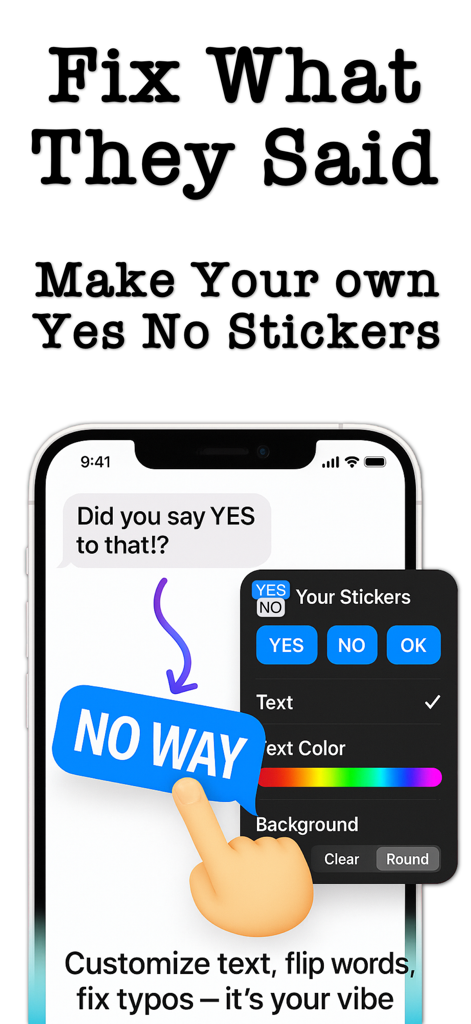
Interface of the Yes No Reverse Sticker Maker app showing a custom blue sticker and text editing tools in iMessage.
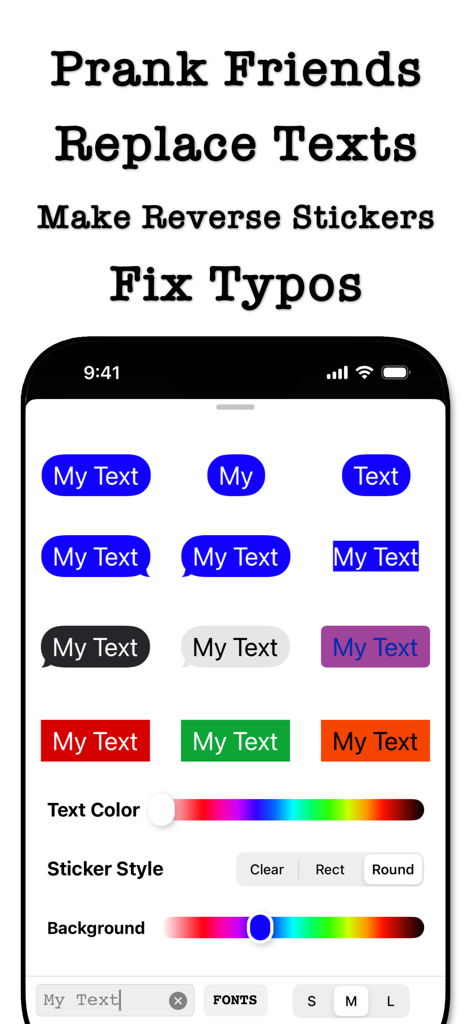
Interface of the Yes No Reverse Sticker Maker app showing options for customizing message stickers with different colors and styles.
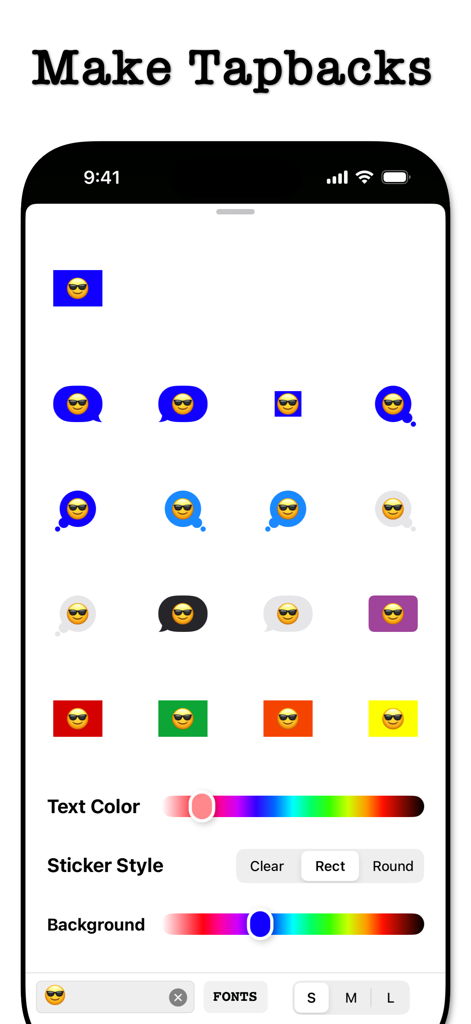
Interface of the Yes No Reverse Sticker Maker app showing a variety of custom emoji tapback stickers and color editing tools.
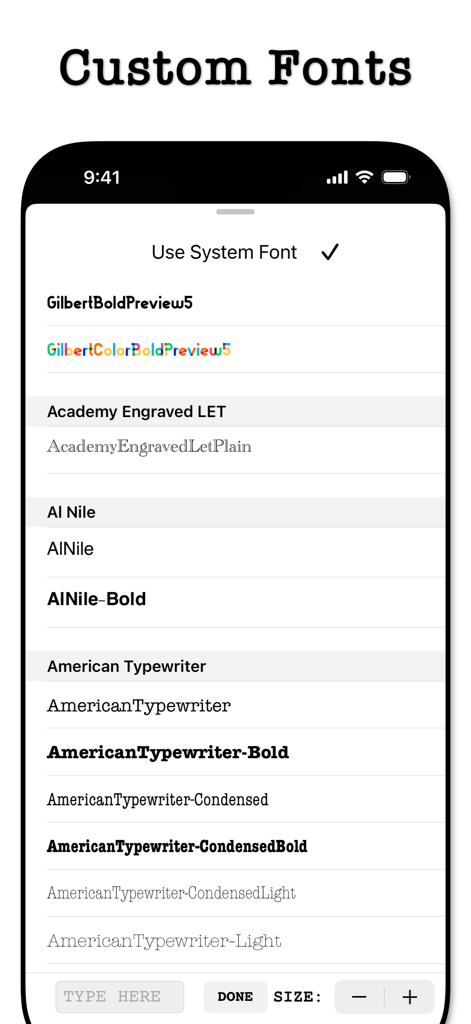
A screen showing various custom font choices in the Yes No Reverse Sticker Maker app
Description
Download
More Like This
Top-ranked apps in the same category

TikTok - Videos, Shop & LIVE
TIKTOK PTE. LTD.

Netflix
Netflix, Inc.

Freecash - Get Paid Real Money
256 REWARDS LTD

DramaBox - Stream Drama Shorts
STORYMATRIX PTE. LTD

HBO Max: Stream Movies & TV
WarnerMedia Global Digital Services, LLC

Amazon Prime Video
AMZN Mobile LLC

Disney+
Disney Electronic Content, Inc.

NetShort - Popular Dramas & TV
NETSTORY PTE. LTD.

Ticketmaster-Buy, Sell Tickets
Ticketmaster L.L.C
This page is not an official page of the app or its developer, but an independent editorial publication created for informational and commentary purposes. Unless expressly stated otherwise, neither the app nor its developer is affiliated with, endorsed by, sponsored by, authorized by, or otherwise officially connected with MWM, Apple, Google Play, the app publisher, or the app's developer, and nothing on this page implies that the app was developed using MWM's services. Any trademarks, logos, screenshots, and other content remain the property of their respective owners.