
This page is not an official page of the app or its developer, but an independent editorial publication created for informational and commentary purposes. Unless expressly stated otherwise, neither the app nor its developer is affiliated with, endorsed by, sponsored by, authorized by, or otherwise officially connected with MWM, Apple, Google Play, the app publisher, or the app's developer, and nothing on this page implies that the app was developed using MWM's services. Any trademarks, logos, screenshots, and other content remain the property of their respective owners.

Yono Business SBI
Empowering US-based entrepreneurs and executives to manage accounts, authorize bulk payments, and oversee Indian operations with institutional-grade security and cross-border efficiency.
Downloads
683K+User Rating
Total Ratings
8K+Publisher
Category
FinanceLocales
1Latest Version
5.0.3Size
36.7 MBFirst Released
Nov 24, 2015Global Control, Local Ease
Streamline your Indian corporate operations from the USA with a powerful suite of mobile banking tools designed for the modern entrepreneur.
Remote Payment Authorization
Maintain total oversight by approving or rejecting transactions initiated by your India-based team directly from your iPhone, anywhere in the world.
Seamless Cross-Border Payments
Execute NEFT, RTGS, and IMPS transfers to suppliers and employees instantly, ensuring your Indian business operations never skip a beat.
Frequently Asked Questions
Everything you need to know about Yono Business SBI
What is Yono Business SBI?
Yono Business SBI is an integrated mobile application for corporate internet banking users of State Bank of India. It provides a common user experience across different SBI Corporate Internet banking variants.
Which corporate banking variants does the Yono Business app support?
The Yono Business app supports SBI Corporate Internet banking variants including Khata Plus, Vyapaar/ Vistaar, and Saral, offering a unified user experience for corporate customers.
Can corporate makers and authorizers initiate payments using Yono Business SBI?
Yes, Corporate Maker and Authorizer roles can use the Yono Business app to initiate various payments, including fund transfers, paying suppliers, and managing bill payments.
What types of fund transfers are available in the Yono Business SBI app?
The Yono Business app allows fund transfers to Own, SBI, and Non-SBI accounts. Users can utilize NEFT, RTGS, and IMPS for these transactions.
Can I open fixed deposits through the Yono Business SBI application?
Yes, users can open Fixed Deposits (e-TDR and e-STDR) directly through the Yono Business SBI application, simplifying investment management.
What authorization features does the Yono Business app provide for corporate authorizers?
Corporate Authorizers in the Yono Business app can authorize transactions, manage merchant transactions, and cancel e-cheques, ensuring secure control over business finances.
Is Yono Business SBI secure for corporate users?
Yes, the Yono Business SBI application is safe, secure, and easy to use. It provides features for SBI Internet banking users to operate their accounts confidently.
What specific features does Yono Business offer for SARAL users?
SARAL users of Yono Business can perform Quick Transfers, Mobile Top Up and DTH Recharge, Apply/Edit/Manage IPOs, and manage beneficiaries and profile details.
How do CMP Payments users authorize transactions in Yono Business?
CMP Payments users, including Corporate Approvers, Authorizers, and Releasers, can use the Yono Business app to authorize bulk payments for salaries and vendors.
What services are available through the "Other Services" section in Yono Business?
The "Other Services" section in Yono Business offers access to online/offline collections, payments, channel finance, trade finance, treasury, and additional banking services.
Can corporate dealers and agents use the Yono Business app for cash and cheque deposits?
Yes, corporate dealers and agents can use the Yono Business app's CMP Collections product to facilitate cash and cheque deposits, track orders, and view collection statuses.
How can I register for the Yono Business SBI app?
Users register for Yono Business by selecting their mobile number registered with SBI, validating it via SMS, and completing the registration process directly in the app.
What accounts can I manage in Yono Business SBI?
Yono Business allows users to manage various account types including Savings, Current, Cash Credit, Over Draft, Deposit, and Loan accounts.
Can I view my account summary in the Yono Business app?
Yes, the Yono Business app enables users to view account summaries for all account types, along with mini statements and options to add or manage accounts.
Does the Yono Business app allow bill payments?
Yes, the Yono Business app allows users to view, pay, and schedule bills. It also provides details about billers, making bill management convenient.
The following screenshots and description are sourced directly from the app's official store listing and are the property of the app developer.
App Store
Screenshots
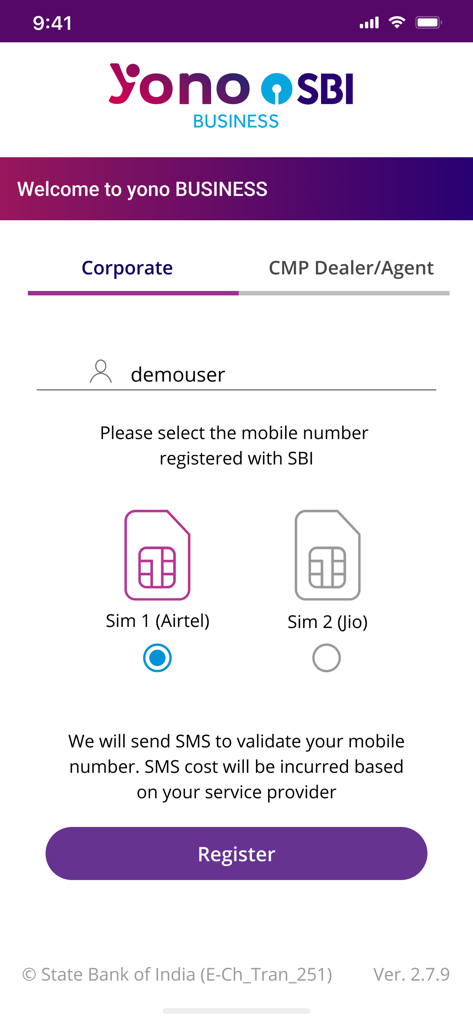
Yono Business SBI mobile app registration interface showing dual SIM card selection for account validation.
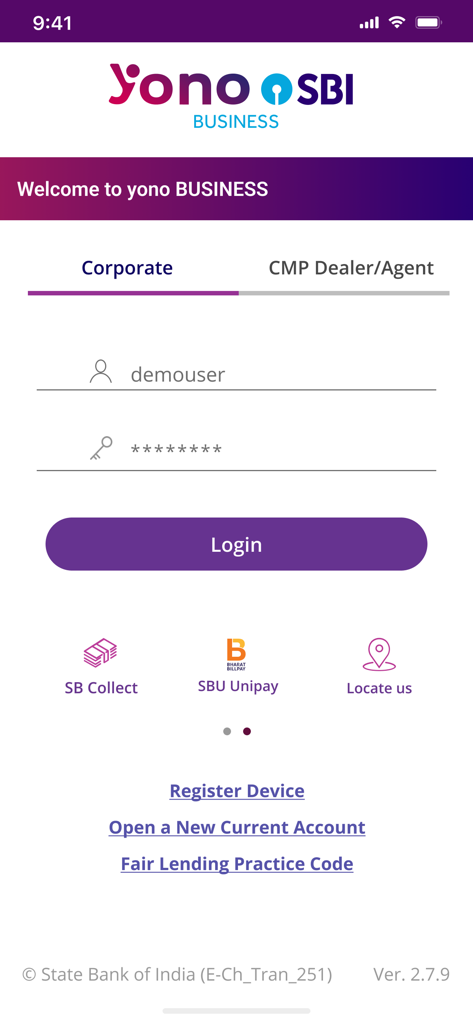
Yono Business SBI mobile app corporate login screen with username and password entry fields.
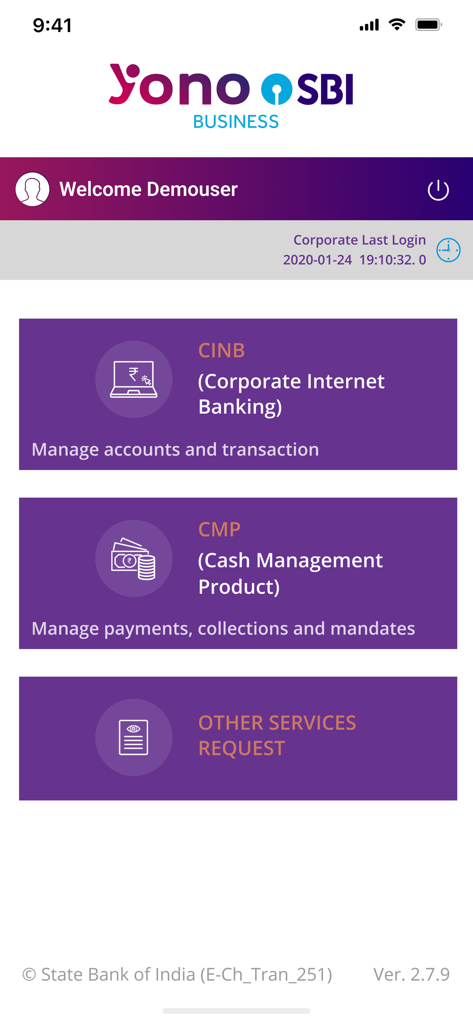
Yono Business SBI app home screen displaying corporate internet banking and cash management product options
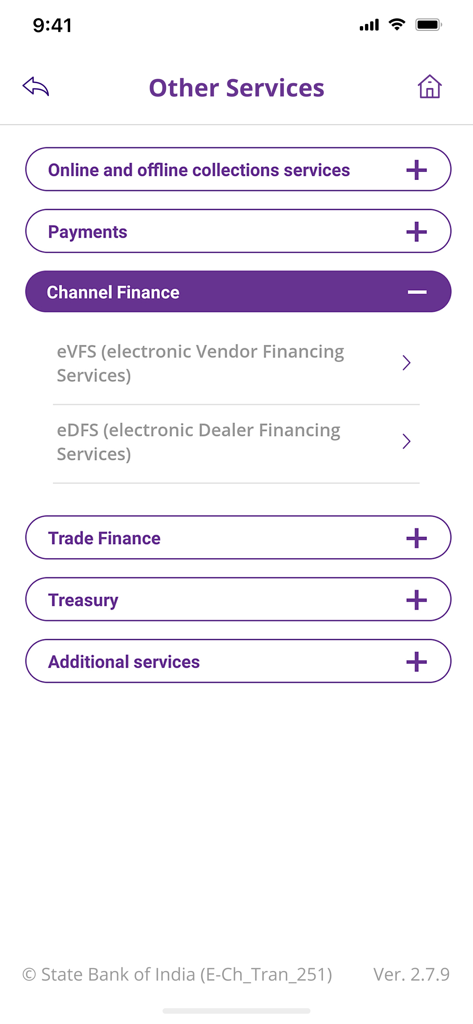
Other Services menu in Yono Business SBI app showing channel finance and trade finance options
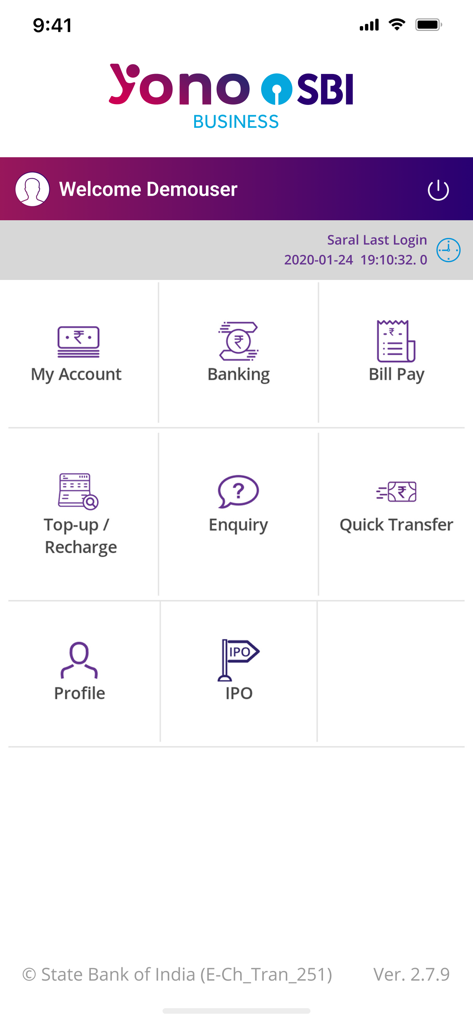
Yono Business SBI mobile app dashboard with icons for account management banking and bill payments
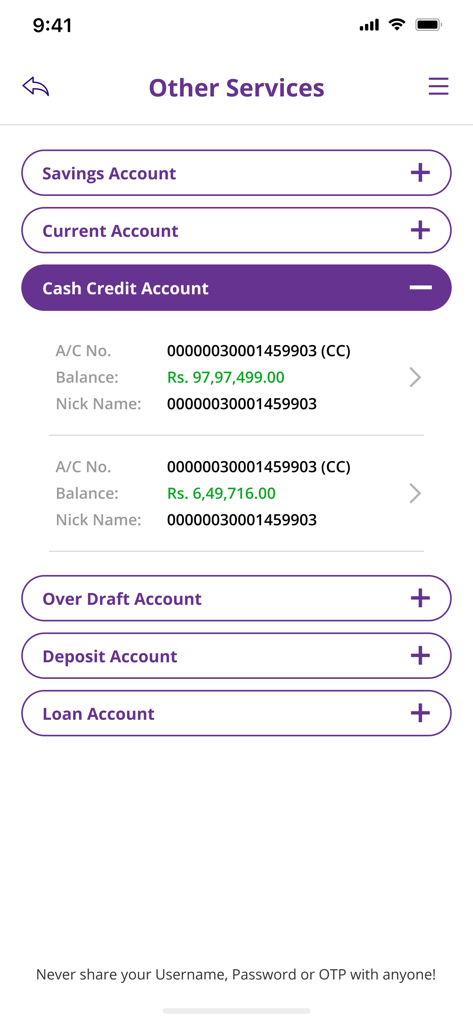
Yono Business SBI mobile app screen showing a list of business accounts including savings current and cash credit with their respective balances
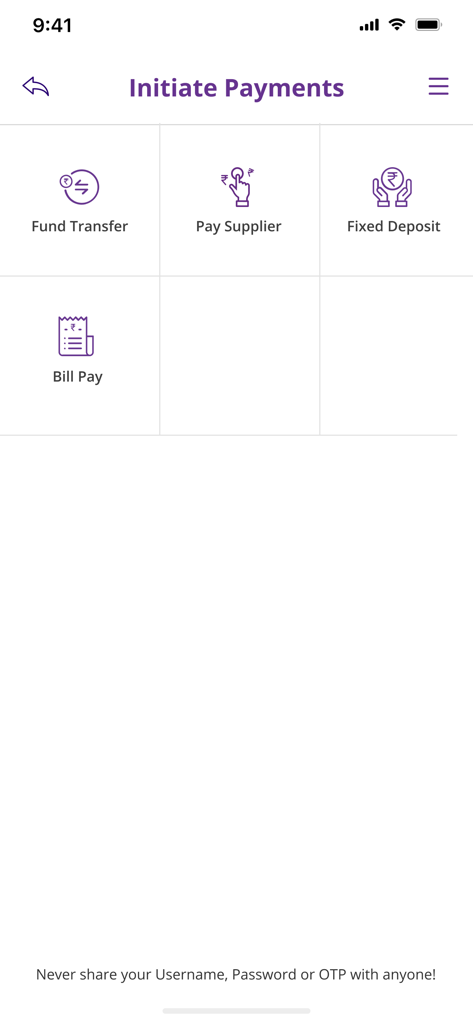
Yono Business SBI app dashboard for initiating payments including fund transfers and supplier payments
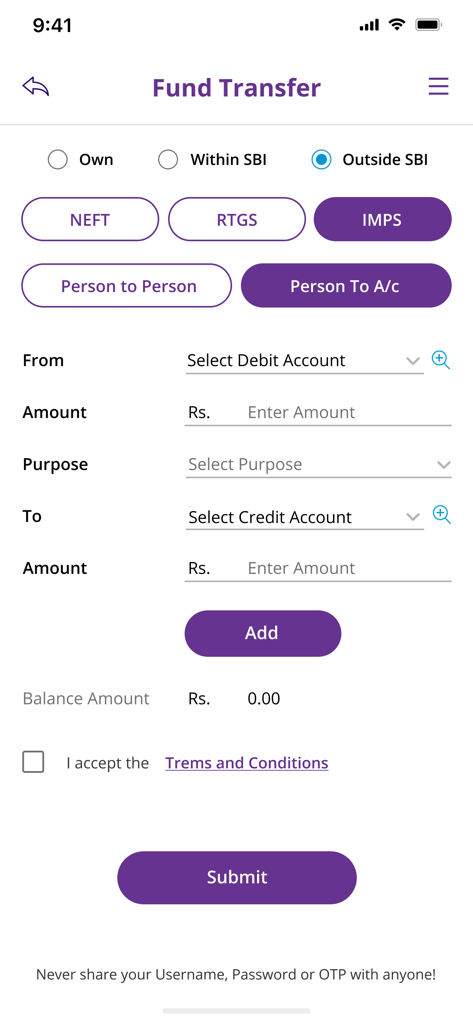
Fund transfer screen in the Yono Business SBI corporate banking app
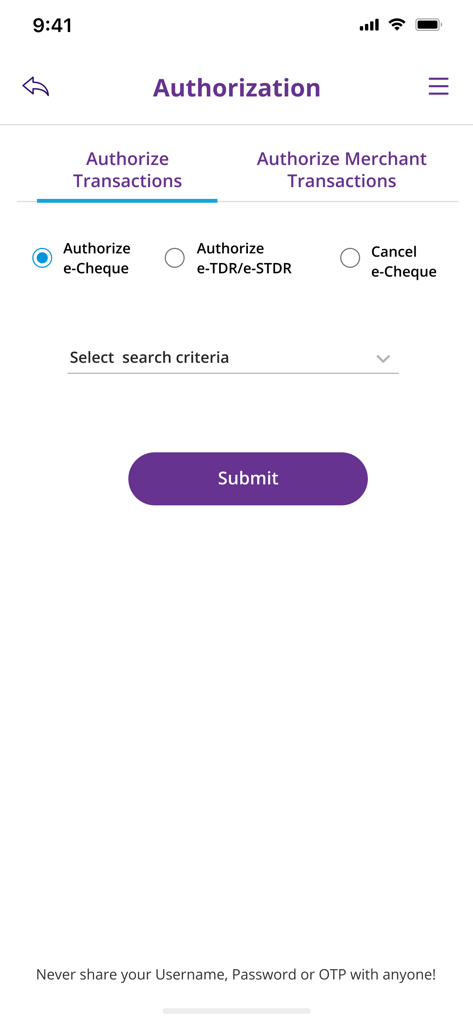
Authorization interface of the Yono Business SBI mobile app showing transaction approval options
Description
Download
More Like This
Apps with similar features and user experience

BTG Pactual Empresas: Conta PJ
Banco BTG Pactual S.A.

Santander Empresas
Banco Santander Brasil SA

Itaú Empresas: Conta PJ
Banco Itau S.A.

Mercury | Bank Differently
Mercury Technologies, Inc.

BIDV Direct
BANK FOR INVESTMENT AND DEVELOPMENT OF VIETNAM

Ozon Банк для бизнеса
OZON MARKETPLEIS KAZAKHSTAN, TOO

Finom • Business Account
PNL Fintech BV

Lloyds Business Banking app
Lloyds Banking Group

Techcombank Business
VIETNAM TECHNOLOGICAL AND COMMERCIAL JOINT STOCK BANK
This page is not an official page of the app or its developer, but an independent editorial publication created for informational and commentary purposes. Unless expressly stated otherwise, neither the app nor its developer is affiliated with, endorsed by, sponsored by, authorized by, or otherwise officially connected with MWM, Apple, Google Play, the app publisher, or the app's developer, and nothing on this page implies that the app was developed using MWM's services. Any trademarks, logos, screenshots, and other content remain the property of their respective owners.