
This page is not an official page of the app or its developer, but an independent editorial publication created for informational and commentary purposes. Unless expressly stated otherwise, neither the app nor its developer is affiliated with, endorsed by, sponsored by, authorized by, or otherwise officially connected with MWM, Apple, Google Play, the app publisher, or the app's developer, and nothing on this page implies that the app was developed using MWM's services. Any trademarks, logos, screenshots, and other content remain the property of their respective owners.


Yuzu eReader
Ditch the heavy textbooks and master your courses with interactive tools, instant search, and seamless syncing designed for the tech-forward student.
Downloads
940K+User Rating
Total Ratings
14K+Publisher
Category
EducationLocales
33Latest Version
11.2.1Size
190.7 MBFirst Released
May 3, 2016Maximize Your Study Potential
Transform your iPad or iPhone into a powerful learning hub with interactive textbooks, smart organization, and tools built for the modern student.
Lighten Your Backpack
Replace heavy physical textbooks with one sleek app. Carry your entire semester in your pocket or tablet without the extra weight.
Learn on the Go
Turn your commute into study time with Read Aloud. Listen to your textbooks while walking to class, exercising, or traveling home.
Frequently Asked Questions
Everything you need to know about Yuzu eReader
What is the Yuzu eReader app?
Yuzu eReader is a learning platform that allows users to read and interact with digital content, specifically eTextbooks, on their iPad or iPhone. It provides a centralized interface for course materials.
Can I read eTextbooks offline with Yuzu eReader?
Yes, Yuzu eReader allows users to download their digital content. This feature enables offline reading and adding notes even without an internet connection.
Does Yuzu eReader support highlighting and note-taking?
Yes, Yuzu eReader enables users to create highlights, add notes, and set bookmarks within their eTextbooks. These changes are automatically saved and sync across all user devices.
Does Yuzu eReader sync my content across multiple devices?
Yes, Yuzu eReader automatically syncs highlights, notes, and bookmarks across all of your devices. This ensures your study progress and annotations are always up-to-date.
How do I search for content within the Yuzu eReader app?
Yuzu eReader provides robust search functionality. Users can search for keywords, phrases, figures, and annotations throughout their digital content. It also allows jumping to a specific page number.
Does Yuzu eReader have a read-aloud feature?
Yes, Yuzu eReader includes a 'Read Aloud' feature. This allows users to listen to their books, facilitating learning on the go.
Can I customize the font and layout in Yuzu eReader?
Yuzu eReader allows users to customize their reading experience. They can adjust the layout, change font size, and utilize zoom functions for both fixed and reflowable content.
Does Yuzu eReader offer flashcard creation?
Yes, Yuzu eReader supports the creation of flashcards. Users can create image and keyword flashcards to help learn concepts faster and prepare for exams.
The following screenshots and description are sourced directly from the app's official store listing and are the property of the app developer.
App Store
Screenshots
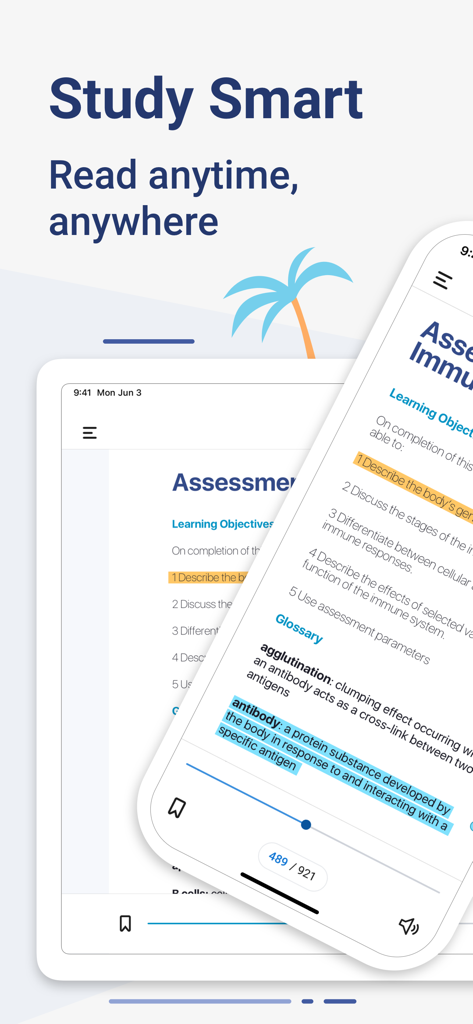
Yuzu eReader app showing digital textbooks with highlights on iPhone and iPad
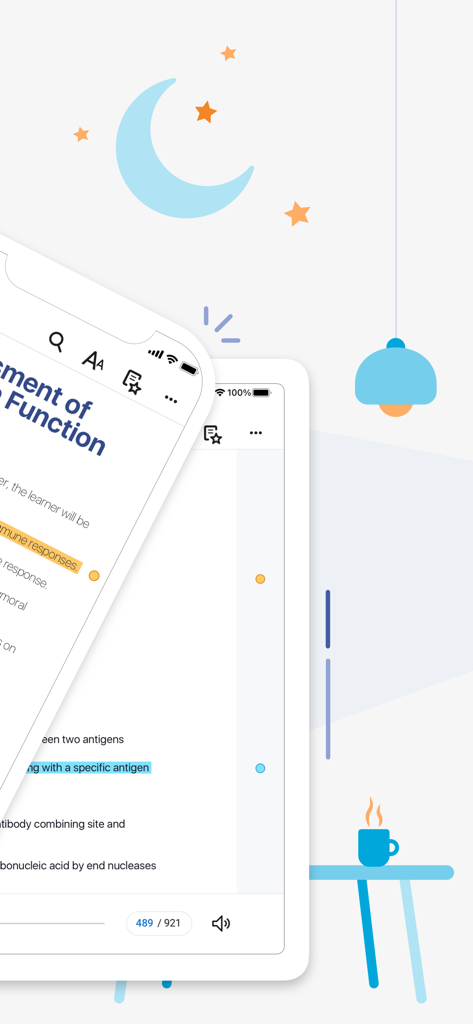
Digital textbook with highlights on the Yuzu eReader app across mobile and tablet devices
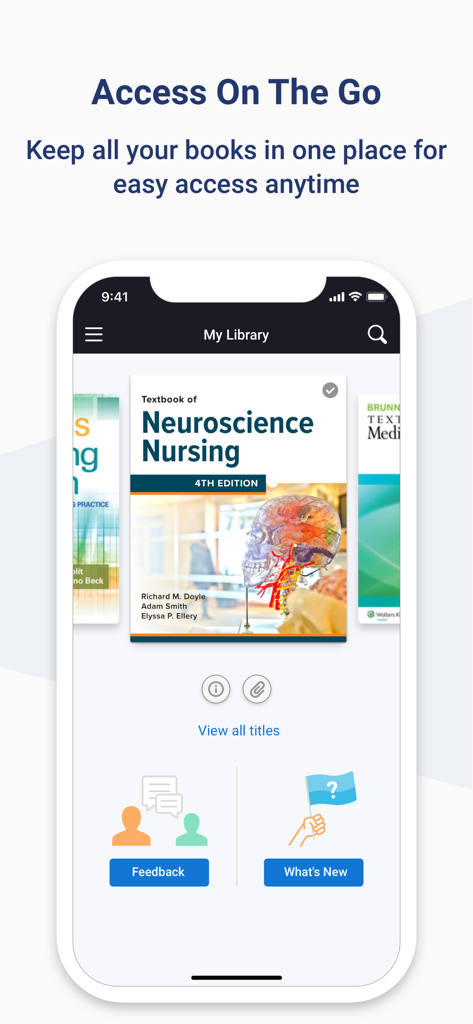
Yuzu eReader mobile app library showing digital textbooks for college students
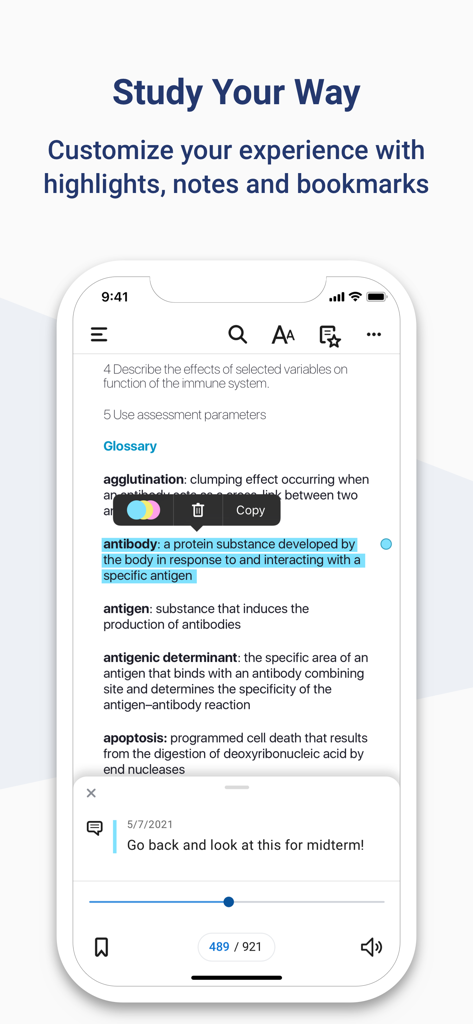
Interface of the Yuzu eReader app on a phone showing a highlighted glossary term and a personal study note.
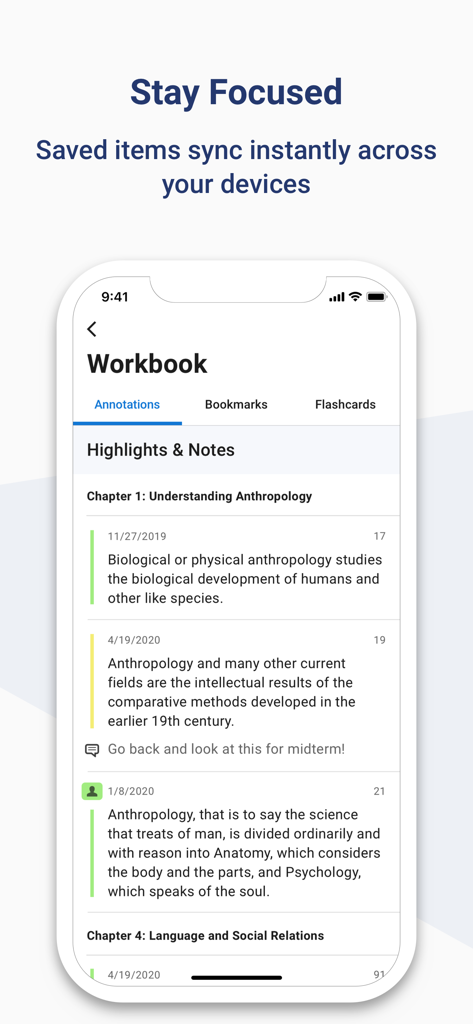
Yuzu eReader workbook screen showing synced highlights and notes from an anthropology textbook
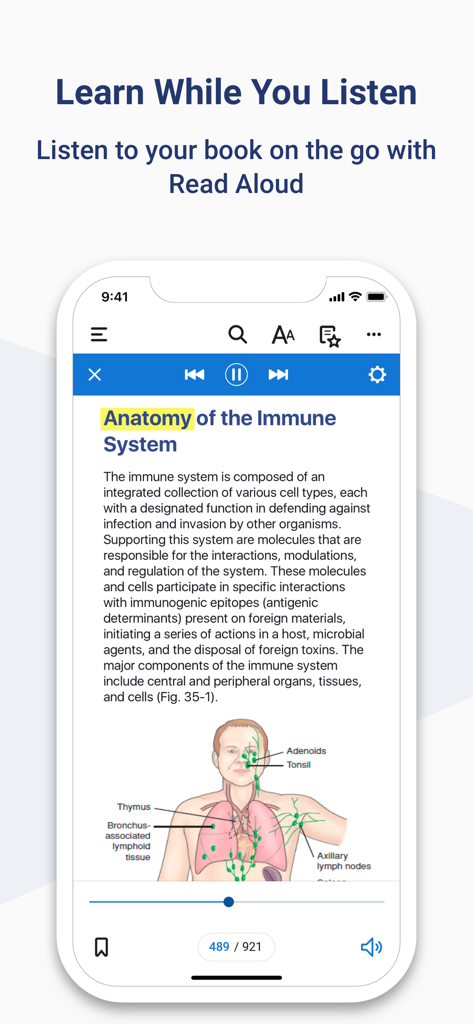
Yuzu eReader app interface showing the Read Aloud text to speech feature on an anatomy textbook
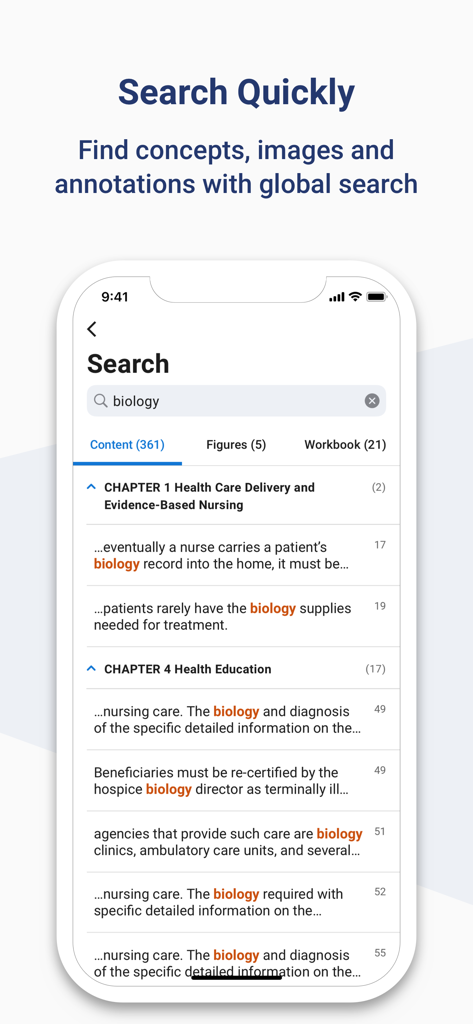
Search results for biology within textbook content and figures in the Yuzu eReader app
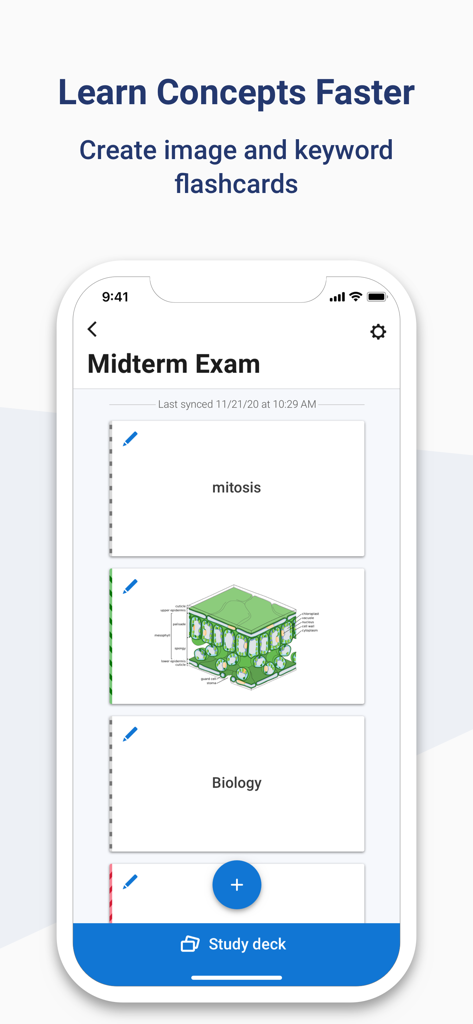
Yuzu eReader app interface showing keyword and image flashcards for a biology midterm exam
Description
Download
More Like This
Apps with similar features and user experience

Pearson+ | Study Prep & eTexts
Pearson Education, Inc.

Biblia Reina Valera Santa 1960
Antonio Reis

Bookshelf
VitalSource Technologies LLC

ReadAnywhere
McGraw-Hill Higher Education
Elsevier eBooks on VitalSource
Elsevier Inc.

Perlego: Books & Textbooks
PERLEGO LIMITED

ClinicalKey Student Bookshelf
Elsevier Inc.

Tibetan Dictionary
Tim Lewis

Minha Biblioteca
Minha Biblioteca Ltda.
This page is not an official page of the app or its developer, but an independent editorial publication created for informational and commentary purposes. Unless expressly stated otherwise, neither the app nor its developer is affiliated with, endorsed by, sponsored by, authorized by, or otherwise officially connected with MWM, Apple, Google Play, the app publisher, or the app's developer, and nothing on this page implies that the app was developed using MWM's services. Any trademarks, logos, screenshots, and other content remain the property of their respective owners.