
This page is not an official page of the app or its developer, but an independent editorial publication created for informational and commentary purposes. Unless expressly stated otherwise, neither the app nor its developer is affiliated with, endorsed by, sponsored by, authorized by, or otherwise officially connected with MWM, Apple, Google Play, the app publisher, or the app's developer, and nothing on this page implies that the app was developed using MWM's services. Any trademarks, logos, screenshots, and other content remain the property of their respective owners.

Zen Brush 2
Experience the silky, fluent feel of traditional calligraphy on your iPad. A minimalist sanctuary designed for artists and mindfulness seekers to find their flow in every stroke.
Downloads
520K+User Rating
Total Ratings
1K+Publisher
Category
EntertainmentLocales
2Latest Version
1.33Size
71.9 MBFirst Released
Sep 3, 2015Create with the Spirit of Zen
Experience the fluid beauty of East Asian ink painting through a minimalist interface designed for focus, flow, and artistic expression.
Authentic Ink Dispersion
Feel the silky movement of ink on paper with a refined drawing engine that simulates realistic depth and delicate brushwork.
Mindful Simplicity
Eliminate creative blocks with a clutter-free workspace that lets you start drawing instantly—perfect for quick meditation or focused art.
The following screenshots and description are sourced directly from the app's official store listing and are the property of the app developer.
App Store
Screenshots
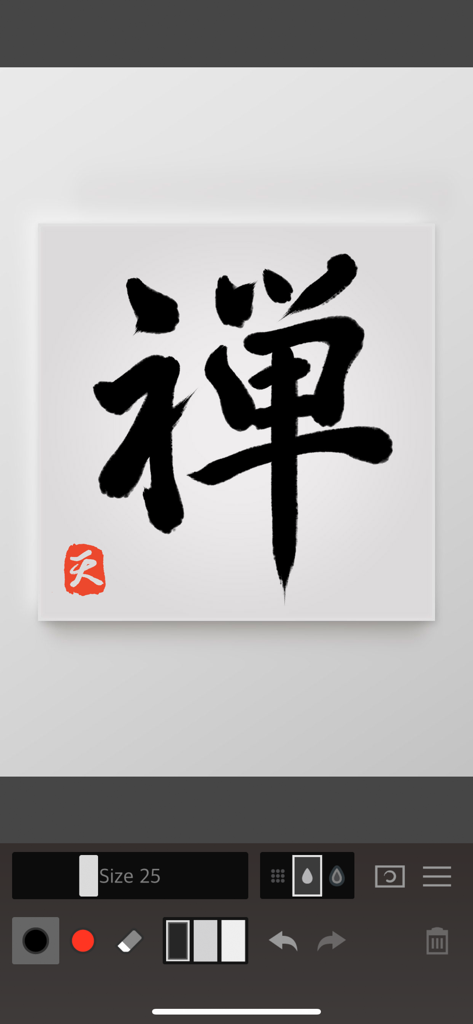
Black ink calligraphy with a red seal on a digital canvas in the Zen Brush 2 app interface
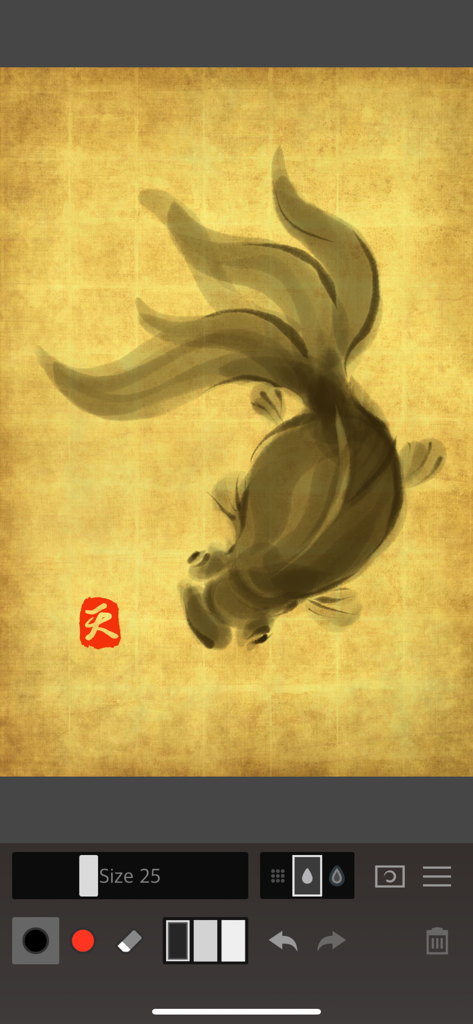
A digital ink painting of a goldfish on a gold textured canvas within the Zen Brush 2 app.
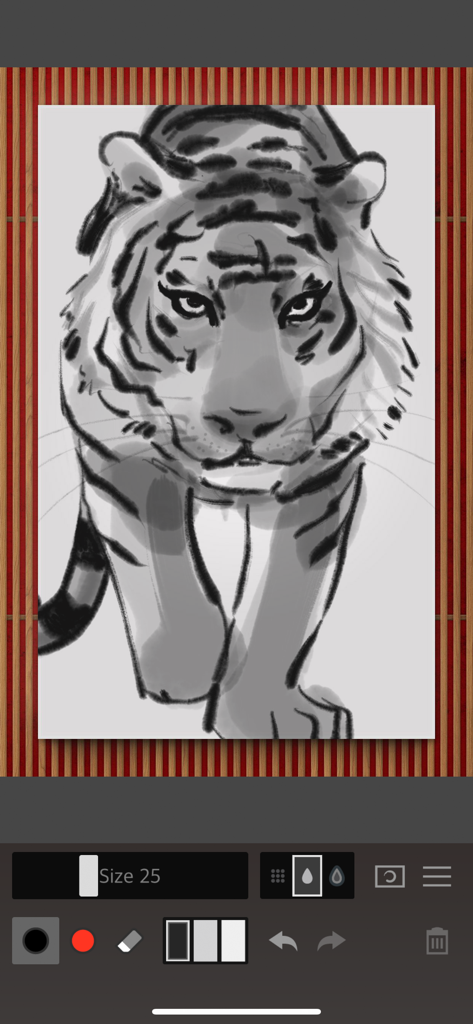
A digital ink wash illustration of a tiger created with the Zen Brush 2 app interface
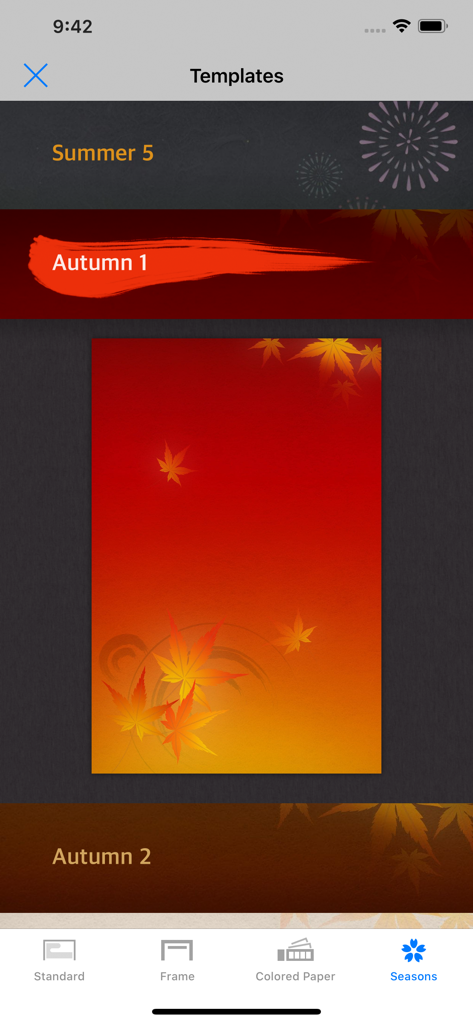
Zen Brush 2 interface showing seasonal background templates with an autumn maple leaf theme selected.
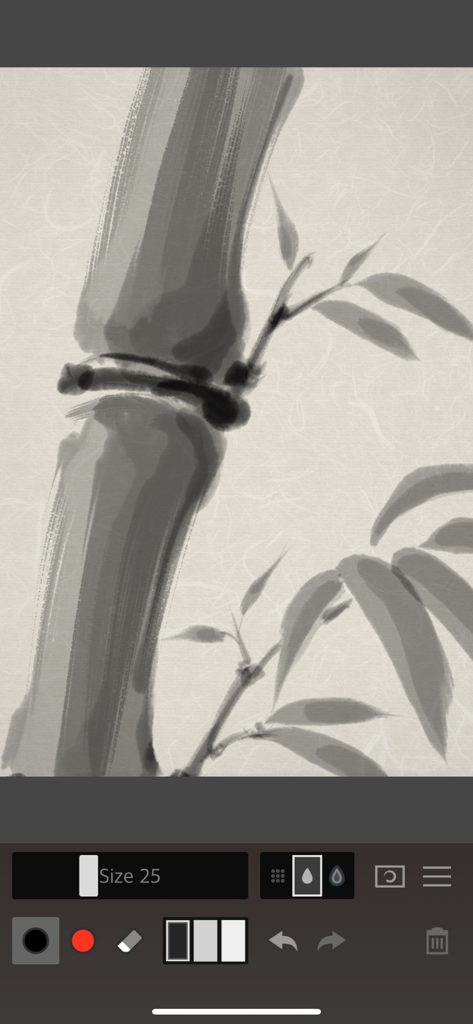
Digital ink wash painting of bamboo stalks and leaves in the Zen Brush 2 app
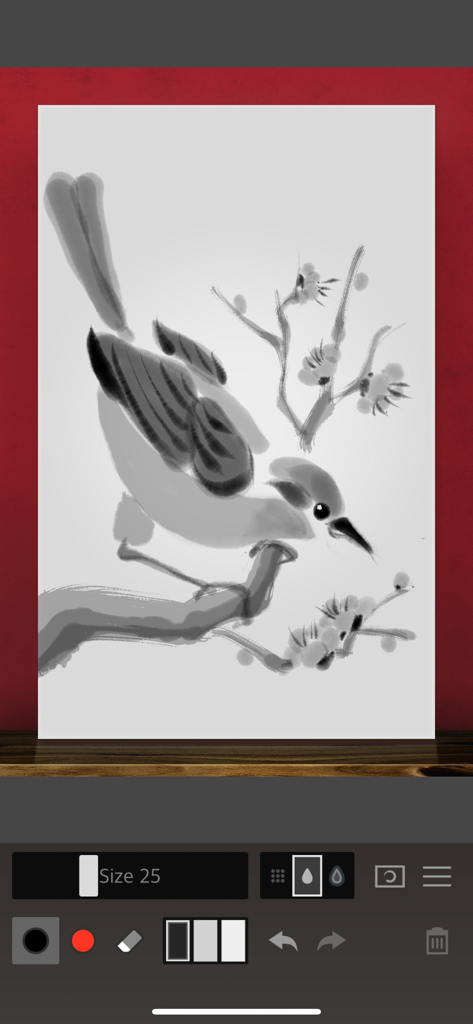
Zen Brush 2 app interface showing a Japanese style ink wash painting of a bird on a flowering branch.
Description
Download
More Like This
Apps with similar features and user experience
以观书法
AnHui YiGuan Culture Technology Co., Ltd
书法碑帖大全-练字必备的书法字帖App
婷婷 檀

中华珍宝馆-书法绘画必备
Hefei AiSongHua Culture Technology Co., Ltd.

Paper Bloom
Mingkun Hong
复真书法-篆隶楷行草书瘦金体名家作品临摹课程大全
Beijing Fuzhen Technology Co., Ltd.
掌上碑帖
Hangzhou Yike Network Technology Company Limited
Zen Brush 3
P SOFTHOUSE Co., Ltd.

My First Chinese Characters
Stupefy Media Limited
This page is not an official page of the app or its developer, but an independent editorial publication created for informational and commentary purposes. Unless expressly stated otherwise, neither the app nor its developer is affiliated with, endorsed by, sponsored by, authorized by, or otherwise officially connected with MWM, Apple, Google Play, the app publisher, or the app's developer, and nothing on this page implies that the app was developed using MWM's services. Any trademarks, logos, screenshots, and other content remain the property of their respective owners.