
This page is not an official page of the app or its developer, but an independent editorial publication created for informational and commentary purposes. Unless expressly stated otherwise, neither the app nor its developer is affiliated with, endorsed by, sponsored by, authorized by, or otherwise officially connected with MWM, Apple, Google Play, the app publisher, or the app's developer, and nothing on this page implies that the app was developed using MWM's services. Any trademarks, logos, screenshots, and other content remain the property of their respective owners.


Zen IPTV Player
Transform your content into a premium cinematic experience with a polished interface, 4K Dolby Vision support, and seamless syncing across iPhone, iPad, Mac, and Apple TV.
Downloads
140K+User Rating
Total Ratings
7K+Publisher
Category
EntertainmentLocales
2Latest Version
1.9.2Size
77.0 MBFirst Released
Sep 21, 2023Streaming, Refined for Your Apple Ecosystem
Transform your IPTV streams into a premium cinematic experience with the smartest, most beautiful interface designed exclusively for Apple users.
Premium SVOD Experience
Say goodbye to clunky, technical lists. Zen Player organizes your content into a polished, Netflix-style interface that makes browsing a pleasure.
Seamless Cross-Device Sync
Experience true mobility. Start watching a series on your iPhone during your commute and resume exactly where you left off on your Apple TV.
Frequently Asked Questions
Everything you need to know about Zen IPTV Player
What is Zen IPTV Player?
Zen IPTV Player is an application for Apple devices that presents your IPTV content with a polished interface. It supports TV channels, movies, series, 4K, HDR, and EPG for an enhanced viewing experience.
Does Zen IPTV Player provide streaming content?
No, Zen IPTV Player does not provide any streaming content. The application functions as a player for video sources, requiring users to supply their own legally obtained content.
What video quality and audio features does Zen IPTV Player support?
Zen IPTV Player supports 4K, HDR, and Dolby Vision for high-quality video. It also offers multi-language subtitles and audio tracks to enhance the user's viewing experience.
Can I use Zen IPTV Player across different Apple devices?
Yes, Zen IPTV Player is available on Apple TV, iPhone, and iPad. The Zen Access IAP allows you to synchronize your account and viewing history across all your devices seamlessly.
What features are included with Zen Access IAP in Zen IPTV Player?
Zen Access IAP provides features like creating multiple watch profiles, resuming content, adding to favorites, and accessing football match statistics. It also syncs usage across all your devices.
Does Zen IPTV Player offer user profiles?
Yes, Zen IPTV Player allows the creation of multiple watch profiles for family members through the Zen Access IAP. This ensures personalized viewing experiences for each user.
How does Zen IPTV Player manage different content resolutions?
Zen IPTV Player automatically groups various versions of content, such as SD, HD, and FHD, for movies, series, and TV channels. This simplifies selection for users.
Can I continue watching content where I left off in Zen IPTV Player?
Yes, Zen IPTV Player offers a resume feature for movies and series, allowing you to pick up exactly where you paused. This functionality is part of Zen Access IAP.
Does Zen IPTV Player support TV program guides?
Yes, Zen IPTV Player supports EPG (Electronic Program Guide). This feature provides users with comprehensive television listings and schedules for their content.
What is the purpose of multi-screen protection in Zen IPTV Player?
Multi-screen protection in Zen IPTV Player prevents simultaneous viewing from the same account. It alerts users if another person is already watching, managing account access effectively.
How can I add IPTV channels to Zen IPTV Player?
Zen IPTV Player supports adding your IPTV sources using M3U and Xtream Codes. You provide the source name, URL, and optionally, a username and password to integrate your content.
The following screenshots and description are sourced directly from the app's official store listing and are the property of the app developer.
App Store
Screenshots
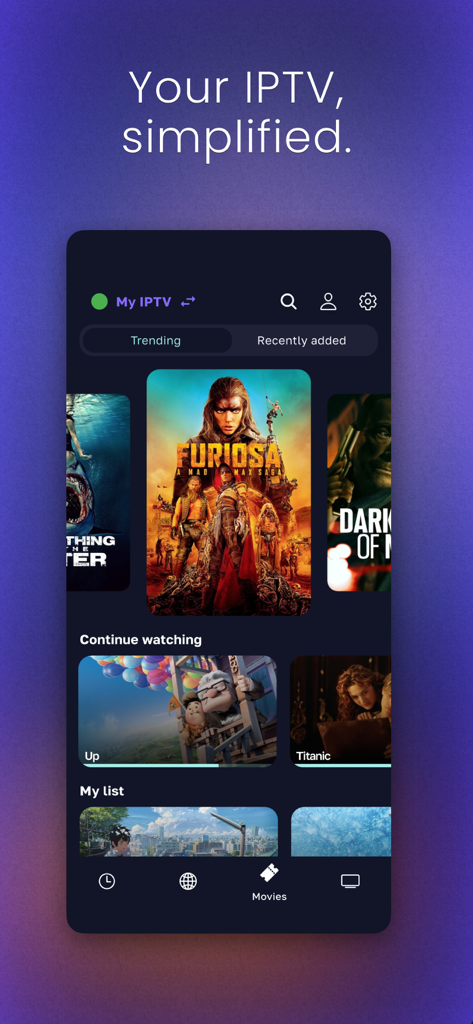
Zen IPTV Player mobile app interface displaying movie categories and continue watching list
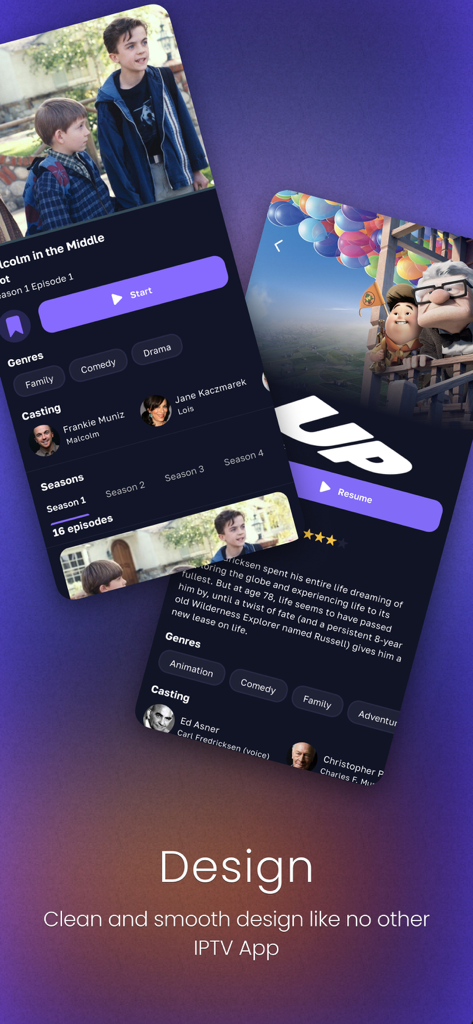
Clean and smooth user interface of the Zen IPTV Player showing movie and TV show details
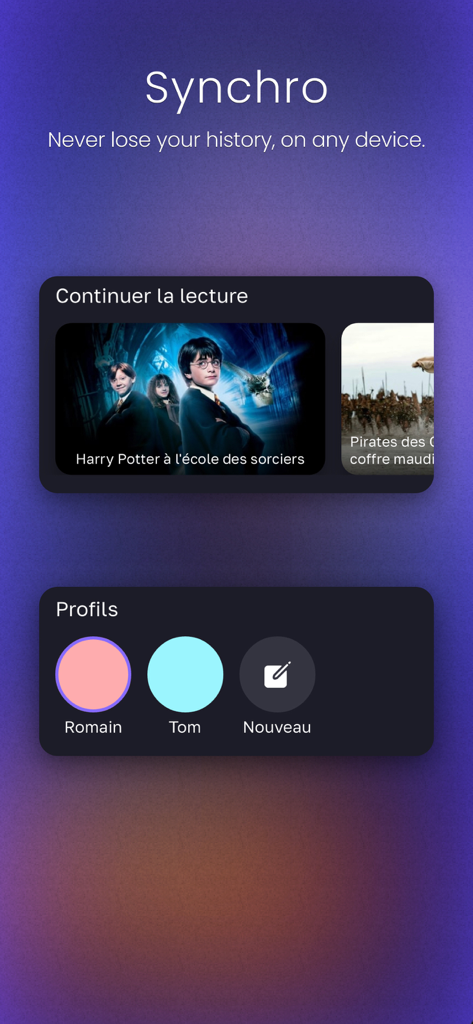
Zen IPTV Player app screen showing cross-device synchronization, continue watching feature, and user profile management.
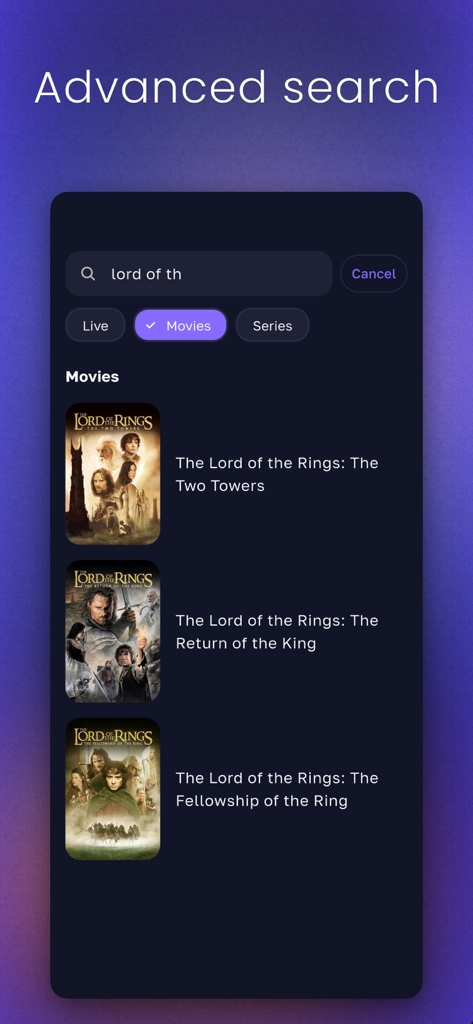
Advanced search interface in Zen IPTV Player displaying movie results for Lord of the Rings.
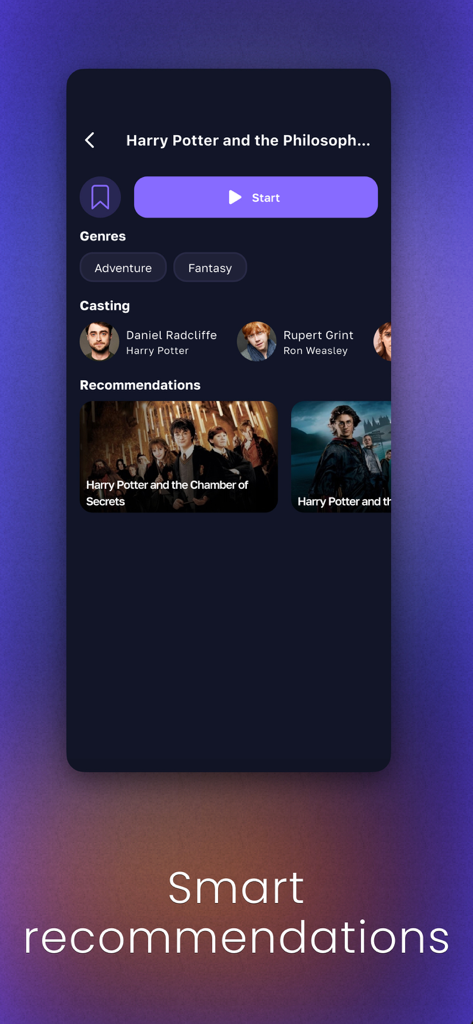
Zen IPTV Player app screen displaying movie details and smart recommendations
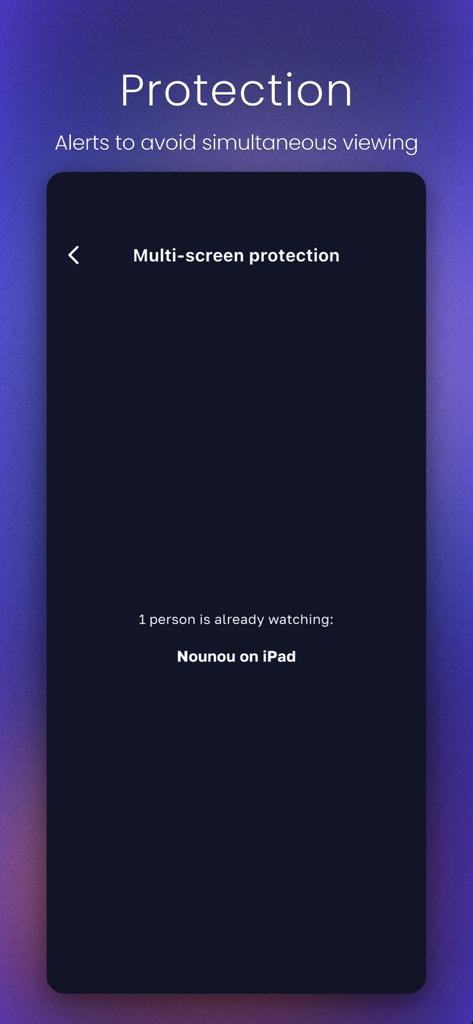
Zen IPTV Player multi-screen protection screen showing a simultaneous viewing alert for an active iPad session
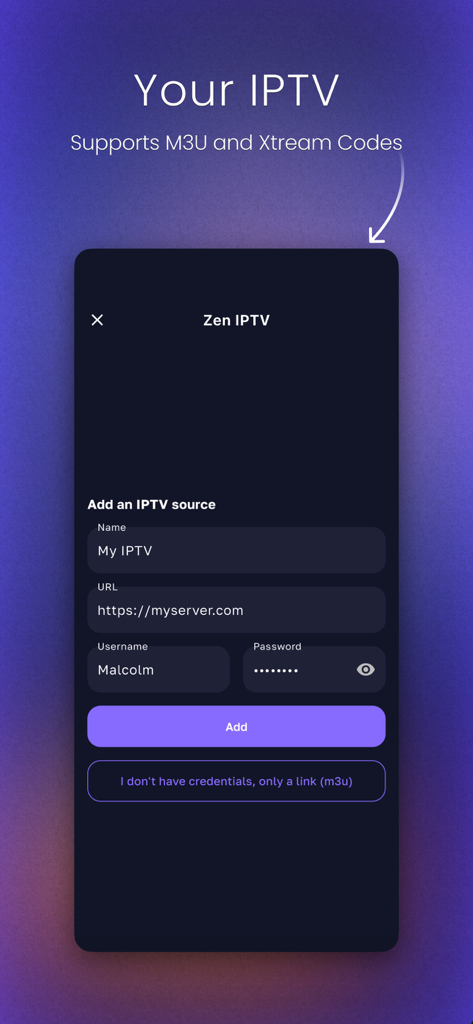
Add an IPTV source screen supporting M3U and Xtream Codes
Description
Download
More Like This
Apps with similar features and user experience

VU IPTV PLAYER
Byte9 Inc

VU PLAYER PRO
IRBOETECH CO., LIMITED

King Stream Player
MUKING OU

Smarters Player Lite
WHMCS SMARTERS

000 Player
belal samir

ibo Pro Player
IRBOETECH CO., LIMITED

IPTV Smart Player
Dmitri Iasibis

Fuevana IPTV Pro
Oskarina Ramos

IPTV - Watch TV Online
Nguyen Van Sy
This page is not an official page of the app or its developer, but an independent editorial publication created for informational and commentary purposes. Unless expressly stated otherwise, neither the app nor its developer is affiliated with, endorsed by, sponsored by, authorized by, or otherwise officially connected with MWM, Apple, Google Play, the app publisher, or the app's developer, and nothing on this page implies that the app was developed using MWM's services. Any trademarks, logos, screenshots, and other content remain the property of their respective owners.