
This page is not an official page of the app or its developer, but an independent editorial publication created for informational and commentary purposes. Unless expressly stated otherwise, neither the app nor its developer is affiliated with, endorsed by, sponsored by, authorized by, or otherwise officially connected with MWM, Apple, Google Play, the app publisher, or the app's developer, and nothing on this page implies that the app was developed using MWM's services. Any trademarks, logos, screenshots, and other content remain the property of their respective owners.


ZenHR Clock
Transform any screen into a touchless attendance kiosk using dynamic QR codes. Eliminate buddy punching and expensive hardware costs while syncing real-time records seamlessly with your ZenHR account.
Downloads
0User Rating
Total Ratings
0Publisher
Category
BusinessLocales
1Latest Version
1.0.2Size
36.7 MBFirst Released
May 8, 2025Modern Attendance Management for Modern Teams
Say goodbye to expensive biometric hardware. ZenHR Clock turns any screen into a secure, cloud-synced attendance kiosk designed for the mobile-first US workplace.
Eliminate Time Theft
Stop 'buddy punching' with dynamic, auto-refreshing QR codes that require physical presence, ensuring your records are 100% accurate and fraud-proof.
Zero Hardware Hassle
Ditch the maintenance costs of proprietary machines. Use an existing iPad or tablet to create a hygienic, touchless clock-in station in minutes.
The following screenshots and description are sourced directly from the app's official store listing and are the property of the app developer.
App Store
Screenshots
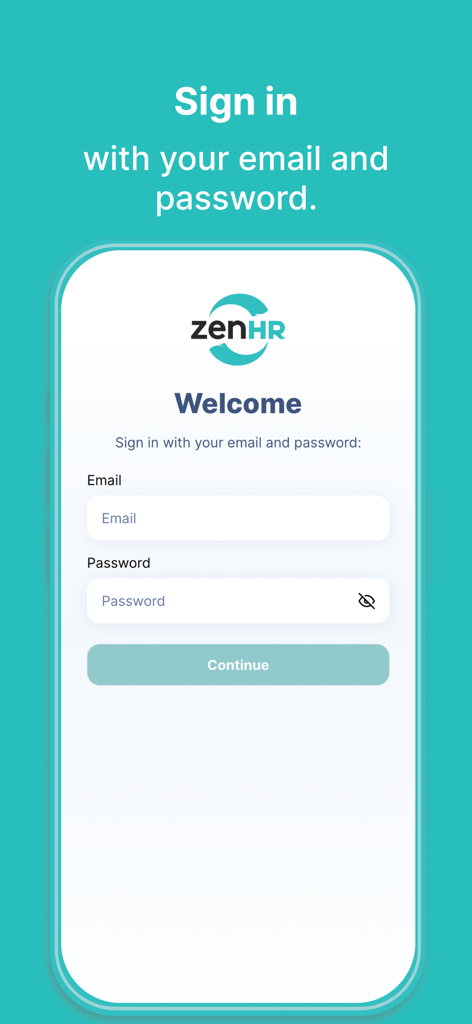
Login screen of the ZenHR Clock app featuring email and password entry fields
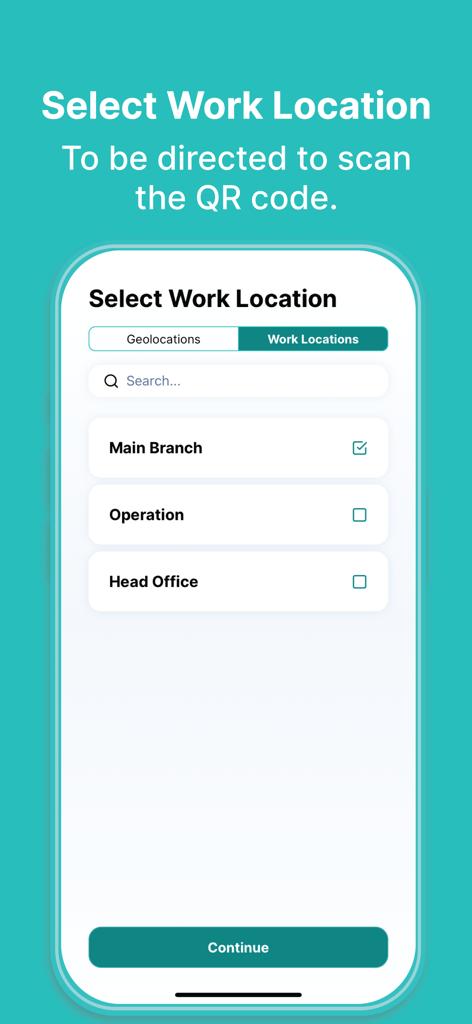
ZenHR Clock app screen for selecting a work location from a list including Main Branch and Head Office
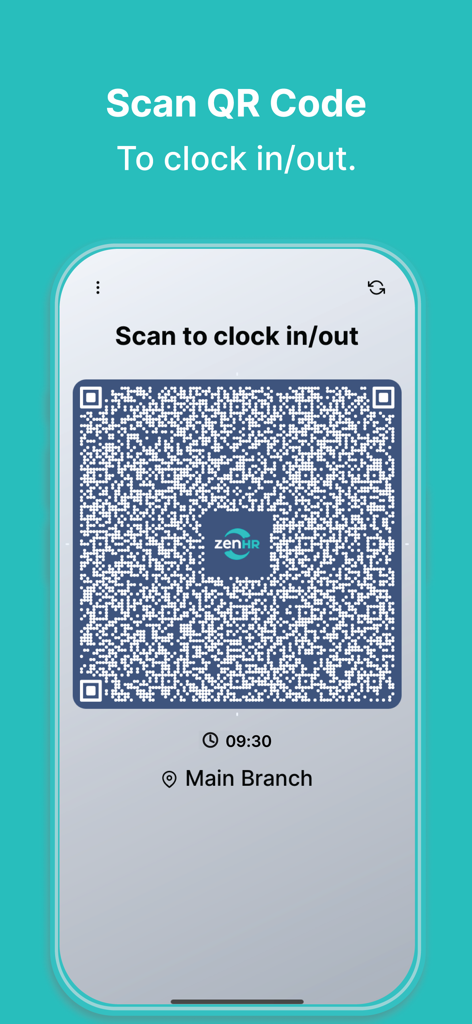
ZenHR Clock app interface showing a dynamic QR code for employee clock in and out
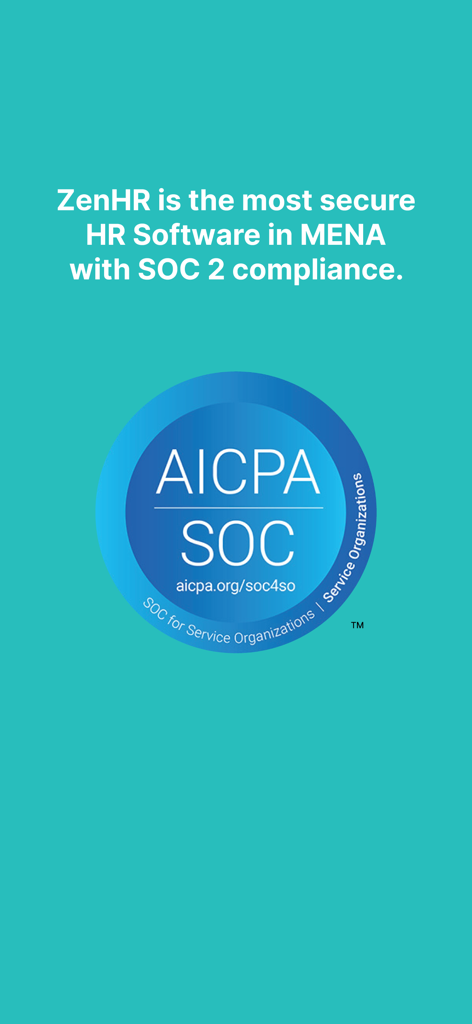
ZenHR Clock app screen highlighting SOC 2 security compliance and AICPA certification badge.
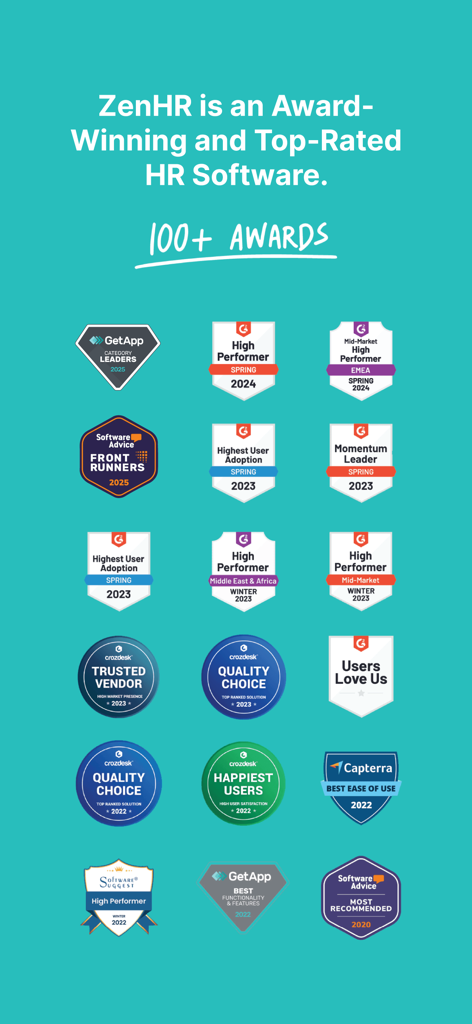
A collection of over 100 awards and top ratings for ZenHR HR software from industry leaders like G2, Capterra, and GetApp.
Description
Download
More Like This
Top-ranked apps in the same category
Microsoft Teams
Microsoft Corporation
WhatsApp Business
WhatsApp Inc.

Zoom Workplace
Zoom Communications, Inc.

LinkedIn: Community & Network
LinkedIn Corporation

Indeed Job Search
Indeed Inc.

BOSS直聘-招聘求职找工作神器
Beijing China Product Bo Farce Network Technology Co., Ltd.

Adobe Acrobat Reader: Sign PDF
Adobe Inc.

DingDing - Redefine Work in AI
DingTalk Technology Co., Ltd.

WeCom-Work Communication&Tools
Tencent Technology (Shenzhen) Company Limited
This page is not an official page of the app or its developer, but an independent editorial publication created for informational and commentary purposes. Unless expressly stated otherwise, neither the app nor its developer is affiliated with, endorsed by, sponsored by, authorized by, or otherwise officially connected with MWM, Apple, Google Play, the app publisher, or the app's developer, and nothing on this page implies that the app was developed using MWM's services. Any trademarks, logos, screenshots, and other content remain the property of their respective owners.