Zentab - Clone App Multi Login
Download on App Store

This page is not an official page of the app or its developer, but an independent editorial publication created for informational and commentary purposes. Unless expressly stated otherwise, neither the app nor its developer is affiliated with, endorsed by, sponsored by, authorized by, or otherwise officially connected with MWM, Apple, Google Play, the app publisher, or the app's developer, and nothing on this page implies that the app was developed using MWM's services. Any trademarks, logos, screenshots, and other content remain the property of their respective owners.


Logo of Zentab - Clone App Multi Login
Download on App Store

Zentab - Clone App Multi Login

Ditch the logout fatigue. Seamlessly run parallel sessions for social media, work, and AI tools in one secure, isolated space—built for high-performers and side-hustlers.

Key Figures

Downloads

8K+

User Rating

4.5/5

Total Ratings

100

Publisher

Duong Bui Dai

Category

Social Networking

Locales

1

Latest Version

1.28

Size

95.0 MB

First Released

Mar 26, 2025
Features

One Device, Unlimited Possibilities

Eliminate the friction of account switching. Zentab provides a powerful parallel space to manage all your social, professional, and AI profiles in one streamlined dashboard.

Double Your Social Presence

Run dual accounts for WhatsApp, Instagram, and TikTok. Keep your personal life and brand identity perfectly separate without ever logging out.

Power Your Professional Workflow

Juggling multiple clients? Clone Slack, Gmail, or AI tools to manage different project environments simultaneously and boost efficiency.

The following screenshots and description are sourced directly from the app's official store listing and are the property of the app developer.

App Store

Screenshots
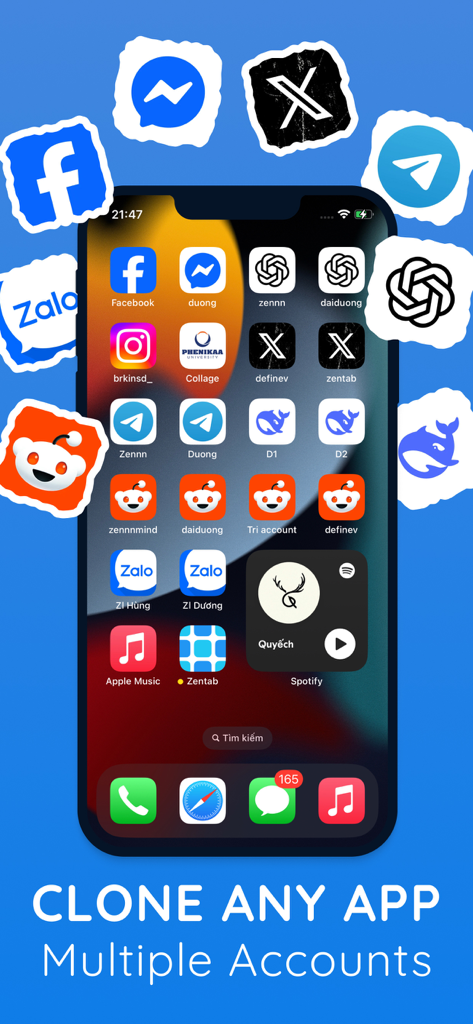
Zentab - Clone App Multi Login - iPhone screen displaying multiple cloned instances of popular social media and AI apps using Zentab
iPhone screen displaying multiple cloned instances of popular social media and AI apps using Zentab

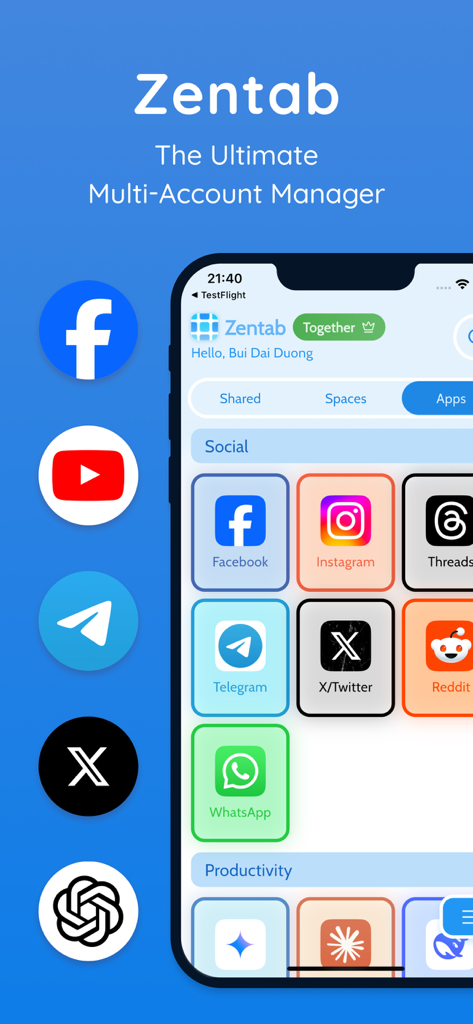
Zentab - Clone App Multi Login - Zentab app dashboard on an iPhone displaying various social media and productivity icons for multi-account management
Zentab app dashboard on an iPhone displaying various social media and productivity icons for multi-account management

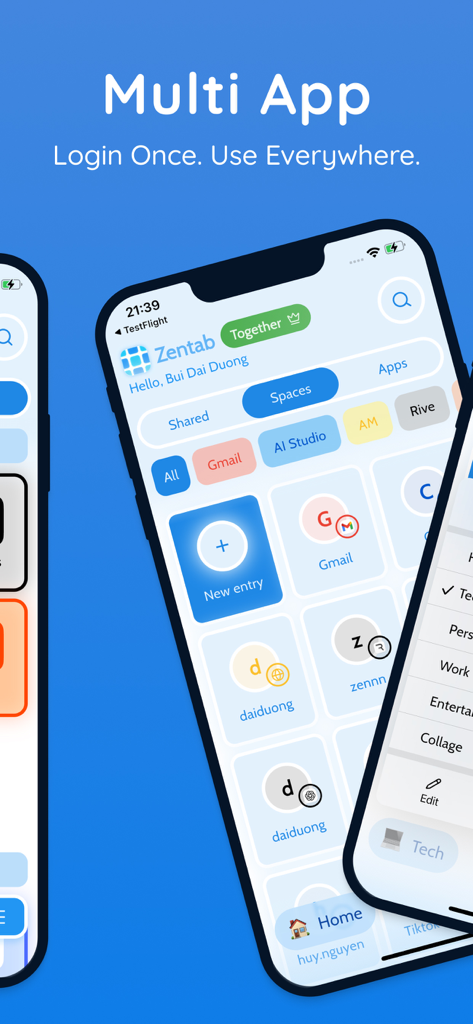
Zentab - Clone App Multi Login - Zentab app interface showing a dashboard for managing multiple account logins and parallel app spaces
Zentab app interface showing a dashboard for managing multiple account logins and parallel app spaces

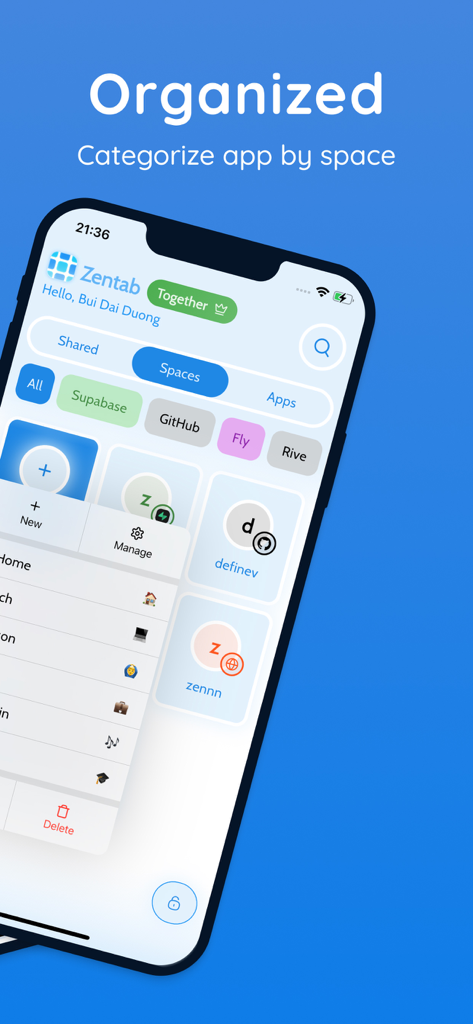
Zentab - Clone App Multi Login - Zentab dashboard showing organized app spaces for multi-account management
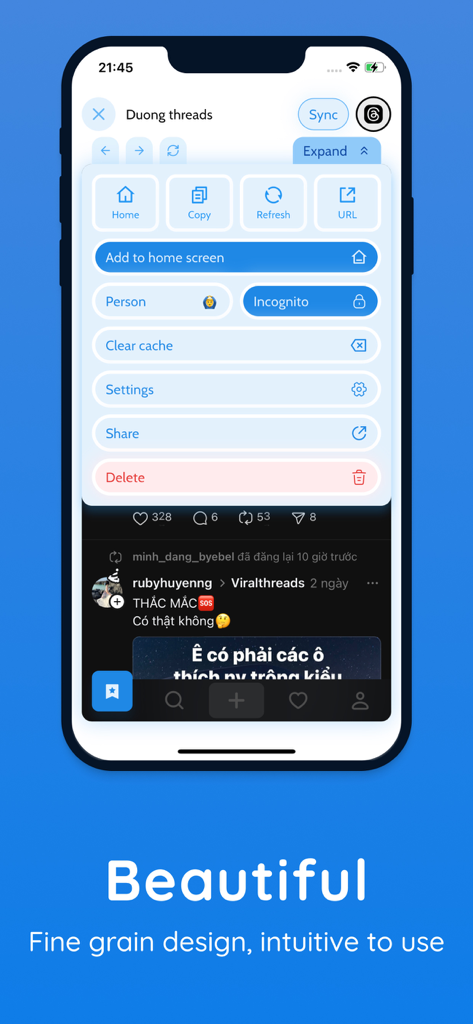
Zentab dashboard showing organized app spaces for multi-account management

Zentab - Clone App Multi Login - Zentab app user interface showing account management settings for cloned social media profiles on a smartphone screen.
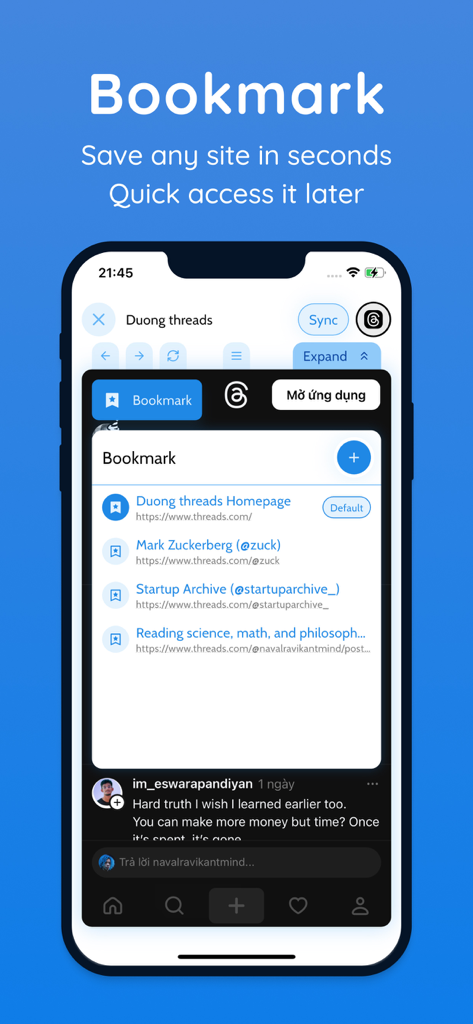
Zentab app user interface showing account management settings for cloned social media profiles on a smartphone screen.

Zentab - Clone App Multi Login - A screenshot of the Zentab app interface showcasing the bookmark feature to save and access websites within the multi login dashboard.
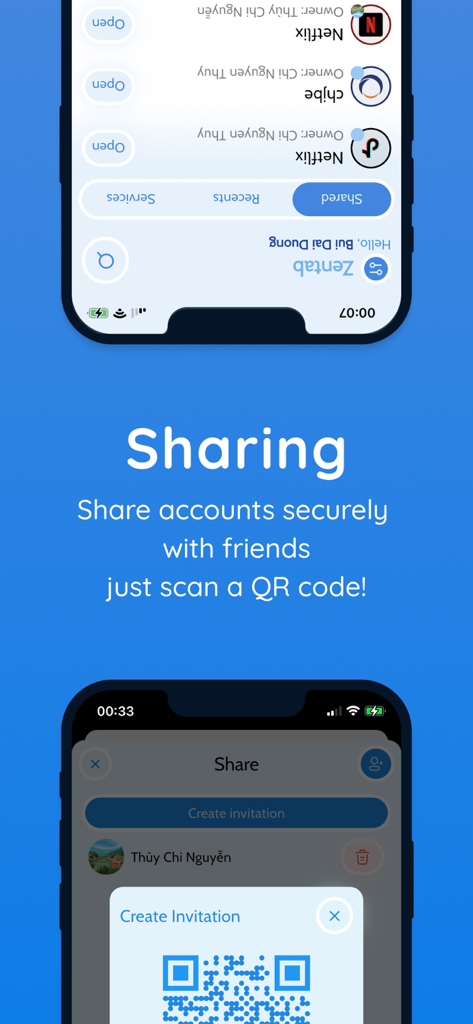
A screenshot of the Zentab app interface showcasing the bookmark feature to save and access websites within the multi login dashboard.

Zentab - Clone App Multi Login - Interface of Zentab app showing how to share accounts securely using a QR code invitation.
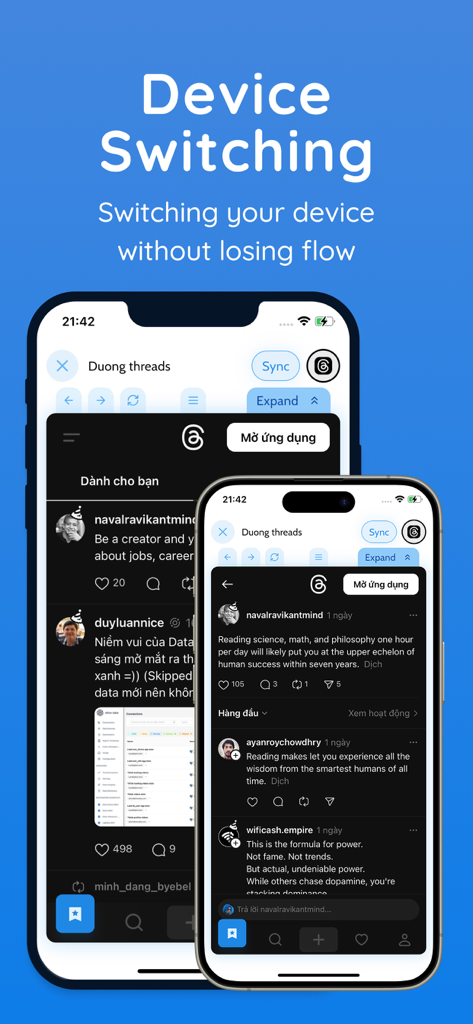
Interface of Zentab app showing how to share accounts securely using a QR code invitation.

Zentab - Clone App Multi Login - Two smartphones demonstrating the device switching feature of Zentab app to maintain workflow across different screens
Two smartphones demonstrating the device switching feature of Zentab app to maintain workflow across different screens

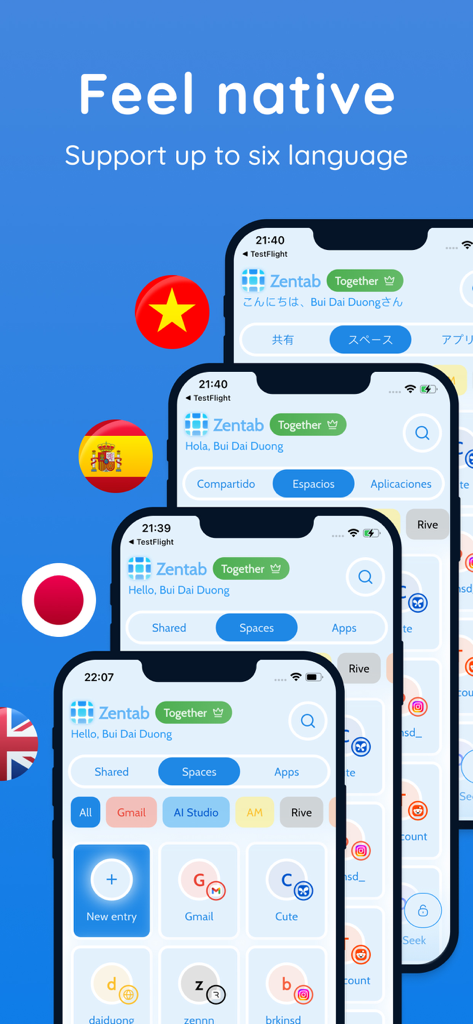
Zentab - Clone App Multi Login - Zentab app interface demonstrating multi-language support on several iPhone displays

Zentab app interface demonstrating multi-language support on several iPhone displays

Description

Zentab – Multi App Cloner & Dual Login Unlock True Multi-Account Freedom Clone an app and manage multiple accounts on one device. Whether you need dual login for work and personal, multiple social profiles, or separate AI app sessions, Zentab’s parallel space creates isolated app instances so each profile runs independently. Enjoy full privacy and dedicated sessions without interfering with your original apps. Key Benefits & Features: * App Cloner & Multi-Account Manager – Clone any app to run multiple accounts simultaneously: WhatsApp, Instagram, Gmail, Facebook, TikTok, AI tools, and more. * Seamless Dual Login – Balance work and personal life with dual login for messaging, social, and productivity apps—no more constant sign-outs. * Dedicated Parallel Space – Each cloned app instance lives in its own secure, isolated environment. Keep chats, feeds, and settings separate without interference. * Instant Account Switching – Jump between multiple profiles in a tap—stay signed in across all sessions without re-authentication. * Optimized Performance – Lightweight design keeps it fast and smooth, even when running several parallel spaces. * Centralized Session Organizer – View and manage all app sessions in one dashboard. Group by social, work, or hobby categories for quick access. * Smart Google Sign-In – Your Google account is remembered across cloned apps, so you can add new instances without repeated logins. * Multiple Social & Work Profiles – Perfect for managing multiple social media, business, and AI accounts in one place. Who Needs Zentab? * Power Users & Multi-Account Enthusiasts: Run multiple social profiles or test apps with no limits. * Freelancers & Business Owners: Keep client, team, and personal communications separate. * Social Media Managers & Marketers: Manage various brand accounts and campaigns concurrently. * Gamers & AI Developers: Use separate game or tool accounts without conflicts. * Anyone with App-Level Dual Login Needs: Ideal for anyone juggling more than one account per app. Why Zentab Is Unique: * True Parallel Spaces: Unlike other app cloners, Zentab maintains full session isolation to prevent data overlap and ensure privacy. * Broad App Compatibility: Clone social networks, email clients, AI apps, and more with no restrictions. * User-Friendly Interface: Intuitive dashboard and one-tap account switching keep you efficient. * Secure & Reliable: Fast app loading and top-notch security mean you can trust your sessions to stay private. How It Works: 1. Install Zentab and select create new App Instance. 2. Select any app you want to clone and create a new app instance. 3. Log in to your second (or third, fourth) account within the cloned app. 4. Switch accounts instantly via the Zentab dashboard—no more logging out. Real-World Use Cases: * Switch between personal and work WhatsApp easily. * Manage multiple Instagram or Facebook pages without juggling devices. * Run separate Gmail accounts for personal, business, and marketing campaigns. * Test AI app features with different accounts in parallel. * Keep private and public social profiles isolated for maximum privacy. Download Zentab Today! Say goodbye to the hassle of logging out just to switch accounts. Zentab is your ultimate tool for dual login, multi-account management, and easy app switching. Whether you’re managing multiple work profiles, social accounts, or AI tool sessions, Zentab keeps everything organized in one secure parallel space. Your digital life is now under full control. Loved by thousands of users for seamless multiple account management. Please leave a 5-star review to help us grow and improve! Support: support@zentab.app Terms: https://zentab.app/terms Privacy: https://zentab.app/privacy

Download

Download on App Store

This page is not an official page of the app or its developer, but an independent editorial publication created for informational and commentary purposes. Unless expressly stated otherwise, neither the app nor its developer is affiliated with, endorsed by, sponsored by, authorized by, or otherwise officially connected with MWM, Apple, Google Play, the app publisher, or the app's developer, and nothing on this page implies that the app was developed using MWM's services. Any trademarks, logos, screenshots, and other content remain the property of their respective owners.








