
This page is not an official page of the app or its developer, but an independent editorial publication created for informational and commentary purposes. Unless expressly stated otherwise, neither the app nor its developer is affiliated with, endorsed by, sponsored by, authorized by, or otherwise officially connected with MWM, Apple, Google Play, the app publisher, or the app's developer, and nothing on this page implies that the app was developed using MWM's services. Any trademarks, logos, screenshots, and other content remain the property of their respective owners.


ZipSign: Signature Maker
Stop using messy finger drawings. Scan your authentic pen-on-paper signature and sign PDFs with professional precision in seconds. No login required and 100% private on your device.
Downloads
32K+User Rating
Total Ratings
200Publisher
Category
BusinessLocales
6Latest Version
3.2.28Size
27.0 MBFirst Released
Mar 25, 2025Sign with Professional Authority
Stop settling for messy digital squiggles. ZipSign transforms your real handwriting into a polished digital signature for all your high-stakes contracts and business documents.
Authentic AI Scanning
Turn pen-on-paper signatures into high-quality digital assets. Our AI removes backgrounds instantly, ensuring your signature looks professional and legitimate on every PDF.
Privacy-First Security
We never use the cloud. Your sensitive documents and signatures stay 100% on your device, providing the local security and peace of mind that modern professionals demand.
The following screenshots and description are sourced directly from the app's official store listing and are the property of the app developer.
App Store
Screenshots
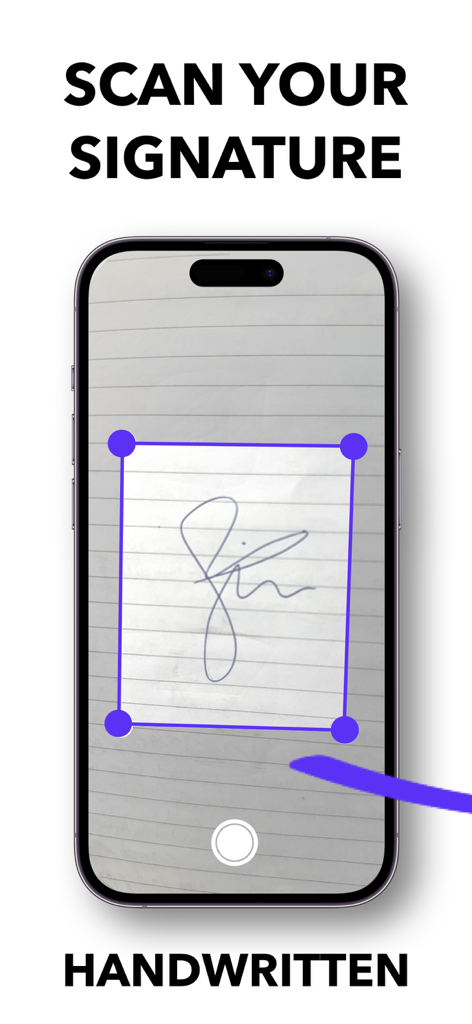
Smartphone scanning a handwritten signature on paper using the ZipSign app
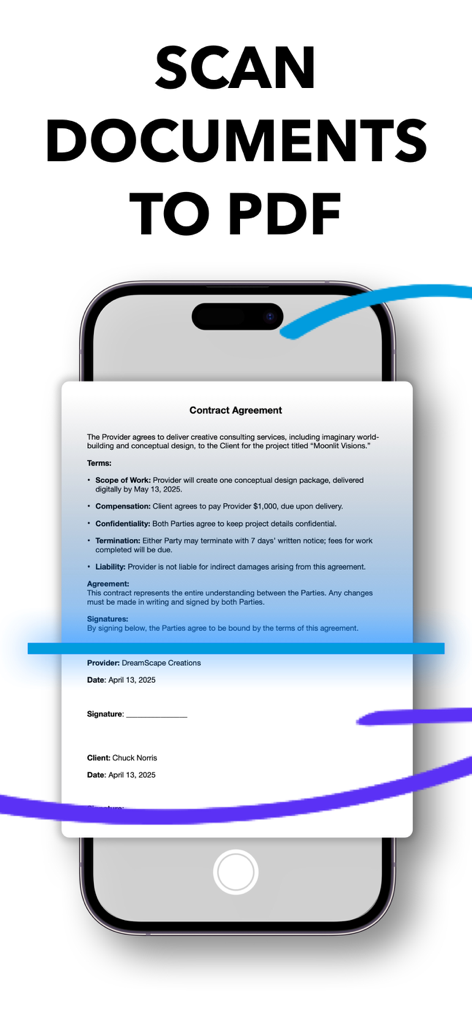
ZipSign app interface showing a contract agreement being scanned into a PDF file on a smartphone.
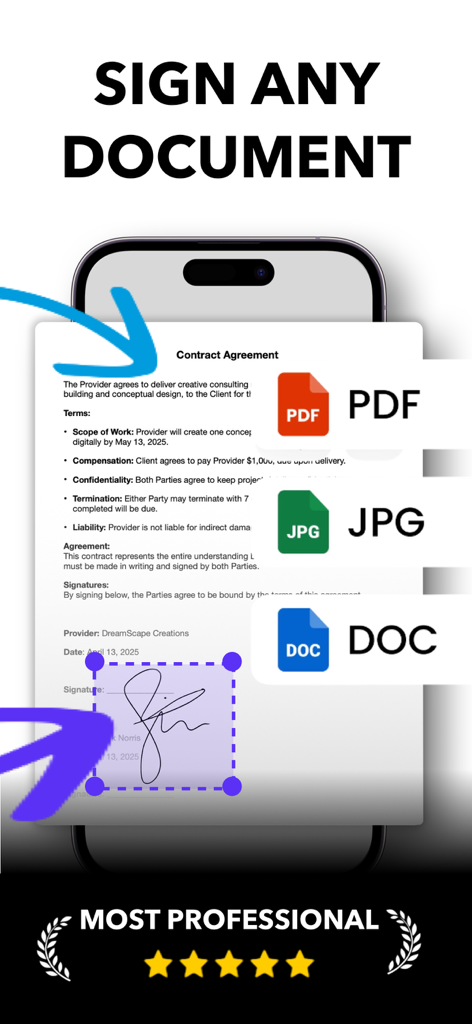
ZipSign mobile app screen showing options to sign PDF JPG and DOC documents
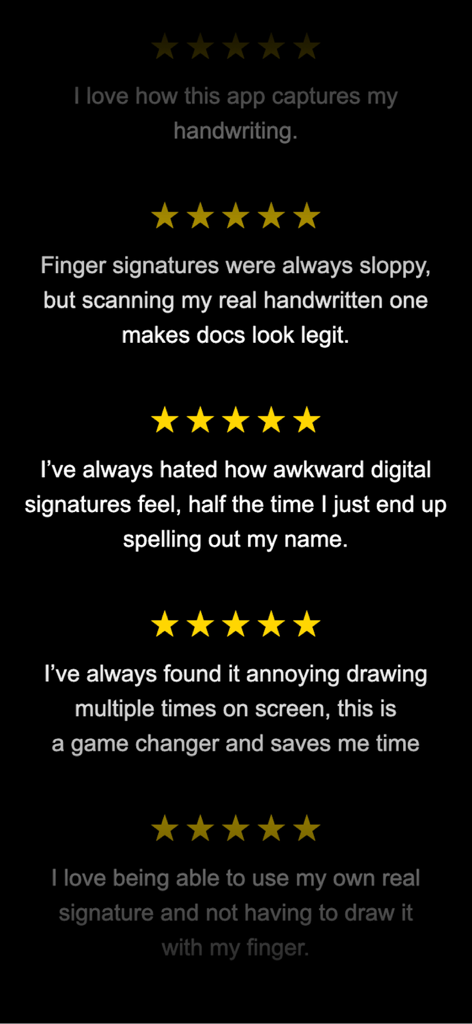
Five star user reviews for ZipSign Signature Maker app praising handwriting capture and professional digital signatures
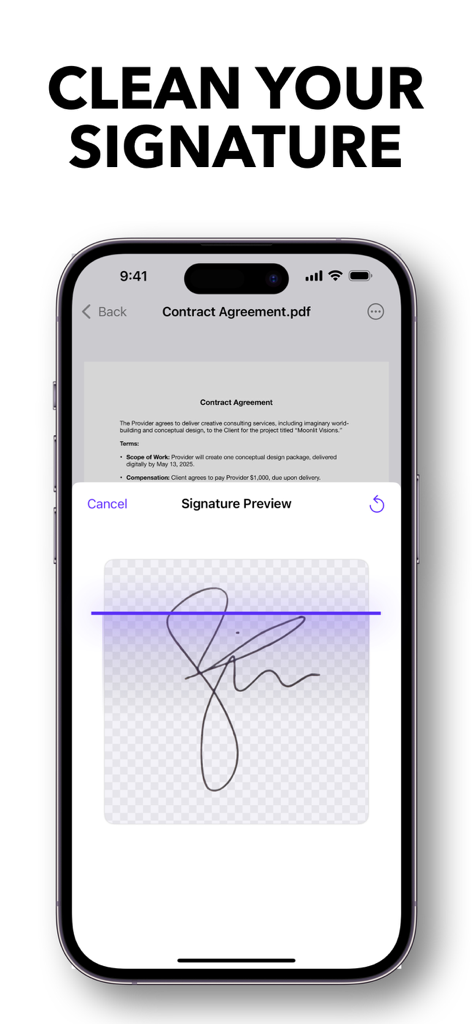
Mobile app interface showing a clean handwritten signature preview over a PDF contract.
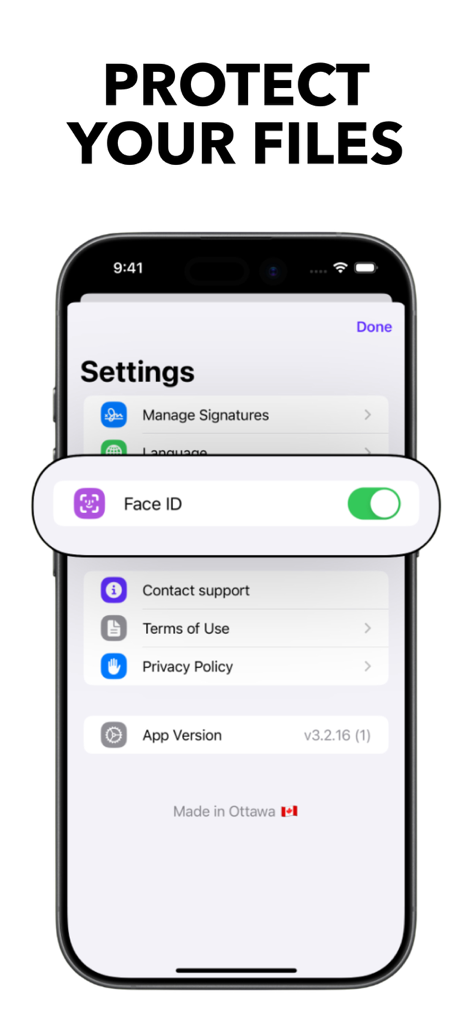
ZipSign app settings screen showing the Face ID toggle to protect files
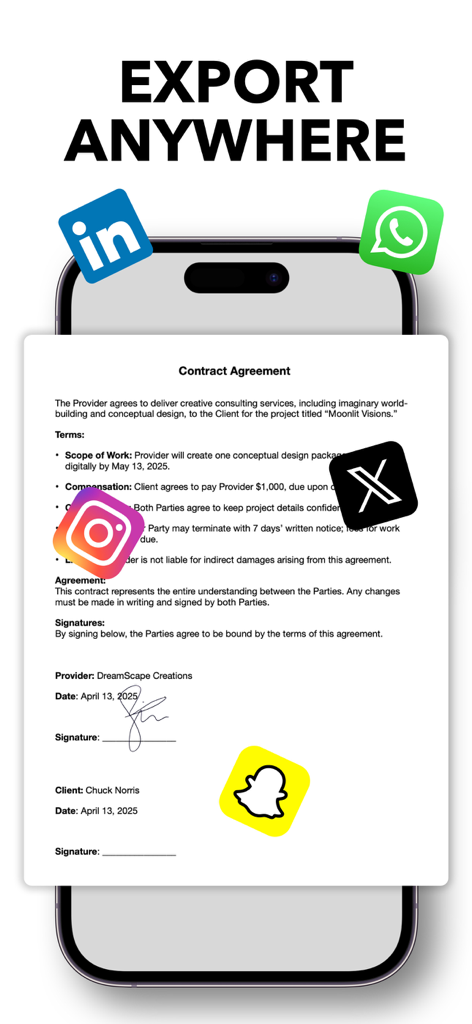
A smartphone screen displaying a signed contract agreement with social media icons for exporting documents
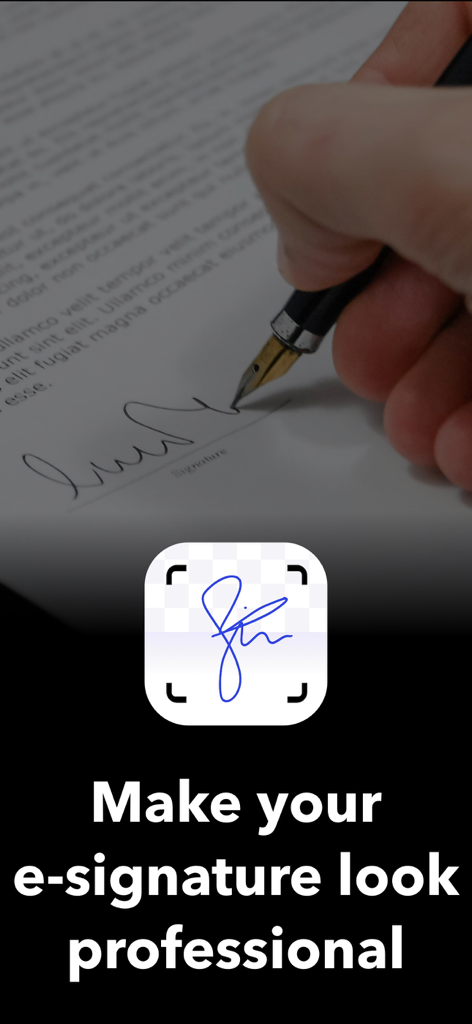
A hand signing a paper document with a fountain pen next to a digital scan of a signature with the text Make your e-signature look professional
Description
Download
More Like This
Apps with similar features and user experience



This page is not an official page of the app or its developer, but an independent editorial publication created for informational and commentary purposes. Unless expressly stated otherwise, neither the app nor its developer is affiliated with, endorsed by, sponsored by, authorized by, or otherwise officially connected with MWM, Apple, Google Play, the app publisher, or the app's developer, and nothing on this page implies that the app was developed using MWM's services. Any trademarks, logos, screenshots, and other content remain the property of their respective owners.