Zoho Sign - Fill & eSign Docs
Download on App Store

This page is not an official page of the app or its developer, but an independent editorial publication created for informational and commentary purposes. Unless expressly stated otherwise, neither the app nor its developer is affiliated with, endorsed by, sponsored by, authorized by, or otherwise officially connected with MWM, Apple, Google Play, the app publisher, or the app's developer, and nothing on this page implies that the app was developed using MWM's services. Any trademarks, logos, screenshots, and other content remain the property of their respective owners.

Logo of Zoho Sign - Fill & eSign Docs
Download on App Store

Zoho Sign - Fill & eSign Docs

Streamline your workflow with legally binding e-signatures. Designed for the agile professional, Zoho Sign lets you manage contracts and track documents in real-time, directly from your iPhone, iPad, or Mac.

Key Figures

Downloads

42K+

User Rating

4.9/5

Total Ratings

2K+

Publisher

Zoho Corporation

Category

Business

Locales

20

Latest Version

6.6

Size

153.4 MB

First Released

Jul 12, 2017
Features

Close Deals Without the Paperwork

Streamline your workflow with a secure, legally binding e-signature platform designed for the modern mobile professional.

Enterprise-Grade Security

Stay compliant with ESIGN Act, HIPAA, and GDPR. Every document includes a full audit trail with timestamps and IP tracking for total peace of mind.

Automate Recurring Contracts

Save hours with reusable templates and automated follow-ups. Set up sequential signing so your documents move through approvals on autopilot.

The following screenshots and description are sourced directly from the app's official store listing and are the property of the app developer.

App Store

Screenshots
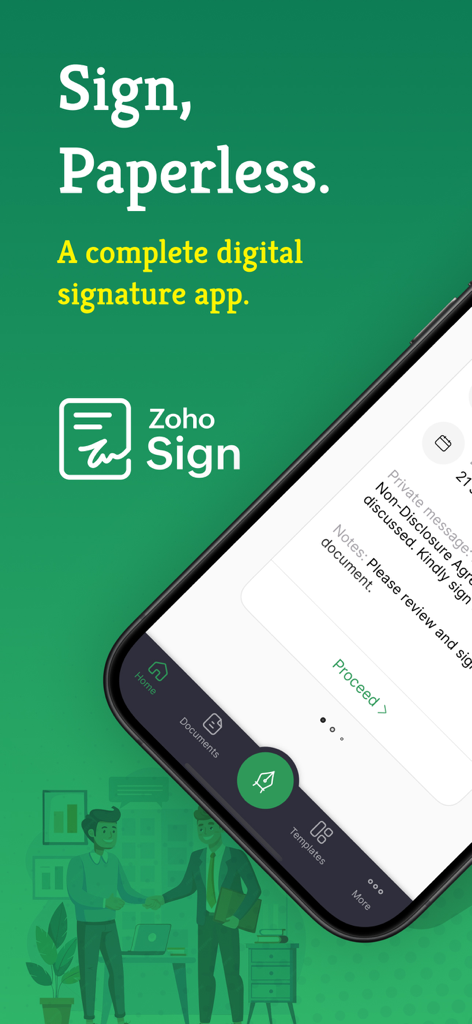
Zoho Sign - Fill & eSign Docs - Zoho Sign mobile app interface for paperless digital signatures
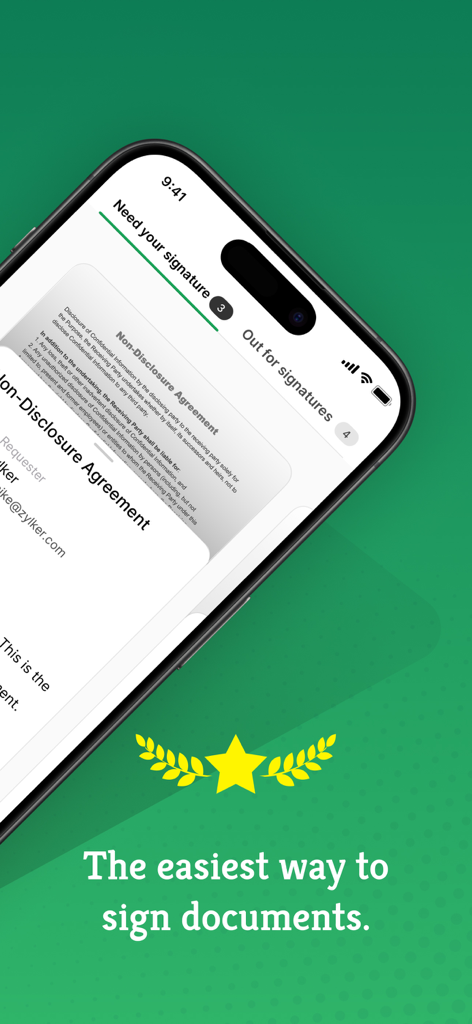
Zoho Sign mobile app interface for paperless digital signatures

Zoho Sign - Fill & eSign Docs - Zoho Sign app interface on iPhone showing an electronic non-disclosure agreement ready for signing.
Zoho Sign app interface on iPhone showing an electronic non-disclosure agreement ready for signing.

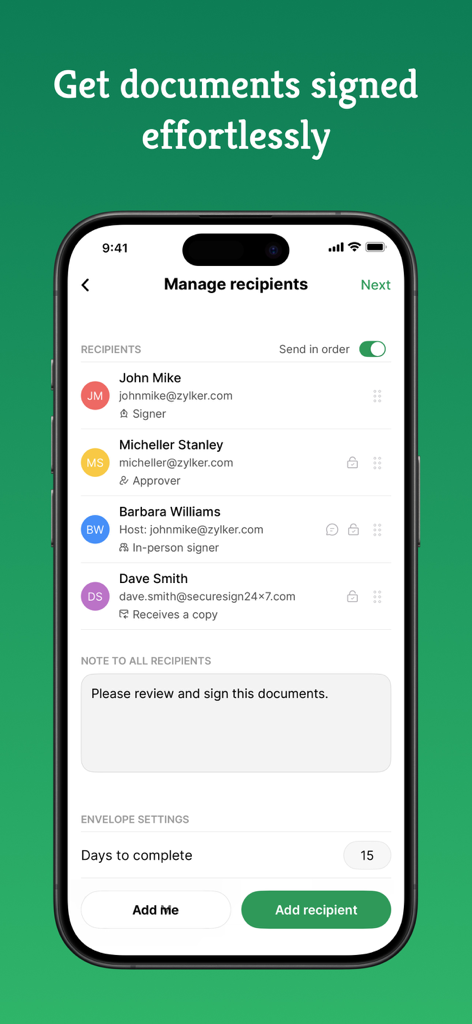
Zoho Sign - Fill & eSign Docs - iPhone interface of Zoho Sign app showing the manage recipients screen with specific signer roles

iPhone interface of Zoho Sign app showing the manage recipients screen with specific signer roles
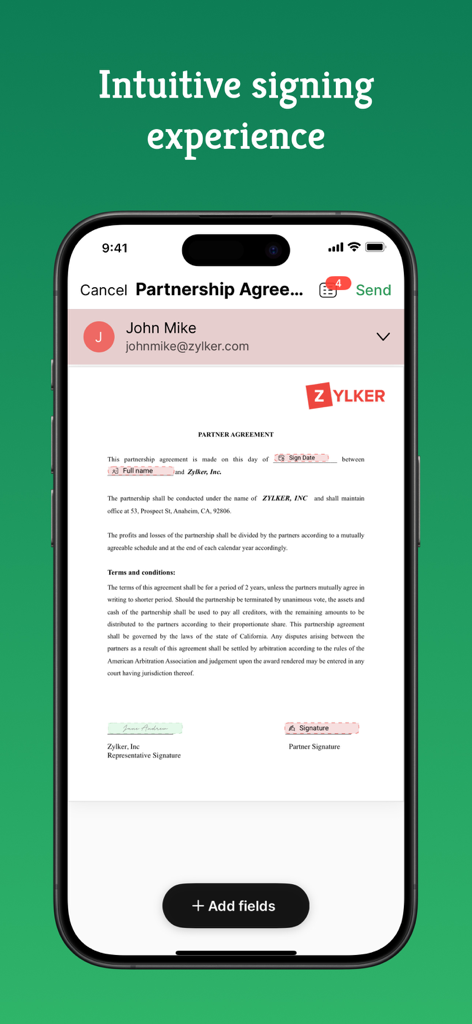
Zoho Sign - Fill & eSign Docs - iPhone screen showing a partnership agreement document in Zoho Sign app
iPhone screen showing a partnership agreement document in Zoho Sign app

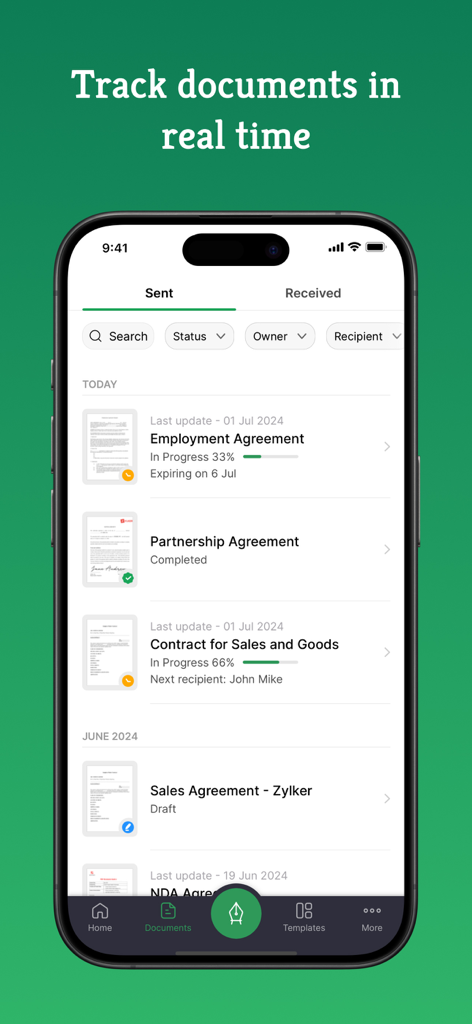
Zoho Sign - Fill & eSign Docs - Zoho Sign mobile app interface showing a list of sent documents with real-time signature progress and status tracking.
Zoho Sign mobile app interface showing a list of sent documents with real-time signature progress and status tracking.

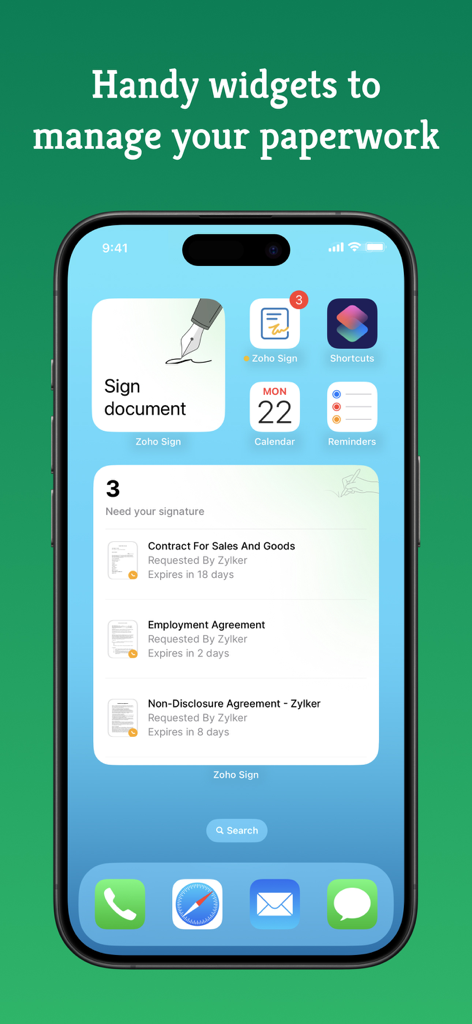
Zoho Sign - Fill & eSign Docs - Zoho Sign widgets on an iPhone home screen displaying documents awaiting signature and quick access to sign paperwork.
Zoho Sign widgets on an iPhone home screen displaying documents awaiting signature and quick access to sign paperwork.

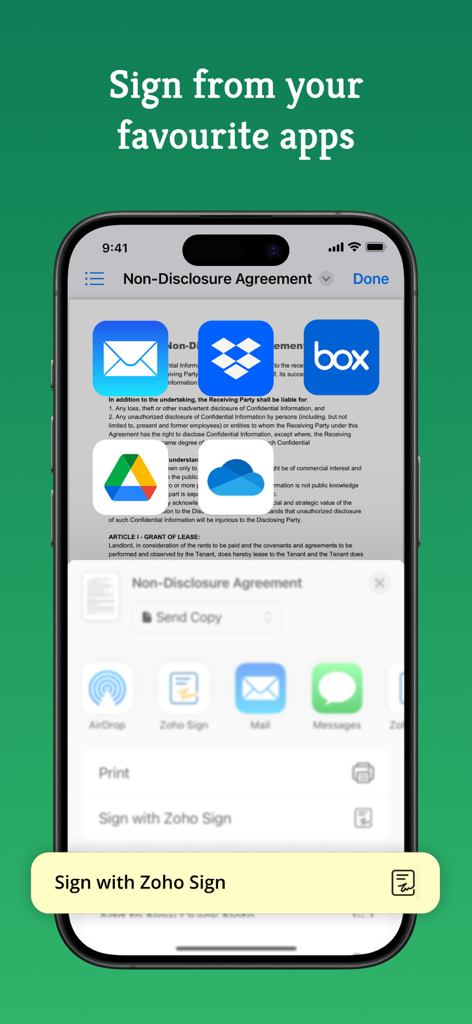
Zoho Sign - Fill & eSign Docs - Zoho Sign app on iPhone showing document signing options from cloud storage apps
Zoho Sign app on iPhone showing document signing options from cloud storage apps

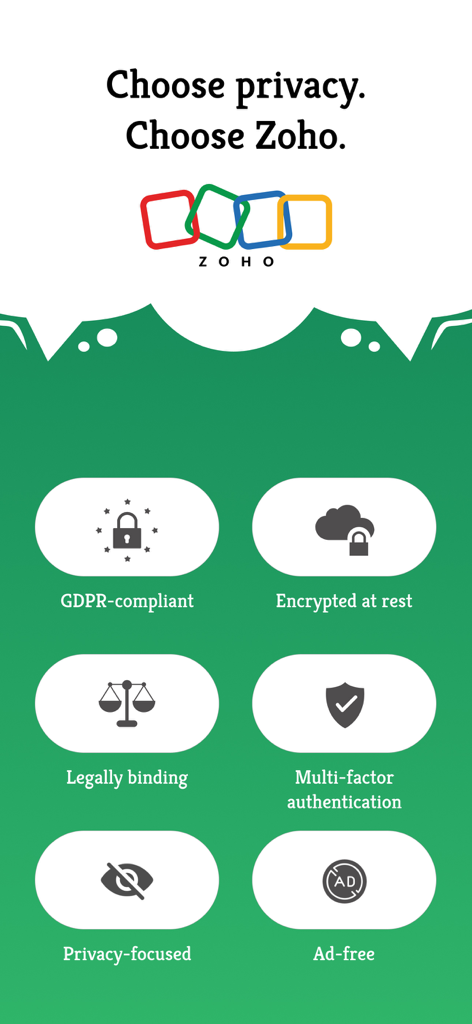
Zoho Sign - Fill & eSign Docs - An infographic highlighting Zoho Sign security features like GDPR compliance, encryption, and multi-factor authentication.

An infographic highlighting Zoho Sign security features like GDPR compliance, encryption, and multi-factor authentication.

Description

Zoho Sign is a robust digital signature solution that lets you securely sign documents from anywhere, at any time, directly on your iPhone, iPad, or MacBook. Built entirely on the cloud, our e-signature app seamlessly integrates with your everyday applications, providing a smooth and efficient online signing experience on the go. Trusted by users worldwide, Zoho Sign combines simplicity with top-notch security, making it one of the most reliable electronic signature apps on the market. "Zoho Sign is a comprehensive tool that serves all signing purposes. From sequential signing to automated follow-ups and document tracking, Zoho Sign does it all."  - Devendra Kandalkar, ACG World Key features: - Sign and send legally binding agreements, contracts, and forms across devices (iPhone, iPad, Mac) in various formats (PDF, DOCX, PNG, and more). - Export signed documents to cloud storage apps like Google Drive, Dropbox, and OneDrive. - Create reusable, custom templates for enhanced productivity. - Customize and manage SignForms with QR codes for easy signing without the app. - Add customizable fields (signatures, dates, text, and more). - Incorporate logic and advanced fields for dynamic data collection. - Collect signatures in person on your iPhone or iPad to speed up contract execution. - Collect payments during signing with the Zoho Checkout integration. - Verify signer identity using dynamic KBA (knowledge-based authentication). - Get real-time push notifications for every action taken on your document. - Switch between multiple Zoho Sign accounts or view everything in one place through the unified inbox. Additional features: - Send reminders for prompt document signing. - Initiate signing directly from your inbox. - Reassign signing tasks when needed. - Share completed documents via iMessage. - Use split-screen on iPad for multitasking. - Set up Siri shortcuts for signing using face ID, tracking, and scanning documents. - Add Zoho Sign's widget to your Control Center to quickly scan, sign, and browse. - Find signed documents instantly with Spotlight Search. - Get key details summarized with Zia's text summarization. Common documents to eSign with Zoho Sign: - Invoices - Sales contracts - Business proposals - Purchase orders - Lease agreements - Partnership agreements - Employment offers and more. Security and compliance: - Data is securely transmitted via an SSL/TLS connection and encrypted with AES 256-bit encryption while at rest. - Zoho Sign complies with the ESIGN Act, UETA, GDPR, HIPAA, and other industry-standard regulations, ensuring legal digital signatures and data protection compliance. - All documents are legally binding with a comprehensive audit trail including timestamps, the signer's email address, device IP, and completion details. - Biometric authentication like Touch ID and passcodes prevent unauthorized access. - Security codes ensure only authorized individuals can access and sign the documents. Legal & Security: - Certification of Completion: Get automatic audit trails for completed documents with time stamps and IP addresses. - Increase security using Touch ID and Passcode to block unauthorized access. - Set security codes and share it directly with the recipients to prevent unauthorized access. - Compliant with ESIGN act and industry standard laws. Plans and pricing: Free plan: Sign up for our free eSign app and get five documents per month at no cost. Standard plan: - Monthly: 12 USD/month - Yearly: 120 USD/year - Includes 25 documents per month for signing Professional plan: - Monthly: 18 USD/month - Yearly: 180 USD/year - Unlimited document signing Subscription details: Subscriptions are charged to your iTunes account upon purchase. Subscriptions renew automatically unless cancelled at least 24 hours before the end of the current period. Auto-renewal can be disabled in Account Settings after purchase. Privacy Policy: https://zoho.com/privacy Terms of use: https://zoho.com/terms

Download

Download on App Store

This page is not an official page of the app or its developer, but an independent editorial publication created for informational and commentary purposes. Unless expressly stated otherwise, neither the app nor its developer is affiliated with, endorsed by, sponsored by, authorized by, or otherwise officially connected with MWM, Apple, Google Play, the app publisher, or the app's developer, and nothing on this page implies that the app was developed using MWM's services. Any trademarks, logos, screenshots, and other content remain the property of their respective owners.








