
This page is not an official page of the app or its developer, but an independent editorial publication created for informational and commentary purposes. Unless expressly stated otherwise, neither the app nor its developer is affiliated with, endorsed by, sponsored by, authorized by, or otherwise officially connected with MWM, Apple, Google Play, the app publisher, or the app's developer, and nothing on this page implies that the app was developed using MWM's services. Any trademarks, logos, screenshots, and other content remain the property of their respective owners.


作业精灵
The ultimate homework management companion designed to streamline study sessions, reduce academic stress, and foster a more harmonious relationship through smarter guidance and quality support.
Downloads
9M+User Rating
Total Ratings
91K+Publisher
Category
EducationLocales
2Latest Version
3.10.1Size
160.4 MBFirst Released
Oct 20, 2016Smart Homework Management for High-Achieving Families
Turn academic challenges into growth opportunities with a toolkit designed to bridge the gap between school expectations and home success.
Instant Answer Verification
Save valuable time after work by quickly checking assignments with our comprehensive database of textbook solutions and explanations.
Stress-Free Parent Support
Reduce homework-related friction at home and transition from a taskmaster to a mentor with clear, easy-to-follow guidance.
Frequently Asked Questions
Everything you need to know about 作业精灵
What is 作业精灵 (Homework Genie)?
作业精灵 (Homework Genie) is an application designed to assist parents with managing their children's homework. It aims to enhance parent-child relationships and improve students' overall quality.
What features does 作业精灵 offer for homework management?
作业精灵 provides features like oral calculation correction, Chinese and English dictionaries, an error notebook, dictation practice, and detailed homework explanations. It also allows searching books by scan code or name.
Can parents check homework details with 作业精灵?
Yes, parents can check homework details with 作业精灵. The app offers "作业详解" (Homework detailed explanation) and "作业检查" (Homework check) functions for various synchronized practice materials.
Does 作业精灵 include English learning tools?
Yes, 作业精灵 includes English learning tools. It features an English dictionary and a dictation learning function to efficiently improve English listening skills using various textbook editions.
Are there parental control options in 作业精灵?
Yes, 作业精灵 includes parental control options. The "系统设置" (System settings) menu offers a "家长锁" (Parent lock) feature to manage and safeguard children's usage.
Does 作业精灵 offer eye protection mode?
Yes, 作业精灵 offers an eye protection mode. Users can enable "护眼模式" (Eye protection mode) within the system settings to protect children's eyes during use.
Can users deregister their account from 作业精灵?
Yes, users can deregister their account from 作业精灵. The "系统设置" (System settings) menu provides a "注销账户" (Deregister account) option for this purpose.
What kind of learning resources are available in 作业精灵?
作业精灵 offers various learning resources, including synchronized practice books, classroom highlight series, and excellent classroom materials. It also provides learning techniques and parent guidance for skills like penmanship.
The following screenshots and description are sourced directly from the app's official store listing and are the property of the app developer.
App Store
Screenshots
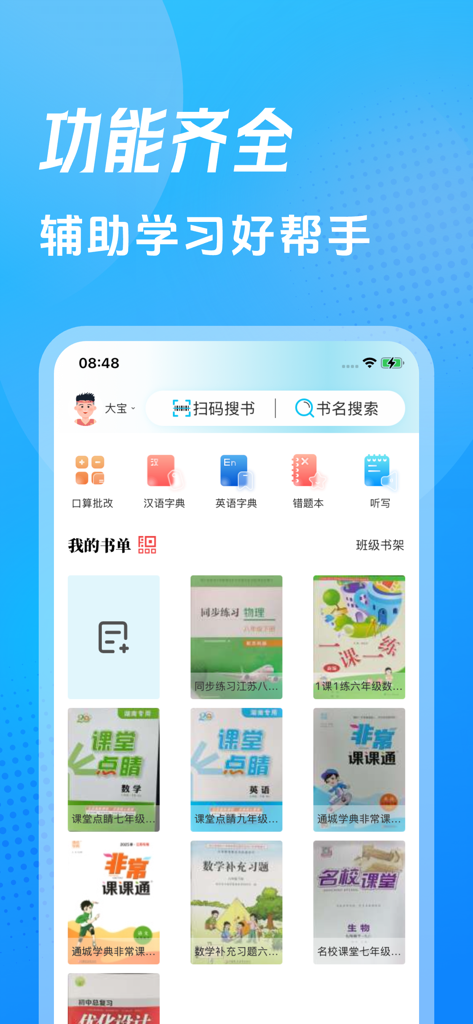
Homework Genie app interface showing a digital library of textbooks and study tools
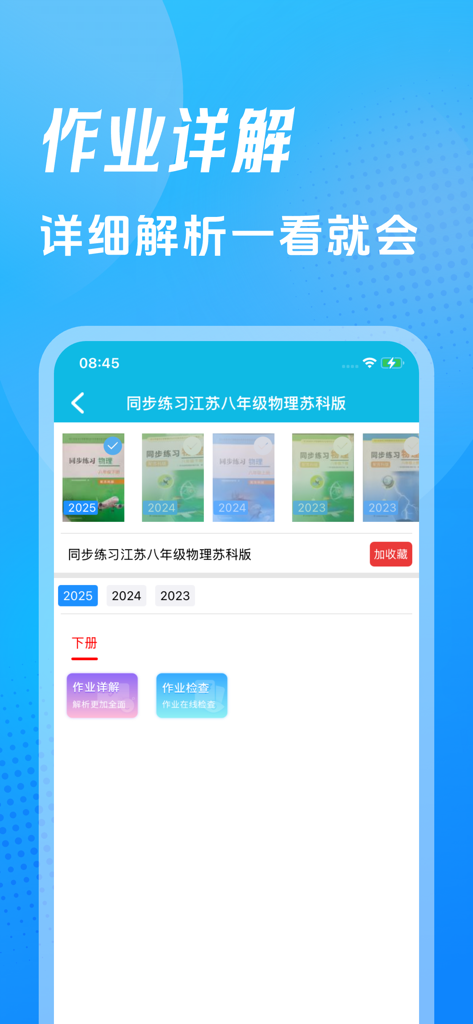
Interface of Homework Genie app showing options for detailed physics homework analysis and textbook selection.
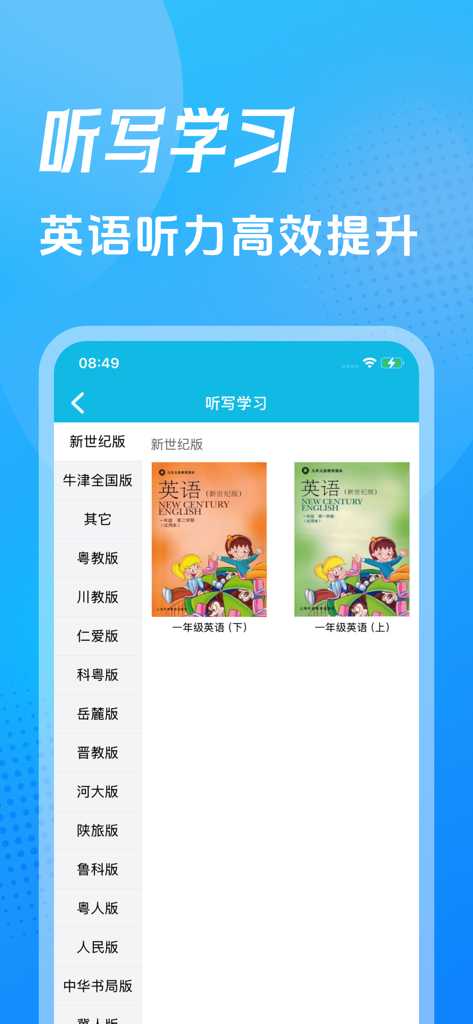
Interface of Homework Genie app showing English listening and dictation learning features with textbook covers.
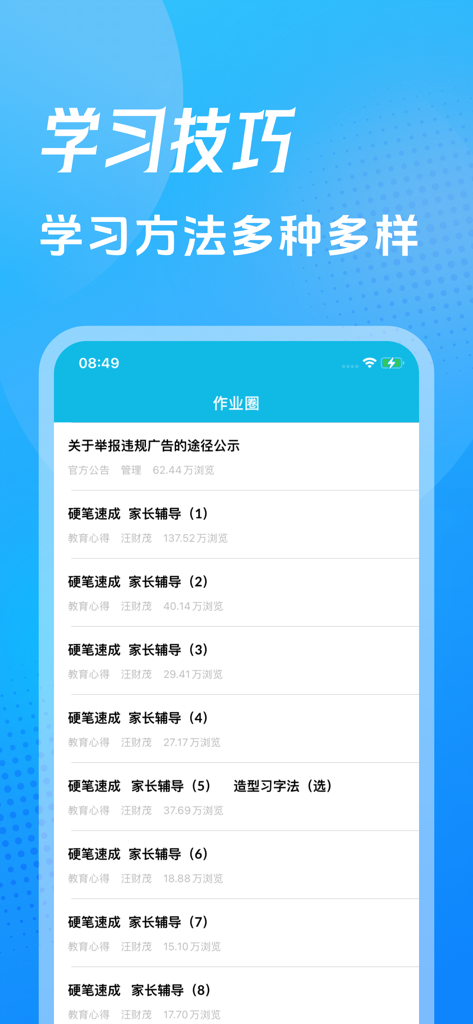
Homework Genie app interface displaying a list of study skills and calligraphy guidance articles for parents.
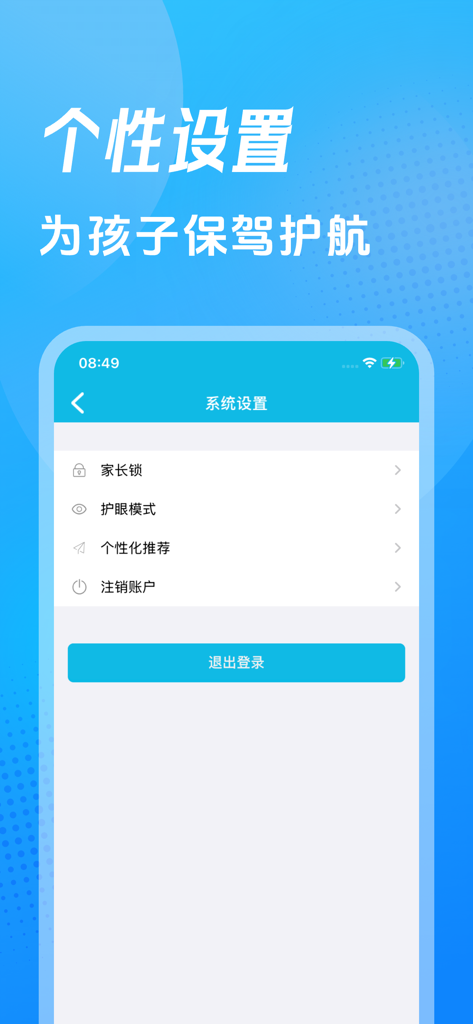
Homework Genie app system settings page displaying parental lock and eye protection mode options.
Description
Download
More Like This
Apps with similar features and user experience

希望学-方法对了更有效
Beijing Xiwangzaixian Subject Training School

英语默写出题器
Suzhou Xiaoshu Qimeng Technology Co.,Ltd.

小白智慧打印-手机打印扫描复印,试卷擦除
Nanjing Kungfu Bean Technology Co., Ltd.

爱作业-检查口算,辅导数学作业好帮手
Danatech Inc.

EduKids Ecole Primaire
Alexandre Minard

作业帮家长版-家长辅导学习和检查作业的好帮手
Guangzhou Polar Future Culture Technology Co., Ltd

E英语宝
珏琨 王
This page is not an official page of the app or its developer, but an independent editorial publication created for informational and commentary purposes. Unless expressly stated otherwise, neither the app nor its developer is affiliated with, endorsed by, sponsored by, authorized by, or otherwise officially connected with MWM, Apple, Google Play, the app publisher, or the app's developer, and nothing on this page implies that the app was developed using MWM's services. Any trademarks, logos, screenshots, and other content remain the property of their respective owners.