
This page is not an official page of the app or its developer, but an independent editorial publication created for informational and commentary purposes. Unless expressly stated otherwise, neither the app nor its developer is affiliated with, endorsed by, sponsored by, authorized by, or otherwise officially connected with MWM, Apple, Google Play, the app publisher, or the app's developer, and nothing on this page implies that the app was developed using MWM's services. Any trademarks, logos, screenshots, and other content remain the property of their respective owners.


Zwift Companion
Take total control of your training. Plan events, interact with the community, and manage your performance in real-time with the essential second-screen for every Zwifter.
Downloads
1M+User Rating
Total Ratings
87K+Publisher
Category
Health & FitnessLocales
9Latest Version
3.77.2Size
220.1 MBFirst Released
Mar 31, 2015Your Ultimate Mission Control
Maximize every watt. The Zwift Companion app turns your phone into a tactile dashboard, keeping you connected, in control, and ahead of the pack.
Tactile In-Ride Remote
No more reaching for a sweaty keyboard. Toggle views, send RideOns, and adjust workout intensity with large, handlebar-friendly controls.
Seamless Event Planning
Plan your training around your busy schedule. Browse thousands of events and set smart reminders so you're always ready to ride.
Frequently Asked Questions
Everything you need to know about Zwift Companion
What is the Zwift Companion app?
The Zwift Companion app functions as a remote control for Zwift, enhancing the user experience pre-ride, during rides, and post-ride. It helps manage activities and view data.
How can Zwift Companion help me plan my activities?
Zwift Companion helps plan activities by centralizing all events. Users can discover thousands of events, find and join clubs, and receive personalized ride suggestions.
Can I update Zwift equipment firmware using the Zwift Companion app?
Yes, the Zwift Companion app allows users to update the firmware for their Zwift equipment. This feature ensures optimal performance for connected devices.
What features does Zwift Companion offer during a ride?
During a ride, Zwift Companion allows users to send RideOns, text other Zwifters, perform U-Turns, select route options, adjust trainer resistance, and take screenshots.
How does Zwift Companion help with post-ride analysis?
Post-ride, Zwift Companion provides a deep dive into ride data. Users can review their performance, check progress for Tours, and monitor their set goals.
Does the Zwift Companion app display events?
Yes, the Zwift Companion app displays all available events in one place. Users can find and filter events based on their preferences and schedule.
Can users join clubs through the Zwift Companion app?
Yes, users can find and join clubs directly within the Zwift Companion app. This allows them to connect with like-minded athletes.
Does Zwift Companion track user ride progress and goals?
Yes, Zwift Companion tracks user progress. Post-ride, users can check their ride data, monitor their training score, weekly distance goals, and Tour progress.
Can I chat with other Zwifters using the Zwift Companion app?
Yes, the Zwift Companion app allows users to text and chat with other Zwifters and friends during and outside of rides.
The following screenshots and description are sourced directly from the app's official store listing and are the property of the app developer.
App Store
Screenshots
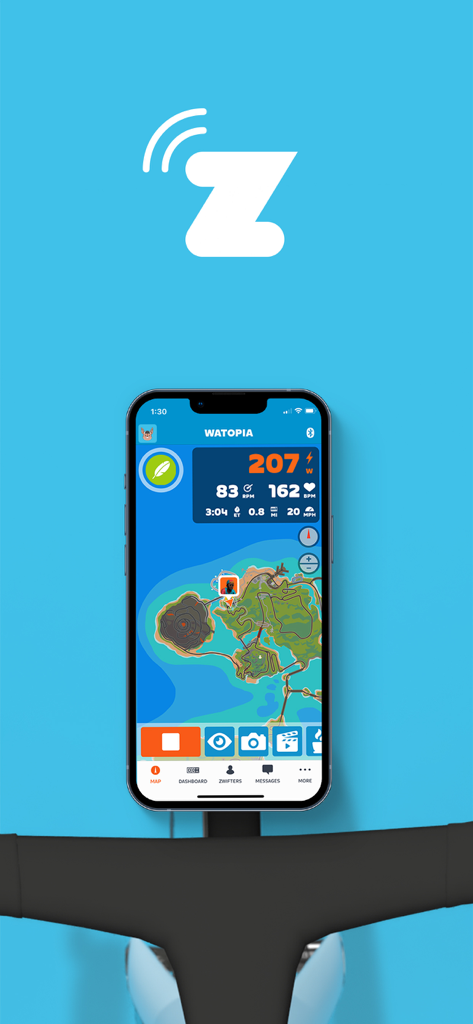
Zwift Companion app dashboard on a smartphone mounted to bicycle handlebars showing cycling metrics and a map
Zwift Companion app promotional screen showing a bike handlebar and the text All your Zwift info in one place
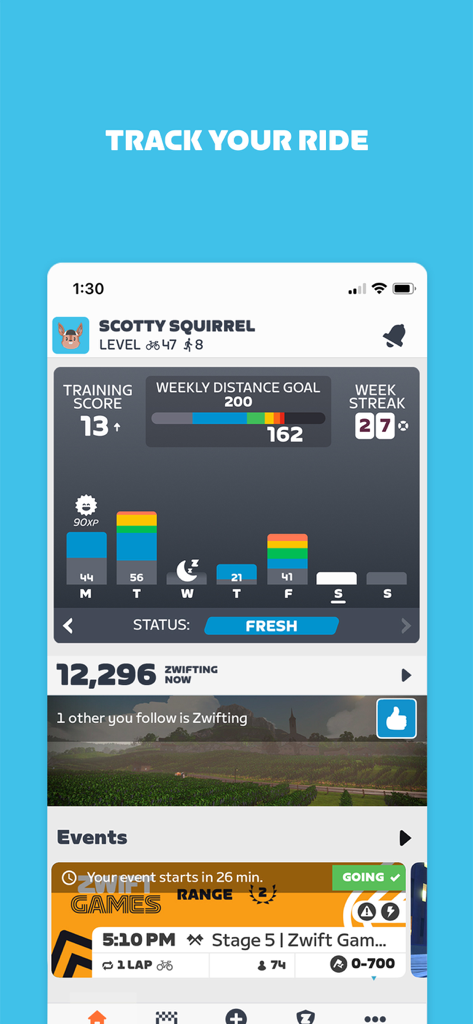
Dashboard of the Zwift Companion app showing a user's weekly distance goal, training score, and activity streak.
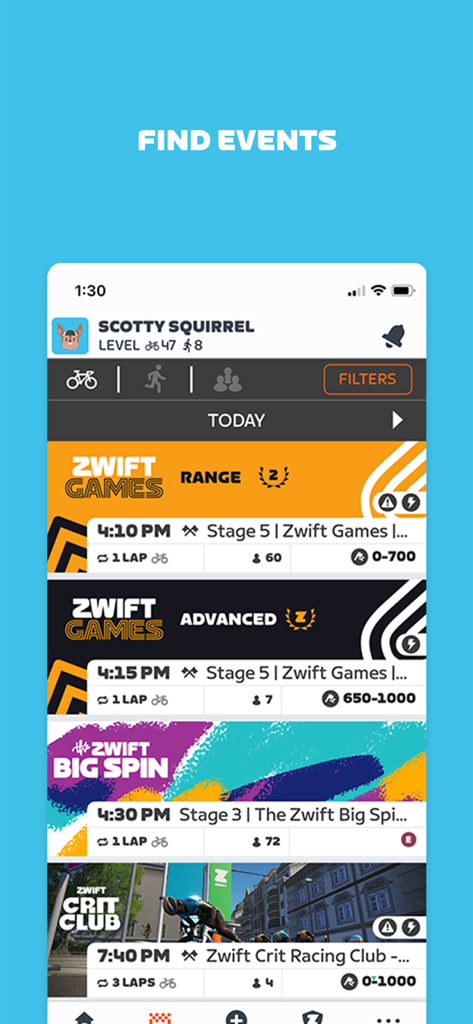
The Zwift Companion app interface showing a schedule of upcoming virtual cycling events and races
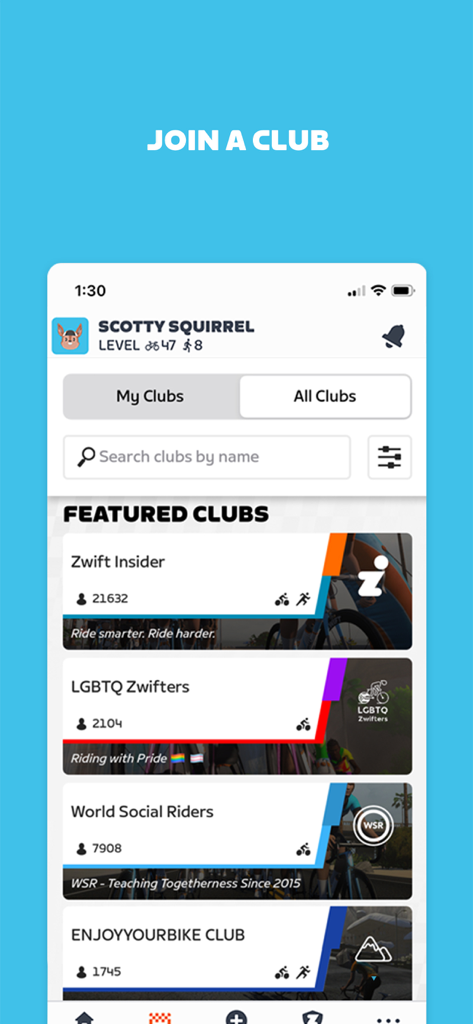
Zwift Companion app screen displaying featured cycling clubs and a search bar to join communities.
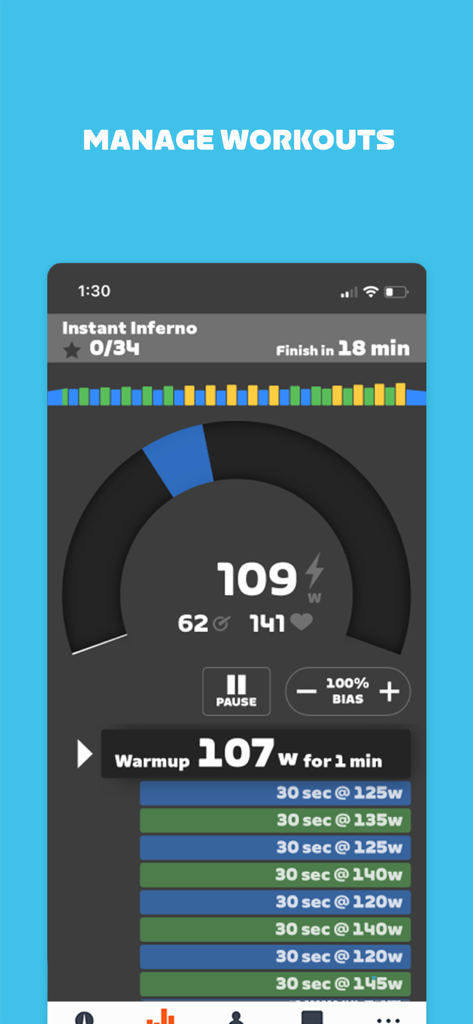
Zwift Companion app mobile interface displaying real-time indoor cycling workout metrics and interval progress.
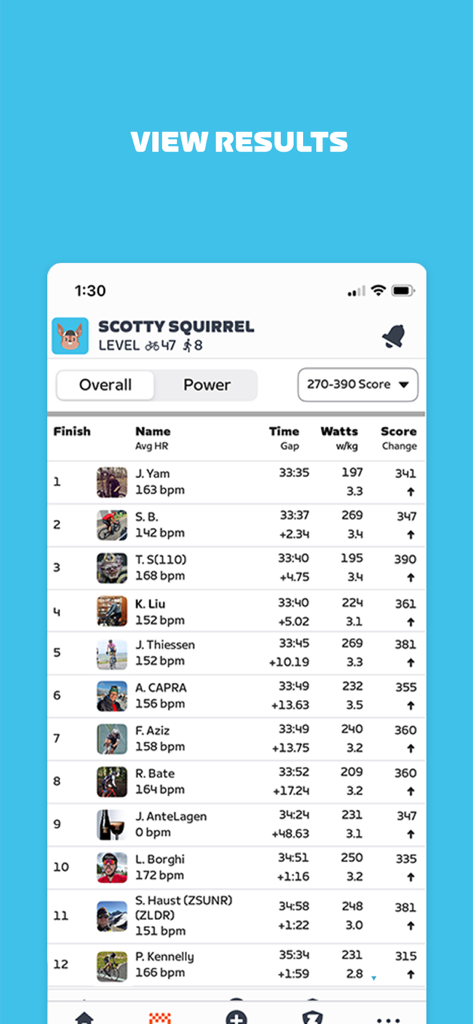
A leaderboard screen in the Zwift Companion app showing race results with rider rankings finish times and power stats
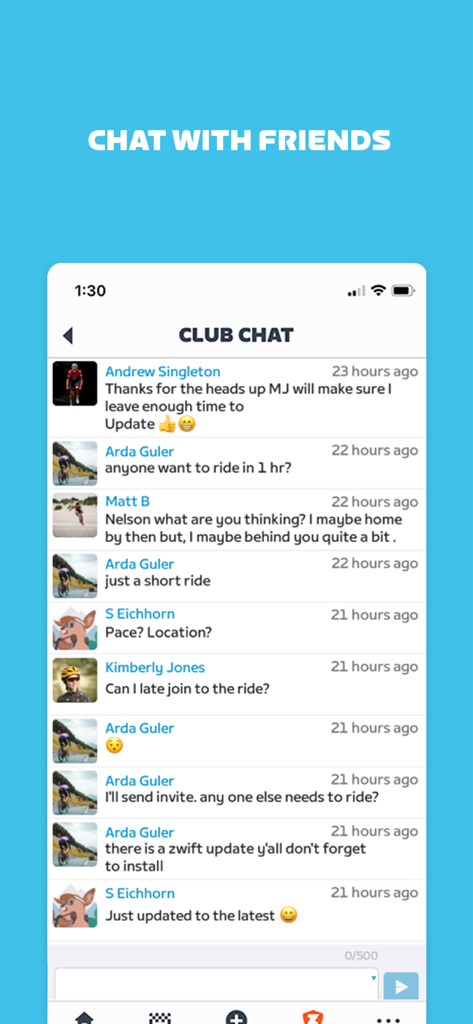
Zwift Companion app Club Chat screen showing cyclists communicating and planning group rides
Description
Download
More Like This
Apps with similar features and user experience

GoodShot - Badminton tracker
GoodShot Technology Co., Ltd
YaoYao - Jump Rope
家浩 汪

TrainerDay - Indoor Cycling
TrainerDay Inc

Arm Care
Fitworks, Inc

Wahoo
Wahoo Fitness L.L.C.

HOTWORX
Planet Beach Franchising Corporation

Dribbleup - Sports & Fitness
DribbleUp Inc

MOWL: Intelligent Training
Intelligent Training Group ApS

SIG CONNECT
Sig Sauer, Inc.
This page is not an official page of the app or its developer, but an independent editorial publication created for informational and commentary purposes. Unless expressly stated otherwise, neither the app nor its developer is affiliated with, endorsed by, sponsored by, authorized by, or otherwise officially connected with MWM, Apple, Google Play, the app publisher, or the app's developer, and nothing on this page implies that the app was developed using MWM's services. Any trademarks, logos, screenshots, and other content remain the property of their respective owners.