
Diese Seite ist keine offizielle Seite der App oder ihres Entwicklers, sondern eine unabhängige redaktionelle Veröffentlichung, die zu Informations- und Kommentarzwecken erstellt wurde. Sofern nicht ausdrücklich anders angegeben, sind weder die App noch ihr Entwickler mit MWM, Apple, Google Play, dem App-Herausgeber oder dem Entwickler der App verbunden, von ihnen unterstützt, gesponsert, autorisiert oder anderweitig offiziell verbunden, und nichts auf dieser Seite impliziert, dass die App unter Verwendung der Dienste von MWM entwickelt wurde. Alle Marken, Logos, Screenshots und andere Inhalte bleiben Eigentum ihrer jeweiligen Inhaber.

Tap & Print: Smart Air Printer
Lassen Sie den Laptop links liegen und verbinden Sie sich sofort mit über 9.000 WLAN-Druckern. Ob Vertrag, Schulformular oder Foto – erhalten Sie professionelle Kontrolle und nahtlose Cloud-Integration mit nur einem Fingertipp.
Downloads
3M+Bewertung
Bewertungen gesamt
3K+Herausgeber
Kategorie
BusinessSprachen
6Neueste Version
7.12Größe
193.5 MBErstveröffentlichung
12. Jan. 2018Leistungsstarkes Drucken, einfach gemacht
Von Schulformularen bis hin zu professionellen Verträgen – verwalten Sie jedes Dokument mit dem ultimativen mobilen Toolkit für Druck und Scan.
Universelles kabelloses Drucken
Verbinden Sie sich nahtlos mit über 9.000 Druckermodellen, darunter HP, Epson und Canon, ganz ohne Computer.
Erweiterte Dokumentensteuerung
Übernehmen Sie die Kontrolle über Ihre Druckaufträge mit Profi-Einstellungen für Papierformat, Graustufen und beidseitige Drucklayouts für professionelle Ergebnisse.
Die folgenden Screenshots und die Beschreibung stammen direkt aus dem offiziellen Store-Eintrag der App und sind Eigentum des Entwicklers.
App Store
Screenshots
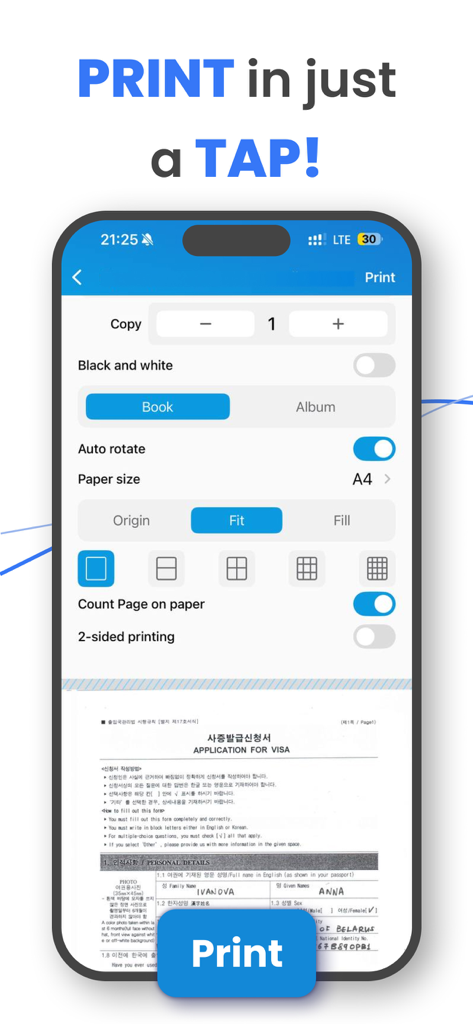
Mobile App-Oberfläche mit erweiterten Druckeinstellungen und Dokumentenvorschau auf einem Smartphone
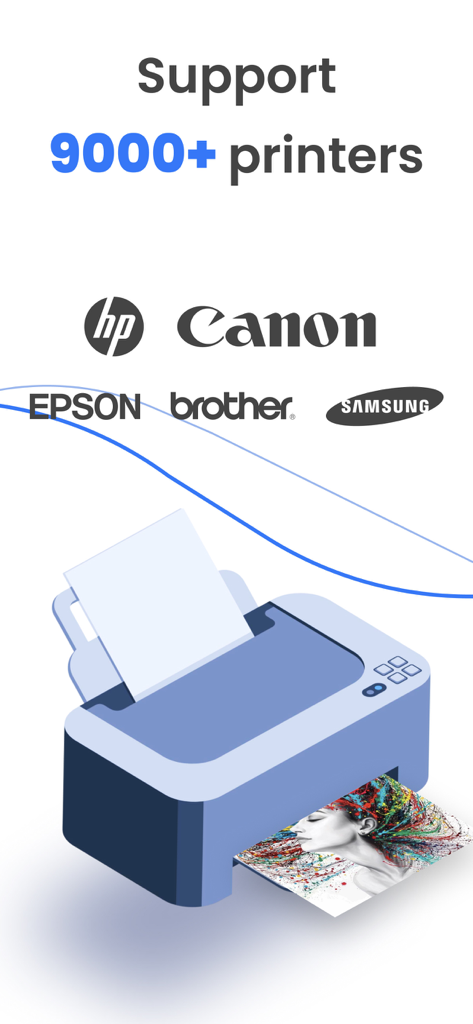
Grafik, die die Unterstützung der Tap and Print App für über 9000 Drucker einschließlich HP, Canon und Epson zeigt
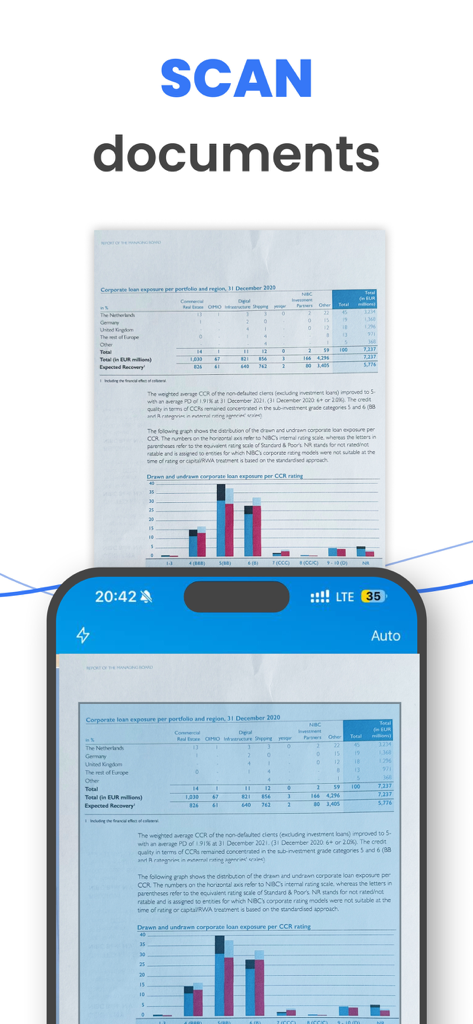
iPhone-Bildschirm, der die Funktion zum Scannen von Dokumenten mit einem Finanzbericht zeigt
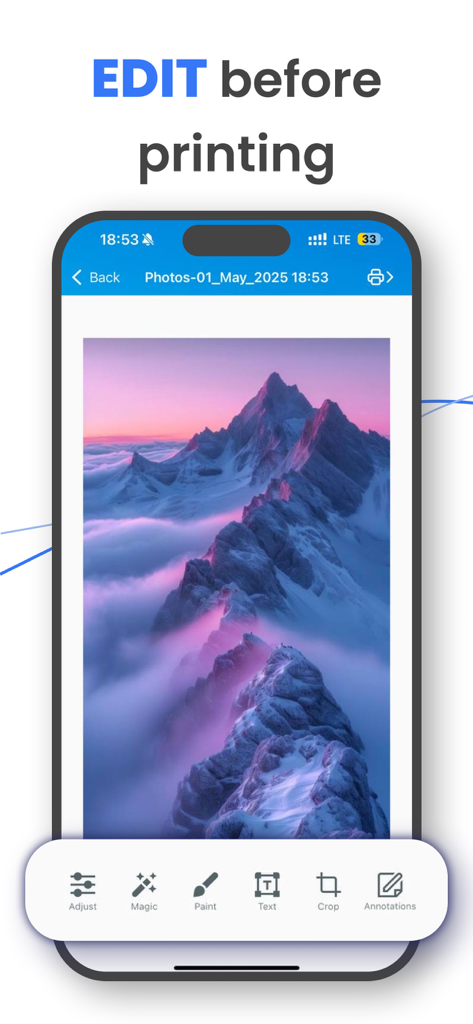
Oberfläche der Tap and Print App, die Bildbearbeitungswerkzeuge wie Zuschneiden und Anmerkungen vor dem Drucken anzeigt.
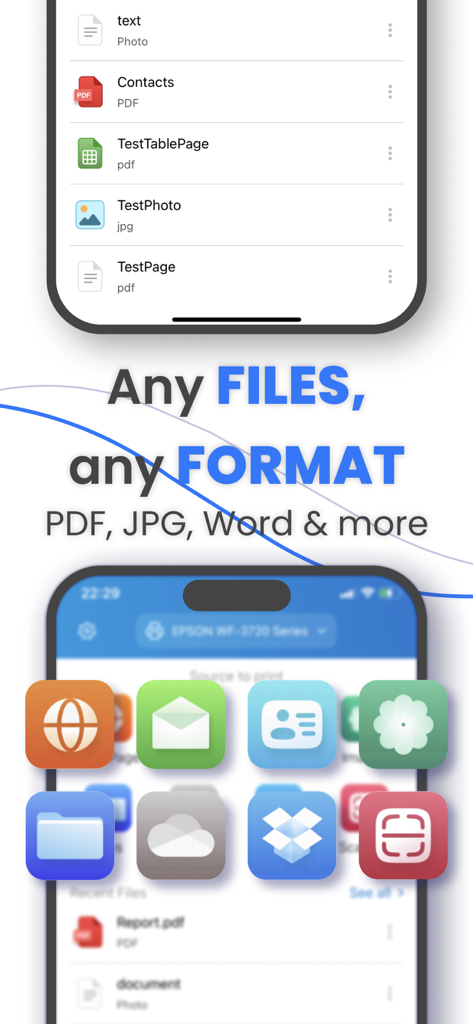
Tap and Print App-Bildschirm, der die Unterstützung für mehrere Dateiformate einschließlich PDF, JPG und Word anzeigt
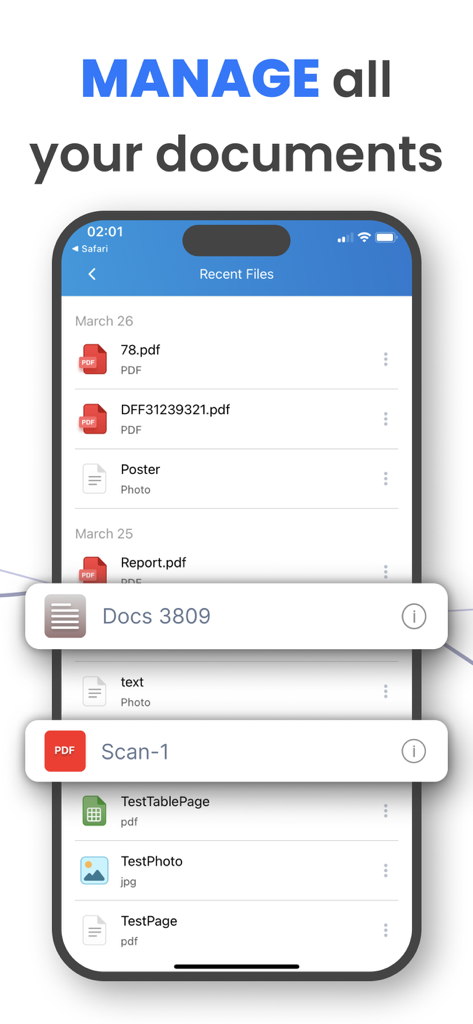
iPhone-Bildschirm mit der Liste der zuletzt verwendeten Dateien in der Tap and Print App mit der Überschrift "Alle Ihre Dokumente verwalten"
Beschreibung
Download
Ähnliche Apps
Apps mit ähnlichen Funktionen und Nutzererfahrung

Docuslice - Poster Printing
Jeremiah Lachica

Printer Pro: Smart Printer App
Ivan Spyrydonov

HP
HP Inc.

Canon PRINT
Canon Inc.

Epson Smart Panel
Seiko Epson Corporation

Brother Mobile Connect
Brother Industries, LTD.

Epson iPrint
Seiko Epson Corporation

Printer App: Smart Print
Netpeak EOOD

Smart Printer App: iPrint
AppFusion OU
Diese Seite ist keine offizielle Seite der App oder ihres Entwicklers, sondern eine unabhängige redaktionelle Veröffentlichung, die zu Informations- und Kommentarzwecken erstellt wurde. Sofern nicht ausdrücklich anders angegeben, sind weder die App noch ihr Entwickler mit MWM, Apple, Google Play, dem App-Herausgeber oder dem Entwickler der App verbunden, von ihnen unterstützt, gesponsert, autorisiert oder anderweitig offiziell verbunden, und nichts auf dieser Seite impliziert, dass die App unter Verwendung der Dienste von MWM entwickelt wurde. Alle Marken, Logos, Screenshots und andere Inhalte bleiben Eigentum ihrer jeweiligen Inhaber.