ABB-free@home® Next
ABB-free@home® Next
ダウンロード: App Store

このページはアプリまたはその開発者の公式ページではなく、情報提供および論評を目的として作成された独立した編集出版物です。明示的に別段の記載がない限り、アプリおよびその開発者は、MWM、Apple、Google Play、アプリのパブリッシャー、またはアプリの開発者と提携、承認、後援、認可、またはその他の公式的な関係はなく、このページのいかなる内容も、アプリがMWMのサービスを使用して開発されたことを意味するものではありません。すべての商標、ロゴ、スクリーンショット、その他のコンテンツはそれぞれの所有者の財産です。

ロゴ: ABB-free@home® Next
ダウンロード: App Store

ABB-free@home® Next

単一の直感的なダッシュボードで、自宅のシステム全体を完全に制御できます。プロフェッショナルグレードの自動化から安全なリモートアクセスまで、モダンでハイエンドなライフスタイルに合わせて設計されたシームレスなコントロールを体験してください。

主要数値

ダウンロード

6K+

ユーザー評価

4.5/5

評価数

1K+

開発元

Busch-Jaeger Elektro GmbH

カテゴリ

Productivity

対応言語

17

最新バージョン

3.5.3

サイズ

225.7 MB

リリース日

2020年5月20日
機能

あなたの家、完璧に同期

照明、気候、セキュリティをプロフェッショナルグレードの精度で管理する集中ダッシュボードで、スマートリビングの頂点を体験してください。

瞬時の家の可視性

どの照明が点灯しているか、どのシャッターが開いているか、窓が安全かどうかを正確に示すステータスタイルで、家全体を一度に監視できます。

モバイルエントリーコントロール

統合されたWelcomeドアインターホンにより、どこにいてもモバイルデバイスから直接訪問者を確認、通話、アクセス許可を与えることができます。

以下のスクリーンショットと説明は、アプリの公式ストアリスティングから直接取得されたものであり、アプリ開発者の所有物です。

アプリストア

スクリーンショット
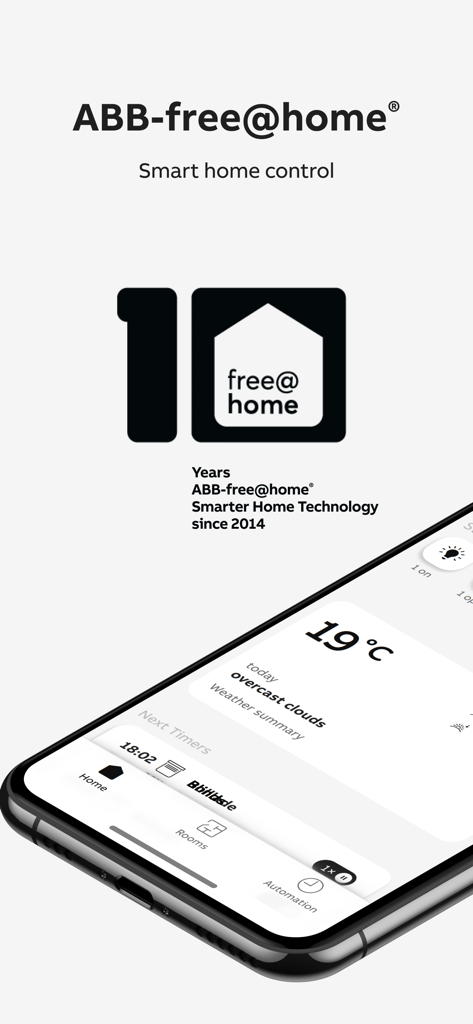
ABB-free@home® Next - ABB-free-home Next スマートホームコントロールアプリのダッシュボードを示すスマートフォン
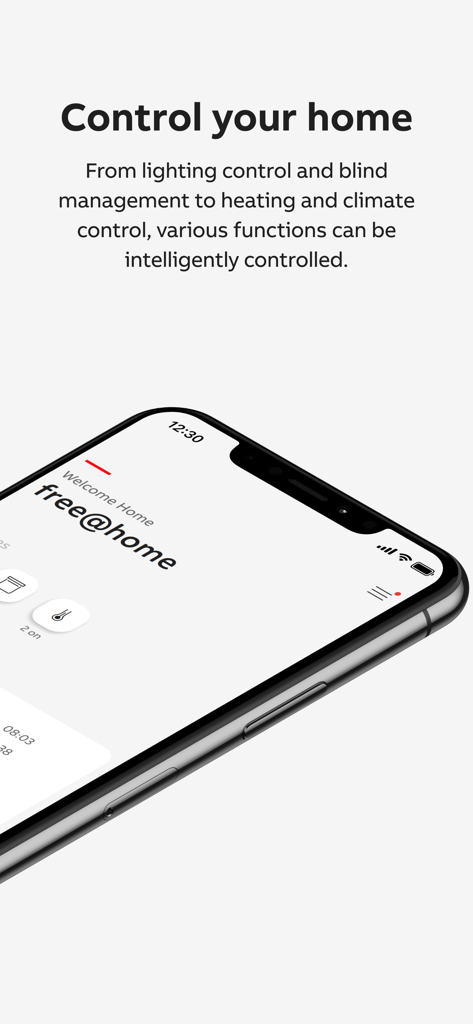
ABB-free-home Next スマートホームコントロールアプリのダッシュボードを示すスマートフォン

ABB-free@home® Next - 照明、ブラインド、気候の集中制御のためのABB-freeathome Nextアプリダッシュボードを表示するスマートフォン
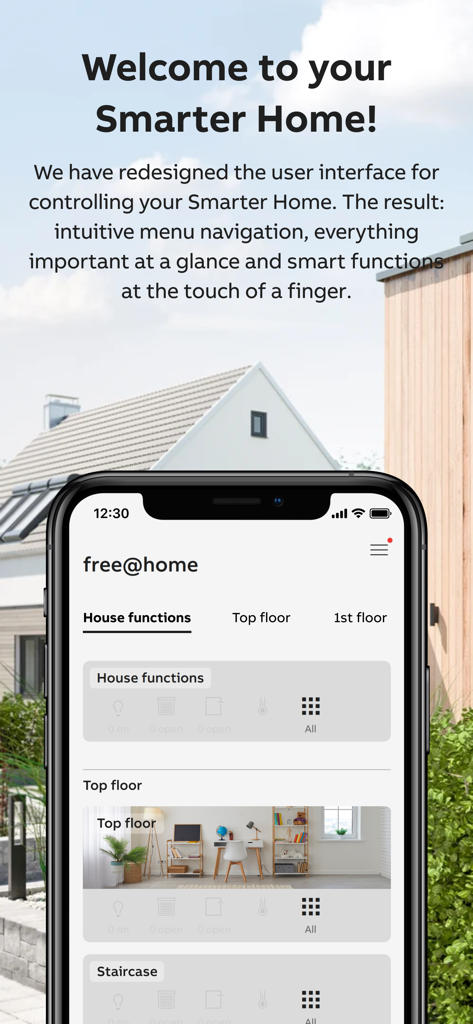
照明、ブラインド、気候の集中制御のためのABB-freeathome Nextアプリダッシュボードを表示するスマートフォン

ABB-free@home® Next - 家の機能と部屋の統合スマートホームコントロールを示すiPhone上のABB-free@home Nextアプリダッシュボード
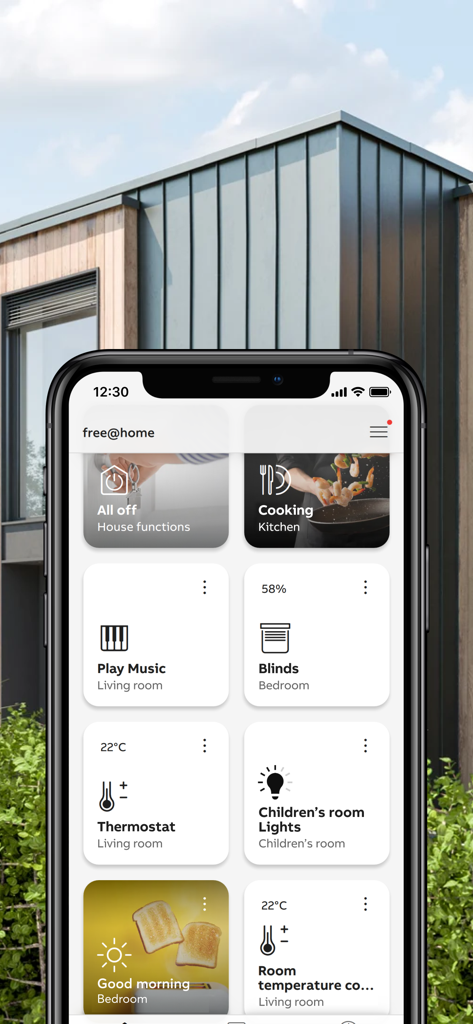
家の機能と部屋の統合スマートホームコントロールを示すiPhone上のABB-free@home Nextアプリダッシュボード

ABB-free@home® Next - iPhone上の照明と気候のためのスマートホームコントロールを示すABB-free-at-home Nextアプリダッシュボード
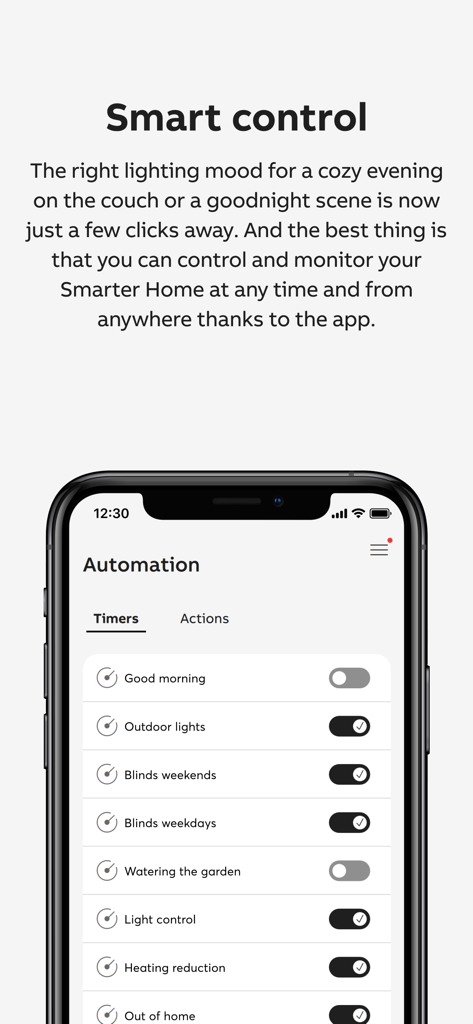
iPhone上の照明と気候のためのスマートホームコントロールを示すABB-free-at-home Nextアプリダッシュボード

ABB-free@home® Next - ABB free home Nextアプリの照明とブラインドのスマートホーム自動化タイマー設定
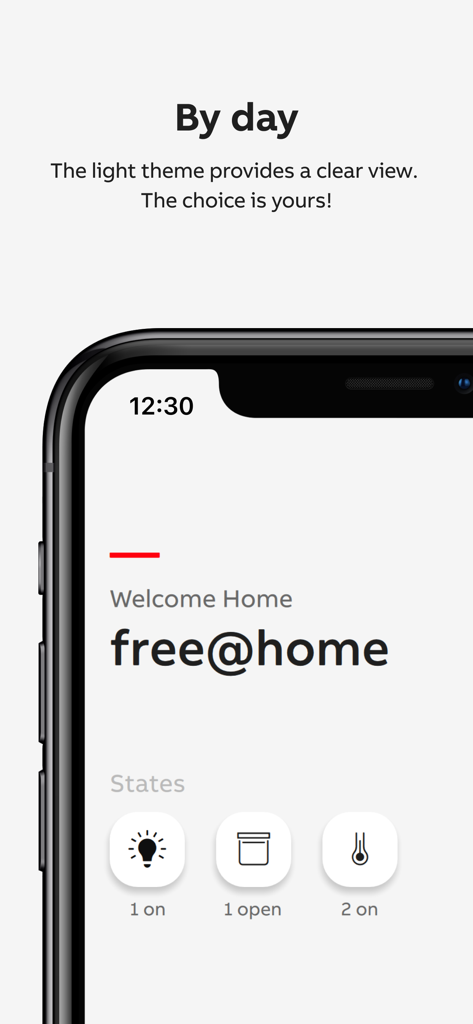
ABB free home Nextアプリの照明とブラインドのスマートホーム自動化タイマー設定

ABB-free@home® Next - ABB-free@home Nextアプリのライトモードダッシュボード、照明とシャッターのホーム自動化ステータスアイコンを表示
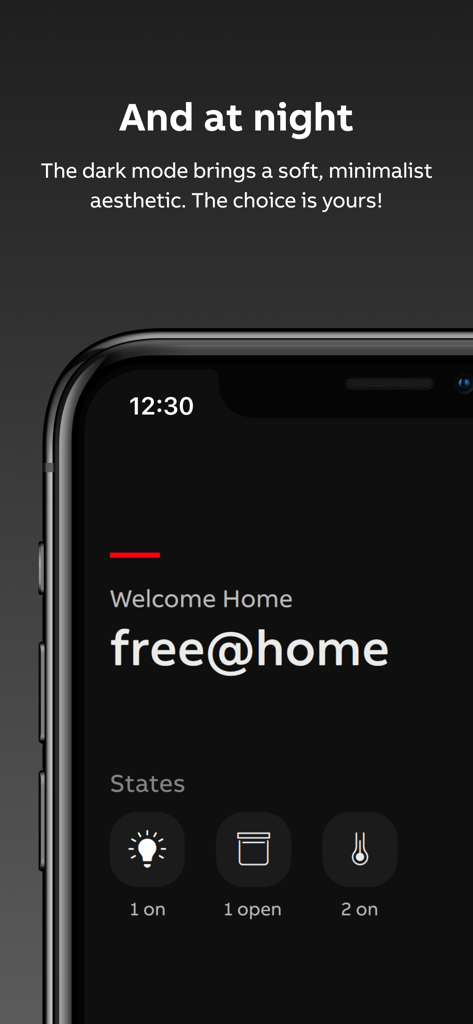
ABB-free@home Nextアプリのライトモードダッシュボード、照明とシャッターのホーム自動化ステータスアイコンを表示

ABB-free@home® Next - ABB-free home Nextアプリのダークモードダッシュボード、照明とシャッターのスマートホームステータスアイコンを表示
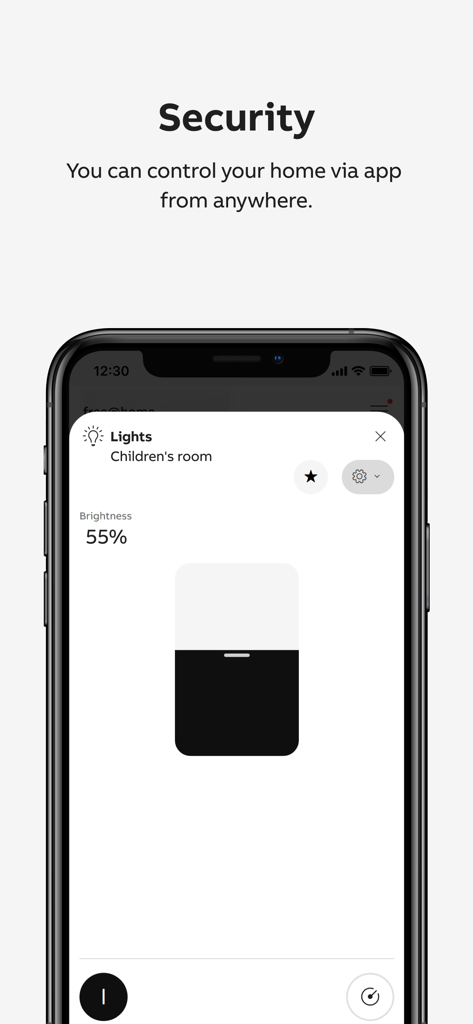
ABB-free home Nextアプリのダークモードダッシュボード、照明とシャッターのスマートホームステータスアイコンを表示

ABB-free@home® Next - ABB-free home Nextアプリ、子供部屋のリモートセキュリティと調光コントロールを表示
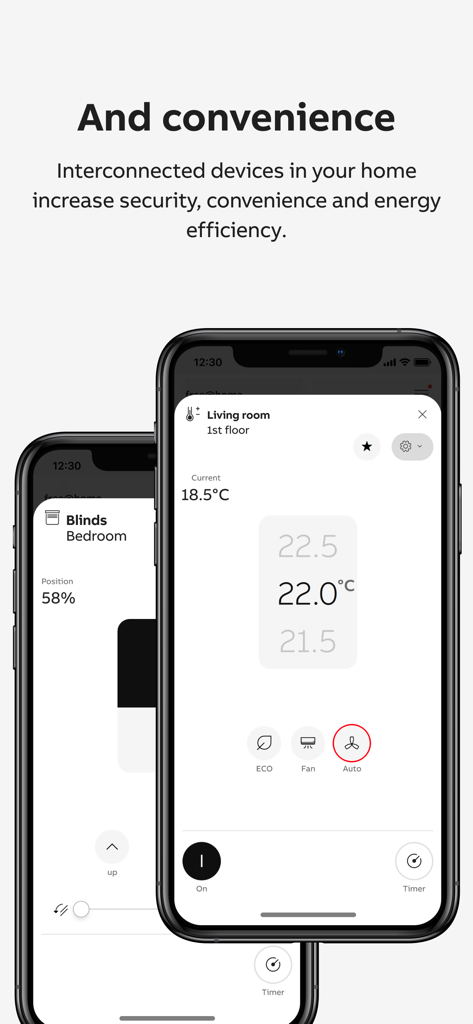
ABB-free home Nextアプリ、子供部屋のリモートセキュリティと調光コントロールを表示

ABB-free@home® Next - スマートフォン上のリビングルームの温度と寝室のブラインドコントロールを示すABB-free home Nextアプリインターフェース
スマートフォン上のリビングルームの温度と寝室のブラインドコントロールを示すABB-free home Nextアプリインターフェース

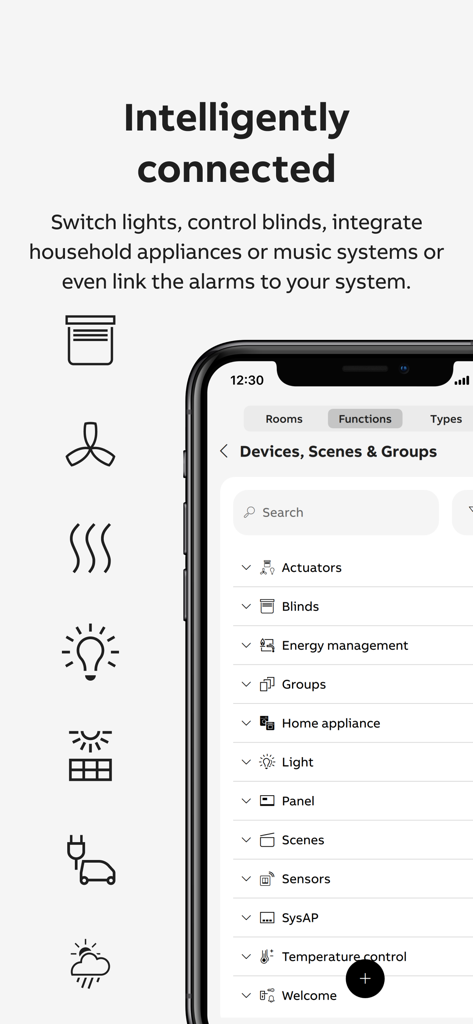
ABB-free@home® Next - 接続されたスマートホームデバイスとカテゴリのリストを表示するABB free home Nextアプリインターフェース

接続されたスマートホームデバイスとカテゴリのリストを表示するABB free home Nextアプリインターフェース

説明

The ABB-free@home® Next app is the app for controlling and commissioning - the free@home system - the Busch-Watchdog - the Flex Tronic WL devices as well as the mobile remote station for accepting door calls from the Welcome door intercom system. The functions and the appearance of the app of the app scale with the functions of the connected devices. The full range of functions is available when a System Access Point is connected: The app then offers 3 areas between which you can switch back and forth via the bottom control bar: **Dashboard** Here you get a quick overview of what's going on at home: - The ‘Status’ tiles show you how many lights are on, how many shutters are open and whether windows are open. A short tab on a tile allows you to switch off the light directly, for example. - The ‘Weather’ window shows you the weather data from your free@home weather station. - The ‘Next switching times’ window shows the two functions that will be switched next using the automated time programme. The event can be suspended once using the slider. A tab on the switching times overview displays all switching events for the next 24 hours. - The ‘Favourites’ are a collection of individually selected functions. The selection is made by setting the ‘star’ symbol. The function can be executed directly by clicking on the small blue symbol at the top right of the favourites tile. By tabbing on the main area of the tile, the function is called up in fullscreen view, which offers even more setting options. The order of the function areas can be changed using the ‘Edit’ button at the bottom of the home page. **ROOMS** Here you can access all the devices in your free@home installation. **AUTOMATION** Timer Existing time programmes can be activated/deactivated (and new time programmes can be created in the future). Actions Actions are logical links in if-then style, which allow the creation of complex automation scenarios. myBuildings Portal By registering free of charge with the free@home system and the app on the myBuildings portal, the free@home system can also be operated remotely. CONFIGURATION The configuration area of the app can be opened via the menu icon at the top right of the app. Here you can configure new devices, install add-ons or create scenes and groups. Access to this area can be restricted by assigning authorisations.

Download

ダウンロード: App Store

このページはアプリまたはその開発者の公式ページではなく、情報提供および論評を目的として作成された独立した編集出版物です。明示的に別段の記載がない限り、アプリおよびその開発者は、MWM、Apple、Google Play、アプリのパブリッシャー、またはアプリの開発者と提携、承認、後援、認可、またはその他の公式的な関係はなく、このページのいかなる内容も、アプリがMWMのサービスを使用して開発されたことを意味するものではありません。すべての商標、ロゴ、スクリーンショット、その他のコンテンツはそれぞれの所有者の財産です。








