Add Logo Watermark on Photos

Add Logo Watermark on Photos

ダウンロード: App Store
ロゴ: Add Logo Watermark on Photos

写真にロゴウォーターマークを追加:ブランドを自動スタンプして作品を保護

マイクロ起業家やクリエイターにとって、画像を瞬時に保護するための必須ツール。一度ロゴを設定すれば、撮影またはアップロードするすべての写真に自動スタンプ技術が対応します。

開発元

Chirag Gabani

カテゴリ

Photo & Video

ダウンロード

54K+

ユーザー評価

4.6/5

評価数

100

対応言語

1

あなたのブランドを保護

このインターフェースを利用する 54K+ 人のユーザー.

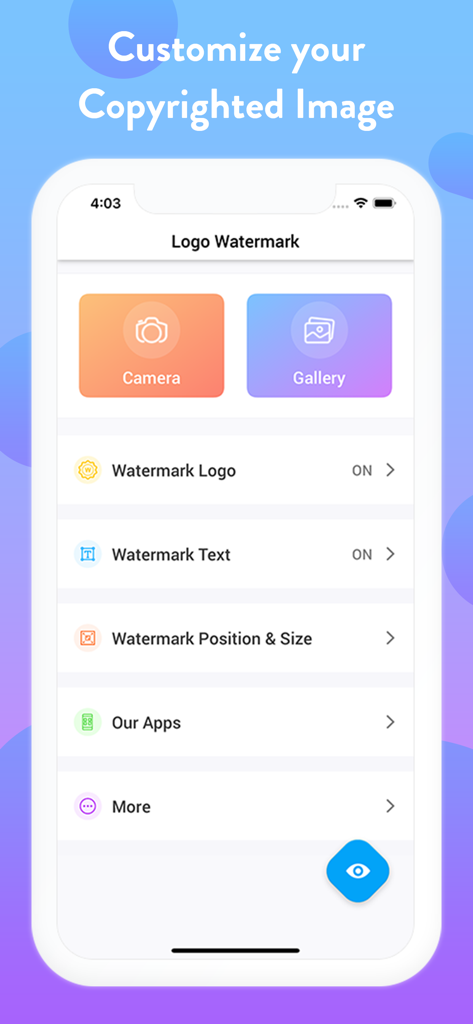
ウォーターマークアプリのインターフェース。カメラとギャラリーのオプション、ロゴとテキストのカスタマイズ設定が表示されています。

ウォーターマークアプリのインターフェース。カメラとギャラリーのオプション、ロゴとテキストのカスタマイズ設定が表示されています。

メイクアップを施した女性のプロフェッショナルなポートレートに、写真ロゴのウォーターマークが適用されています。

メイクアップを施した女性のプロフェッショナルなポートレートに、写真ロゴのウォーターマークが適用されています。

さまざまなプロフェッショナルおよびパーソナル画像に適用された、さまざまな種類のロゴとテキストのウォーターマークを示すコラージュ。
さまざまなプロフェッショナルおよびパーソナル画像に適用された、さまざまな種類のロゴとテキストのウォーターマークを示すコラージュ。

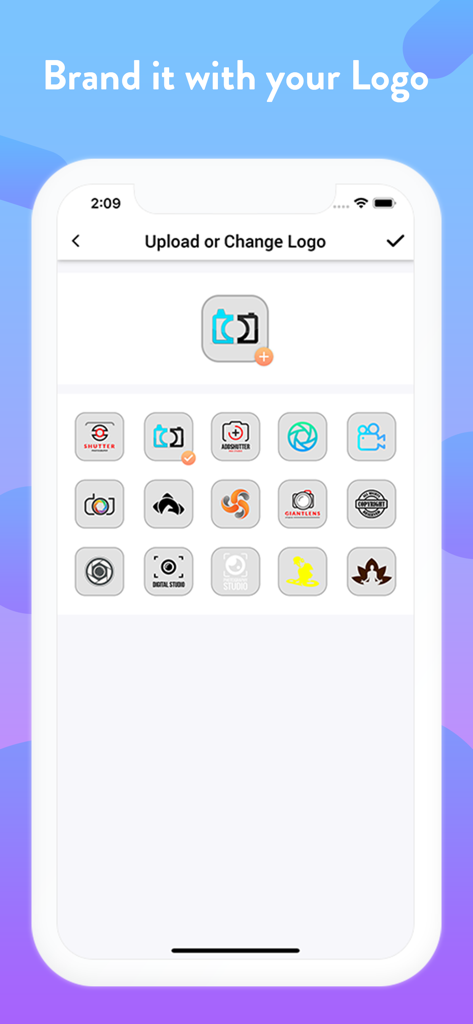
写真のウォーターマーク用のロゴオプションのグリッドが表示されているモバイルアプリのインターフェース。

写真のウォーターマーク用のロゴオプションのグリッドが表示されているモバイルアプリのインターフェース。

バーバーショップの写真に白いロゴウォーターマーク、旅行の写真にオレンジ色のテキストウォーターマークが適用された2枚の写真で、ロゴとテキストのオプションを示しています。
バーバーショップの写真に白いロゴウォーターマーク、旅行の写真にオレンジ色のテキストウォーターマークが適用された2枚の写真で、ロゴとテキストのオプションを示しています。

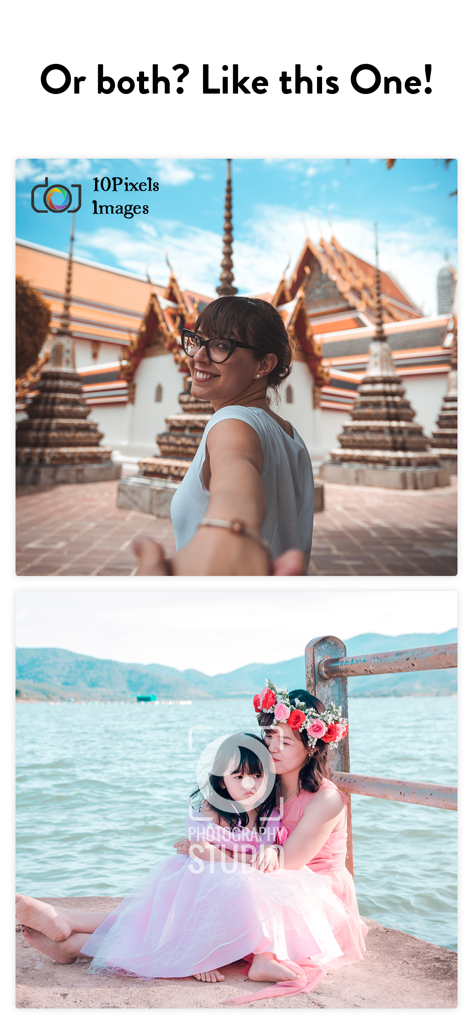
画像ブランディングのためのロゴとテキストの組み合わせウォーターマークの使用を示す2枚の写真。
画像ブランディングのためのロゴとテキストの組み合わせウォーターマークの使用を示す2枚の写真。

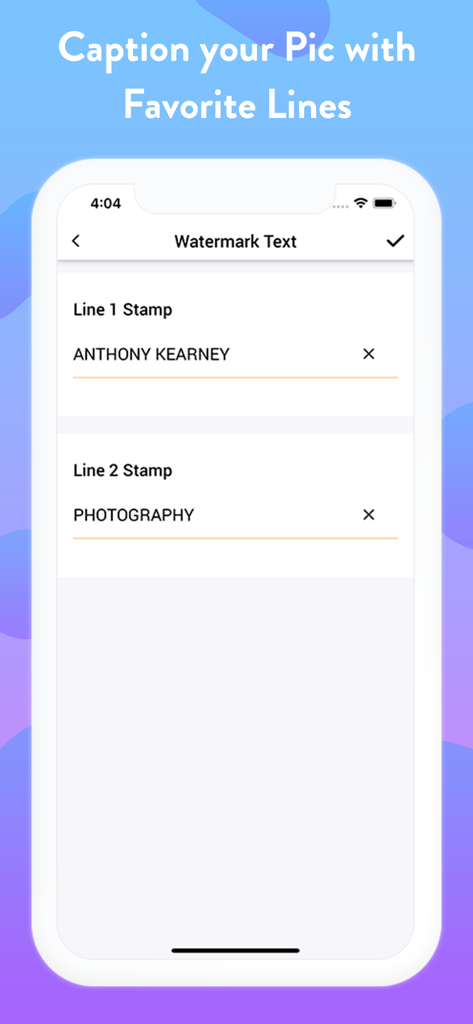
2行のカスタムウォーターマークテキストを入力するためのフィールドが表示されているモバイルアプリのインターフェース。
2行のカスタムウォーターマークテキストを入力するためのフィールドが表示されているモバイルアプリのインターフェース。

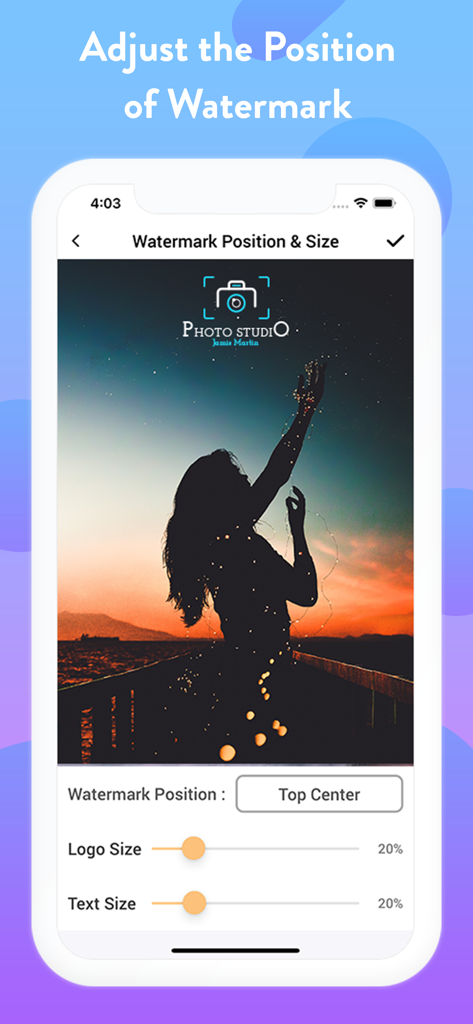
写真上のロゴの位置とサイズを調整するためのコントロールが表示されているウォーターマークアプリのインターフェース。

写真上のロゴの位置とサイズを調整するためのコントロールが表示されているウォーターマークアプリのインターフェース。

プロの写真家によるウォーターマークロゴとテキストが適用された結婚式のカップルのポートレート。

プロの写真家によるウォーターマークロゴとテキストが適用された結婚式のカップルのポートレート。

ブランディングと著作権保護のためのさまざまなロゴとテキストウォーターマークを示す3枚の写真。

ブランディングと著作権保護のためのさまざまなロゴとテキストウォーターマークを示す3枚の写真。

作品を保護し、ブランドを構築

このアプリを際立たせるツール、 54K+ 人のユーザーが選択.

設定したら忘れる自動化

一度の設定で効率を最大化しましょう。当社のアプリは、新しい写真ごとに自動的にロゴをスタンプするので、ビジネスの成長に集中できます。

🏷️

二層カスタムブランディング

ビジュアルロゴとカスタムテキストハンドルを組み合わせます。Etsyショップ、不動産リスティング、またはソーシャルプロファイルへのトラフィックを促進するのに最適です。

🛡️

画像盗用を瞬時に停止

コンテンツスクレイパーやボットを抑止します。プロフェッショナルなウォーターマークで知的財産を保護し、常にふさわしい評価を得られるようにします。

アプリについて

について知っておくべきこと Add Logo Watermark on Photos.

説明

With this Logo Watermark App, you can Auto Add Logo Copyright on Photos captured using your Phone’s Built-in Camera as well as on your Gallery Photos. This stamping app facilitates you to imprint your Images in two distinct ways. ~ Single Stamp - Add Logo Watermark on Photos ~ Double Stamp - Add Logo and Text on Photos Get the setup done at once & your favorite copyright image is ready to roll out! > How to add watermark to Photos? 1) Just Open this Application 2) Choose if you want to: - Auto Stamp on Camera Photos or, - Add stamps on Photos in your Gallery 2)Turn On the Watermark toggle and Upload/Add Logo, - Adjust its transparency & size 3) Next, you can Copyright with Text (Optional) - Customize it by choosing the Text Toggle accordingly - Set the Text Size (S - XXXL), Text Color, Text Style & Text Position 4) Adjust the Watermark Position Accordingly Bravo! > Stamp LOGO and TEXT on photos: The best part is you can customize Signature text separately, i.e., Line 1 and Line 2 at four different positions around your Watermark Logo. Turn the Toggle On for which you wish to add text; add it with both the line spaces or only with the single one. It is definitely going to make your image look enticing. Taking your stamped images a level up, you can even customize your digital signature watermark with many options like - Adjustable Font Size - Changeable Font Colours - Varieties of Font Style - Flexible Font Position When all the edits and customization is done, if you want to sneak peak about how your watermark photo will look like, you can “Preview” your stamped image before adding it permanently to your pictures. > Why Pick Us? - Twice the benefits of protecting both your CAMERA & GALLERY Pics - Again, Double advantage of adding both LOGO & TEXT to photos - Well! This is the only App here to facilitate Dual Text Alignment - Quick and Handy with Super Flexible Settings - Auto processes after One-Time Setup - Simple and Elegant User-Interface Sounds cool right? NOTE: When you secure images with logo, you can easily identify it. It also answers the ownership of an image for a particular business, person, product or service. You can protect it in many ways such as text & logo copyright on photo, images etc which has distinct shades of lightness and darkness No matter which profession or field you belong to, imprinting your images is the most convenient way to authorize your pictures. As you can easily protect, secure as well as frame up pics elegantly with just a few taps. > Why should you Add Logo Watermark on Photos? We've gathered a tiny catalog of uses making up your work as simple as ABC! Have a look below: > How to Copyright Image? There are numerous ways when to represent your identity on any pic. Imprinting a copyright watermark to your image with this stamping app will make your job easy. > To Enhance your Brand: Another major benefit of stamping photos is "BRANDING"! Photos are usually Watermark stamped with company name behind also for the purpose of creating their brand awareness among everyone. Isn’t it? > To Protect Image Theft: Anything which goes viral online can easily be stolen & used without your permission. To Copyright your photos in this situation, to secure images with logo will be an indirect indication that this photo cannot be used. > Gain Credits: Many times photographers just don’t demand financial recognition, but all they need is appreciation and credits for their work. Watermarking their images with their own copyright logo with signature text can grab the credits they wish. All these features summed up to give you FULL ADVANTAGE in one Install! So if you are looking to markup your photographs elegantly, there can’t be a better Watermarking Application than this photo stamping app for Camera and Gallery both. Don't believe us? Well! Give it a try then! Download NOW to add Logo Watermark Stamp on all of your Favorite photographs and make them look Absolutely Gorgeous!

最新バージョン

1.1.6

サイズ

28.4 MB

リリース日

2019年2月1日

あなたのビジネスを保護し、ブランドを瞬時に構築

手動編集に時間を無駄にするのはやめましょう。5万人以上の起業家が、当社の自動スタンプ技術を利用して作品を保護し、共有するすべての写真でプロフェッショナルな外観を維持しています。

ダウンロード: App Store

App information, icons, screenshots, and descriptions displayed on this page are sourced from the Apple App Store and are the property of their respective developers. Download estimates and rankings are based on MWM's proprietary models and may not reflect actual figures. This page is provided for informational and analytical purposes only.

Believe this page infringes your intellectual property? File a dispute