Add Music to Video :cut editor
ダウンロード: App Store

このページはアプリまたはその開発者の公式ページではなく、情報提供および論評を目的として作成された独立した編集出版物です。明示的に別段の記載がない限り、アプリおよびその開発者は、MWM、Apple、Google Play、アプリのパブリッシャー、またはアプリの開発者と提携、承認、後援、認可、またはその他の公式的な関係はなく、このページのいかなる内容も、アプリがMWMのサービスを使用して開発されたことを意味するものではありません。すべての商標、ロゴ、スクリーンショット、その他のコンテンツはそれぞれの所有者の財産です。

ロゴ: Add Music to Video :cut editor
ダウンロード: App Store

Add Music to Video :cut editor

クリエイターや小規模ビジネスが、完璧なサウンドトラック、ナレーション、カスタムエフェクトを簡単に追加できる方法。複雑な編集作業なしで、プロのようにリールやTikTokの質を高めましょう。

主要数値

ダウンロード

1M+

ユーザー評価

4.4/5

評価数

18K+

開発元

Editr Apps Inc.

カテゴリ

Photo & Video

対応言語

10

最新バージョン

2.11.0

サイズ

123.5 MB

リリース日

2016年1月21日
機能

学習コストなしでプロ級の仕上がりを

素材動画を、エネルギー溢れるミュージックビデオやSNS広告に変える最速の方法。スピードとシンプルさを重視するクリエイターのために設計されています。

数時間ではなく、数分で編集

わずか5つの簡単なステップで動画を変換。直感的なインターフェースは効率性を重視して構築されており、昼休みの間に魅力的なコンテンツを作成できます。

精密なオーディオコントロール

トラックのトリミング、音量調整、フェード効果の適用が簡単。自分自身のナレーションを追加したり、雰囲気にぴったりのBGMを選んだりできます。

以下のスクリーンショットと説明は、アプリの公式ストアリスティングから直接取得されたものであり、アプリ開発者の所有物です。

アプリストア

スクリーンショット
Add Music to Video :cut editor - 300万ダウンロード突破をアピールするAdd Music to Videoアプリのプロモーション画像
300万ダウンロード突破をアピールするAdd Music to Videoアプリのプロモーション画像

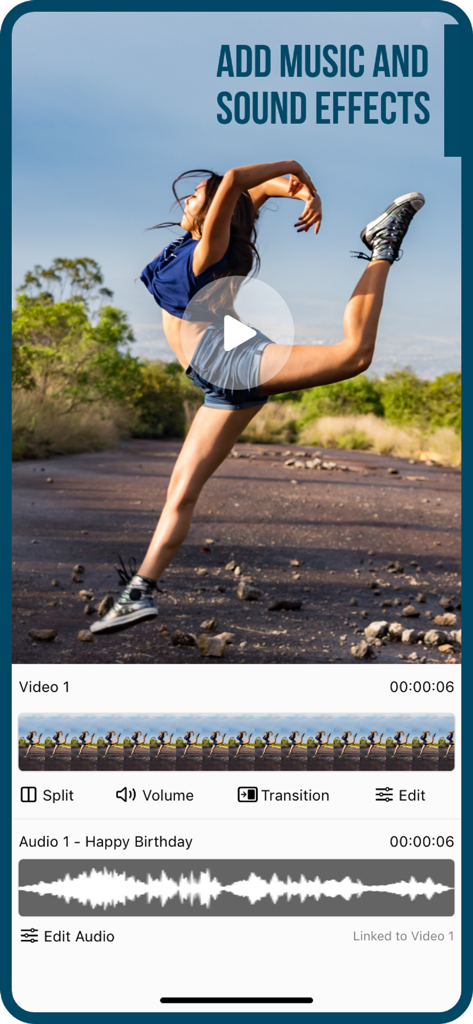
Add Music to Video :cut editor - 動画クリップに音楽や効果音を追加するためのビデオおよびオーディオ編集トラックを表示するモバイルアプリのインターフェース
動画クリップに音楽や効果音を追加するためのビデオおよびオーディオ編集トラックを表示するモバイルアプリのインターフェース

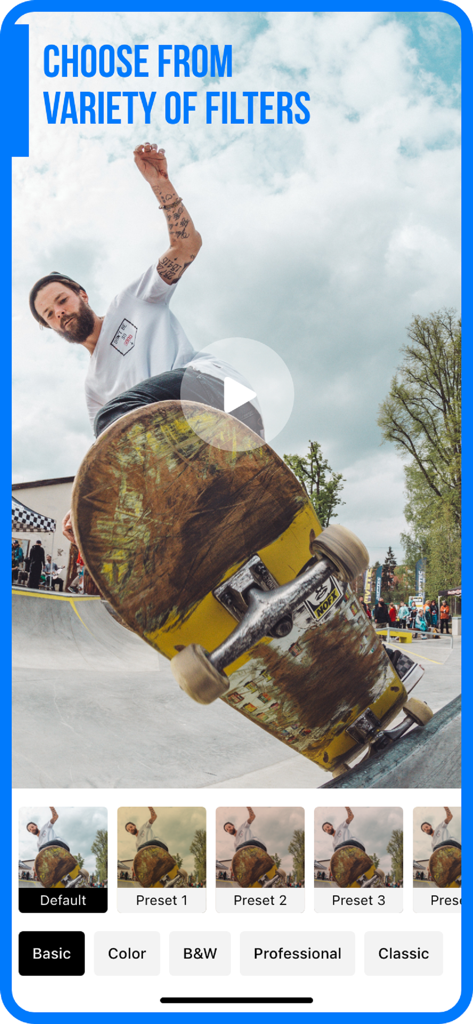
Add Music to Video :cut editor - スケートボードのクリップにさまざまなフィルタープリセットを表示しているモバイルビデオエディターのインターフェース。
スケートボードのクリップにさまざまなフィルタープリセットを表示しているモバイルビデオエディターのインターフェース。

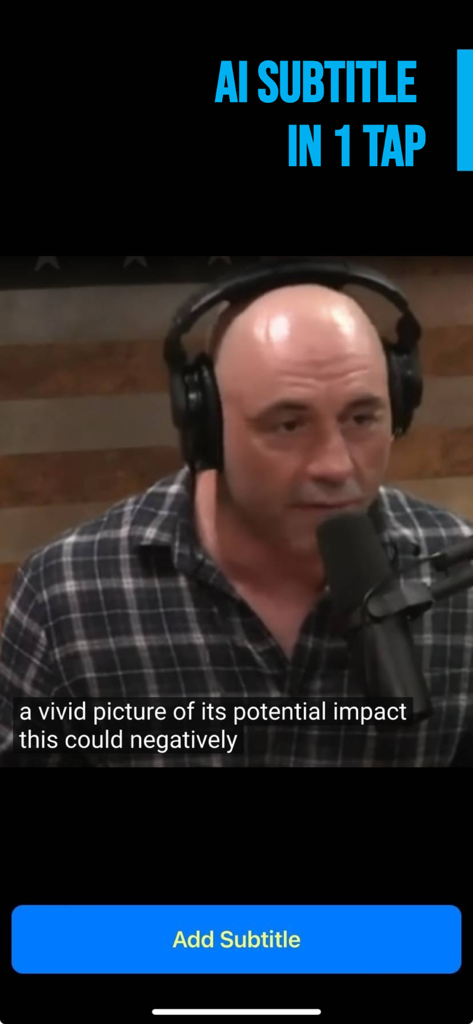
Add Music to Video :cut editor - 自動AI字幕と字幕追加ボタンが表示された動画のモバイルアプリ画面

自動AI字幕と字幕追加ボタンが表示された動画のモバイルアプリ画面

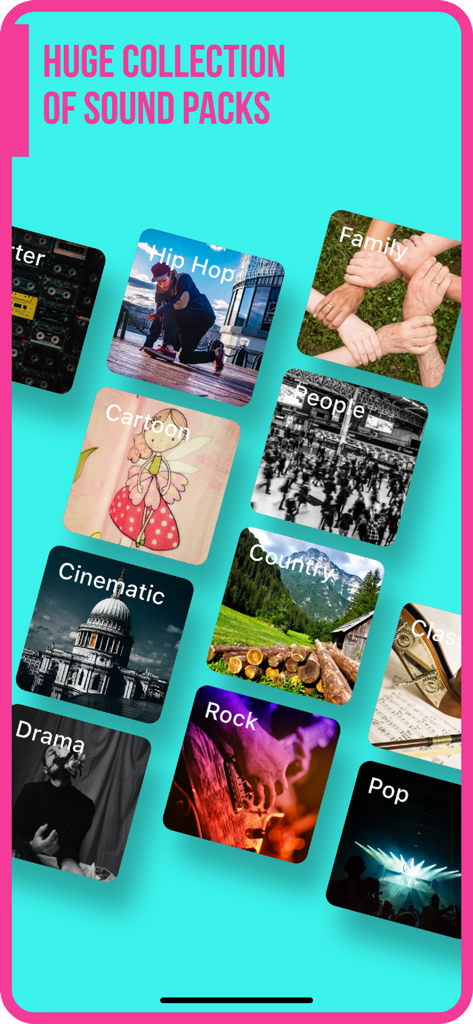
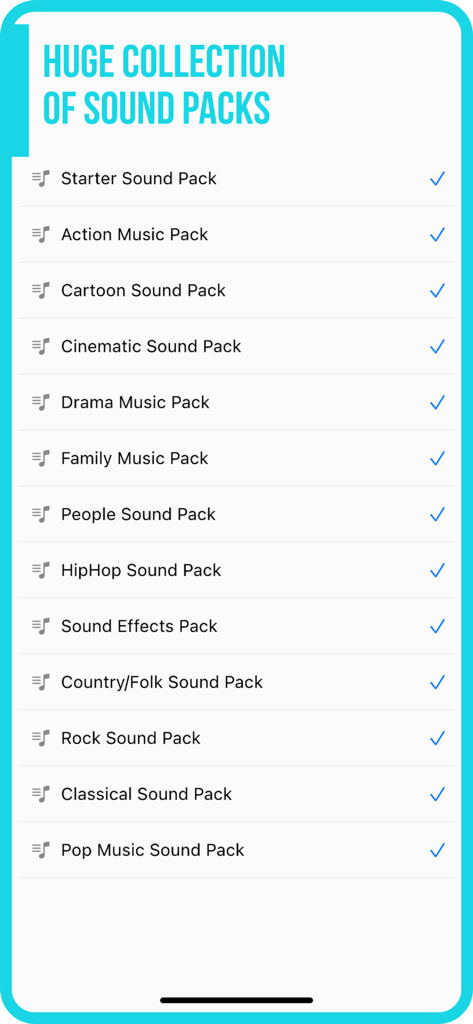
Add Music to Video :cut editor - ビデオ編集用のヒップホップ、シネマティック、ポップなど、多様な音楽サウンドパックカテゴリのライブラリ
ビデオ編集用のヒップホップ、シネマティック、ポップなど、多様な音楽サウンドパックカテゴリのライブラリ

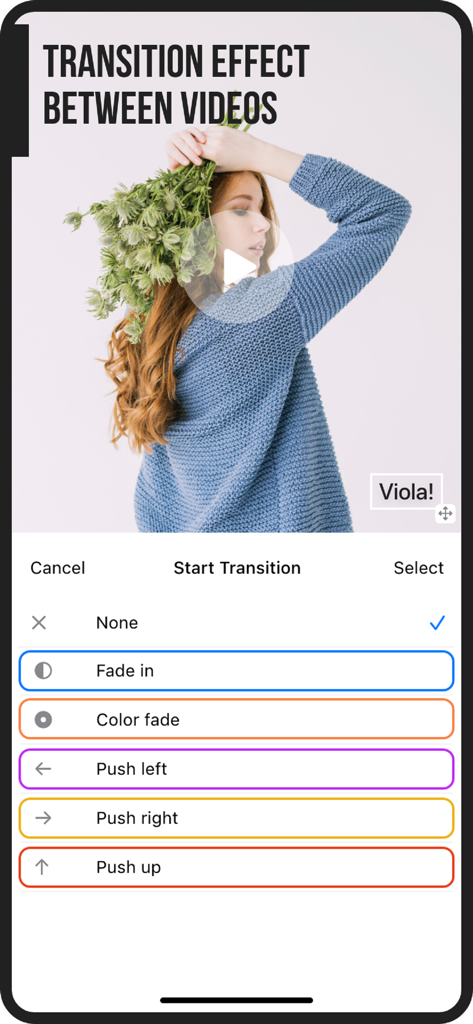
Add Music to Video :cut editor - フェードインやプッシュレフトなどのトランジション効果の選択肢を表示するビデオエディターアプリのインターフェース。
フェードインやプッシュレフトなどのトランジション効果の選択肢を表示するビデオエディターアプリのインターフェース。

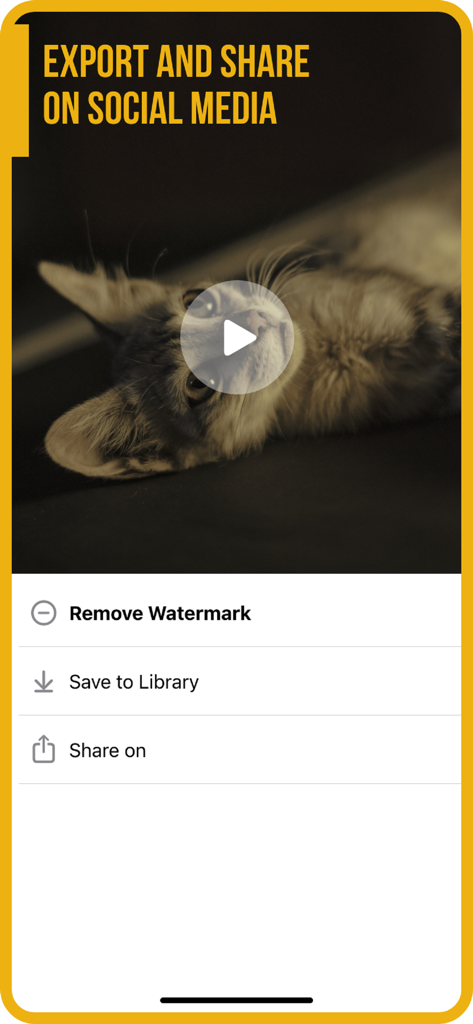
Add Music to Video :cut editor - ライブラリへの保存や透かし削除のオプションがある、SNSでミュージックビデオを書き出し・共有するためのインターフェース
ライブラリへの保存や透かし削除のオプションがある、SNSでミュージックビデオを書き出し・共有するためのインターフェース

Add Music to Video :cut editor - ビデオ編集用のさまざまな音楽および効果音パックを表示する画面

ビデオ編集用のさまざまな音楽および効果音パックを表示する画面

説明

Do you want to make your own music video or just want to add music on video? Then look no further! Video Maker with Music is here for iPhone / iPad. Add awesome customized video background music or remix songs in an effortless way without any special training on video editing! For jingle videos or for advertisement movie makers, this app will as a handy trial tool. Check out what some of our users from all over the world are saying about this app: ================================================= "I finally get the appropriate app that I was looking for - Great App" by Jigsaw1800 (AU) "Easy to use, can edit music start which is a plus, as well as where in the song. Cool app. - Swaggy" by Neyachi (US) "Very simple and easy to use. Guides you through steps and easy to pick up. - Great and easy to use" by Bathing monkey (UK) With this music video editor app you will get to add songs or sound effects to your videos from your mobile device. You can post it on Instagram, Vine, and YouTube for sharing with your musical video with online friends and followers. How the app works? ================================================= Video Maker with Music app is really easy to operate to add music to videos. Just follow these 5 steps: • Select source video (camera or videos on your iPhone) to add music to video. • Add video background music from your iPhone, from app's track list, or add video background music by recording your own voice. • This creative video editor let you mark where you want to add music to video: you can trim the part, if you want, to add to the video. • Configure volume of audio or songs added to video. Just tap one button to merge video background music when done. • Now it’s time, you can save it to camera roll like an expert movie maker. • Enjoy your music video, it is now ready to be shared on social networking sites like Instagram, Facebook, Vine, and YouTube or via email. App’s Features: ================================================= Take a quick look at the creative features of the music video editor app before you get engrossed in the process to make your own music video: • User friendly interface no matter if you are beginner movie maker, • You need to tap the music track to trim music, adjust volume, or adding fade effect. • You can do as much adding music to video and voice recording as you want. • Slide the music track to set starting time for adding video background music. • Using feature like "share to Instagram" to let the Music on Video square the final video for you. Download the Video Maker with Music app, and start making your own music video like a pro movie maker! Turn your iOS device into a video editor tool and collect more likes from Instagram or Facebook. Making an own music video is now an easy task and the app Music on Video is completely free to download! Information about the auto-renewable subscription: Subscription name: Subscribe for access Subscription price: $4.99/week or 3 days free then $49.99/year Auto-renew: This is a auto-renewing subscription, read below to know more. – Payment will be charged to iTunes Account at confirmation of purchase – Subscription automatically renews unless auto-renew is turned off at least 24-hours before the end of the current period – Account will be charged for renewal within 24-hours prior to the end of the current period, and identify the cost of the renewal – Subscriptions may be managed by the user and auto-renewal may be turned off by going to the user's Account Settings after purchase - Our Terms of Service: https://editr.app/tos.html – Our Privacy Policy : https://editr.app/privacy-policy.html – Any unused portion of a free trial period, if offered, will be forfeited when the user purchases a subscription to that publication, where applicable

Download

ダウンロード: App Store

このページはアプリまたはその開発者の公式ページではなく、情報提供および論評を目的として作成された独立した編集出版物です。明示的に別段の記載がない限り、アプリおよびその開発者は、MWM、Apple、Google Play、アプリのパブリッシャー、またはアプリの開発者と提携、承認、後援、認可、またはその他の公式的な関係はなく、このページのいかなる内容も、アプリがMWMのサービスを使用して開発されたことを意味するものではありません。すべての商標、ロゴ、スクリーンショット、その他のコンテンツはそれぞれの所有者の財産です。