
このページはアプリまたはその開発者の公式ページではなく、情報提供および論評を目的として作成された独立した編集出版物です。明示的に別段の記載がない限り、アプリおよびその開発者は、MWM、Apple、Google Play、アプリのパブリッシャー、またはアプリの開発者と提携、承認、後援、認可、またはその他の公式的な関係はなく、このページのいかなる内容も、アプリがMWMのサービスを使用して開発されたことを意味するものではありません。すべての商標、ロゴ、スクリーンショット、その他のコンテンツはそれぞれの所有者の財産です。


Adobe Fresco: Draw & Paint App
iPadとiPhoneでプロレベルのライブブラシとモーションツールのパワーを活用しましょう。スケッチ、ペイント、プロセスを簡単に共有したいクリエイターのために設計されています。
ダウンロード
12M+ユーザー評価
評価数
193K+開発元
カテゴリ
Graphics & Design対応言語
19最新バージョン
7.1.0サイズ
894.4 MBリリース日
2019年9月24日どこでもあなたの技術をマスターする
iPadとiPhone向けに設計された最も高度な描画およびペイントアプリで、あなたの創造的なビジョンを実現しましょう。リアルなライブブラシからプロレベルのアニメーションまで、Adobe Frescoはあなたの手に完全なスタジオを提供します。
リアルなライブブラシ
本物のように機能するデジタルペイントを体験してください。水彩絵の具がにじんで混ざり合う様子や、厚い油絵の具を重ねて、物理ベースの精度で驚くほど質感のある傑作を作成する様子をご覧ください。
動きのあるアート
あなたのイラストレーションを注目を集めるコンテンツに変えましょう。簡単なモーションパスとフレームバイフレームツールを使用して、TikTok、Instagram Reels、またはプロフェッショナルポートフォリオのために作品をアニメートしてください。
よくある質問
について知っておくべきこと Adobe Fresco: Draw & Paint App
Adobe Frescoとは何ですか?
Adobe Frescoは、無料の描画およびペイントアプリケーションです。デジタルアーティスト向けに設計されており、Apple Pencil Proを含むiPadとiPhoneに対応しています。
Adobe Frescoは無料アプリですか?
はい、Adobe Frescoは無料の描画およびペイントアプリケーションです。
Adobe Frescoはどのデバイスに対応していますか?
Adobe Frescoは、iPadおよびiPhoneデバイスに対応しています。より高度な描画体験のために、Apple Pencil Proとの互換性も提供します。
Adobe Frescoで作品をアニメーション化できますか?
はい、Adobe Frescoにはモーションツールとモーショントラック機能が含まれています。フレームバイフレームのアニメーション、GIF、MP4ムービーファイルを作成できます。
Adobe Frescoはどのような種類のブラシを提供していますか?
Adobe Frescoは、何千ものピクセルブラシ、ベクターブラシ、および独自のライブブラシを提供しています。Photoshopの.abrファイルもインポートできます。
Adobe Frescoはレイヤーをサポートしていますか?
はい、Adobe Frescoは無制限のレイヤーをサポートしています。この機能により、ユーザーは無限の可能性を持つ複雑なアートワークを作成できます。
Adobe Frescoのプロジェクトをデバイス間で同期できますか?
はい、Adobe FrescoのプロジェクトはCreative Cloudに自動的に同期されます。これにより、ユーザーはデバイス間でアートにアクセスして作業できます。
Adobe Frescoの「図形にスナップ」機能はどのように機能しますか?
Adobe Frescoの「図形にスナップ」機能を使用すると、ストロークの終端で長押しすることができます。この操作により、完全な円、多角形、線、または円弧が正確な位置にスナップされます。
Adobe Frescoは作品作成のタイムラプスビデオをエクスポートできますか?
はい、Adobe Frescoはタイムラプスビデオをエクスポートできます。この機能は、最初から最後まで作品の作成を再生し、芸術的なプロセスを可視化します。
Adobe Frescoはどのようなファイル形式のエクスポートをサポートしていますか?
Adobe Frescoは、PNG、JPG、レイヤー化されたPSDファイルを含む一般的な形式でのアートワークのエクスポートをサポートしています。PhotoshopおよびIllustratorとのシームレスな統合を提供します。
Adobe Frescoに「ペイント内モード」はありますか?
はい、Adobe Frescoには「ペイント内モード」が搭載されています。このモードは、線画にブラシストロークを限定することで着色を高速化し、プロセスを効率化します。
Adobe Frescoで色を調整するにはどうすればよいですか?
Adobe Frescoには、Photoshopのような調整レイヤーが含まれています。これにより、ユーザーは明るさ、色相/彩度、カラーバランスの変更を簡単にテストして適用できます。
Adobe Frescoは描画チュートリアルを提供していますか?
はい、Adobe Frescoはステップバイステップおよびビデオチュートリアルで学習コンテンツを提供しています。Frescoコミュニティからのインスピレーションを探ることもできます。
以下のスクリーンショットと説明は、アプリの公式ストアリスティングから直接取得されたものであり、アプリ開発者の所有物です。
アプリストア
スクリーンショット
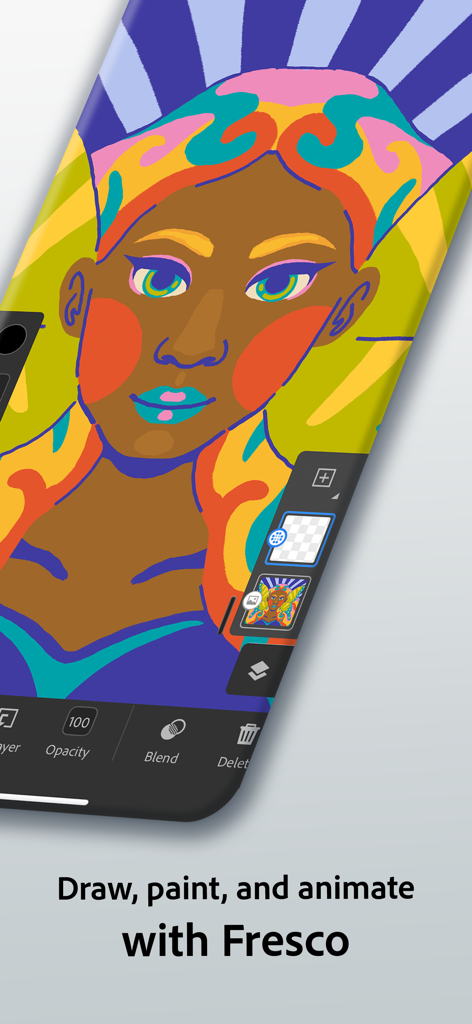
スマートフォン上のAdobe Frescoアプリで描かれた女性のデジタルイラスト
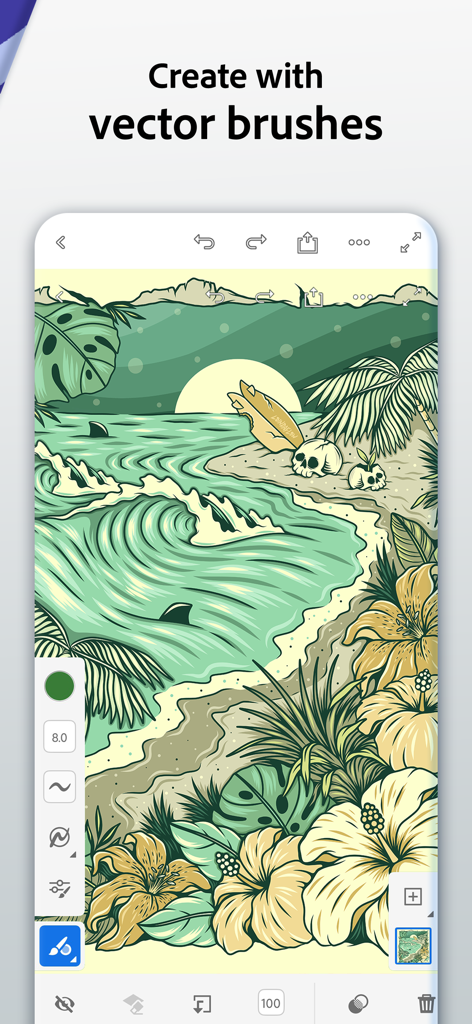
Adobe Frescoアプリのインターフェイスに、ベクターブラシで作成されたトロピカルビーチのイラストが表示されている
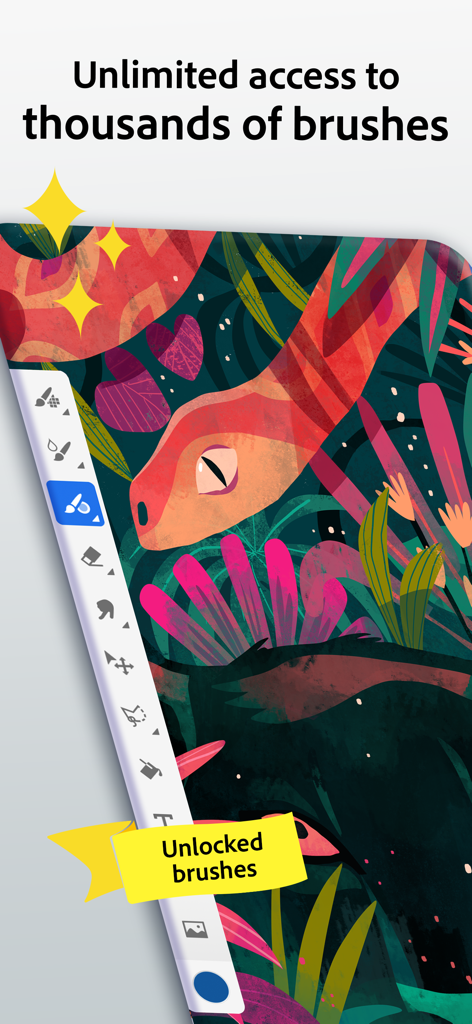
Adobe Frescoアプリのインターフェイスに、カラフルなヘビのイラストと何千もの描画ブラシが表示されたサイドバーが表示されている
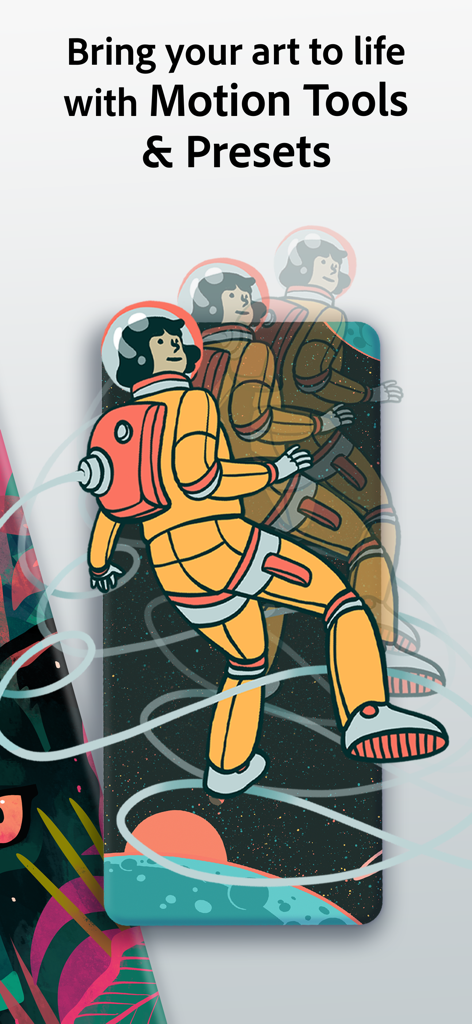
Adobe Frescoアプリのスクリーンショットに、宇宙飛行士のアニメーションアートワークが表示されたモーションツールが表示されている
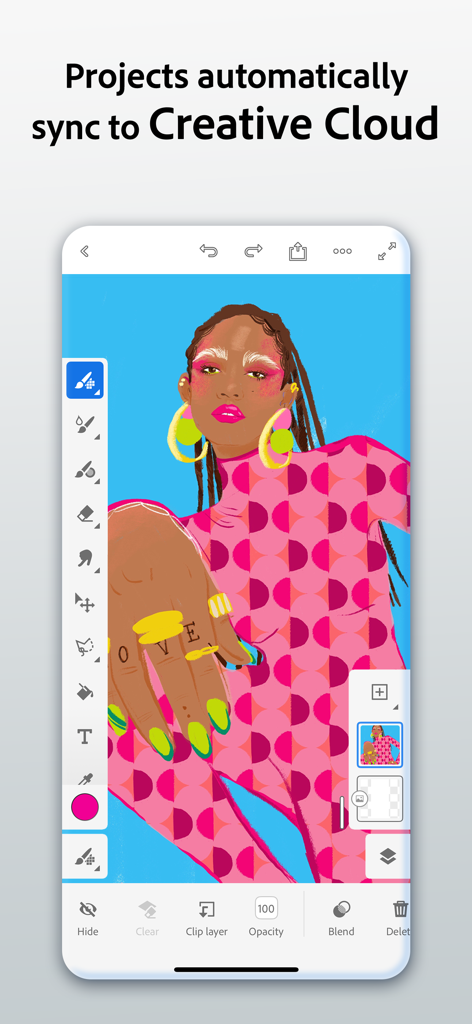
Adobe Frescoモバイルアプリのインターフェイスに、カラフルなデジタルイラストとクラウド同期機能が表示されている
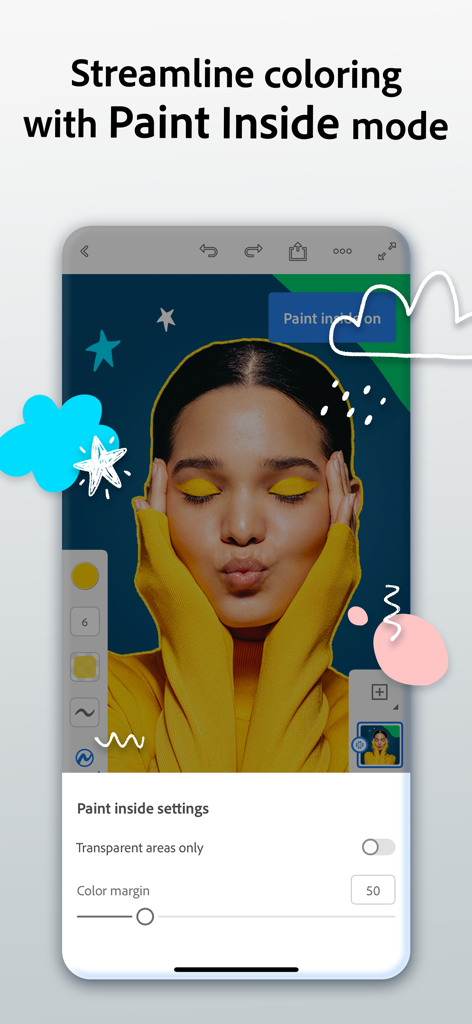
Adobe Frescoアプリのインターフェイスに、ポートレートに正確な色付けを行うためのペイントインサイドモード機能が表示されている
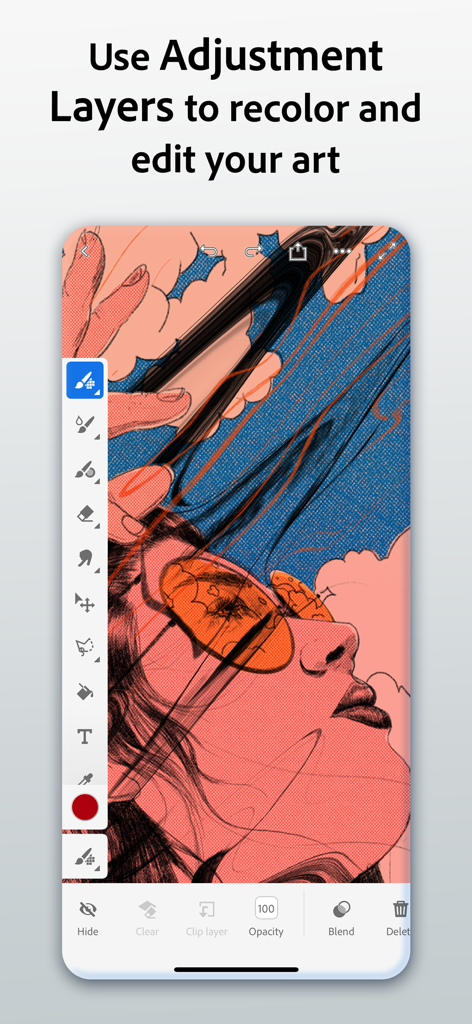
Adobe Frescoインターフェイスに、モバイルデバイスで調整レイヤーを使用してデジタルアートの色を変更する方法が表示されている
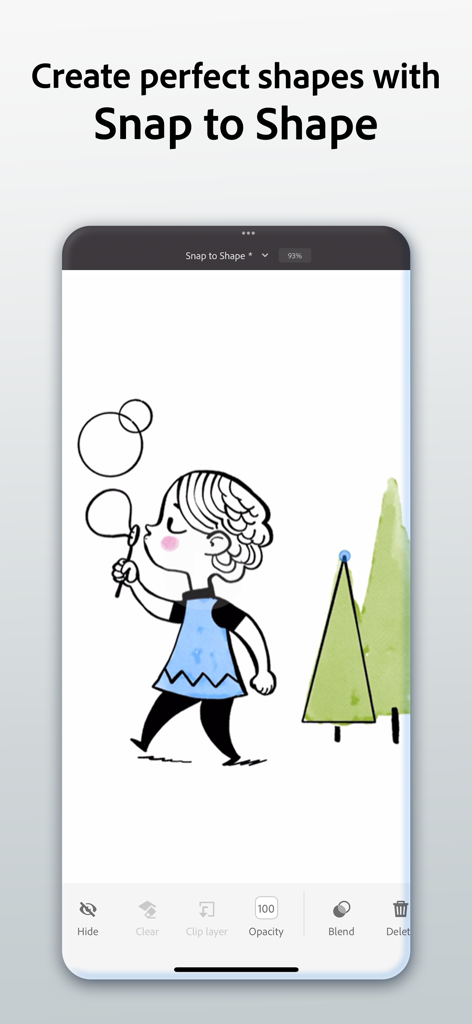
Adobe Frescoインターフェイスに、女の子と木々のデジタルイラストに使用されたスナップトゥシェイプツールがデモンストレーションされている
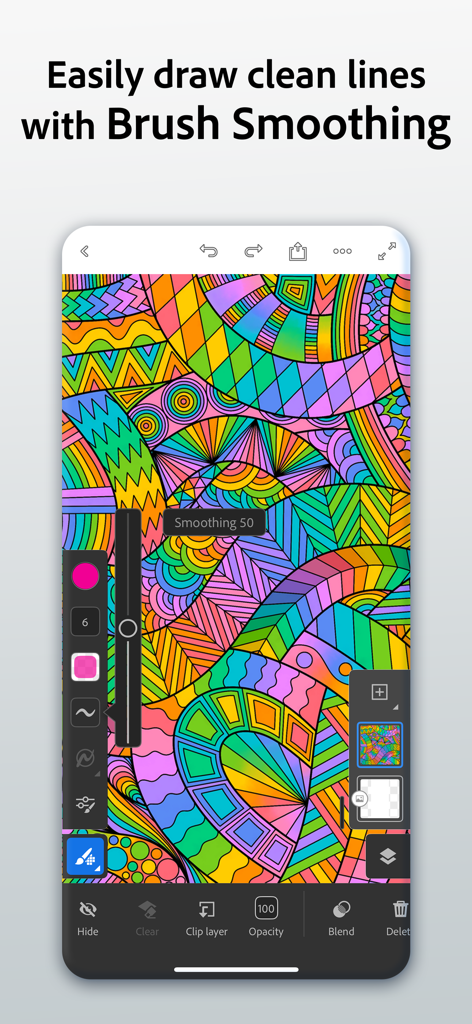
Adobe Frescoインターフェイスに、カラフルな抽象的なデジタルイラストにブラシスムージングツールが表示されている
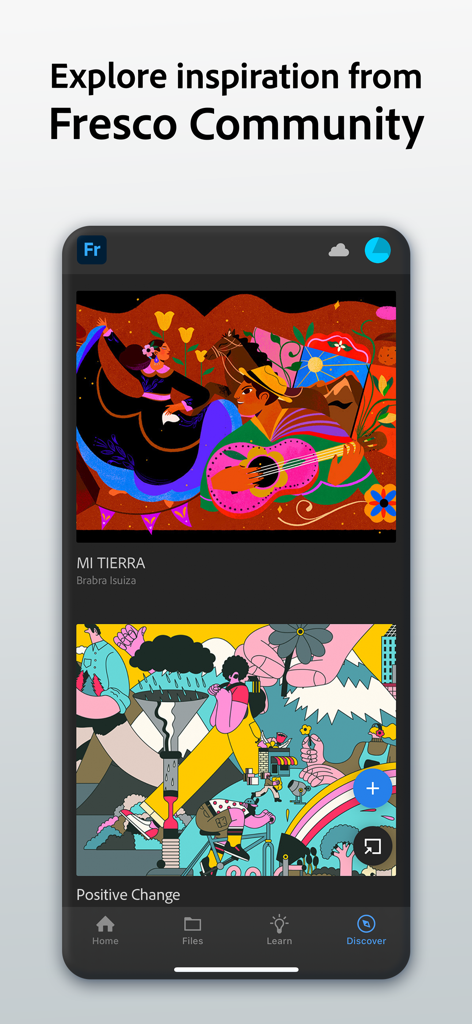
Adobe Frescoアプリのインターフェイスに、クリエイティブなインスピレーションを得るためのコミュニティからのデジタルイラストが表示されたディスカバータブが表示されている
説明
Download
類似アプリ
似た機能とユーザー体験を持つアプリ

Sketchbook®
Sketchbook, Inc.

Mental Canvas Draw
Mental Canvas, Inc.

ibis Paint
ibis inc.

ibis Paint X
ibis inc.

Paper: Sketch, Draw & Create
Evernote Corporation

Art Set 4
Lofopi Ltd

MediBang Paint – Drawing & Art
MediBang inc.

Tayasui Sketches
SKETCHES SRL

Clip Studio Paint
CELSYS,Inc.
このページはアプリまたはその開発者の公式ページではなく、情報提供および論評を目的として作成された独立した編集出版物です。明示的に別段の記載がない限り、アプリおよびその開発者は、MWM、Apple、Google Play、アプリのパブリッシャー、またはアプリの開発者と提携、承認、後援、認可、またはその他の公式的な関係はなく、このページのいかなる内容も、アプリがMWMのサービスを使用して開発されたことを意味するものではありません。すべての商標、ロゴ、スクリーンショット、その他のコンテンツはそれぞれの所有者の財産です。