
このページはアプリまたはその開発者の公式ページではなく、情報提供および論評を目的として作成された独立した編集出版物です。明示的に別段の記載がない限り、アプリおよびその開発者は、MWM、Apple、Google Play、アプリのパブリッシャー、またはアプリの開発者と提携、承認、後援、認可、またはその他の公式的な関係はなく、このページのいかなる内容も、アプリがMWMのサービスを使用して開発されたことを意味するものではありません。すべての商標、ロゴ、スクリーンショット、その他のコンテンツはそれぞれの所有者の財産です。


Tayasui Sketches
邪魔にならない禅インターフェースと、クリエイティブな流れのために設計された超リアルなブラシで、見事なイラストや水彩画を作成しましょう。
ダウンロード
13M+ユーザー評価
評価数
374K+開発元
カテゴリ
Graphics & Design対応言語
14最新バージョン
36.5サイズ
405.5 MBリリース日
2013年6月1日邪魔されずに作成
クリエイティブな流れを維持できるように設計された、クリーンで禅風のインターフェースで、モバイルで最もリアルな描画ツールを体験してください。
超リアルなブラシ
鮮やかなウェット水彩絵の具から質感のある油性パステルまで、すべてのストロークが紙の上の実際の絵の具のように、驚くべき物理学で動作します。
ミニマルな禅UI
描画中はツールが隠れる邪魔にならないキャンバスで、芸術的表現に完全に集中できます。
よくある質問
について知っておくべきこと Tayasui Sketches
Tayasui Sketchesとは何ですか?
Tayasui Sketchesは、モバイルデバイス向けの、リアルで多用途、そして使いやすいスケッチアプリです。鮮やかなスケッチ、楽しいペイント、素晴らしいイラストを作成するためのアーティストのツールボックスを提供します。
Tayasui Sketchesにはいくつの描画ツールが含まれていますか?
Tayasui Sketchesには、20種類以上の超リアルな描画ツールが含まれています。これには、さまざまなペン、ブラシ、パステル、エアブラシ、およびエリアツールや塗りつぶしツールなどの特殊ツールが含まれます。
Tayasui SketchesはPro Bundleを提供していますか?
はい、Tayasui SketchesはPro Bundleのアプリ内購入(IAP)を提供しています。このIAPは、有料のSketches Pro Appと同じ機能を提供します。
ユーザーはTayasui Sketchesでレイヤーを扱えますか?
はい、Tayasui Sketchesはレイヤーをサポートしています。ユーザーはレイヤーを使用してタスクを簡素化し、透明度付きの個別のPNGとしてエクスポートし、PSDレイヤーファイルをインポート/エクスポートできます。
Tayasui Sketchesはクラウド同期をサポートしていますか?
はい、Tayasui Sketchesはクラウド同期を提供しています。ユーザーは描画をクラウドにバックアップし、すべてのデバイス間で同期し、フォルダごとに同期オプションを管理できます。
Tayasui SketchesはApple Pencilのような筆圧感知スタイラスをサポートしていますか?
はい、Tayasui SketchesはApple Pencilやその他の筆圧感知スタイラスを完全にサポートしています。これにより、よりリアルなブラシとダイナミックなストロークの動作が可能になります。
Tayasui Sketchesのサブスクリプションを管理するにはどうすればよいですか?
ユーザーは、購入後にiTunesアカウント設定からTayasui Sketchesのサブスクリプションを管理し、自動更新をオフにすることができます。自動更新は、現在の期間が終了する少なくとも24時間前までに無効にする必要があります。
Tayasui Sketchesのサブスクリプションは自動更新されますか?
はい、Tayasui Sketchesのサブスクリプションは自動的に更新されます。自動更新をオフにしない場合、現在の期間が終了する少なくとも24時間前までに請求が発生するのを避けるために、自動更新をオフにする必要があります。
Tayasui Sketchesでカスタムパターンを作成できますか?
はい、Tayasui Sketchesでは、ユーザーが独自のパターンをインポート、描画、カスタマイズできます。ユーザーは、特定のニーズに合わせてパターンのスケールと不透明度を調整できます。
Tayasui Sketchesはレイヤーにどのファイルタイプをサポートしていますか?
Tayasui Sketchesは、PSDレイヤーファイルのインポートとエクスポートをサポートしています。ユーザーは、透明度付きの個別のPNGファイルとして各レイヤーをエクスポートすることもできます。
以下のスクリーンショットと説明は、アプリの公式ストアリスティングから直接取得されたものであり、アプリ開発者の所有物です。
アプリストア
スクリーンショット
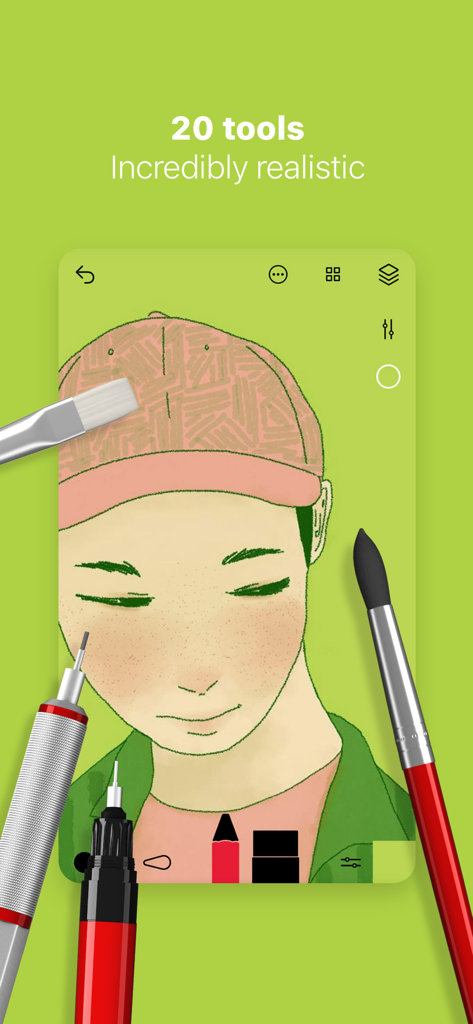
リアルなブラシとツールを備えたTayasui Sketchesアプリのデジタルポートレートイラスト
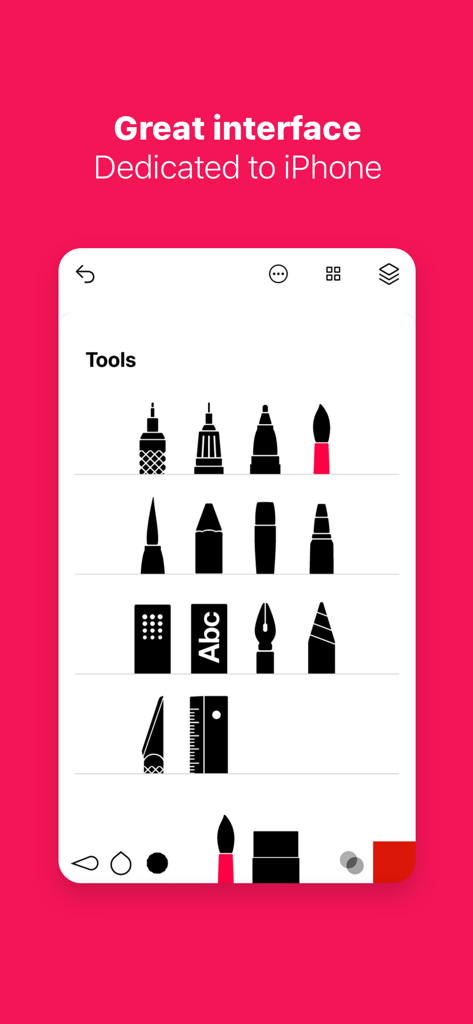
iPhone上のリアルなブラシやペンアイコンを備えたミニマルなツールメニューを示すTayasui Sketchesアプリのスクリーンショット
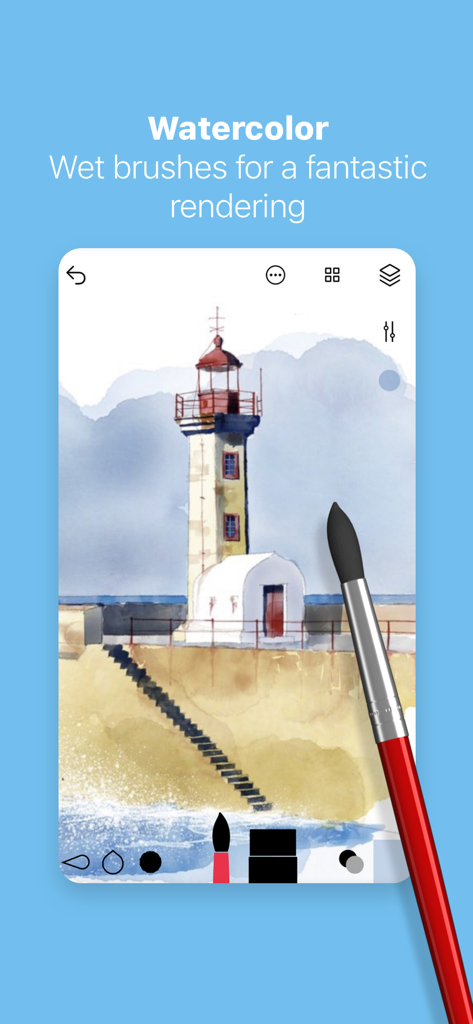
Tayasui Sketchesアプリのリアルなウェットブラシで作成された灯台のデジタル水彩画
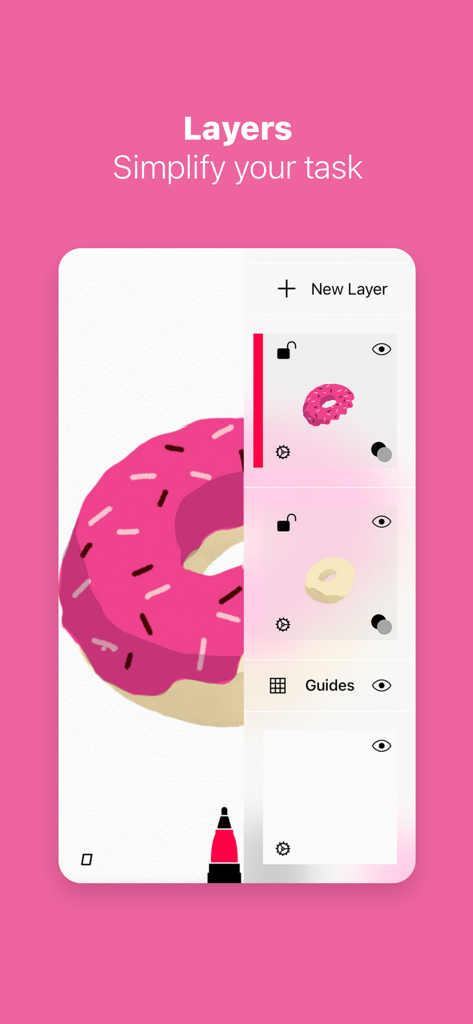
ピンクのドーナツのイラストとともにレイヤー管理ツールを示すTayasui Sketchesアプリのインターフェース
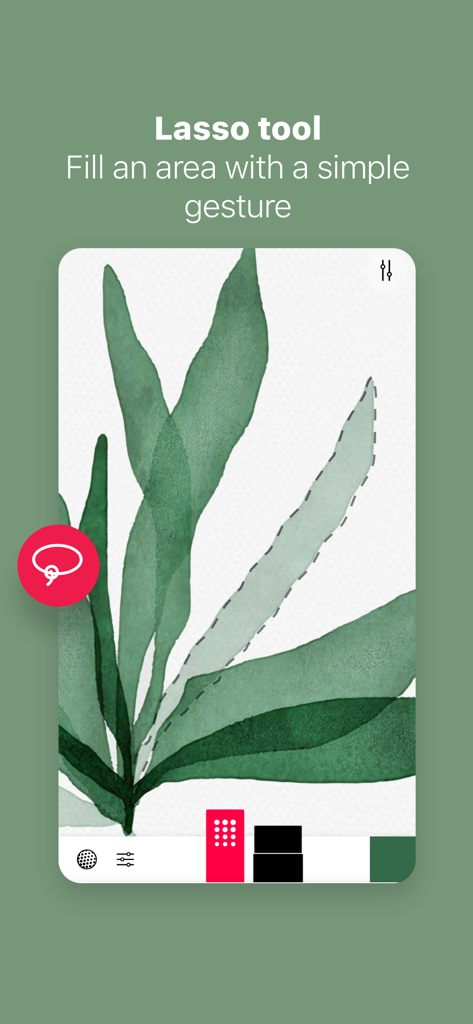
水彩の葉のイラストを選択する投げ縄ツールを示すTayasui Sketchesのインターフェース。
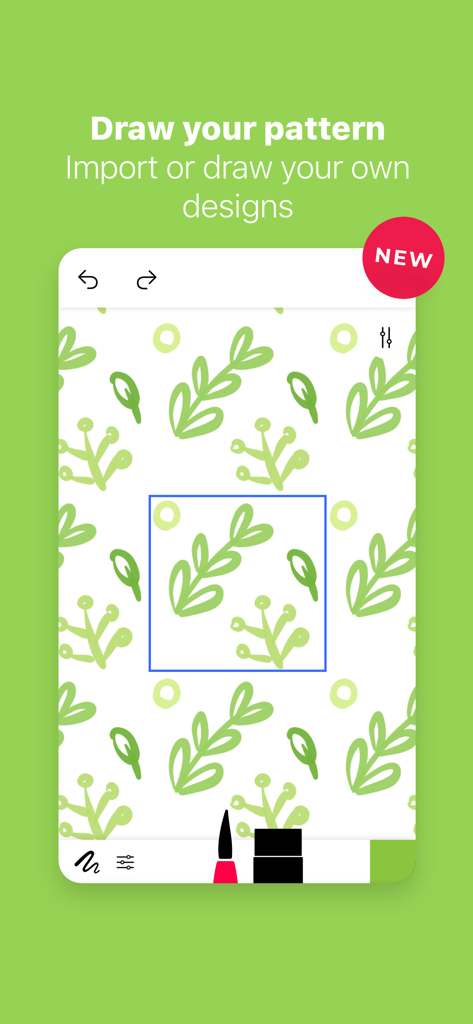
Tayasui Sketchesでカスタムの緑の葉のパターンを作成
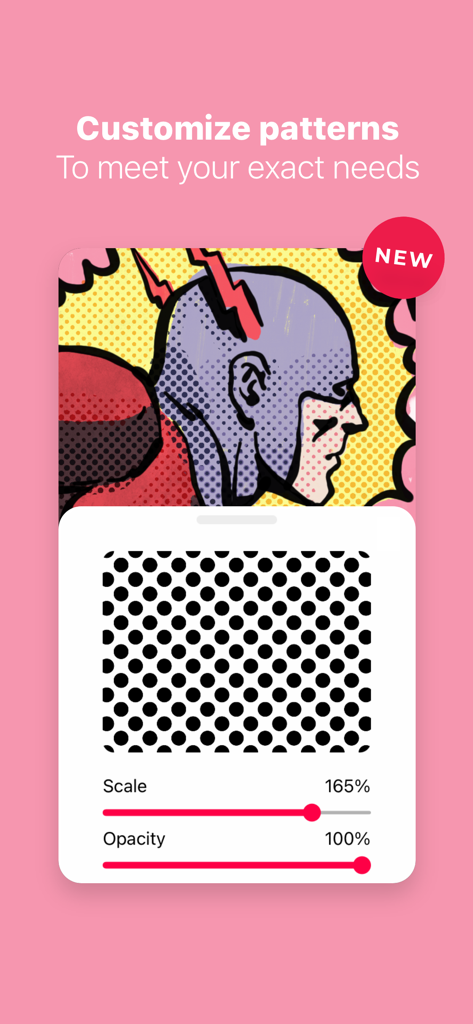
コミックスタイルのイラストの上にスケールと不透明度の調整を示すTayasui Sketchesのパターンカスタマイズツール。
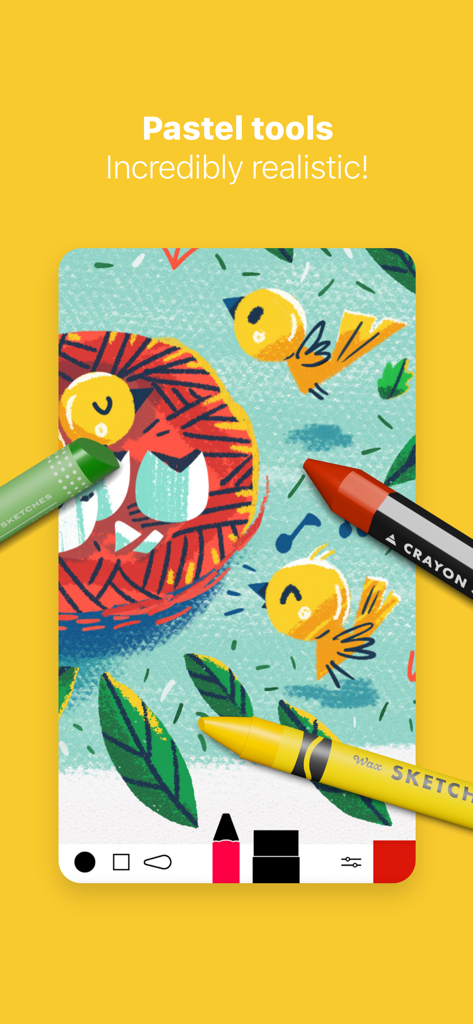
Tayasui Sketchesのリアルなデジタルパステルとクレヨンツールで作成された鳥のイラスト
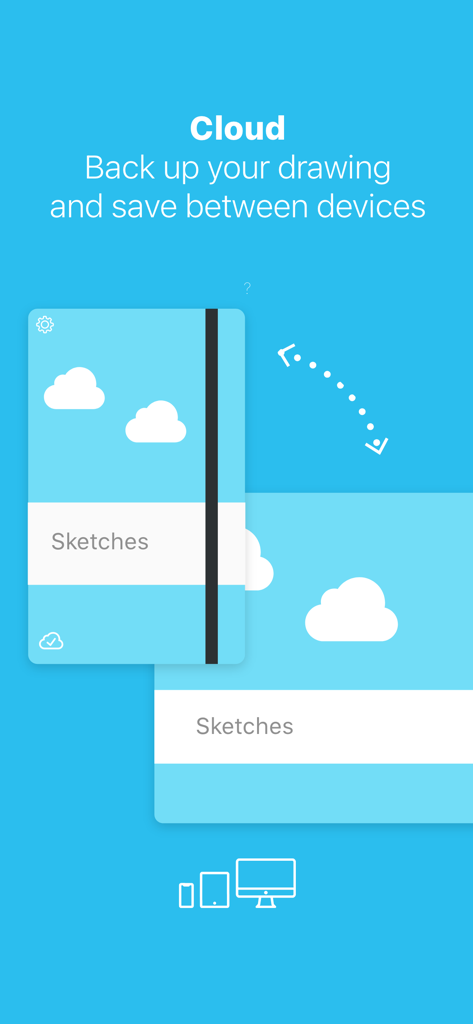
複数のデバイス間で描画のバックアップと同期を示すTayasui Sketchesのクラウド機能
説明
Download
類似アプリ
似た機能とユーザー体験を持つアプリ

Sketchbook®
Sketchbook, Inc.

Mental Canvas Draw
Mental Canvas, Inc.

ibis Paint
ibis inc.

ibis Paint X
ibis inc.

Paper: Sketch, Draw & Create
Evernote Corporation

Adobe Fresco: Draw & Paint App
Adobe Inc.

Art Set 4
Lofopi Ltd

MediBang Paint – Drawing & Art
MediBang inc.

Clip Studio Paint
CELSYS,Inc.
このページはアプリまたはその開発者の公式ページではなく、情報提供および論評を目的として作成された独立した編集出版物です。明示的に別段の記載がない限り、アプリおよびその開発者は、MWM、Apple、Google Play、アプリのパブリッシャー、またはアプリの開発者と提携、承認、後援、認可、またはその他の公式的な関係はなく、このページのいかなる内容も、アプリがMWMのサービスを使用して開発されたことを意味するものではありません。すべての商標、ロゴ、スクリーンショット、その他のコンテンツはそれぞれの所有者の財産です。