AI Interior Design - Interia
ダウンロード: App Store

このページはアプリまたはその開発者の公式ページではなく、情報提供および論評を目的として作成された独立した編集出版物です。明示的に別段の記載がない限り、アプリおよびその開発者は、MWM、Apple、Google Play、アプリのパブリッシャー、またはアプリの開発者と提携、承認、後援、認可、またはその他の公式的な関係はなく、このページのいかなる内容も、アプリがMWMのサービスを使用して開発されたことを意味するものではありません。すべての商標、ロゴ、スクリーンショット、その他のコンテンツはそれぞれの所有者の財産です。


ロゴ: AI Interior Design - Interia
ダウンロード: App Store

AI Interior Design - Interia

一枚の写真でどんな部屋も変身させましょう。AI搭載のデザイナーが、ミニマリストのリビングルームから究極のゲーミングセットアップまで、数秒で驚くほどプロフェッショナルなレイアウトを生成します。

主要数値

ダウンロード

2K+

ユーザー評価

4.4/5

評価数

100

開発元

AppQ Technology

カテゴリ

Productivity

対応言語

1

最新バージョン

1.0.9

サイズ

51.0 MB

リリース日

2023年3月11日
機能

AIインテリジェンスで空間を再デザイン

推測はやめて、視覚化を始めましょう。当社のAIは、あなたの部屋の1枚の写真から、プロフェッショナルなインテリアデザインのコンセプトを生成します。

瞬時の部屋の模様替え

写真を1枚アップロードするだけで、AIがあなたの実際の空間に合わせて、数秒で4つのユニークなデザインパースを生成します。

厳選された美的スタイル

ミニマル、モダン、プロフェッショナル、トロピカル、ヴィンテージから選択して、あなたのライフスタイルと予算に合った正確な雰囲気を見つけてください。

以下のスクリーンショットと説明は、アプリの公式ストアリスティングから直接取得されたものであり、アプリ開発者の所有物です。

アプリストア

スクリーンショット
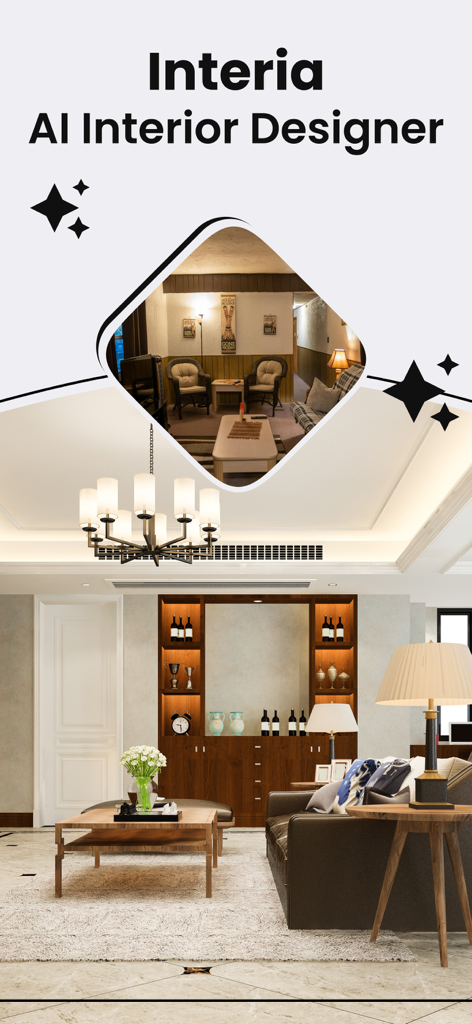
AI Interior Design - Interia - Interia AIインテリアデザイナーアプリを使用した部屋の変身の、ビフォーアフターの視覚化。
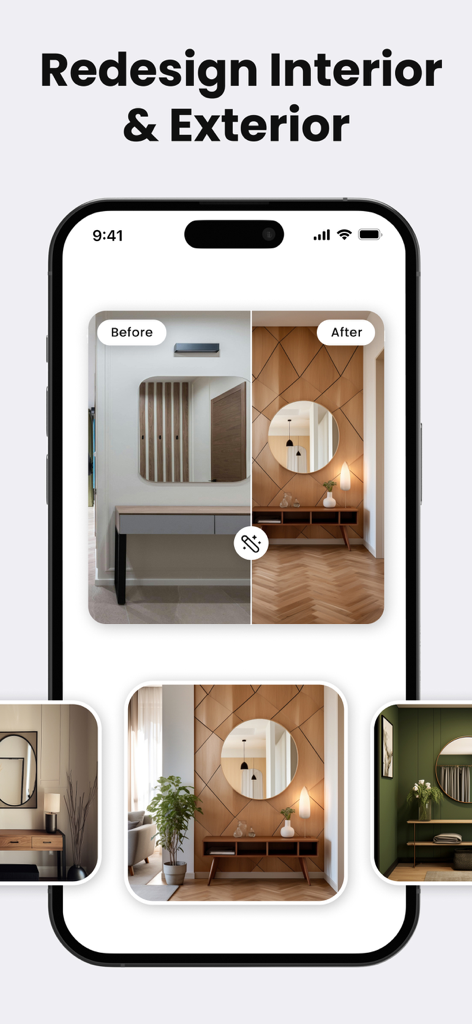
Interia AIインテリアデザイナーアプリを使用した部屋の変身の、ビフォーアフターの視覚化。

AI Interior Design - Interia - Interia AIインテリアデザインアプリでの廊下のビフォーアフターのリデザイン
Interia AIインテリアデザインアプリでの廊下のビフォーアフターのリデザイン

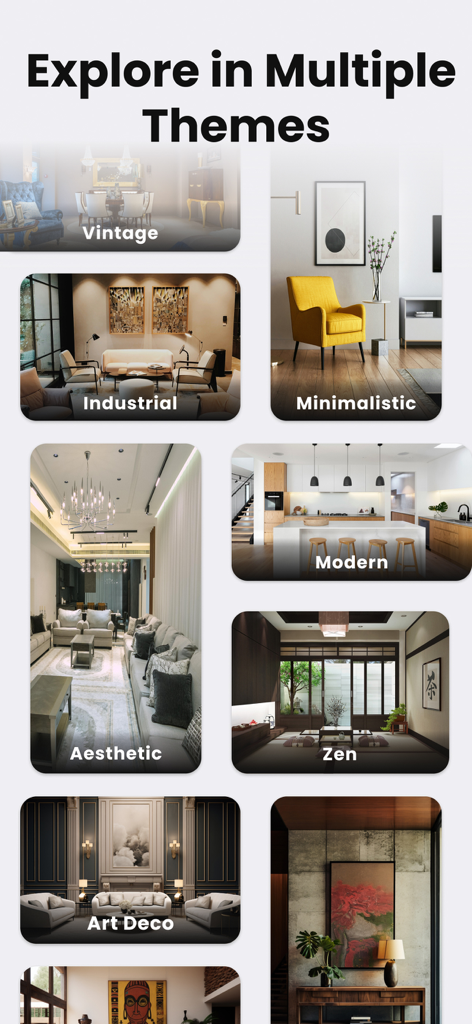
AI Interior Design - Interia - Interiaアプリに表示される、ミニマリスト、インダストリアル、禅、モダンなスタイルを含む多様なインテリアデザインテーマのコラージュ。
Interiaアプリに表示される、ミニマリスト、インダストリアル、禅、モダンなスタイルを含む多様なインテリアデザインテーマのコラージュ。

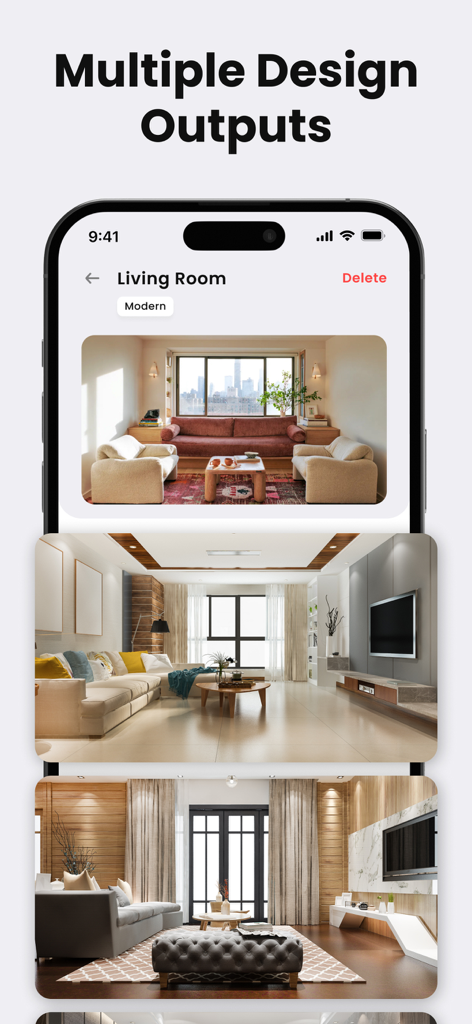
AI Interior Design - Interia - 複数のAI生成モダンリビングルームデザインアイデアを表示するスマートフォン画面。
複数のAI生成モダンリビングルームデザインアイデアを表示するスマートフォン画面。

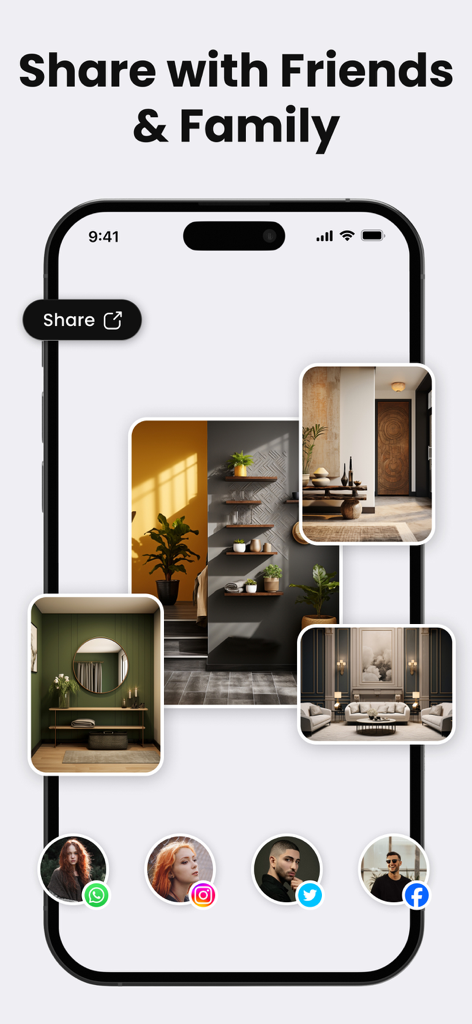
AI Interior Design - Interia - Interiaアプリのインターフェース。さまざまな部屋のデザイン結果とソーシャルメディアの連絡先アイコンを備えた、友人や家族と共有する機能が表示されている。

Interiaアプリのインターフェース。さまざまな部屋のデザイン結果とソーシャルメディアの連絡先アイコンを備えた、友人や家族と共有する機能が表示されている。

説明

Whether you’re a professional interior designer who wants quick home/room/house design ideas to pitch your client or anyone who wants to renovate their space. Interia’s the ultimate solution for your design planning needs. Interia’s AI model has been trained by professional interior designers using more than 75000+ home, room, and house plans, making it highly efficient. How to use Interia? • Launch the app • Add one picture of your room/space (Make sure there are not many obstructions, avoid human beings/pets etc, in the room when you capture) • Choose the type of room: Bedroom, Living Room, Gaming Room, Kitchen, etc. • Choose from 5 Interior design styles: Minimal, Modern, Professional, Tropical, Vintage • Voila, you’ll see 4 different interior design ideas that can be done on your room. Note: The results generated are for reference purposes, you can visualize the room in different styles and layouts. As of now, the app doesn’t allow you to change the size/place of the items such as sofas, TVs, beds, etc, but will soon support it in the future. Once you feel that the layout is decent enough and the placement of TV, sofas, tables, beds, etc is perfect, you can ask your designer to make designs accordingly. Privacy Policy : https://interia.appstraw.com/privacy-policy Terms of USe : https://interia.appstraw.com/terms-conditions

Download

ダウンロード: App Store

このページはアプリまたはその開発者の公式ページではなく、情報提供および論評を目的として作成された独立した編集出版物です。明示的に別段の記載がない限り、アプリおよびその開発者は、MWM、Apple、Google Play、アプリのパブリッシャー、またはアプリの開発者と提携、承認、後援、認可、またはその他の公式的な関係はなく、このページのいかなる内容も、アプリがMWMのサービスを使用して開発されたことを意味するものではありません。すべての商標、ロゴ、スクリーンショット、その他のコンテンツはそれぞれの所有者の財産です。








