PhotoPicker is a powerful iOS app built for photographers who travel light — without a laptop.
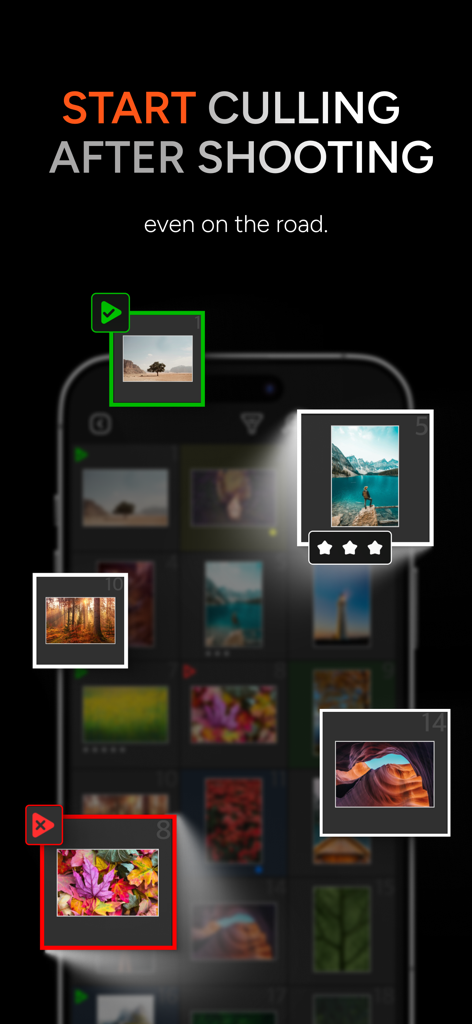
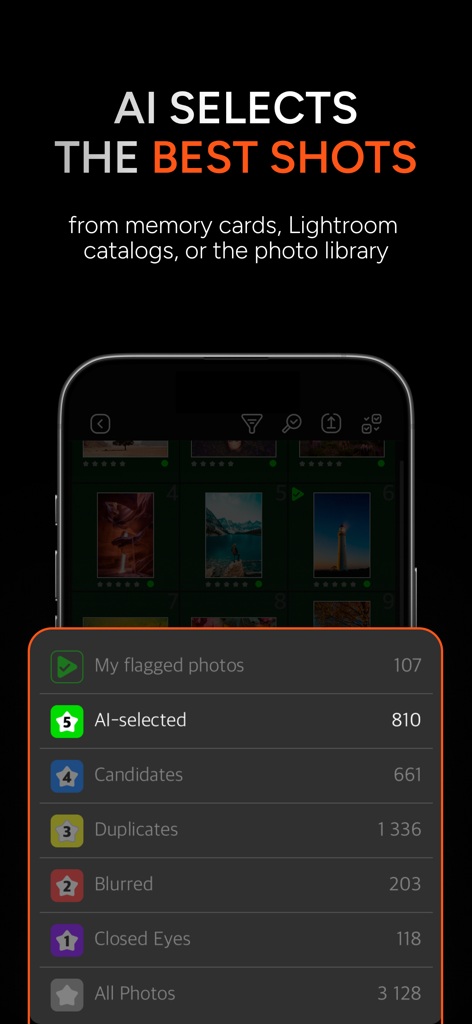
It helps you quickly pick your best shots right after the shoot — on the go, with no need to import files or connect to the internet. Built-in AI analyzes your photos for sharpness, closed eyes, duplicates, facial expressions, and movement to help you select the best images in seconds.
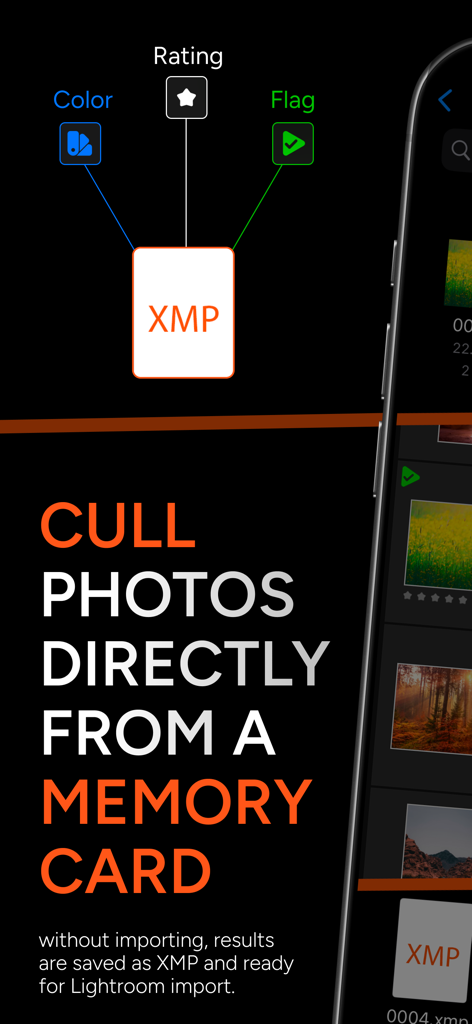
Access photos directly from memory cards, external SSDs, or folders — sort them on your iPhone or iPad, and once you’re home, simply transfer the results into Lightroom, Capture One, or any other editor that supports XMP.
Also works with the standard iOS photo library — including automatic AI photo analysis.
Key Features of PhotoPicker:
1. AI & Manual Culling
• Smart AI detects blur, closed eyes, duplicates, facial expressions, and motion to find the best shots in a series.
• Prefer manual culling? Swipe up to keep, down to reject.
• Apply flags, star ratings (1–5), and color labels — all saved to XMP automatically.
2. No Import Needed
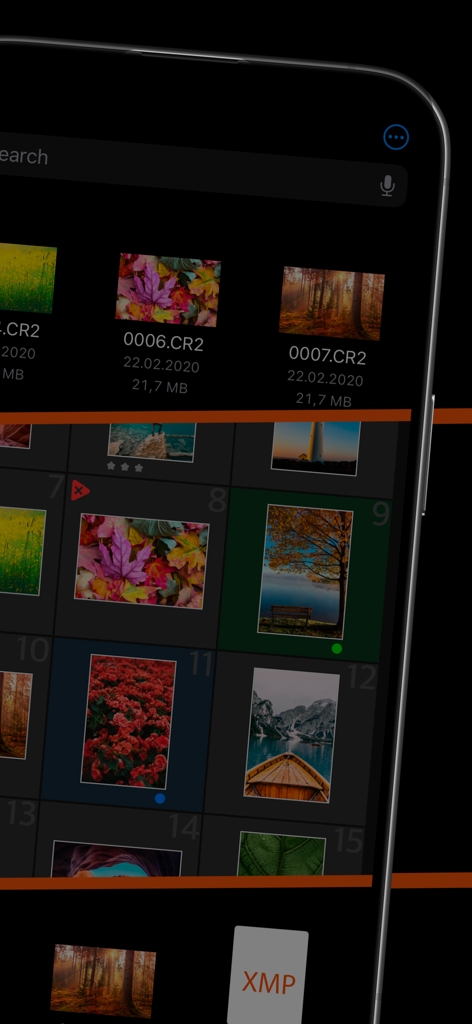
• Cull photos directly from memory cards, external drives, or any folder in the Files app.
• XMP files are saved alongside your images — ready for import into your favorite editor.
3. Lightroom Classic Integration
• Open and cull Lightroom Classic catalogs right in the app.
• Flags, ratings, and color labels are synced back to the catalog.
4. Custom Catalogs
• Create your own catalogs with JPEG and RAW files.
• RAWs are not duplicated — the app works with file references.
• Use flexible export options: copy XMPs, remove rejected files, and more.
5. Fast Compare & Review
• Tap to quickly flip between photos, even in zoomed-in view.
• Check focus and expressions in detail without leaving review mode.
Why Photographers Choose PhotoPicker:
Designed by photographers, for photographers, PhotoPicker gives you maximum freedom to sort, flag, and rate — no extra steps, no clutter. With fast AI-based culling, full XMP support, and seamless access to memory cards and external drives, it’s the perfect solution for travel shoots, expeditions, and everyday workflows.
Join thousands of professional photographers already using PhotoPicker — try it now!
Subscription
• The subscription gives you unlimited access to work with catalogs, regardless of the number of photos they contain
• Subscriptions are billed monthly or annually at the rate selected depending on the subscription plan. Alternatively a one-time payment plan is available (this is not a subscription).
• Subscriptions auto-renew at the cost of the chosen package, unless cancelled 24-hours in advance prior to the end of the current period. The subscription fee is charged to your iTunes account at confirmation of purchase. You may manage your subscription and turn off auto-renewal by going to your Account Settings after purchase. Per Apple policy, no cancellation of the current subscription is allowed during active subscription period. Once purchased, refunds will not be provided for any unused portion of the term.
• Terms of use: https://photopicker.gitbook.io/tos
• Privacy policy: https://photopicker.gitbook.io/privacy
Lightroom, XMP are registered trademarks of Adobe Systems, Inc.