AI Text to Speech & TTS Reader

AI Text to Speech & TTS Reader

ダウンロード: App Store
ロゴ: AI Text to Speech & TTS Reader

AI音声読み上げ&TTSリーダー:あらゆるコンテンツを生産的なオーディオに

移動中に読みたいものをこなしましょう。PDF、ドキュメント、写真さえも自然なAI音声に変換し、通勤中、運動中、毎日のルーティン中にマルチタスクをマスターしましょう。

ダウンロード: App Store

開発元

Tausif Akram

カテゴリ

Productivity

ダウンロード

400

ユーザー評価

1.0/5

評価数

0

対応言語

33

移動中の生産性

このインターフェースを利用する 400 人のユーザー.

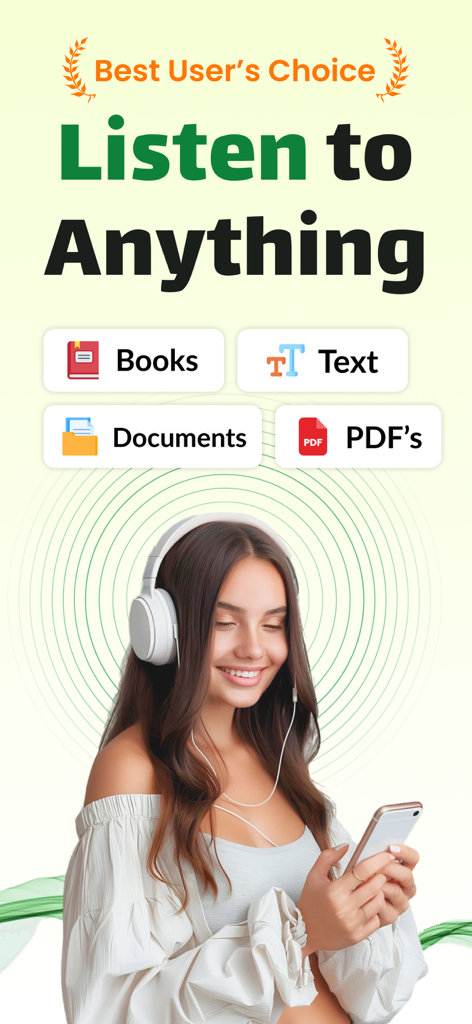
イヤホンをした女性が、AI音声リーダーアプリを使ってスマートフォンで書類や本を聴いている様子
イヤホンをした女性が、AI音声リーダーアプリを使ってスマートフォンで書類や本を聴いている様子

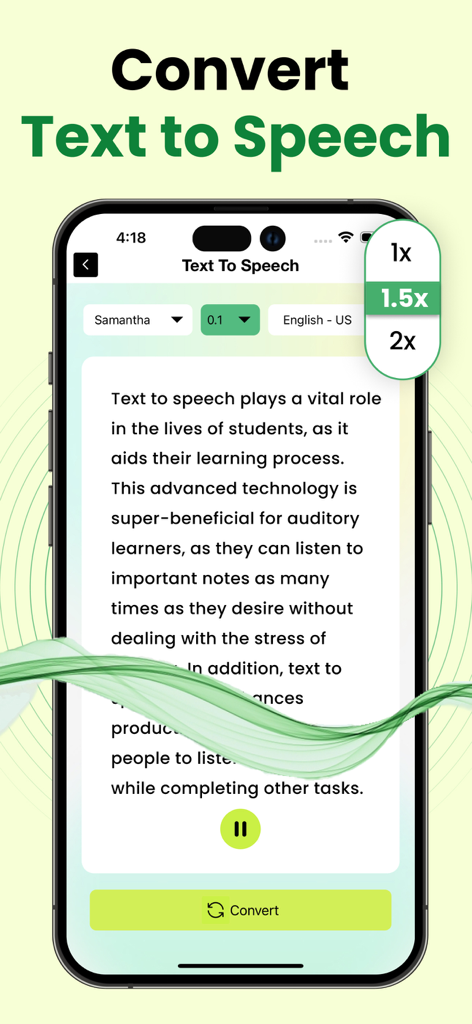
再生速度と音声オプションが表示されたAI音声読み上げアプリを示すスマートフォン
再生速度と音声オプションが表示されたAI音声読み上げアプリを示すスマートフォン

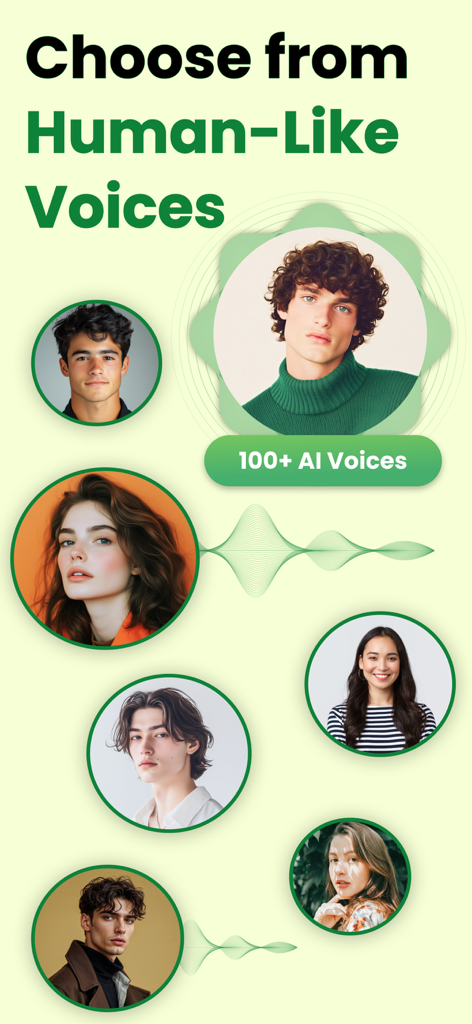
高品質なテキスト読み上げ変換のための、多様な人間らしいAI音声の選択肢
高品質なテキスト読み上げ変換のための、多様な人間らしいAI音声の選択肢

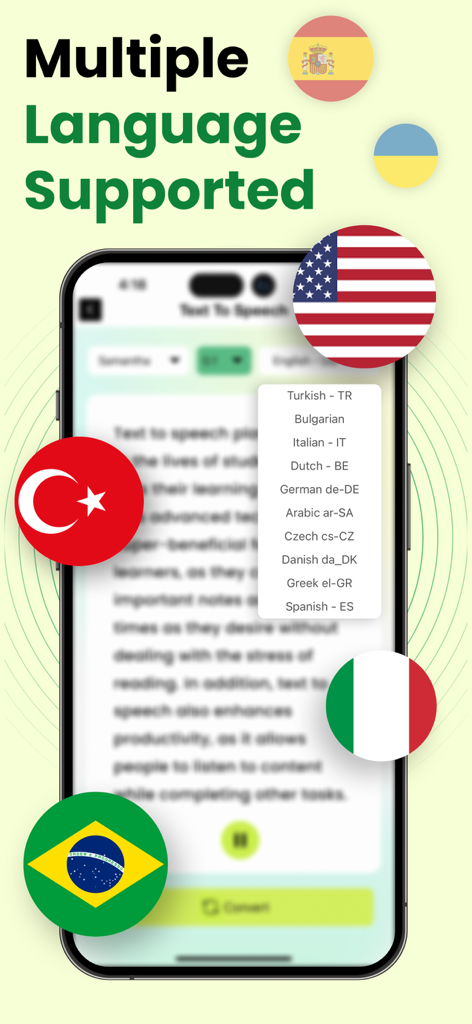
複数の言語サポートと国際的な国旗が表示されたAI音声読み上げアプリの画面
複数の言語サポートと国際的な国旗が表示されたAI音声読み上げアプリの画面

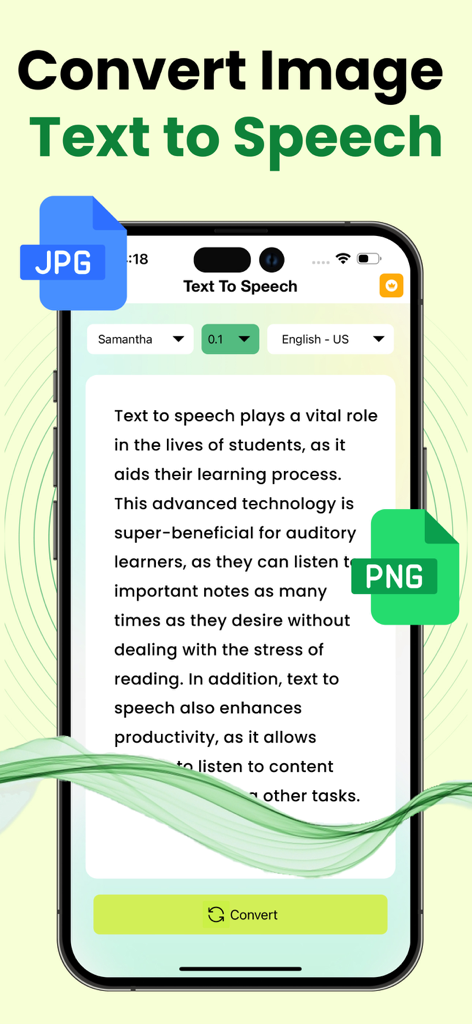
JPGおよびPNG画像からのテキストをAI音声を使用して音声に変換する方法を示すアプリインターフェース。
JPGおよびPNG画像からのテキストをAI音声を使用して音声に変換する方法を示すアプリインターフェース。

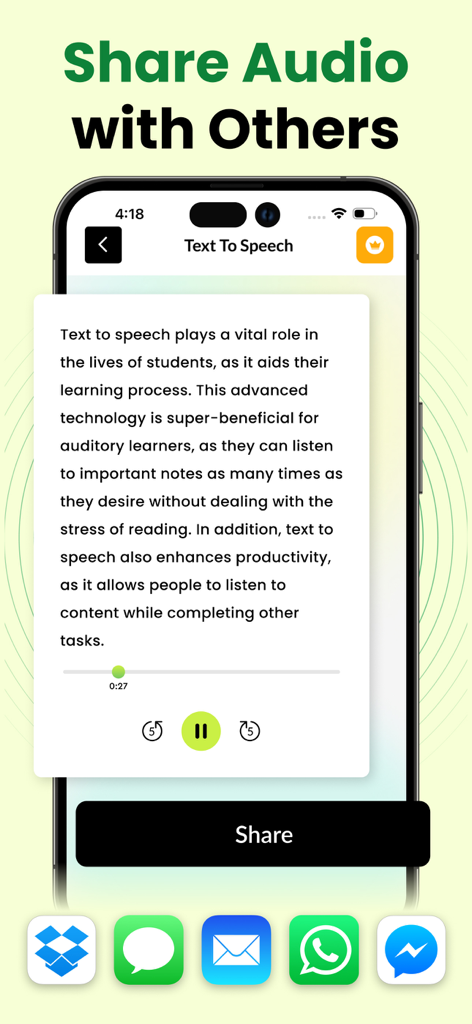
メッセージングおよびクラウドアプリを介して音声に変換されたテキストを共有する方法を示すインターフェース

メッセージングおよびクラウドアプリを介して音声に変換されたテキストを共有する方法を示すインターフェース

読書をアクションに変える

このアプリを際立たせるツール、 400 人のユーザーが選択.

🎧

自然なAIナレーション

認知負荷を軽減し、長時間のリスニングセッションを楽にする、クリアで人間らしい音声をお楽しみください。

📸

スマートな画像から音声へ

物理的なページやドキュメントの写真を撮りましょう。当社の高度なOCRテクノロジーがテキストを即座にデジタル化し、読み上げます。

シームレスなファイル統合

メールやクラウドストレージからPDF、Docs、Txtファイルをインポートしましょう。移動中に大量のワークロードを管理する学生やプロフェッショナルに最適です。

アプリについて

について知っておくべきこと AI Text to Speech & TTS Reader.

説明

The text to speech app is an advanced app designed to facilitate users looking forward to transforming any kind of textual information into audible files. Have you ever tried to listen to your documents, emails, or articles on the go? Do you struggle with reading or suffer from a lack of time to go through written stuff thoroughly? In either case, our text to speech converter can prove to be the handy solution! The text to speech app can transform your textual content into crystal-clear audio files within a matter of seconds. This application is backed by advanced assistive technology that reads digital text using artificial intelligence. How to Convert Text to Speech? If you are worried about the hassle involved in the process of converting text to speech, then this app brings the good news for you. You can convert text to speech by following a simple procedure. All you are required to do is upload the text you wish to convert into speech. This app offers you multiple options to submit text, which include typing or pasting the text in the text editor and uploading a Txt, Doc, or PDF file. But our text to speech converter doesn’t stop here! If the text you wish to convert is contained in an image, then you can simply submit the picture to this app. Its built-in OCR technology will fetch the text from the image and then convert it into an audio file. Range of Voices! Our text to speech app offers you the option to select your desired voice from the available options. You can click on the drop-down voice option to choose any of its natural-sounding voices and personalize your listening experience. You can try out different voice options before settling on one with the play feature of this text to speech converter, which allows you to listen to the audio within the app after the completion of the conversion process. Quick Processing! The text to speech application just takes a few seconds to transfer the audio file crafted from your text to your device’s local storage. All you need to do is click on the download icon! Text to Speech is a Perfect app for: Busy professionals Students Visually impaired users Audio learning enthusiasts Language learners The first 2 initial conversions are free for every user. After that, subscription is required for further conversions. Note: Payment will be charged to your iTunes account at confirmation of purchase. Your subscription will automatically renew unless auto-renew is turned off at least 24-hours before the end of the current subscription period. Your account will be charged for renewal within 24-hours prior to the end of the current subscription period. Automatic renewals will cost the same price you were originally charged for the subscription. You can manage your subscriptions and turn off auto-renewal by going to your Account Settings on the App Store after purchase. Read our terms of service and Privacy Policy for more information. Privacy Policy: https://www.contentarcade.com/privacy Terms of Use: https://www.contentarcade.com/terms

最新バージョン

1.5

サイズ

39.9 MB

リリース日

2024年4月16日

時間を有効活用する準備はできましたか?

何千人ものプロフェッショナルや学生に加わり、ドキュメント、画像、PDFを自然なオーディオに変換しましょう。今日から移動中に聴き始めましょう。

ダウンロード: App Store

App information, icons, screenshots, and descriptions displayed on this page are sourced from the Apple App Store and are the property of their respective developers. Download estimates and rankings are based on MWM's proprietary models and may not reflect actual figures. This page is provided for informational and analytical purposes only.

Believe this page infringes your intellectual property? File a dispute