
このページはアプリまたはその開発者の公式ページではなく、情報提供および論評を目的として作成された独立した編集出版物です。明示的に別段の記載がない限り、アプリおよびその開発者は、MWM、Apple、Google Play、アプリのパブリッシャー、またはアプリの開発者と提携、承認、後援、認可、またはその他の公式的な関係はなく、このページのいかなる内容も、アプリがMWMのサービスを使用して開発されたことを意味するものではありません。すべての商標、ロゴ、スクリーンショット、その他のコンテンツはそれぞれの所有者の財産です。


AirDisk: File Manager
PC、Mac、iOS間でケーブルなしでファイルをシームレスに転送・管理できます。インスタントワイヤレス共有、安全なストレージ、強力なオールインワンメディアプレーヤーの自由を体験してください。
ダウンロード
252K+ユーザー評価
評価数
0開発元
カテゴリ
Productivity対応言語
9最新バージョン
7.11.30サイズ
116.0 MBリリース日
2021年8月12日デジタルライフのためのワイヤレスな自由
iPhoneとPCのギャップを埋めましょう。AirDisk Proは、モバイルデバイスを強力なワイヤレスドライブに変え、シームレスなファイル管理と安全な転送を実現します。
インスタントクロスプラットフォーム転送
ケーブルやiTunesは不要です。Webブラウザだけで、Windows PCまたはMacからデバイスに直接ファイルをドラッグ&ドロップできます。
プライバシー重視のローカルストレージ
機密データはサードパーティサーバーに保存しません。ファイルをローカルに転送し、Face ID、Touch ID、または安全なパスコードでフォルダを保護します。
よくある質問
について知っておくべきこと AirDisk: File Manager
AirDisk Proはワイヤレスファイル転送をどのように実現しますか?
AirDisk Proは、お使いのiOSデバイスをワイヤレスフラッシュドライブに変え、ケーブルや追加ソフトウェアなしで、同じWi-Fiネットワーク上のウェブブラウザ経由でコンピューターとiOSデバイス間のファイル転送を可能にします。
AirDisk ProはiPhoneやiPadから写真を転送できますか?
はい、AirDisk Proを使用すると、ウェブインターフェースを使用して、iOSの写真アプリからコンピューターへ直接写真をワイヤレスで転送できます。iOSファイルアプリからのファイルのダウンロードもサポートしています。
AirDisk Proは私のファイルを転送するのに安全ですか?
はい、AirDisk Proは、Wi-Fi、HTTP、FTPファイル転送のパスワード保護によりデータの安全性を確保しています。また、Touch IDおよびFace IDのサポートにより、セキュリティを強化しています。
AirDisk ProはMacとWindowsコンピューターの両方をサポートしていますか?
はい、AirDisk ProはMacとPCコンピューターの両方と互換性があります。コンピューターのウェブブラウザを使用して、ドラッグアンドドロップ機能により迅速なファイル転送をサポートしています。
AirDisk Proはクラウドストレージサービスに接続できますか?
はい、AirDisk Proは主要なクラウドサービスとシームレスに統合されています。ユーザーはアプリ内でiCloud Drive、Google Drive、Dropbox、OneDriveから直接ファイルにアクセスできます。
AirDisk Proで利用できるファイル管理機能は何ですか?
AirDisk Proは、ファイルの移動、コピー、名前の変更、削除、ジップ/解凍、フォルダへの整理など、高度なファイル管理を提供します。テキストファイル、ボイスメモの作成、メディアのキャプチャも可能です。
AirDisk ProはiPhoneとiPad用のユニバーサルアプリですか?
はい、AirDisk Proはユニバーサルアプリケーションです。1回の購入で、iPhoneとiPadの両方のデバイスで完全なアクセスと機能を利用できます。
AirDisk Proで音楽や動画を直接再生できますか?
はい、AirDisk Proにはメディアプレーヤーが内蔵されています。カスタムプレイリストの作成と再生をサポートしており、音楽再生のためにバックグラウンドオーディオ、シャッフル、リピートオプションも利用できます。
AirDisk Proでニアバイファイル共有を使用するにはどうすればよいですか?
AirDisk Proのニアバイファイル共有では、両方のデバイスが同じWi-Fiネットワークに接続され、アプリが実行されている必要があります。ユーザーは、受信側または送信側を選択して転送を開始します。
AirDisk Pro内でファイルを並べ替えたり整理したりできますか?
はい、AirDisk Proでは、名前、日付、種類、サイズでファイルを並べ替えることができます。また、アイコン、詳細、リスト形式など、さまざまな表示オプションも提供しています。
以下のスクリーンショットと説明は、アプリの公式ストアリスティングから直接取得されたものであり、アプリ開発者の所有物です。
アプリストア
スクリーンショット
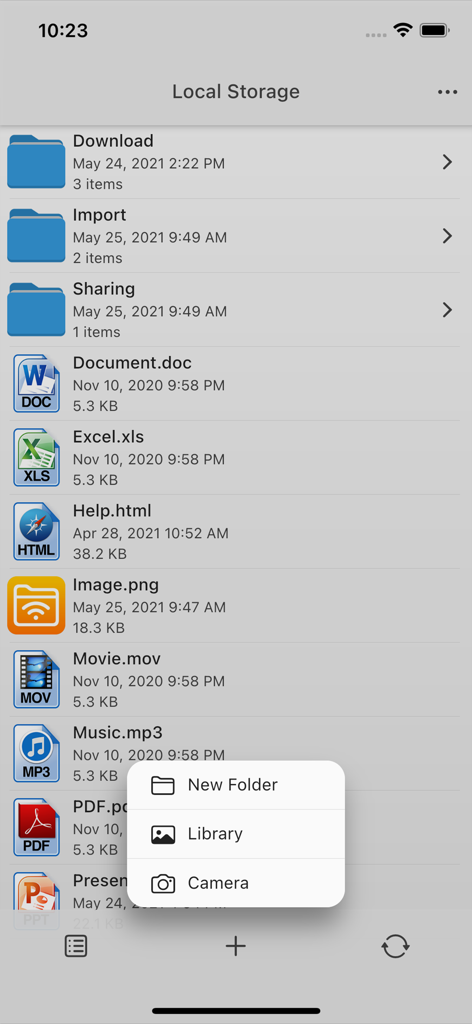
AirDiskアプリのインターフェース。フォルダや、ドキュメント、メディアなど複数のファイルタイプが表示されています。
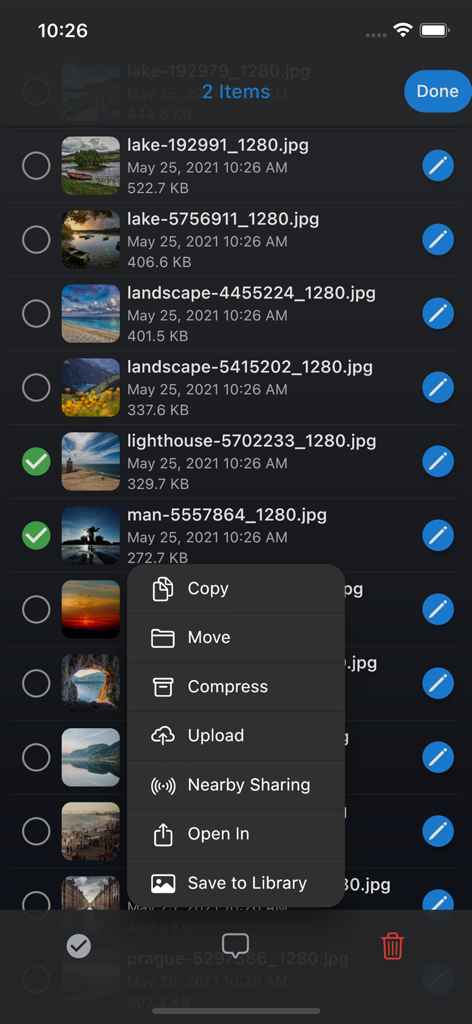
AirDisk File Managerアプリ。写真のリストと、コピー、移動、圧縮などのオプションが表示されたメニューを表示しています。
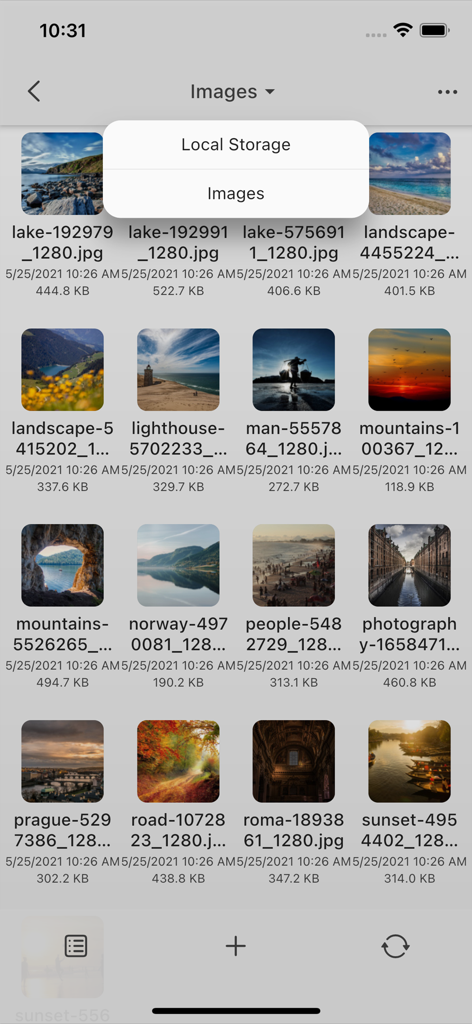
AirDisk File Managerアプリ。ローカルストレージ内の写真のグリッドを表示しています。
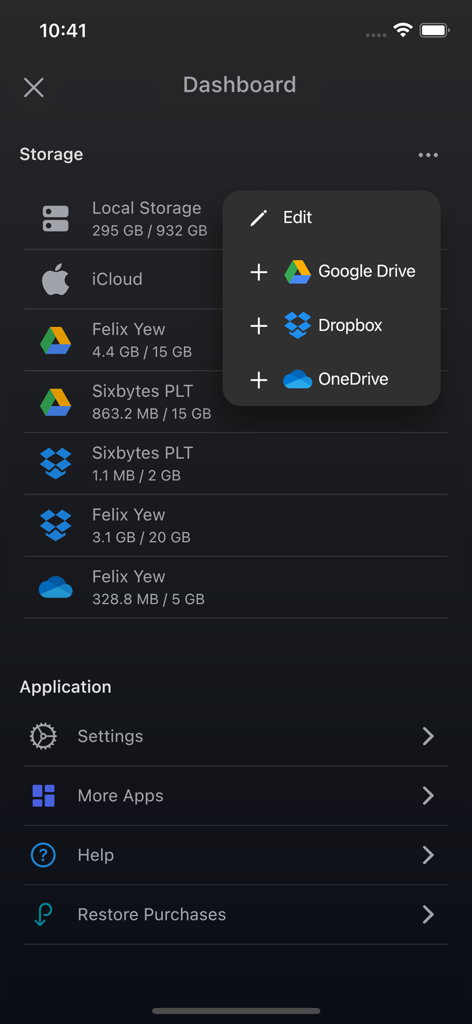
AirDiskアプリのダッシュボード。ローカルストレージのステータスと、Google DriveやDropboxなどの統合されたクラウドサービスを表示しています。
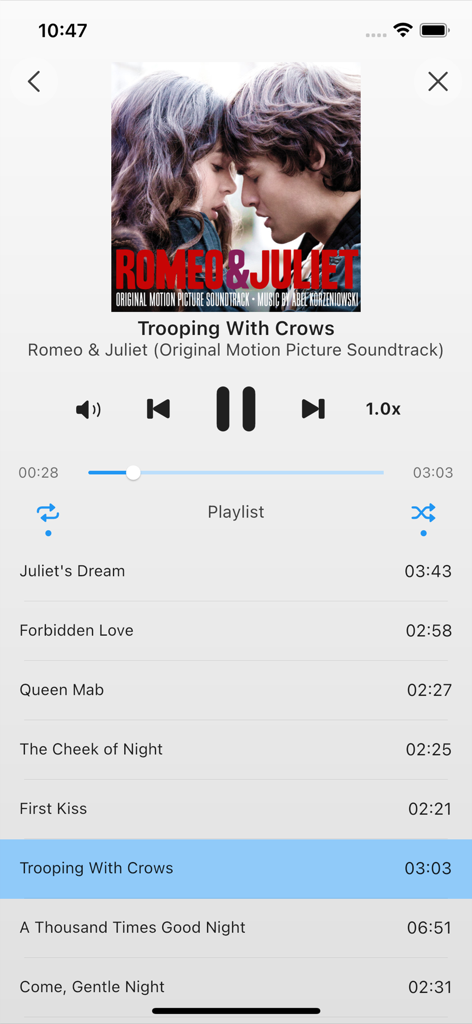
AirDisk File Managerの統合ミュージックプレーヤー。プレイリストと再生コントロールを表示しています。
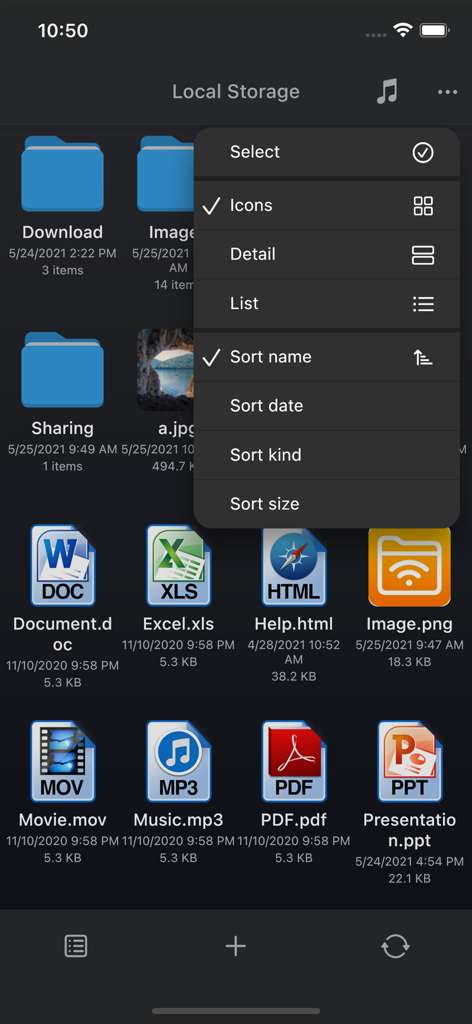
AirDisk File Managerのローカルストレージ画面。さまざまなファイルアイコンと並べ替えメニューを表示しています。
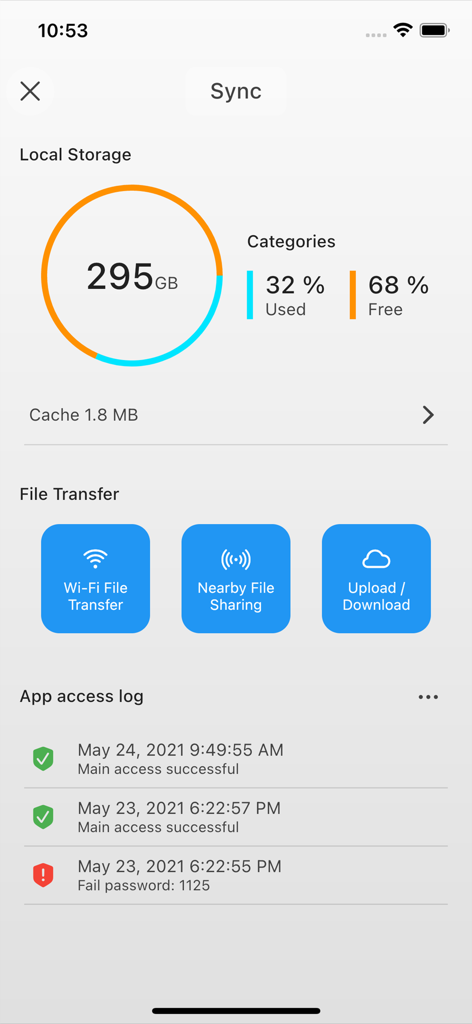
AirDisk Proアプリのダッシュボード。ローカルストレージの使用状況、ワイヤレスファイル転送オプション、セキュリティアクセスログを表示しています。
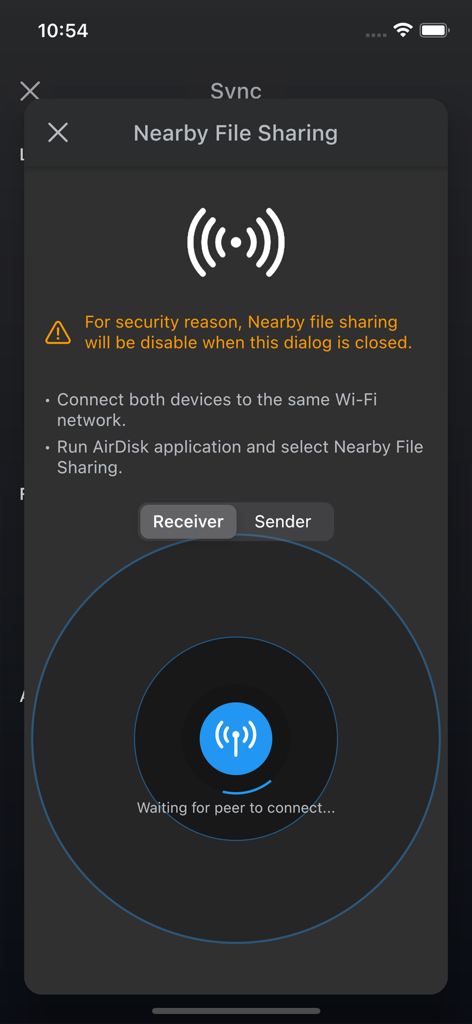
AirDiskアプリのインターフェース。受信モードでの近隣共有ファイル転送を表示しています。
説明
Download






このページはアプリまたはその開発者の公式ページではなく、情報提供および論評を目的として作成された独立した編集出版物です。明示的に別段の記載がない限り、アプリおよびその開発者は、MWM、Apple、Google Play、アプリのパブリッシャー、またはアプリの開発者と提携、承認、後援、認可、またはその他の公式的な関係はなく、このページのいかなる内容も、アプリがMWMのサービスを使用して開発されたことを意味するものではありません。すべての商標、ロゴ、スクリーンショット、その他のコンテンツはそれぞれの所有者の財産です。