AirDrive - Wireless Hard Drive
ダウンロード: App Store

このページはアプリまたはその開発者の公式ページではなく、情報提供および論評を目的として作成された独立した編集出版物です。明示的に別段の記載がない限り、アプリおよびその開発者は、MWM、Apple、Google Play、アプリのパブリッシャー、またはアプリの開発者と提携、承認、後援、認可、またはその他の公式的な関係はなく、このページのいかなる内容も、アプリがMWMのサービスを使用して開発されたことを意味するものではありません。すべての商標、ロゴ、スクリーンショット、その他のコンテンツはそれぞれの所有者の財産です。


ロゴ: AirDrive - Wireless Hard Drive
ダウンロード: App Store

AirDrive - Wireless Hard Drive

ケーブルとiTunesはもう不要。Wi-Fi経由で、スマホとあらゆるコンピューター間でファイルを楽々転送、管理、保護。

主要数値

ダウンロード

325K+

ユーザー評価

2.3/5

評価数

0

開発元

Sebastien BUET

カテゴリ

Productivity

対応言語

2

最新バージョン

2.4

サイズ

9.7 MB

リリース日

2014年1月18日
機能

究極のワイヤレスファイルブリッジ

iPhoneをパワフルな外付けHDDに変身させよう。ケーブル、サブスクリプション、クラウド不要—純粋な生産性とシームレスな転送。

高速クロスプラットフォーム転送

iTunesとケーブルをバイパス。Wi-Fiだけで、iPhoneとWindowsまたはMacコンピューター間で大容量ビデオ、写真、ドキュメントを瞬時に移動。

プライバシー最優先のローカルストレージ

クラウドサブスクリプションに支払うのはやめよう。パスロック保護と安全なローカルネットワーク限定共有で、機密データをデバイス上で安全に保管。

以下のスクリーンショットと説明は、アプリの公式ストアリスティングから直接取得されたものであり、アプリ開発者の所有物です。

アプリストア

スクリーンショット
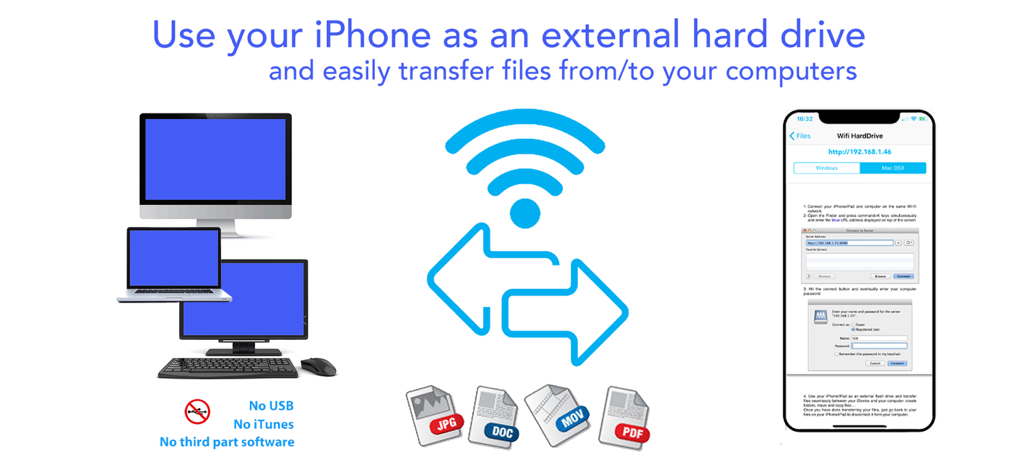
AirDrive - Wireless Hard Drive - JPG、DOC、MOVのようなファイルをUSBやiTunesなしでコンピューターに転送するために、iPhoneをワイヤレス外付けHDDとして使用する方法を示すインフォグラフィック。
JPG、DOC、MOVのようなファイルをUSBやiTunesなしでコンピューターに転送するために、iPhoneをワイヤレス外付けHDDとして使用する方法を示すインフォグラフィック。

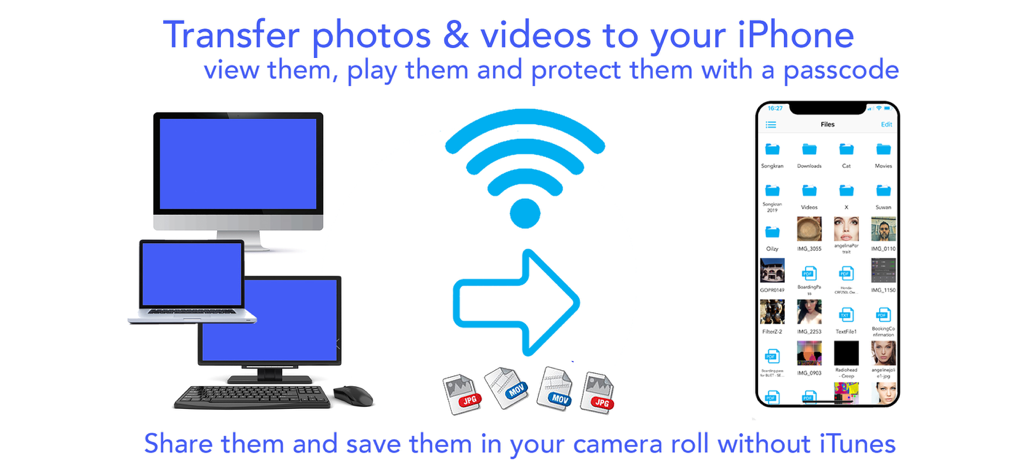
AirDrive - Wireless Hard Drive - AirDriveアプリを使用して、iTunesなしでコンピューターからiPhoneに写真やビデオをワイヤレス転送。
AirDriveアプリを使用して、iTunesなしでコンピューターからiPhoneに写真やビデオをワイヤレス転送。

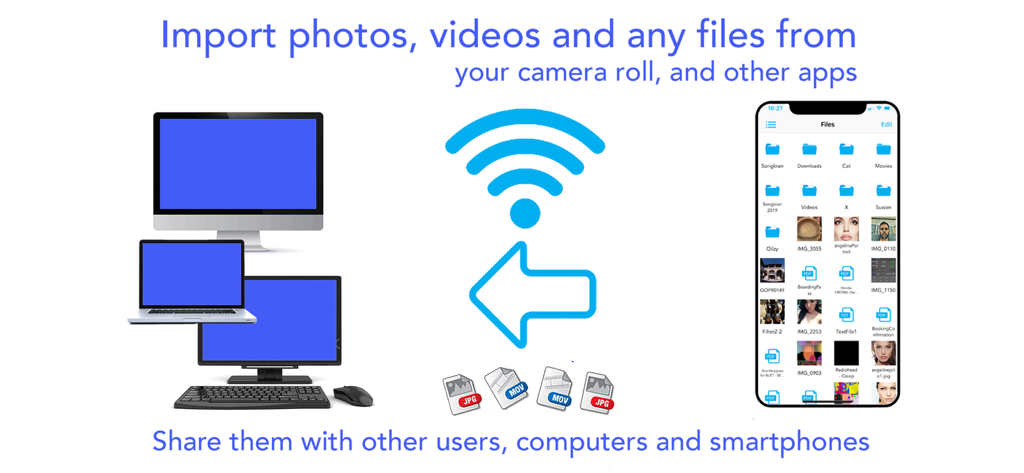
AirDrive - Wireless Hard Drive - デスクトップやラップトップを含む様々なコンピューターとiPhone間のワイヤレスファイル転送を示すインフォグラフィック。
デスクトップやラップトップを含む様々なコンピューターとiPhone間のワイヤレスファイル転送を示すインフォグラフィック。

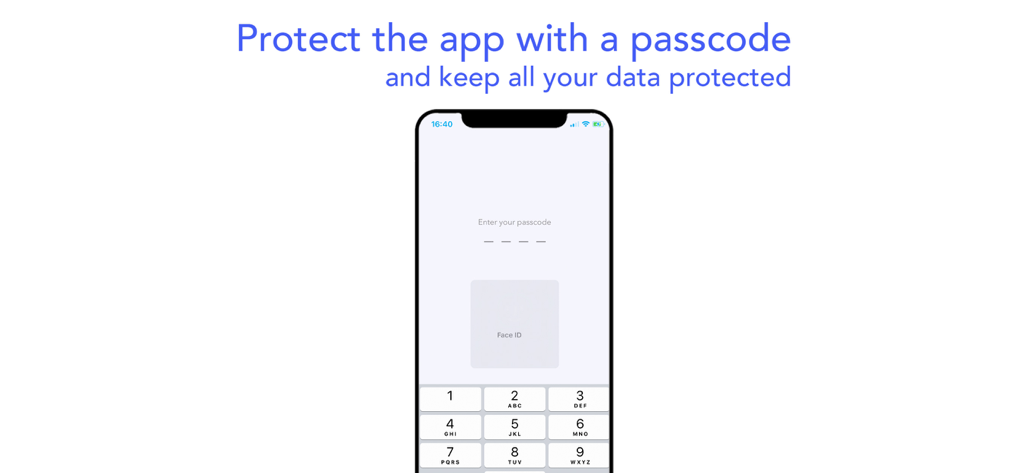
AirDrive - Wireless Hard Drive - AirDriveアプリのパスコードとFace ID認証を示すモバイル画面。
AirDriveアプリのパスコードとFace ID認証を示すモバイル画面。

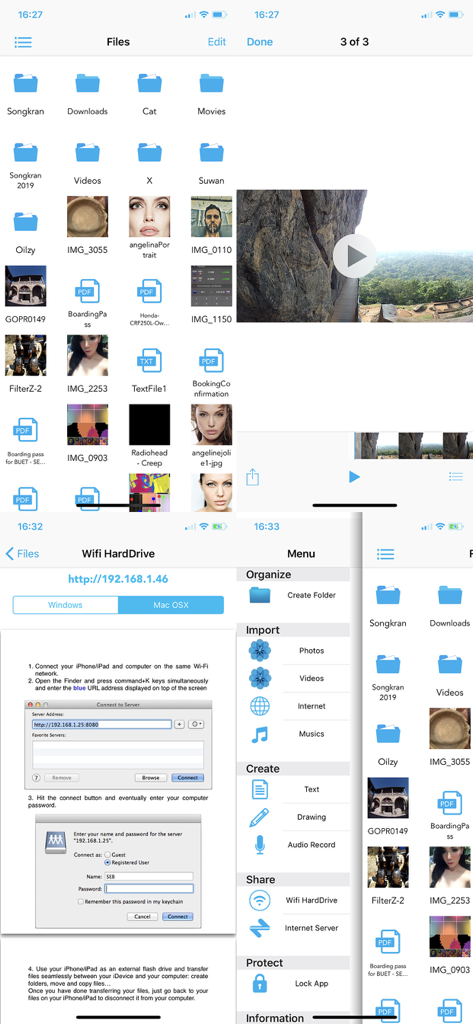
AirDrive - Wireless Hard Drive - AirDriveアプリのインターフェース。ワイヤレスファイル管理と転送機能が表示されている。

AirDriveアプリのインターフェース。ワイヤレスファイル管理と転送機能が表示されている。

説明

Finally use your iPhone/iPad/iPod as an external hard drive; view and share your photos, videos, musics and other documents on the go. Connect your iDevices to computers and smart phones without iTunes or other third part software, and share files easily. Download musics, videos and other stuffs on the internet. Protect all your data with a pass lock… AirDrive does it all ! AirDrive combines wifi server features with a powerful file manager; it is now easy to connect your iPhone* to computers and smart phones, and use it as an external hard drive, to share files and view them on the go. No need for iTunes, special cables or other software to connect your iPhone: the only thing required is an internet wifi connection. Simply share photos, videos and musics with your friends when you see them. Import several photos and videos at once from your camera roll and albums and share them with your friends. Import musics from your iPod library and share them too! Your friends can also upload their photos, videos, musics and other files to your iPhone* and you can then view/play them and save the photos in videos all at once in your camera roll. Import files from any other apps that support file sharing (mail attachments, file manager apps, editing apps…): view them and protect them into the app with a pass lock. Download files on the internet and in other files sharing apps; download several files in the background while seeing photos/videos or creating notes. Let your friends download your files with their computers and smart phones. And so many other features that we could continue for hours ..! Main app features: - Connect your iPhone* to computers as an external hard drive and easily transfer files, create folders to organize them, view them and share them on the go. Works with Mac and Windows computers. - Connect your iPhone* to computers and smart phones by simply entering the app server url: let your friends download your files and upload theirs without itunes, special cables or software. - Import several photos and videos into the app to protect them or share them. - Import musics from your iPod library play and share them ! - Organize your files on the go: create folders, rename your files, copy, move them at specific locations, delete and save them. - Create drawing, audio and text notes directly in the app. -Of course you can also transfer file with iTunes and its file sharing feature. - Protect all your data with a pass lock. - Share all your files by email, with other apps and on social networks. If you have issues with the app, write us an email at support@seb-appstore.com. If you report a problem in your review, unfortunately we can not contact you and help you out. Check out many great other apps at www.SEB-AppStore.com iPhone*: iPhone, iPod and iPad devices

Download

ダウンロード: App Store

このページはアプリまたはその開発者の公式ページではなく、情報提供および論評を目的として作成された独立した編集出版物です。明示的に別段の記載がない限り、アプリおよびその開発者は、MWM、Apple、Google Play、アプリのパブリッシャー、またはアプリの開発者と提携、承認、後援、認可、またはその他の公式的な関係はなく、このページのいかなる内容も、アプリがMWMのサービスを使用して開発されたことを意味するものではありません。すべての商標、ロゴ、スクリーンショット、その他のコンテンツはそれぞれの所有者の財産です。








