AllCast Screen Mirroring to TV

AllCast Screen Mirroring to TV

ダウンロード: App Store
ロゴ: AllCast Screen Mirroring to TV

AllCast Screen Mirroring to TV: 4Kビデオと写真をあらゆるスマートTVに即座にストリーミング

お気に入りのコンテンツを大画面で体験してください。ケーブルや追加のハードウェアなしで、iPhone または iPad を Samsung、LG、Roku などにシームレスにミラーリングします。

ダウンロード: App Store

開発元

Petrut Mugurel Stuparu

カテゴリ

Photo & Video

ダウンロード

1M+

ユーザー評価

2.0/5

評価数

700

対応言語

1

大画面を体験

このインターフェースを利用する 1M+ 人のユーザー.

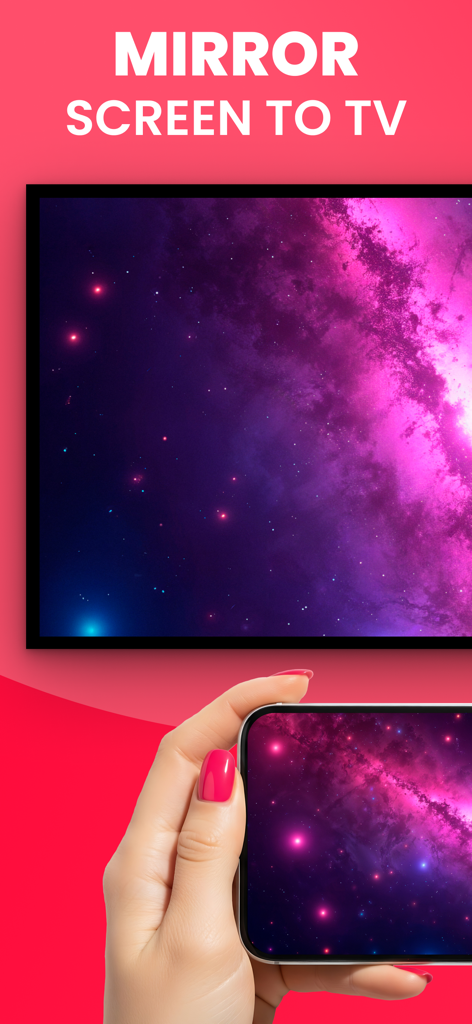
テレビ画面に紫色の銀河の画像をミラーリングしているスマートフォンを持つ手。
テレビ画面に紫色の銀河の画像をミラーリングしているスマートフォンを持つ手。

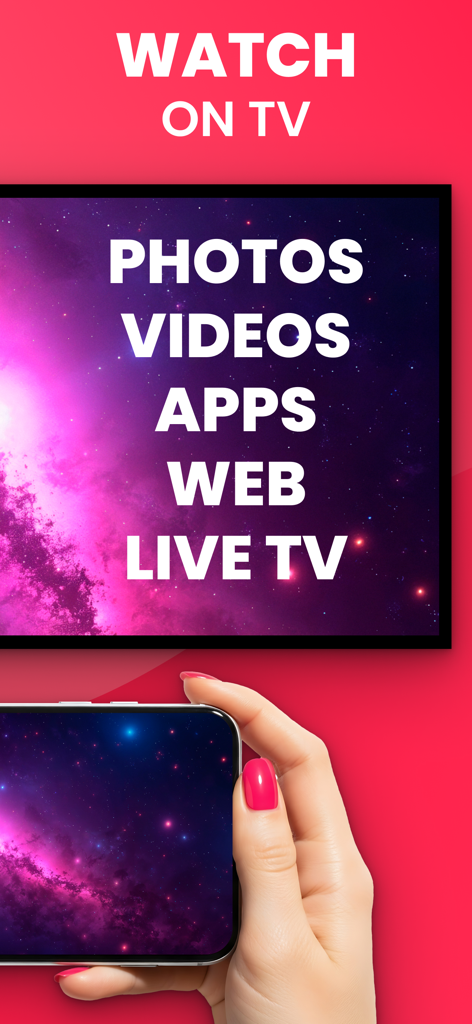
写真とビデオのオプションが表示されているテレビ画面にディスプレイをミラーリングしているスマートフォンの画面
写真とビデオのオプションが表示されているテレビ画面にディスプレイをミラーリングしているスマートフォンの画面

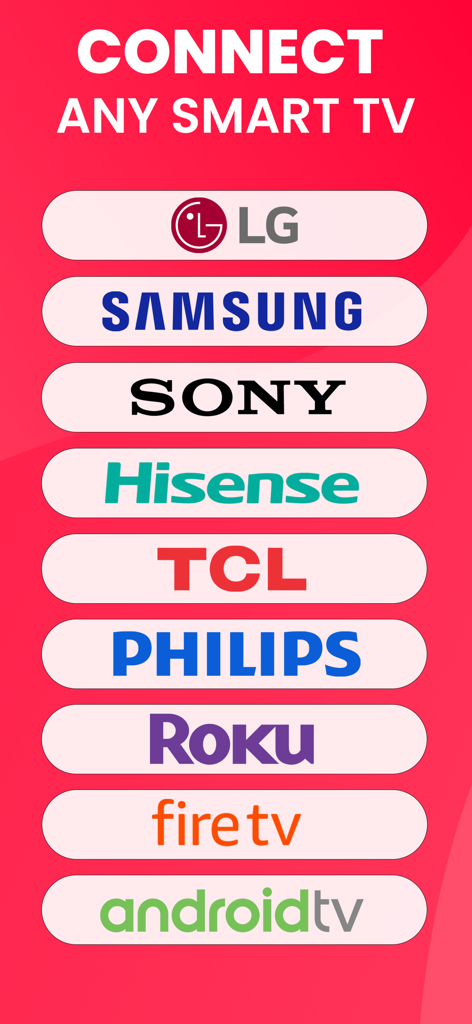
LG Samsung および Sony を含む、画面ミラーリングに対応したスマート TV ブランドのリスト
LG Samsung および Sony を含む、画面ミラーリングに対応したスマート TV ブランドのリスト

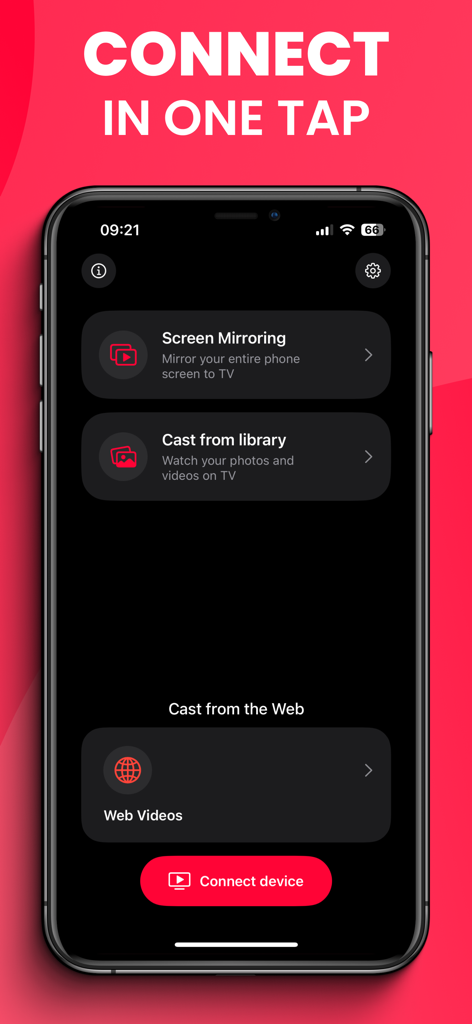
画面ミラーリングとウェブビデオのオプションを備えた AllCast アプリのメイン画面
画面ミラーリングとウェブビデオのオプションを備えた AllCast アプリのメイン画面

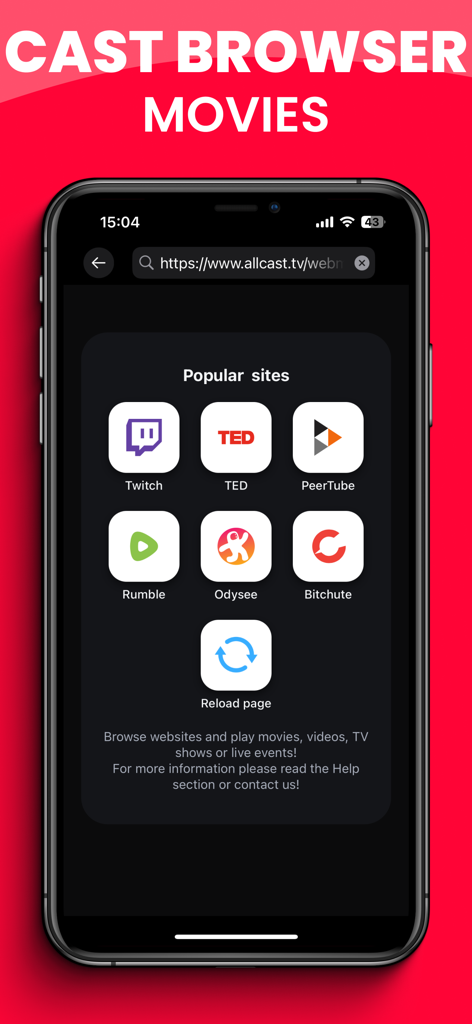
TV へのウェブキャスト用の人気ビデオストリーミングサイトを示すスマートフォンの画面
TV へのウェブキャスト用の人気ビデオストリーミングサイトを示すスマートフォンの画面

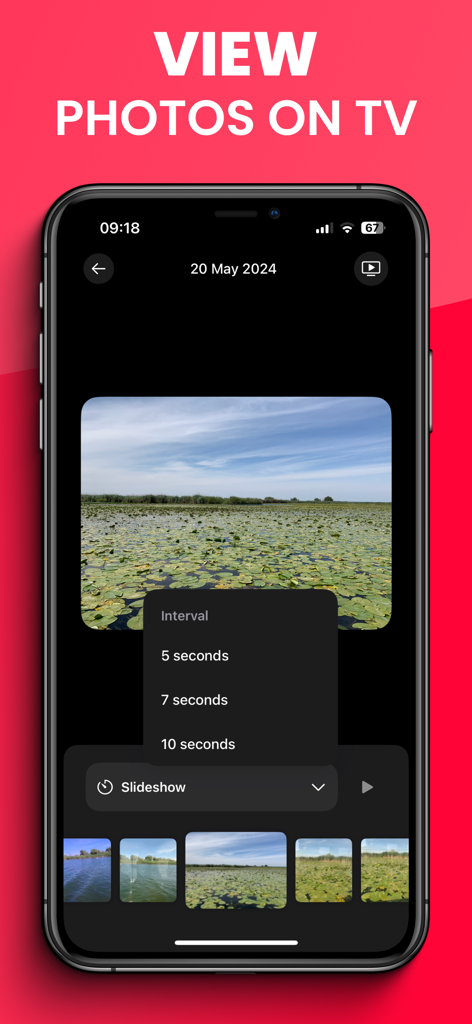
TV キャスティング用のフォトスライドショーメニューを表示する AllCast アプリのインターフェイス
TV キャスティング用のフォトスライドショーメニューを表示する AllCast アプリのインターフェイス

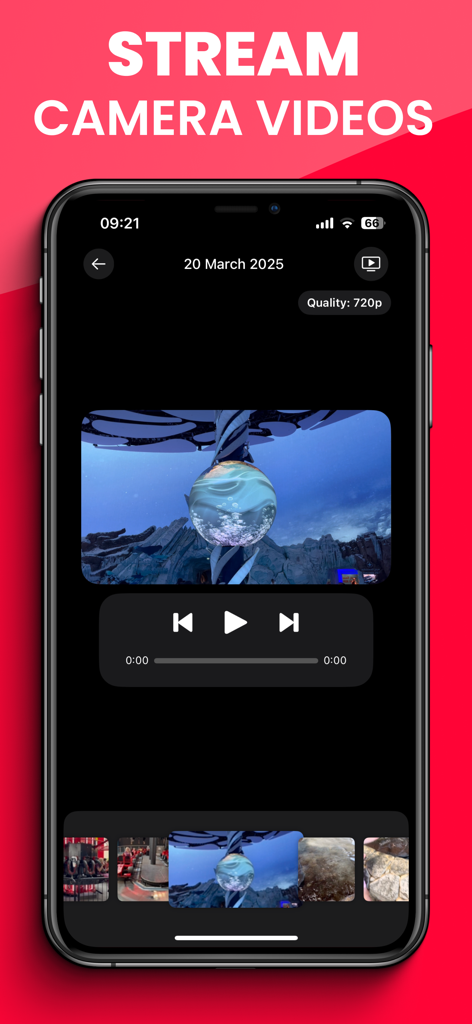
TV へのカメラロールビデオのストリーミング用の AllCast アプリのインターフェイス

TV へのカメラロールビデオのストリーミング用の AllCast アプリのインターフェイス

お気に入りのすべてが、大画面で

このアプリを際立たせるツール、 1M+ 人のユーザーが選択.

📺

ユニバーサル互換性

iPhone を Samsung、LG、Roku、または Sony TV に即座に接続します。AirPlay がなくても問題ありません。

驚異的な 4K HDR 品質

超低遅延で、思い出やお気に入りのウェブビデオをクリスタルクリアな解像度で体験してください。

📱

ワイヤレス&インスタントセットアップ

ドングルや HDMI ケーブルは不要です。ワンタップで画面全体をミラーリングしたり、特定のメディアをキャストしたりできます。

レビュー分析

ユーザーレビューの分析.

感情スコア

15%
ネガティブ

概要

This app receives overwhelmingly negative feedback, with a significant number of users reporting that its core screen mirroring functionality does not work, even after purchasing a subscription. Many describe the app's mandatory payment model as a "scam" due to the inability to use the service effectively or obtain refunds. Common complaints include persistent connection issues, problems mirroring specific content like YouTube, and overall poor user experience including crashes or unskippable ads for premium users. A small minority of users, however, praise the app's speed and ability to mirror videos in original quality.

主なテーマ

App Functionality(32)
Subscription Model(31)
Connection Reliability(7)
User Experience & Bugs(7)
Content Compatibility(5)
Video Quality & Speed(2)

アプリについて

について知っておくべきこと AllCast Screen Mirroring to TV.

説明

Mirror your iPhone or iPad to any Smart TV instantly — with FullHD / 4K quality / HDR and no delay! Enhance your viewing experience with AllCast TV Screen Mirroring and cast your phone’s screen, photos, and videos to the big screen. Enjoy seamless streaming on Samsung, LG, Sony, Philips, TCL, Roku, Chromecast, Fire TV, and other Smart TVs, no extra hardware or cables needed! AllCast makes it easy to enjoy your favorite content in full size: • Screen Mirroring: Mirror your entire iPhone or iPad display to your TV in real time, with sound and minimal latency! • Cast Photos & Videos: Share memories with friends and family as slideshows or video playback on big screen! • Stream Movies & Shows: Watch your favorite films, series, and web videos directly on your Smart TV! • Gaming on TV: Play mobile games on the big screen with smooth performance! • Work & Study: Share presentations, documents, or live demos in classrooms and meetings! How It Works: 1. Connect your iPhone/iPad and Smart TV to the same Wi-Fi network (VPN off). 2. Open AllCast TV Screen Mirroring. 3. Select your TV (Samsung, LG, Sony, TCL, Roku, Chromecast, Fire TV, Philips, etc.). 4. Choose “Screen Mirroring” or “Cast media” and enjoy instant streaming! Key Features • 4K Quality for camera recordings and FullHD for screen mirroring! • Low latency streaming • High compatibility even on older TV models, using DLNA protocol! • Easy setup — no cables, no extra hardware needed • Universal use cases: family movie nights, gaming, education, business presentations Enjoy the freedom to share, present, and play - all on the biggest screen in the room! Turn your living room into a home theater, your office into a smart meeting space, and your phone into the ultimate casting device with AllCast TV Screen Mirroring! Payment will be charged to your Apple ID account at the time of purchase confirmation. Subscription renews automatically unless it is canceled at least 24 hours before the end of the current period. Your account will be charged for renewal within 24 hours prior to the end of the current period. You can manage and cancel your subscriptions by going to your account settings on the App Store after purchase!

最新バージョン

8.1.3

サイズ

42.4 MB

リリース日

2011年11月30日

大画面を見る準備はできましたか?

ケーブルを捨てた 100 万人以上のユーザーに加わりましょう。今すぐ AllCast をダウンロードして、iPhone をあらゆるスマート TV に驚異的な 4K 品質でミラーリングし始めましょう。

ダウンロード: App Store

App information, icons, screenshots, and descriptions displayed on this page are sourced from the Apple App Store and are the property of their respective developers. Download estimates and rankings are based on MWM's proprietary models and may not reflect actual figures. This page is provided for informational and analytical purposes only.

Believe this page infringes your intellectual property? File a dispute