
このページはアプリまたはその開発者の公式ページではなく、情報提供および論評を目的として作成された独立した編集出版物です。明示的に別段の記載がない限り、アプリおよびその開発者は、MWM、Apple、Google Play、アプリのパブリッシャー、またはアプリの開発者と提携、承認、後援、認可、またはその他の公式的な関係はなく、このページのいかなる内容も、アプリがMWMのサービスを使用して開発されたことを意味するものではありません。すべての商標、ロゴ、スクリーンショット、その他のコンテンツはそれぞれの所有者の財産です。
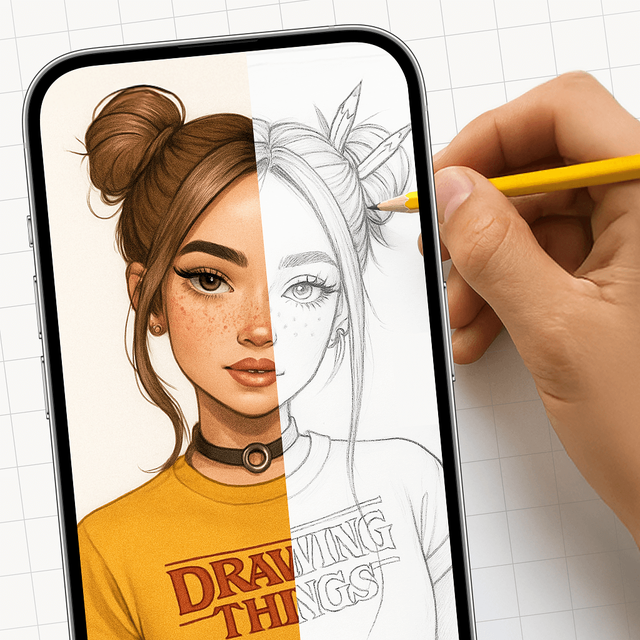

AR Draw: Sketching & Painting
iPhoneをバーチャルプロジェクターに。あらゆるものを正確にトレースし、お気に入りのスケッチをマスターし、ソーシャルメディア向けのバイラルプロセス動画を撮影しましょう。
ダウンロード
214K+ユーザー評価
評価数
1K+開発元
カテゴリ
Entertainment対応言語
1最新バージョン
1.8サイズ
145.7 MBリリース日
2025年6月27日経験不問、描画の技術をマスターする
iPhoneをパワフルなARプロジェクターに変えましょう。バイラルなファンアートを作成する場合でも、パーソナライズされたジャーナルを作成する場合でも、想像力とページの間にあるギャップを埋めます。
インスタントARトレース
「プロポーションが悪い」とはもう言わせません。どんな画像でも紙に投影し、スマホカメラを使ってピクセルパーフェクトな精度でトレースしましょう。
バイラルコンテンツを作成
描画プロセス全体を自動で録画。ワンタップでTikTokやInstagramにクリエイティブな流れを共有し、あなたのスキルを披露しましょう。
よくある質問
について知っておくべきこと AR Draw: Sketching & Painting
AR Draw: Sketching & Paintingとは何ですか?
AR Draw: Sketching & Paintingは、iPhoneを仮想プロジェクターに変えます。ARモードでスマートフォンのカメラを通して画像を描画用紙に重ね合わせることで、正確な描画を支援します。
AR Drawアプリはどのように描画を支援しますか?
AR Drawアプリは、選択した画像をスマートフォンの画面を通して描画用紙に重ね合わせます。ユーザーはスマートフォンを見ながら投影された線に沿ってなぞることで、物理的な紙の上で正確に鉛筆をガイドします。
AR Draw: Sketching & Paintingで描画プロセスを録画できますか?
はい、AR Draw: Sketching & Paintingアプリでは、描画プロセスのビデオを録画できます。ユーザーはアプリから直接これらのビデオを保存または共有できます。
AR Draw: Sketching & Paintingは描画テンプレートを提供していますか?
はい、AR Draw: Sketching & Paintingには、さまざまなスケッチテンプレートが内蔵されたギャラリーがあります。ユーザーは、漫画のキャラクター、動物、花などの画像を選択してなぞります。
AR Draw: Sketching & Paintingのサブスクリプションはどのように機能しますか?
AR Draw: Sketching & Paintingのサブスクリプションは自動的に更新され、iTunesアカウントに請求されます。更新料を避けるためには、現在の期間が終了する少なくとも24時間前までにキャンセルする必要があります。
AR Draw: Sketching & Paintingで写真をスケッチに変換できますか?
はい、AR Draw: Sketching & Paintingアプリには、写真をスケッチに変換する機能が搭載されています。これにより、ユーザーは自分の画像をなぞることができます。
AR Draw: Sketching & Paintingには段階的な描画レッスンが含まれていますか?
はい、AR Draw: Sketching & Paintingには「ステップバイステップで描く方法を学ぶ」機能が含まれています。これは、ユーザーがスケッチ中に従うためのガイド付き手順を提供します。
AR Draw: Sketching & Paintingで重ね合わせた画像をカスタマイズできますか?
はい、ユーザーは指で画像をリサイズまたは回転させて位置を調整できます。アプリには、さらにカスタマイズするための不透明度、反転、フラッシュコントロールも備わっています。
以下のスクリーンショットと説明は、アプリの公式ストアリスティングから直接取得されたものであり、アプリ開発者の所有物です。
アプリストア
スクリーンショット
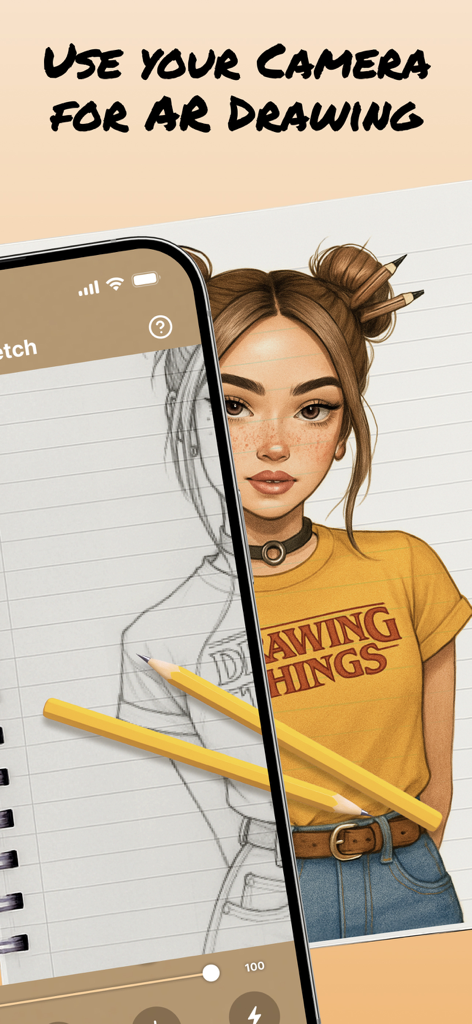
拡張現実を使ってポートレートスケッチを紙に投影し、トレースと描画を行うiPhone。
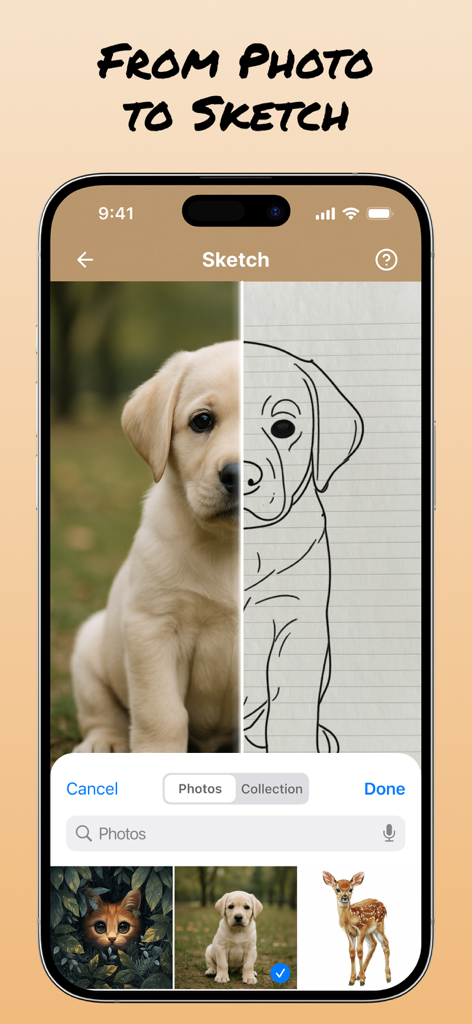
AR Drawアプリの分割画面インターフェース。実際の子犬の写真と、トレース用の線画スケッチが表示されています。
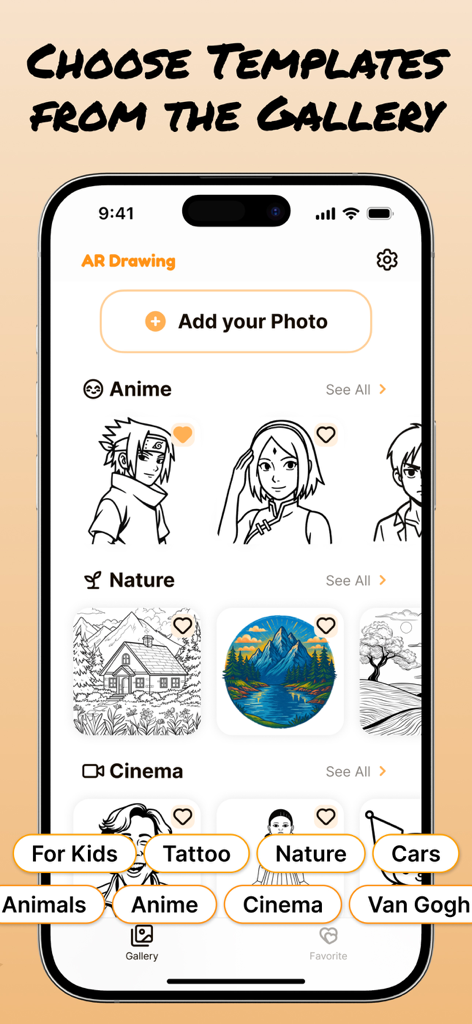
アニメ、自然、シネマなどのテーマでカテゴリ分けされた描画テンプレートのギャラリーを表示するモバイルアプリインターフェース。
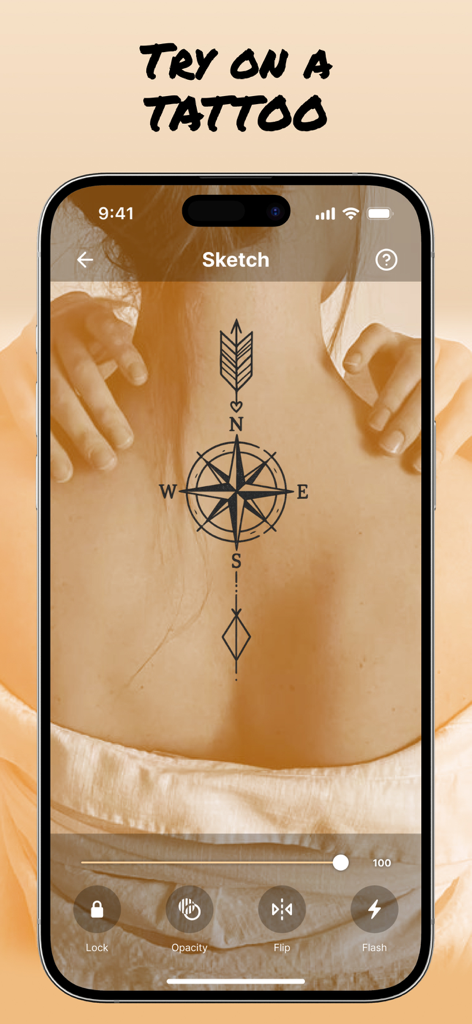
AR Drawアプリが人の背中に仮想のコンパスタトゥープレビューを表示しています。
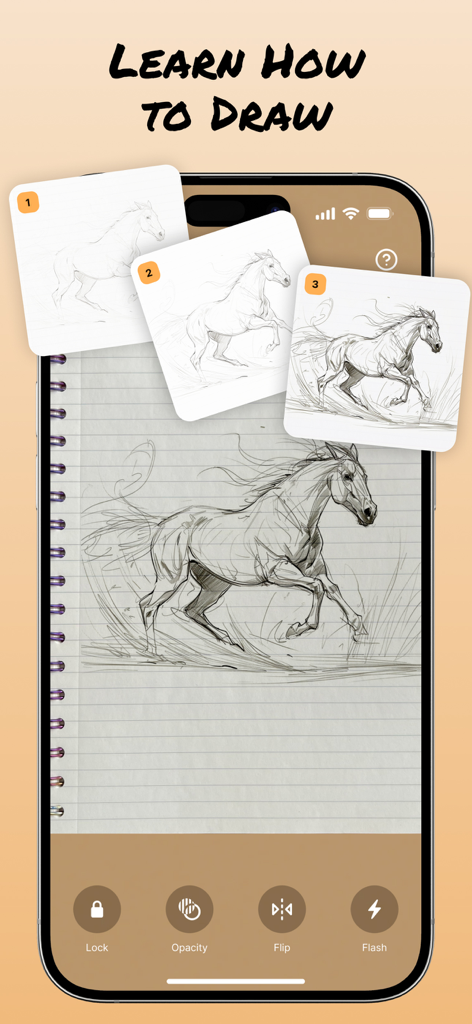
AR Drawingアプリのインターフェースに、ノートブック上にステップバイステップの馬のスケッチチュートリアルが表示されています。
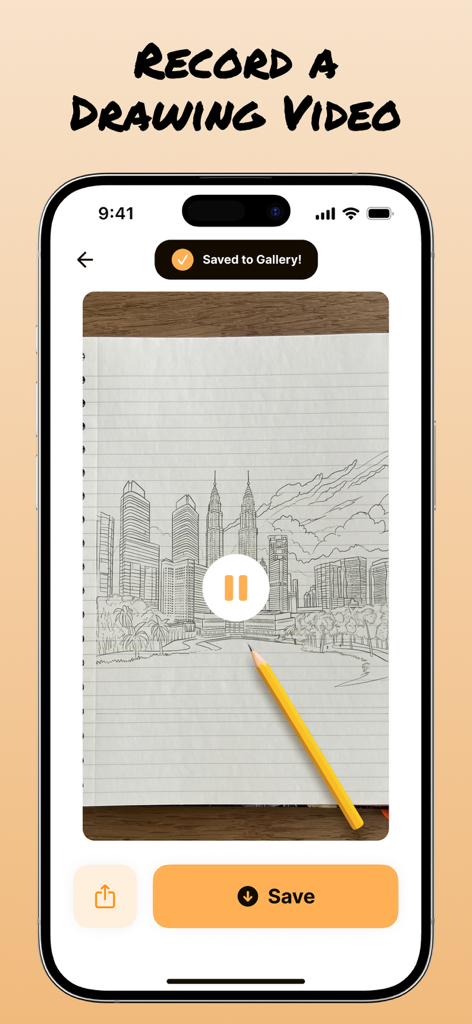
AR Drawアプリで都市のスカイラインのスケッチが録画されているスマートフォン画面。ギャラリーに保存された通知が表示されています。
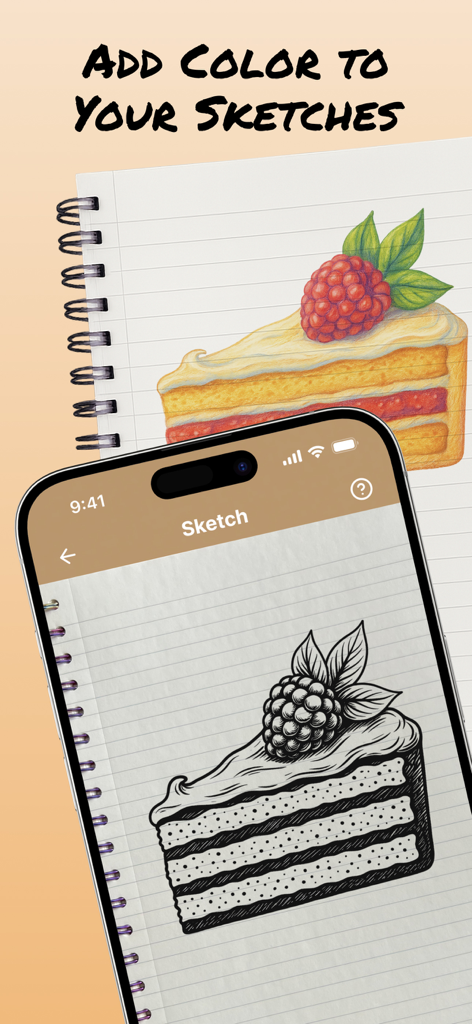
ケーキのスライスの白黒スケッチと、ノートブック上の色付きバージョンを表示する携帯電話。
説明
Download
類似アプリ
似た機能とユーザー体験を持つアプリ

AR Drawing Paint Sketch Trace
DROIDFUN LIMITED

Camera Lucida™: AR Drawing
Big Idea Design LLC

AR Drawing Sketch App: ArtEasy
SMDA GROUP SP Z O O SP KOMANDYTOWA

PicTrace: AR Drawing & Sketch
ANDROID VIETNAM TECHNOLOGY CORPORATION

AR Drawing How to Draw Sketch
Magomed Dzhamalov

Da Vinci Eye: AR Trace & Draw
Da Vinci Eye LLC

AR Drawing - AR Sketch
Ketanbhai Khokhani

HEY CLAY®
HEY CLAY LTD

Sketch Trace Draw, AR App
Proxglobal Investment And Technology Development Joint Stock Company
このページはアプリまたはその開発者の公式ページではなく、情報提供および論評を目的として作成された独立した編集出版物です。明示的に別段の記載がない限り、アプリおよびその開発者は、MWM、Apple、Google Play、アプリのパブリッシャー、またはアプリの開発者と提携、承認、後援、認可、またはその他の公式的な関係はなく、このページのいかなる内容も、アプリがMWMのサービスを使用して開発されたことを意味するものではありません。すべての商標、ロゴ、スクリーンショット、その他のコンテンツはそれぞれの所有者の財産です。