
このページはアプリまたはその開発者の公式ページではなく、情報提供および論評を目的として作成された独立した編集出版物です。明示的に別段の記載がない限り、アプリおよびその開発者は、MWM、Apple、Google Play、アプリのパブリッシャー、またはアプリの開発者と提携、承認、後援、認可、またはその他の公式的な関係はなく、このページのいかなる内容も、アプリがMWMのサービスを使用して開発されたことを意味するものではありません。すべての商標、ロゴ、スクリーンショット、その他のコンテンツはそれぞれの所有者の財産です。

ダウンロード
1M+ユーザー評価
評価数
24K+開発元
カテゴリ
Graphics & Design対応言語
21最新バージョン
1.13.4サイズ
267.0 MBリリース日
2024年11月7日ARとAIで描画アートをマスターしよう
スマートフォンをプロ仕様のプロジェクターに変えよう。初心者でもプロでも、私たちのツールは想像力と完璧なスケッチの間のギャップを埋めます。
AR精密トレース
どんな画像でも紙、壁、さらには布に投影できます。カメラをガイドとして使用し、毎回完璧な比率でなぞることができます。
無限AIジェネレーター
適切な参照が見つかりませんか?任意のプロンプトを入力すると、AIがあなたのユニークなビジョンに合わせたカスタムスケッチテンプレートを作成します。
よくある質問
について知っておくべきこと AR Drawing Sketch App: ArtEasy
ArtEasyとは何ですか?
ArtEasyは、拡張現実(AR)技術を使用した描画のためのモバイルアプリです。スマートフォンカメラを通して画像を投影し、ユーザーがあらゆる表面にトレースできるようにします。
ArtEasyのAR描画機能はどのように機能しますか?
ArtEasyアプリは、スマートフォンカメラを使用して画像をあらゆる物理的表面に投影します。これにより、ユーザーは投影された画像を紙やその他の素材に直接トレースして描画を作成できます。
ArtEasyは初心者向けですか?
はい、ArtEasyは初心者向けです。組み込みのステップバイステップ描画レッスンが含まれており、ユーザーがスキルを学び、向上させるのに役立つシンプルで初心者向けのテンプレートが用意されています。
ArtEasyは描画レッスンを提供していますか?
はい、ArtEasyは、ステップバイステップの学習プロセスを通じてユーザーをガイドする組み込みの描画レッスンを提供しています。これらのレッスンは、基本的な図形からより高度なスケッチテクニックまで、さまざまなスキルをカバーしています。
ArtEasyではいくつの描画テンプレートが利用可能ですか?
ArtEasyは、500以上の既製の描画テンプレートを備えた、大規模で常に更新されるカタログを提供しています。これらのテンプレートは、ユーザーが探索できる幅広いカテゴリをカバーしています。
トレースのために自分の写真をArtEasyにインポートできますか?
はい、ArtEasyでは自分の画像をインポートできます。デバイスのフォトギャラリーから直接写真を追加したり、インターネットから画像を閲覧してインポートしたりできます。
ArtEasyはどのようなカテゴリのテンプレートを提供していますか?
ArtEasyは、アニメ、漫画、解剖学、動物、車、タトゥー、子供向けの簡単な描画、人物、自然、食品など、多様なテンプレートカテゴリを提供しています。新しいコレクションは頻繁に更新されます。
ArtEasyはAIを使用してカスタム描画テンプレートを作成しますか?
はい、ArtEasyはAI搭載ツールを備えており、カスタムテンプレートを生成できます。ユーザーはリクエストを入力し、アプリはその入力に基づいて瞬時にユニークなスケッチを提供します。
ArtEasyアプリにはサブスクリプションが必要ですか?
はい、ArtEasyアプリはフルアクセスにサブスクリプションが必要です。購入確認時にApple IDアカウントに支払いが請求されます。自動更新に関する情報が提供されます。
ArtEasyのサブスクリプションをキャンセルするにはどうすればよいですか?
ArtEasyのサブスクリプションはいつでもキャンセルできます。購入後、Apple IDアカウント設定を通じてサブスクリプションを管理し、自動更新をオフにしてください。
ArtEasyは無料トライアル期間を提供していますか?
はい、ArtEasyは3日間の無料トライアル期間を提供する場合があります。無料トライアルを利用した場合、トライアル終了前にキャンセルしない限り、サブスクリプションは標準料金で自動的に更新されます。
ArtEasyで自分の写真をスケッチに変換できますか?
はい、ArtEasyは「写真からスケッチへ」機能を提供しています。これにより、ユーザーは個人の写真をアプリケーション内で直接トレース可能なスケッチアウトラインに変換できます。
以下のスクリーンショットと説明は、アプリの公式ストアリスティングから直接取得されたものであり、アプリ開発者の所有物です。
アプリストア
スクリーンショット
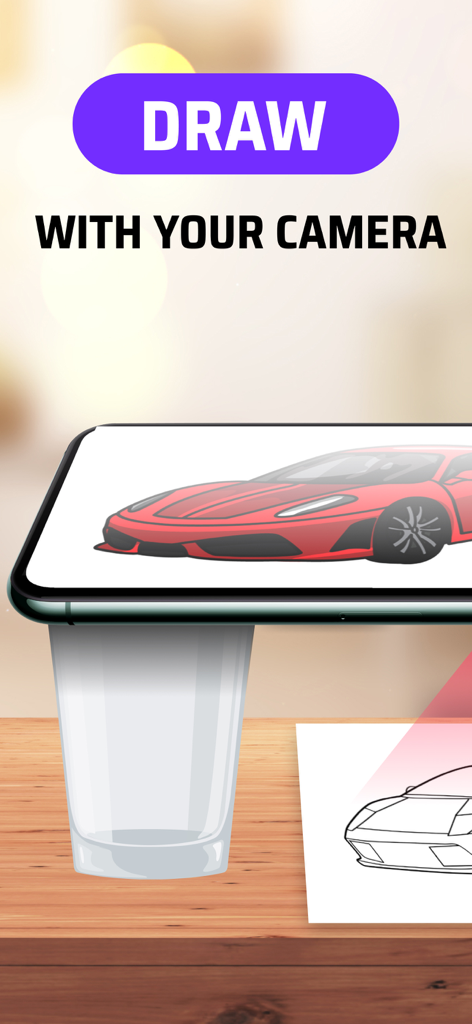
ARトレースのために紙に車の画像を投影するスマートフォンのカメラ
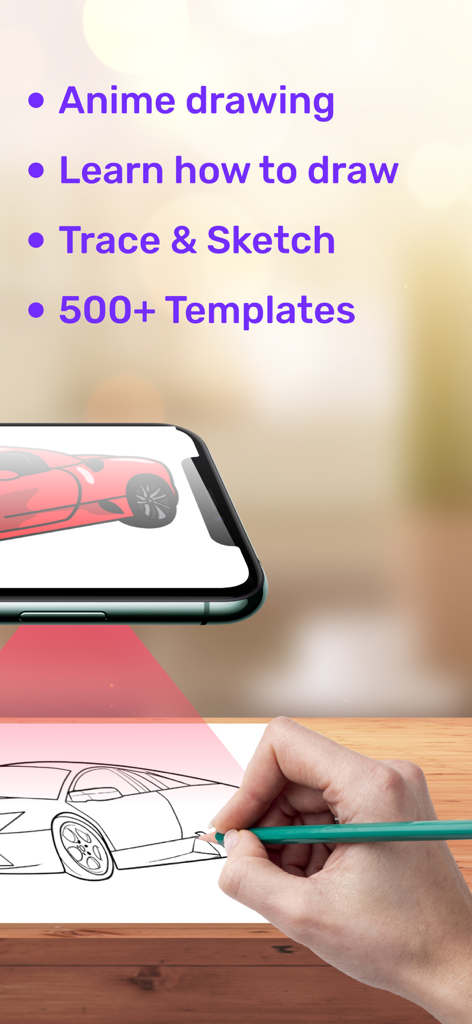
スマートフォンのAR描画ArtEasyアプリを使用して、紙に車のスケッチをなぞる手
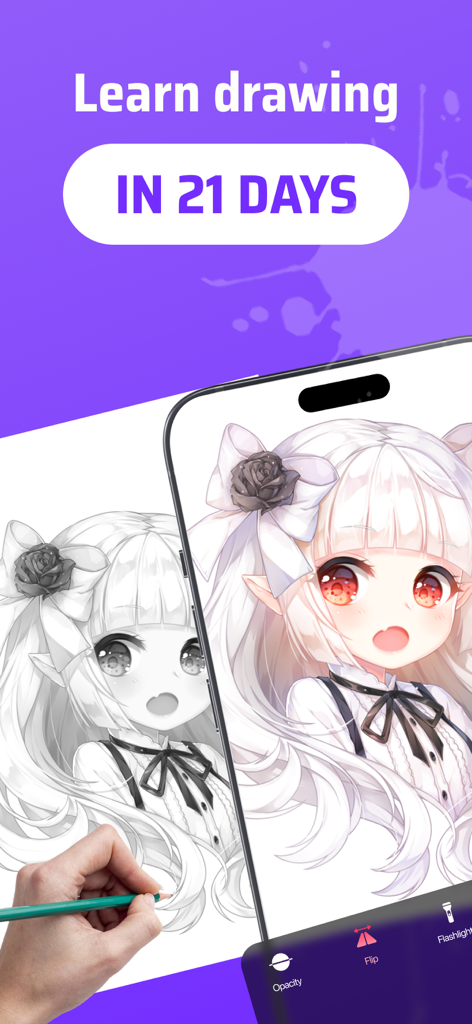
AR描画アプリを使用して、スマートフォンの画面から紙にアニメの女の子をなぞる手
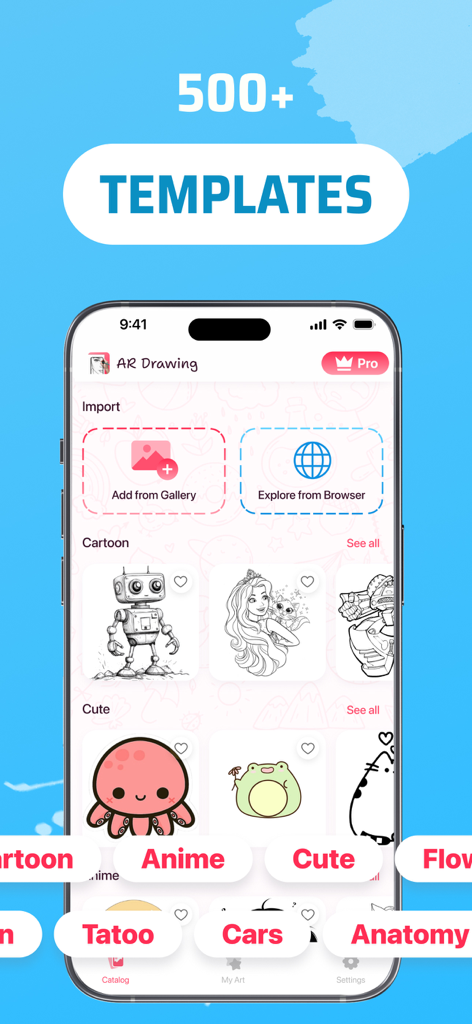
トレース用に500以上の描画テンプレートのライブラリを表示するAR描画スケッチアプリArtEasyインターフェース
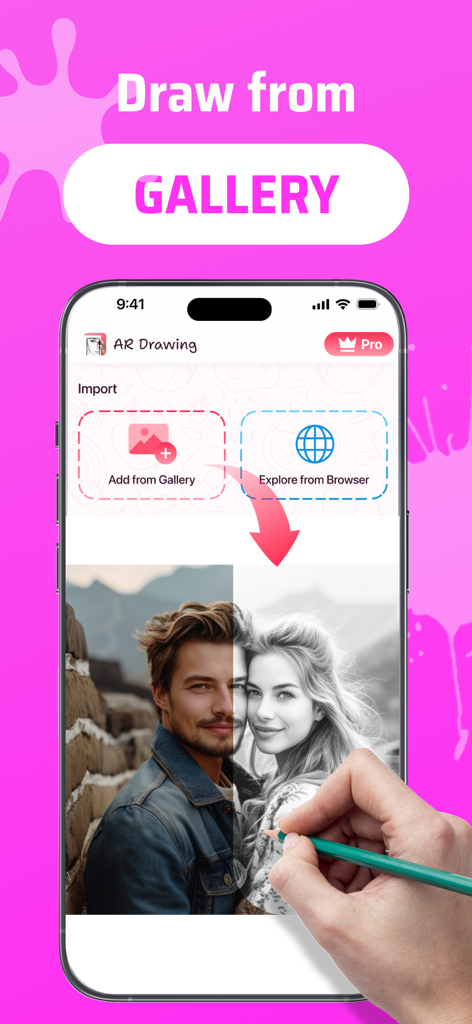
電話ギャラリーから写真をインポートしてトレースするオプションを示すAR描画アプリのインターフェース
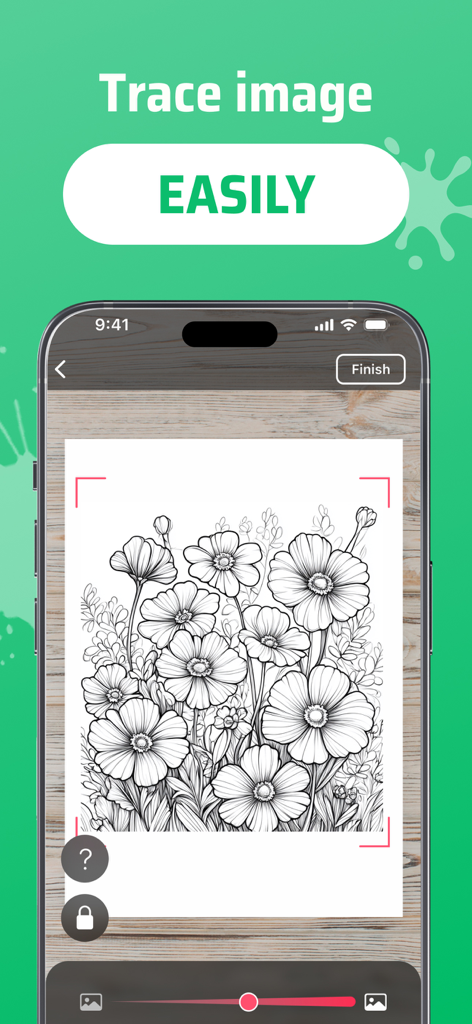
紙にARトレース用の花の模様を表示するスマートフォン画面
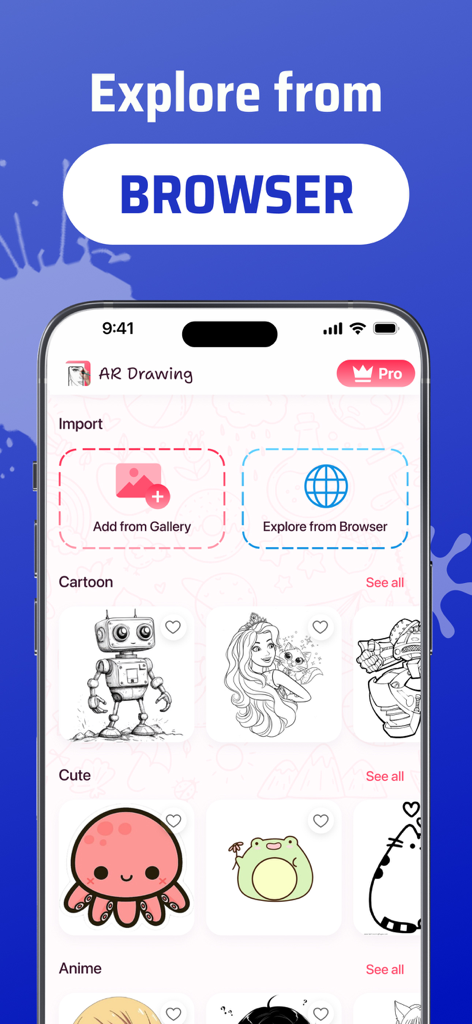
漫画やかわいい動物のスケッチカテゴリを表示するブラウザ画像のインポートとスケッチカテゴリを示すAR描画ArtEasyアプリのインターフェース
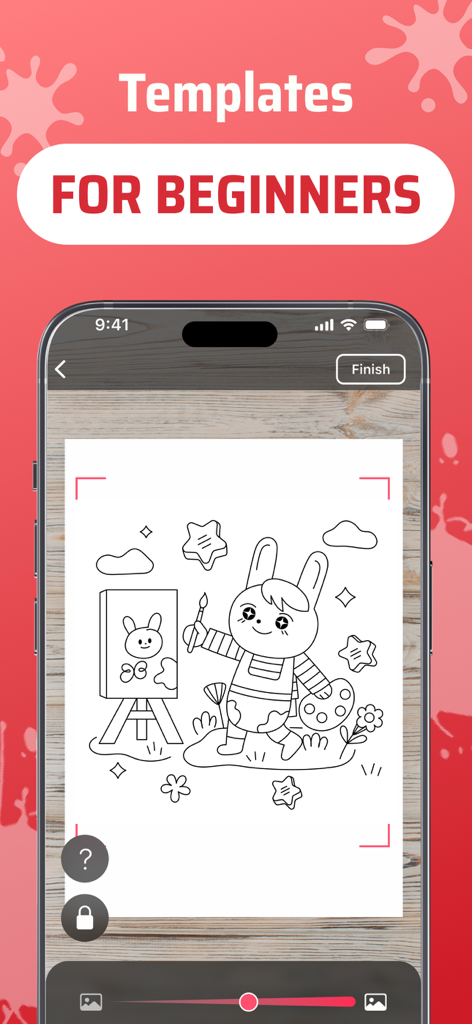
かわいい漫画のウサギを特徴とする初心者向けの簡単なテンプレートを表示するAR描画アプリのインターフェース
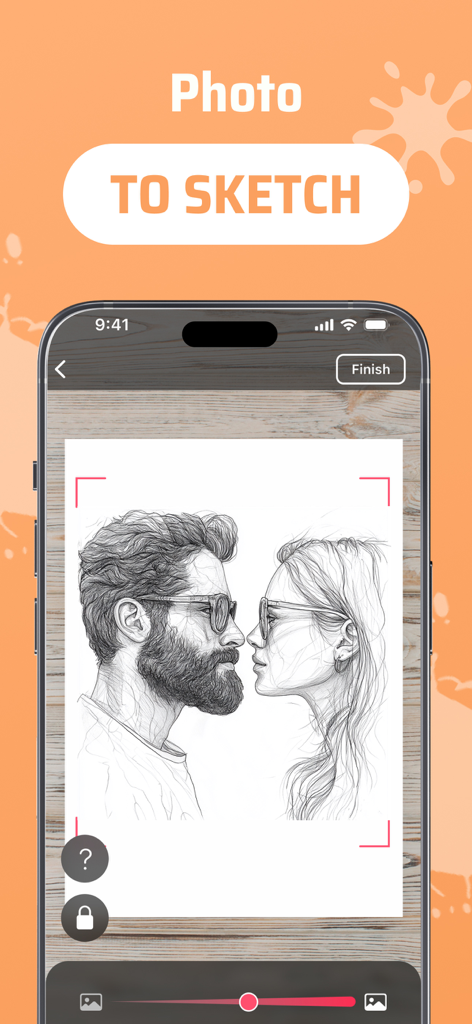
トレース用にスケッチに変換されたカップルの肖像画を示すAR描画アプリのインターフェース
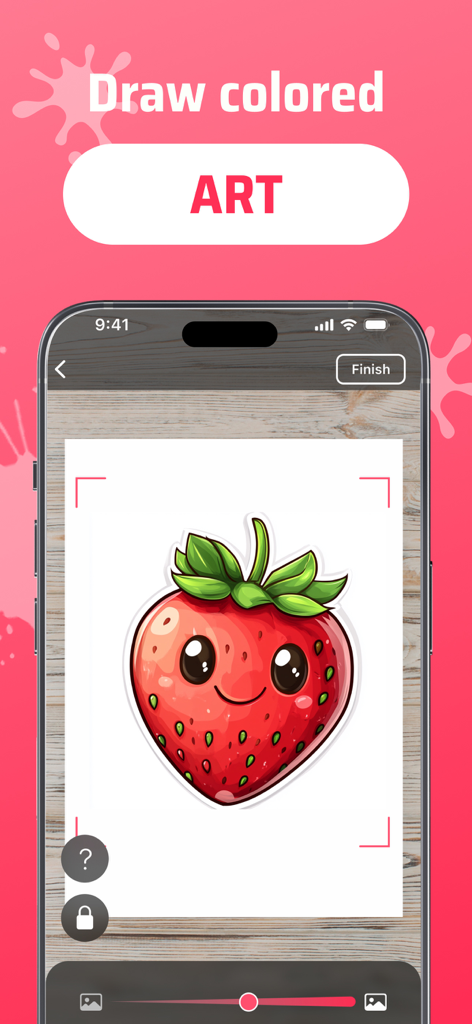
描画のために紙に投影された着色されたイチゴのARテンプレートを表示するArtEasyアプリを搭載したスマートフォン
説明
Download

類似アプリ
似た機能とユーザー体験を持つアプリ

AR Drawing Paint Sketch Trace
DROIDFUN LIMITED

Camera Lucida™: AR Drawing
Big Idea Design LLC

PicTrace: AR Drawing & Sketch
ANDROID VIETNAM TECHNOLOGY CORPORATION

AR Draw: Sketching & Painting
EIGEN SOFTWARE LIMITED

AR Drawing How to Draw Sketch
Magomed Dzhamalov

Da Vinci Eye: AR Trace & Draw
Da Vinci Eye LLC

AR Drawing - AR Sketch
Ketanbhai Khokhani

HEY CLAY®
HEY CLAY LTD

Sketch Trace Draw, AR App
Proxglobal Investment And Technology Development Joint Stock Company
このページはアプリまたはその開発者の公式ページではなく、情報提供および論評を目的として作成された独立した編集出版物です。明示的に別段の記載がない限り、アプリおよびその開発者は、MWM、Apple、Google Play、アプリのパブリッシャー、またはアプリの開発者と提携、承認、後援、認可、またはその他の公式的な関係はなく、このページのいかなる内容も、アプリがMWMのサービスを使用して開発されたことを意味するものではありません。すべての商標、ロゴ、スクリーンショット、その他のコンテンツはそれぞれの所有者の財産です。