Audify read aloud web browser

Audify read aloud web browser

ダウンロード: App Store
ロゴ: Audify read aloud web browser

Audify:あらゆるWebページとドキュメントをパーソナルポッドキャストに

あなたの時間を確保し、目を休ませましょう。通勤中、運動中、または一日の終わりに、ニュース、電子書籍、PDFをハンズフリーで聞きましょう。

開発元

Tangerine Software House

カテゴリ

Productivity

ダウンロード

79K+

ユーザー評価

4.6/5

評価数

900

対応言語

27

あなたのWebを、聴覚化

このインターフェースを利用する 79K+ 人のユーザー.

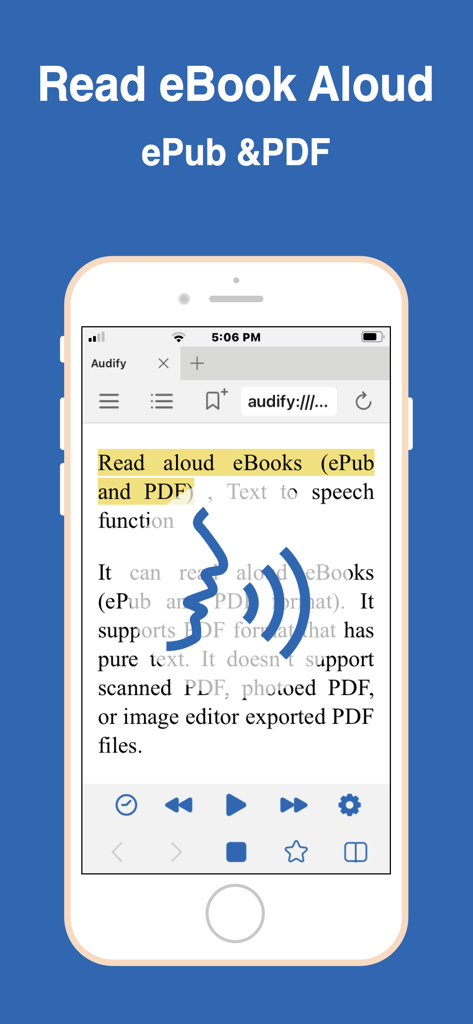
Audifyアプリがテキスト読み上げコントロールで電子書籍を読み上げている様子を示すスマートフォン
Audifyアプリがテキスト読み上げコントロールで電子書籍を読み上げている様子を示すスマートフォン

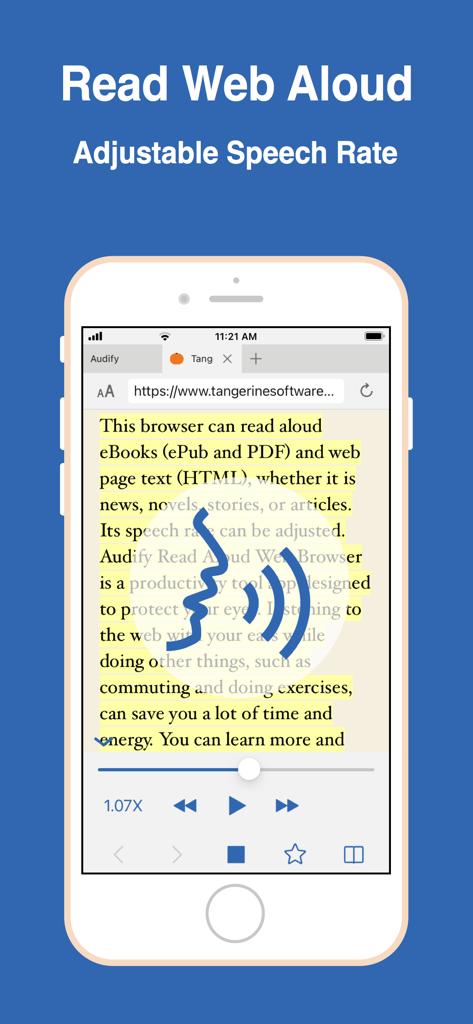
Audifyモバイルアプリのインターフェイスに、調整可能な音声速度コントロールで読み上げられているWebページが表示されている
Audifyモバイルアプリのインターフェイスに、調整可能な音声速度コントロールで読み上げられているWebページが表示されている

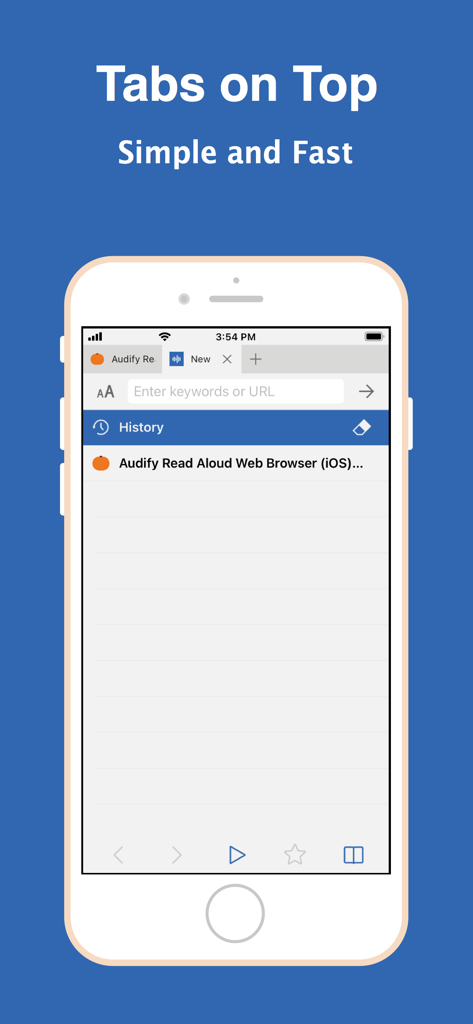
Audify読み上げWebブラウザのインターフェイスで、上部にタブが表示されている。
Audify読み上げWebブラウザのインターフェイスで、上部にタブが表示されている。

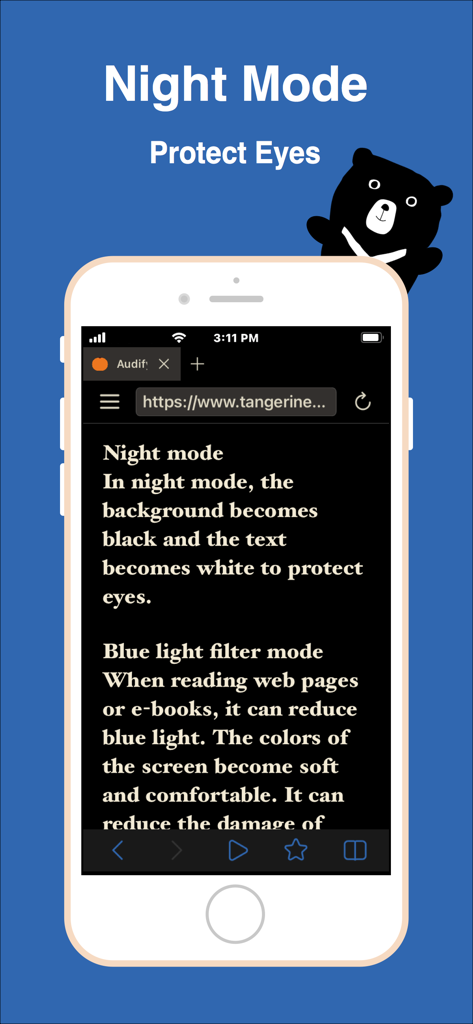
Audifyモバイルブラウザのインターフェイスに、目の保護のためのナイトモードとブルーライトフィルター機能が表示されている
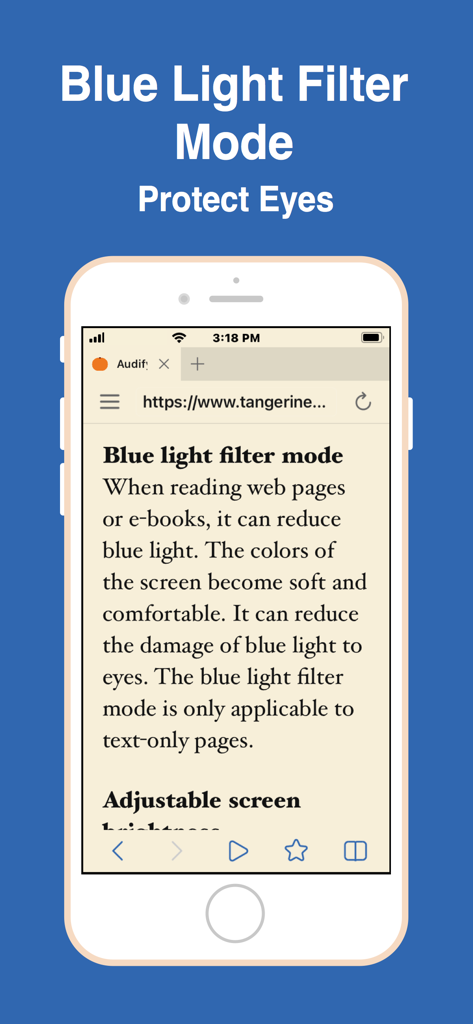
Audifyモバイルブラウザのインターフェイスに、目の保護のためのナイトモードとブルーライトフィルター機能が表示されている

デジタルアイの疲れから目を保護するために、Audifyアプリのブルーライトフィルターモード機能を示すスマートフォンの画面
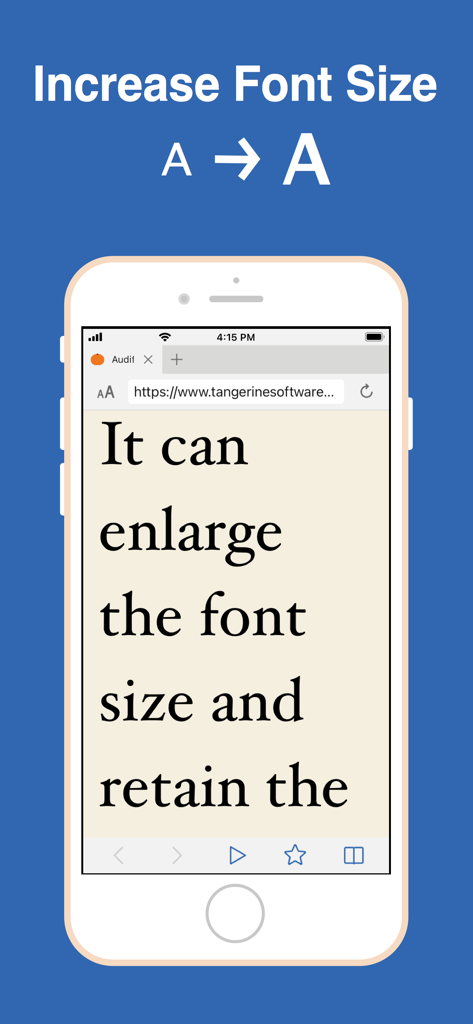
デジタルアイの疲れから目を保護するために、Audifyアプリのブルーライトフィルターモード機能を示すスマートフォンの画面

Audifyアプリのインターフェイスに、Webページの可読性を向上させるためのフォント拡大機能が表示されている
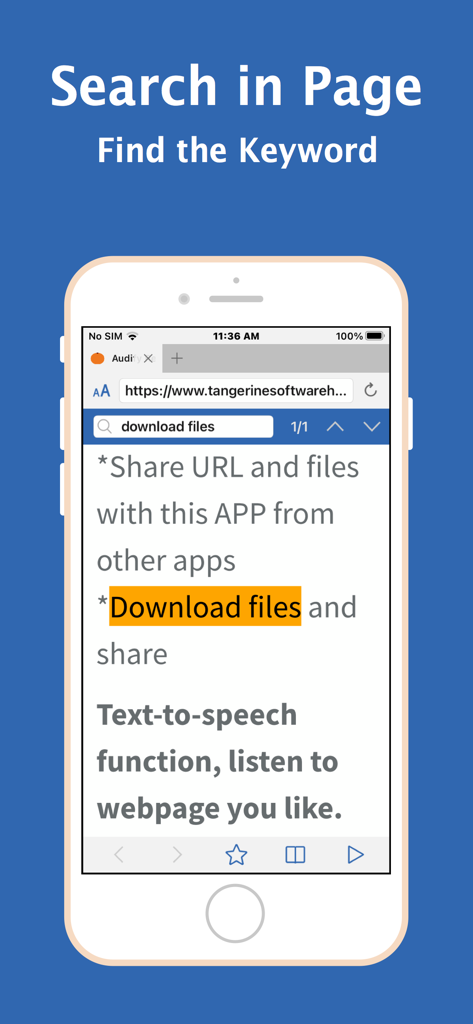
Audifyアプリのインターフェイスに、Webページの可読性を向上させるためのフォント拡大機能が表示されている

Audifyアプリのスクリーンショットで、テキスト内で強調表示されたキーワードとともにページ内検索機能を示している。
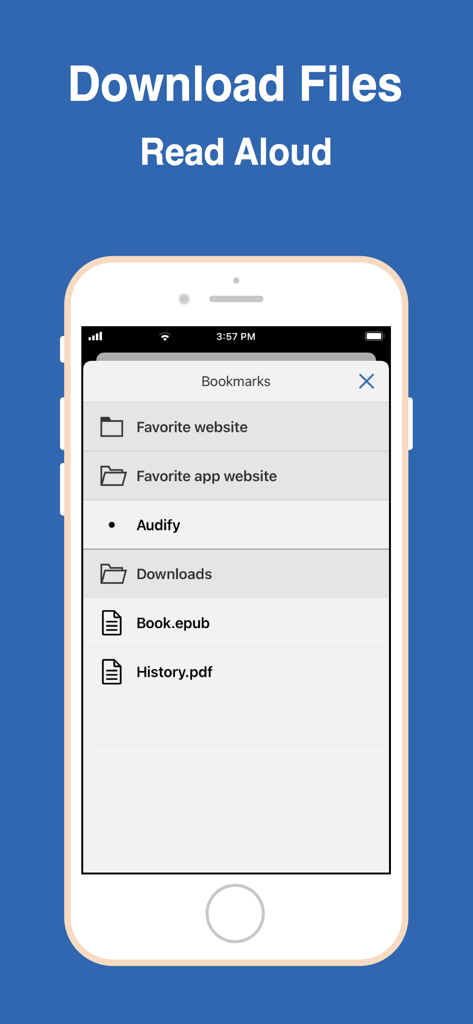
Audifyアプリのスクリーンショットで、テキスト内で強調表示されたキーワードとともにページ内検索機能を示している。

Audifyアプリのブックマークメニューに、読み上げ準備完了のダウンロード済みePubおよびPDFファイルが表示されている。
Audifyアプリのブックマークメニューに、読み上げ準備完了のダウンロード済みePubおよびPDFファイルが表示されている。

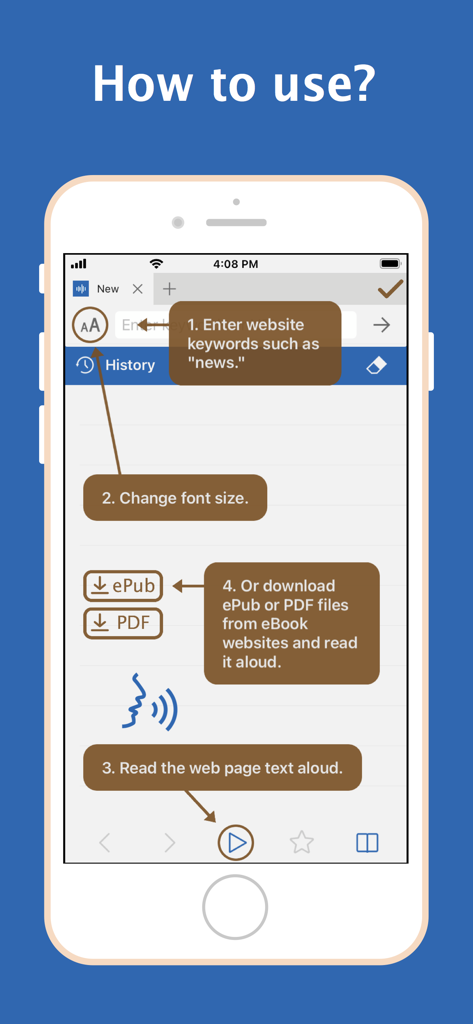
Audifyアプリのチュートリアルで、Webサイトの検索方法、フォントサイズの変更方法、テキストまたは電子書籍ファイルの読み上げ方法を示している

Audifyアプリのチュートリアルで、Webサイトの検索方法、フォントサイズの変更方法、テキストまたは電子書籍ファイルの読み上げ方法を示している

あらゆる記事をパーソナルポッドキャストに

このアプリを際立たせるツール、 79K+ 人のユーザーが選択.

🎧

移動中の生産性

通勤時間や運動時間を確保しましょう。ニュース、専門レポート、ブログを外出先で聞き、『無駄な時間』を学習体験に変えましょう。

👁️

デジタルアイの負担軽減

内蔵のブルーライトフィルターとナイトモードで画面の疲れと戦いましょう。ディスプレイのまぶしさなしにお気に入りの小説や記事を聞きましょう。

📂

ユニバーサルドキュメントリーダー

iCloudからPDFとePubを簡単にインポートできます。研究論文からWeb小説まで、読書からリスニングへのシームレスな移行をお楽しみください。

アプリについて

について知っておくべきこと Audify read aloud web browser.

説明

Audify is a text to speech app, web browser and PDF, ePub reader app. Audify can read aloud (TTS) web page text (HTML) and eBooks (ePub and PDF), whether it is news, novels, stories, or articles. Audify is designed to save your time and energy, and also protect your eyes. You can listen to the web page content while doing other things, such as commuting or doing exercises. You can learn more and get more knowledge. It can be switched to night mode, blue light filter mode, and the brightness can be dimmed. Font size can also be changed to become very large. It can translate languages, search in page, sleep timer (sleep story) and it has a couple of other useful features. Features: * Read aloud (text to speech, TTS) eBooks (ePub and PDF) * Read aloud (text to speech, TTS) web page text (HTML) * Different voices can be selected * Translate * Adjustable speech rate. Learn English and other languages (Spanish, German, French, etc.) * New webpage tabs are displayed at the top of the screen * Blue light filter mode * Night mode * Adjustable screen brightness * User-defined bookmark categories * Font size can be enlarged or reduced * Search in page * Share URL and files with this APP from other apps * Download files * Import files from iCloud and folders * Sleep timer (sleep story) * Choose search engines * Bold text * Full screen * Hide web page pictures It can read aloud eBooks (ePub and PDF format). It supports PDF format that has pure text. It doesn't support photoed PDF, or image editor exported PDF files. Conveniently download ePub and PDF files from websites and read them aloud. Q:How to start reading aloud in the middle of a page? A:(1)Scroll the web page to the position you want to read, and press the play button. Or (2)Double click the paragraph you want to read (You can enable this feature in the Audify settings page.) Audify can read aloud from there. Q: It cannot read aloud when I use it for the first time. A: You can: 1. Swipe to close the app and reopen it, 2. Try a new web page, 3. Choose a different voice for reading aloud, 4. Reboot the phone, 5. Restore the phone to factory settings . Usually after doing the first step it will return to normal. Q: After the app is updated, an abnormal situation occurs. A: You can: 1. Swipe to close the app and reopen it, 2. Reboot the phone, 3. Remove the app and download it again. Usually after doing the first step, it can return to normal. If you encounter a strange situation, please write to let us know. To be able to provide long-term maintenance and updates, Audify needs more users. If you like Audify, please 1. give a five star rating, 2. write a review 3. share 4. buy developer a cup of coffee 5. remove ads. We need your support. Thank you!

最新バージョン

8.0

サイズ

20.4 MB

リリース日

2021年2月15日

読書リストをパーソナルポッドキャストに

時間を確保し、目を保護している79,000人以上のユーザーに加わりましょう。Audifyをダウンロードして、移動中にWeb、PDF、電子書籍を聞き始めましょう。

ダウンロード: App Store

App information, icons, screenshots, and descriptions displayed on this page are sourced from the Apple App Store and are the property of their respective developers. Download estimates and rankings are based on MWM's proprietary models and may not reflect actual figures. This page is provided for informational and analytical purposes only.

Believe this page infringes your intellectual property? File a dispute