Audio Converter: convert mp3

Audio Converter: convert mp3

ダウンロード: App Store
ロゴ: Audio Converter: convert mp3

オーディオコンバーター:mp3に変換 — 高速、高品質なファイル変換

ビデオをオーディオにシームレスに変換し、数秒で20以上のフォーマットを切り替えます。外出先での即時互換性を必要とするクリエイター、プロフェッショナル、学生向けに設計されています。

ダウンロード: App Store

開発元

Minimodev Technologies LTD

カテゴリ

Productivity

ダウンロード

55K+

ユーザー評価

4.7/5

評価数

1K+

対応言語

1

内部を垣間見る

このインターフェースを利用する 55K+ 人のユーザー.

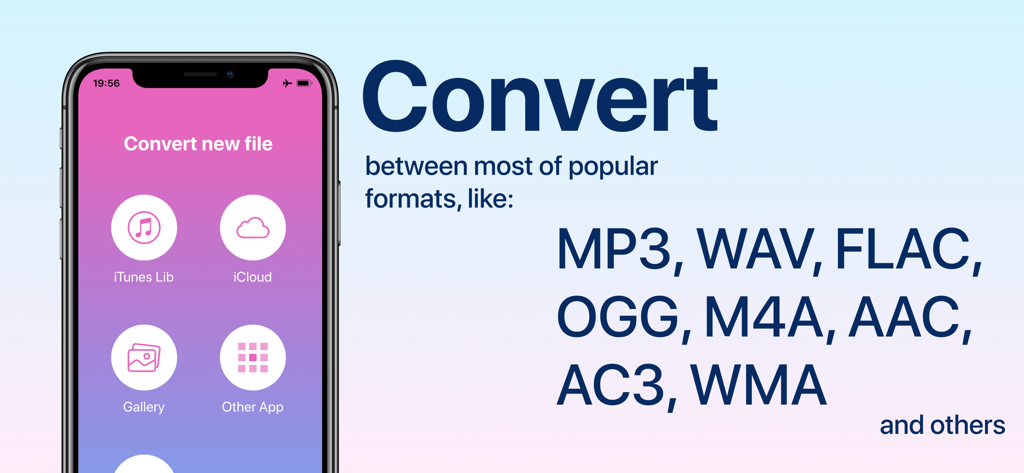
オーディオコンバーターアプリのインターフェースが表示され、ソースオプションとMP3やWAVなどのサポートされているファイルフォーマットのリストが表示されているiPhone画面。
オーディオコンバーターアプリのインターフェースが表示され、ソースオプションとMP3やWAVなどのサポートされているファイルフォーマットのリストが表示されているiPhone画面。

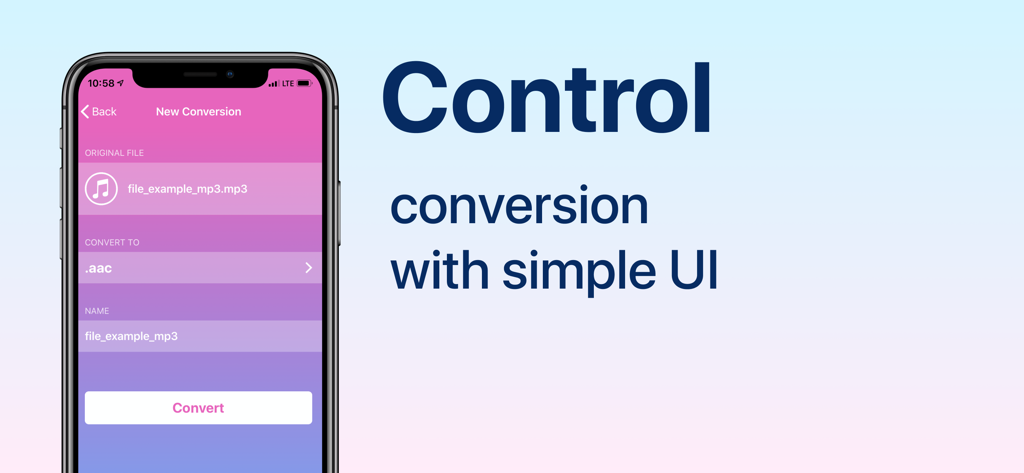
大きな変換ボタンを備えたオーディオファイルを変換するためのシンプルなユーザーインターフェースを示すiPhone画面。
大きな変換ボタンを備えたオーディオファイルを変換するためのシンプルなユーザーインターフェースを示すiPhone画面。

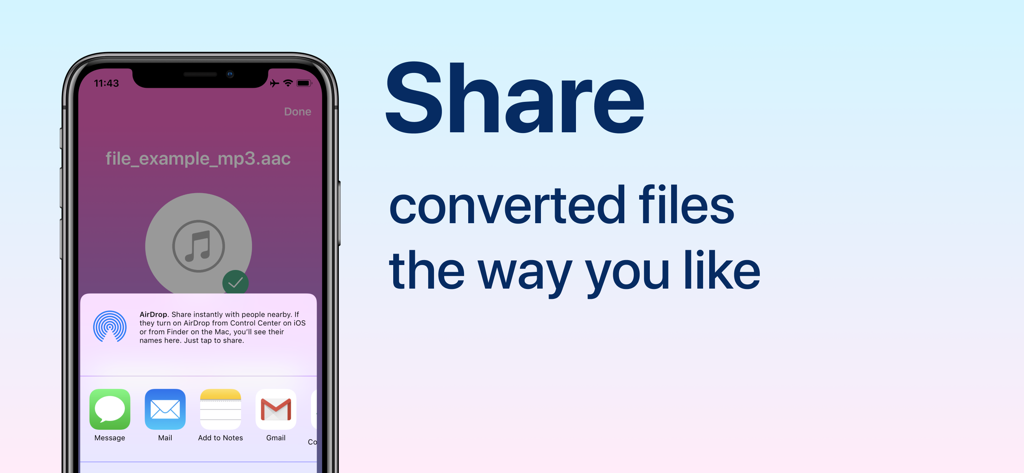
変換されたオーディオファイルの共有オプションを示すiPhone画面。
変換されたオーディオファイルの共有オプションを示すiPhone画面。

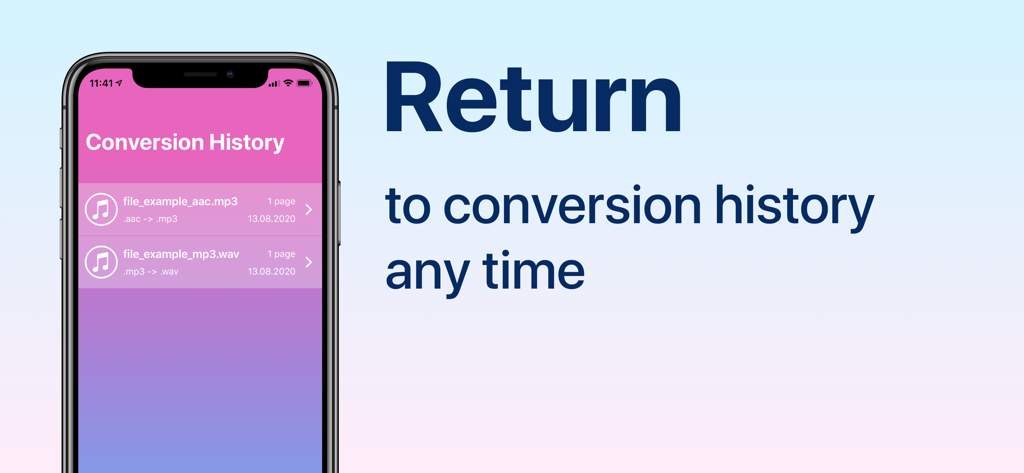
オーディオコンバーターアプリの変換履歴タブにある変換されたオーディオファイルのリストを示すiPhoneディスプレイ。
オーディオコンバーターアプリの変換履歴タブにある変換されたオーディオファイルのリストを示すiPhoneディスプレイ。

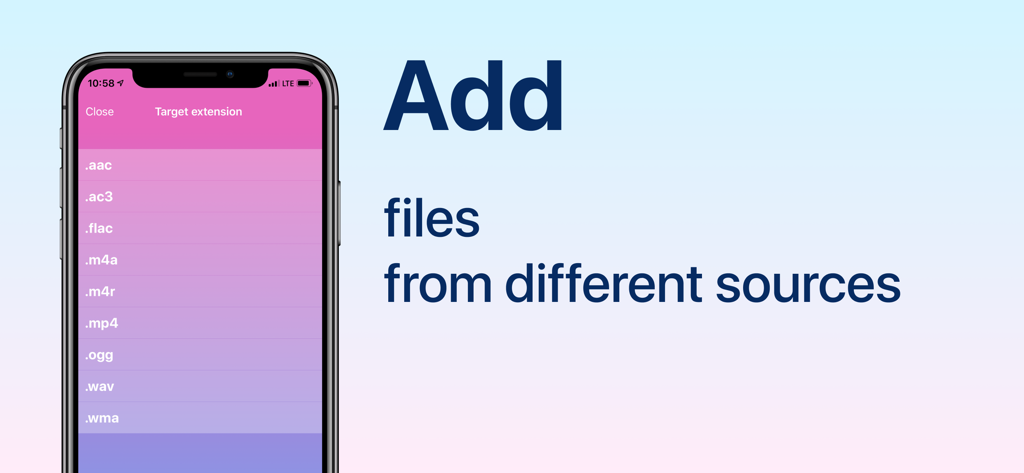
変換のターゲットファイル拡張機能のリストを表示するオーディオコンバーターアプリのモバイルインターフェース。

変換のターゲットファイル拡張機能のリストを表示するオーディオコンバーターアプリのモバイルインターフェース。

プロレベルのオーディオ変換があなたの指先に

このアプリを際立たせるツール、 55K+ 人のユーザーが選択.

🎥

インスタントビデオからオーディオへの抽出

画面録画、TikTok、Reelsを簡単に高品質MP3に変換します。タイトな締め切りを持つポッドキャスターやソーシャルメディアマネージャーに最適です。

🔄

ユニバーサルフォーマットサポート

FLAC、WAV、WMA、OGGなど30以上のフォーマットをサポートし、互換性の障壁を打ち破ります。技術的な側面は私たちにお任せください。

シームレスなワークフロー統合

iCloud、写真、または共有シート経由で他のアプリから直接インポートします。数秒で変換し、必要な場所にファイルをエクスポートします。

アプリについて

について知っておくべきこと Audio Converter: convert mp3.

説明

Convert your audio files between popular formats in a few steps: 1. Select your input file - you may chose between different sources like iCloud, gallery or iTunes Library. You may also share file from other apps 2. Choose output format from available ones 3. Convert! It will take only a few seconds 4. Share converted file the way you like or save it to Files app on iPhone Access your conversion history - there is a related tab in the app. There you may also repeat sharing of converted files or delete those you don't need anymore. Supported file formats (not all pairs available): 3ga, aac, ac3, flac, m4a, m4r, mp3, ogg, wav, wma, ra, 3g2, 3gp, 3gpp, mov, mkv, avi, mp4, m4v, mpg, rm, wmv, flv and more to come! Some conversions are done on a secure cloud server so you must have an internet connection to use this app. You should be aware that by using this app, you agree that your files will be sent over the internet from the app to the cloud server for conversion. Information about the auto-renewal of subscription: - Payment will be charged to iTunes Account at confirmation of purchase; – Subscriptions are billed weekly, monthly, quarterly, or annually at the rate based on the subscription plan; - Subscription automatically renews unless auto-renew is turned off at least 24-hours before the end of the current period; - The account will be charged for renewal within 24-hours before the end of the current period. The cost depends on the selected plan; - Subscriptions may be managed by the user and auto-renewal may be turned off by going to the user’s Account Settings after purchase; Note: price may vary depending on location. Privacy Policy: https://minimodev.com/audio/privacy Terms of Use: https://minimodev.com/audio/terms For any questions or inquiries, please get in touch: audio.converter.info@gmail.com

最新バージョン

1.1.10

サイズ

29.3 MB

リリース日

2020年8月14日

数秒でオーディオを変換する準備はできましたか?

MP3からFLACまで、あらゆるフォーマットを処理するためにオーディオコンバーターを信頼する55,000人以上のクリエイターやプロフェッショナルに参加しましょう。今すぐダウンロードして、ファイル互換性の問題で二度とあなたを遅らせないようにしましょう。

ダウンロード: App Store

App information, icons, screenshots, and descriptions displayed on this page are sourced from the Apple App Store and are the property of their respective developers. Download estimates and rankings are based on MWM's proprietary models and may not reflect actual figures. This page is provided for informational and analytical purposes only.

Believe this page infringes your intellectual property? File a dispute