Authenticator App: 2FA, MFA
ダウンロード: App Store

このページはアプリまたはその開発者の公式ページではなく、情報提供および論評を目的として作成された独立した編集出版物です。明示的に別段の記載がない限り、アプリおよびその開発者は、MWM、Apple、Google Play、アプリのパブリッシャー、またはアプリの開発者と提携、承認、後援、認可、またはその他の公式的な関係はなく、このページのいかなる内容も、アプリがMWMのサービスを使用して開発されたことを意味するものではありません。すべての商標、ロゴ、スクリーンショット、その他のコンテンツはそれぞれの所有者の財産です。


ロゴ: Authenticator App: 2FA, MFA
ダウンロード: App Store

Authenticator App: 2FA, MFA

暗号化されたiCloudバックアップ、シームレスなクロスデバイス同期、すべての高価値アカウント(暗号通貨やソーシャルメディアからプロフェッショナルツールまで)へのインスタントFace IDアクセスで、究極の安心を体験してください。

主要数値

ダウンロード

247K+

ユーザー評価

4.3/5

評価数

800

開発元

Hearttell US Limited

カテゴリ

Productivity

対応言語

20

最新バージョン

1.6.1

サイズ

50.4 MB

リリース日

2023年12月27日
機能

デジタルアイデンティティのための究極の保護

iPhone、Apple Watch、Mac全体での暗号化とシームレスな同期で、財務、ソーシャル、プロフェッショナルアカウントを保護します。

暗号化されたiCloudバックアップ

アカウントへのアクセスを失うことはありません。コードは安全にバックアップされ暗号化されるため、新しいデバイスで即座に復旧できます。

シームレスなAppleエコシステム同期

Apple Watch、iPad、またはMacで認証コードを即座に入手できます。電話に手を伸ばすことなく、安全を確保できます。

以下のスクリーンショットと説明は、アプリの公式ストアリスティングから直接取得されたものであり、アプリ開発者の所有物です。

アプリストア

スクリーンショット
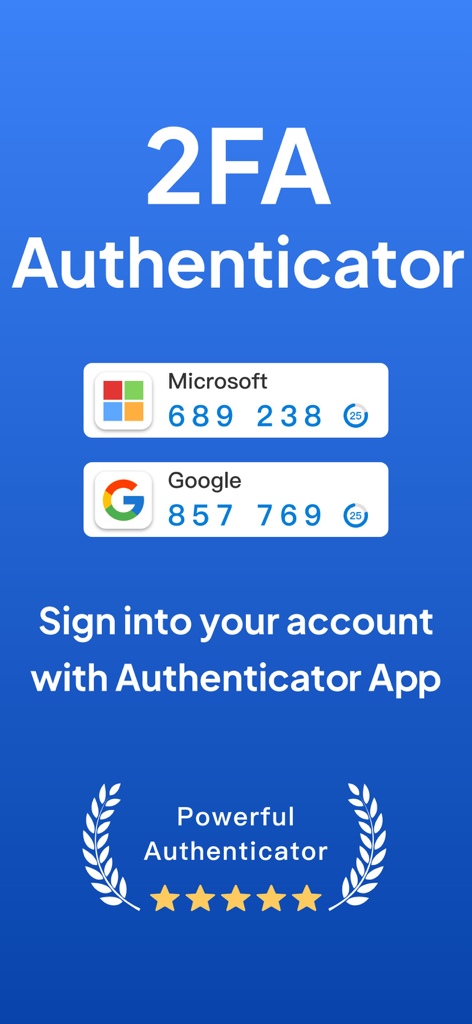
Authenticator App: 2FA, MFA - MicrosoftおよびGoogleアカウントの安全なログインコードを表示する2FA Authenticatorアプリ
MicrosoftおよびGoogleアカウントの安全なログインコードを表示する2FA Authenticatorアプリ

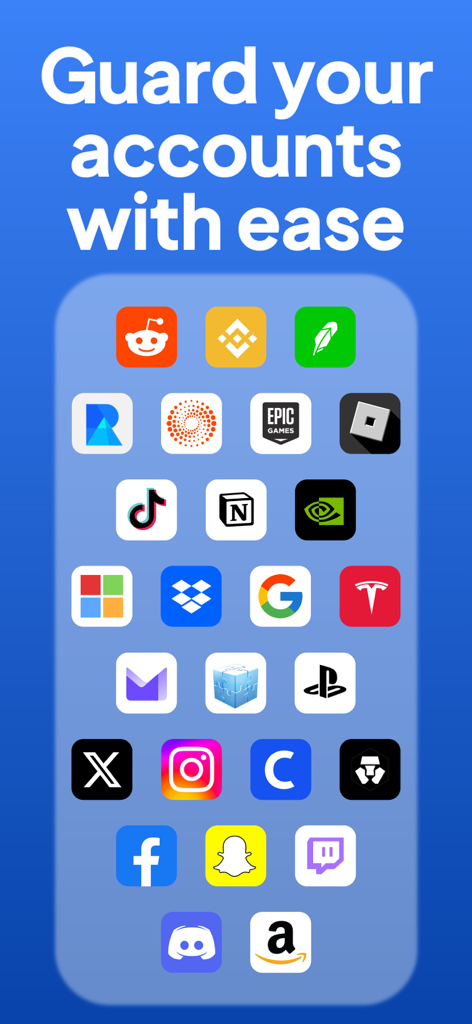
Authenticator App: 2FA, MFA - Authenticator Appインターフェイスは、安全なアカウント保護のための人気プラットフォームとの互換性を示しています
Authenticator Appインターフェイスは、安全なアカウント保護のための人気プラットフォームとの互換性を示しています

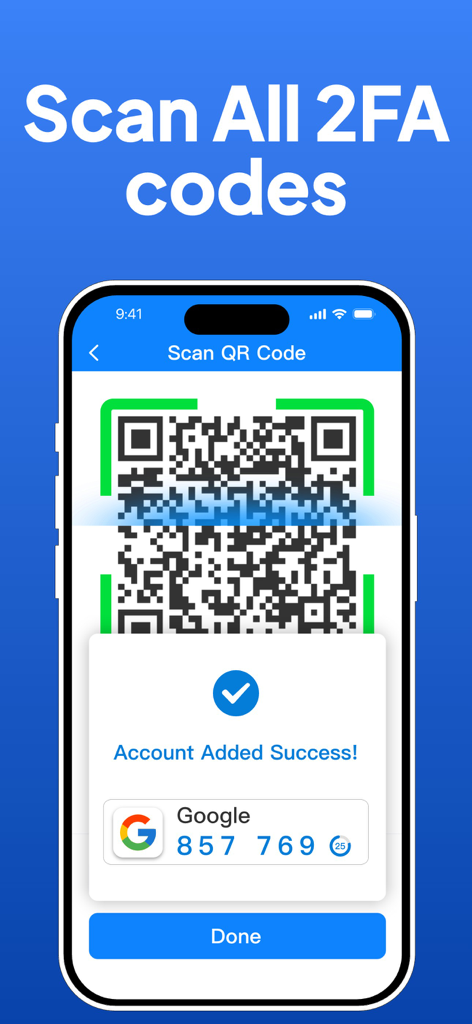
Authenticator App: 2FA, MFA - Authenticator AppでQRコードスキャンを介して2FAアカウントを正常にセットアップしたことを示すiPhone画面
Authenticator AppでQRコードスキャンを介して2FAアカウントを正常にセットアップしたことを示すiPhone画面

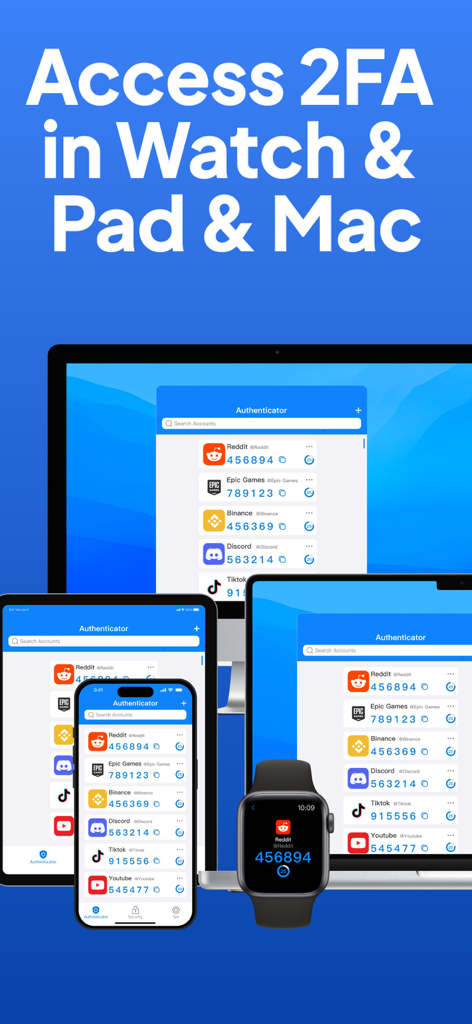
Authenticator App: 2FA, MFA - iPhone iPad MacおよびApple Watch全体で2FAコードを表示するAuthenticatorアプリインターフェイス
iPhone iPad MacおよびApple Watch全体で2FAコードを表示するAuthenticatorアプリインターフェイス

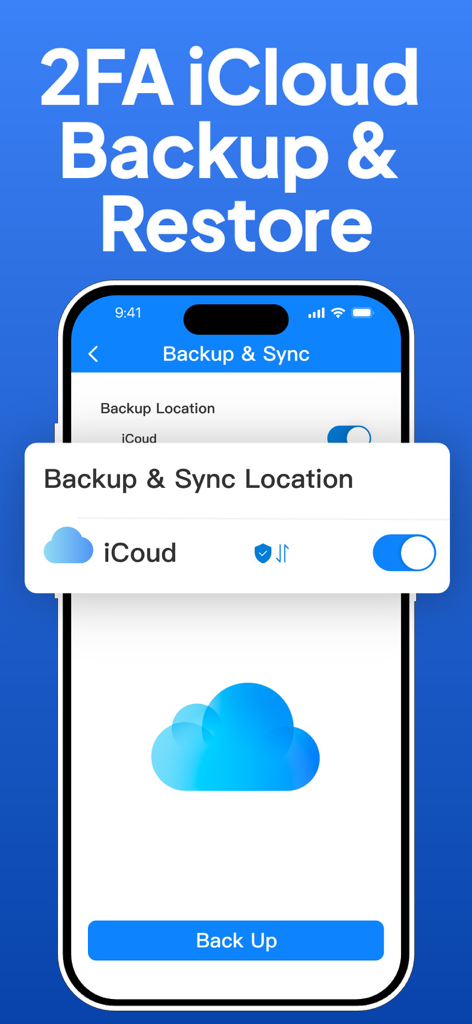
Authenticator App: 2FA, MFA - Authenticatorアプリのインターフェイスは、2FAセキュリティのためのiCloudバックアップおよび復元オプションを示しています
Authenticatorアプリのインターフェイスは、2FAセキュリティのためのiCloudバックアップおよび復元オプションを示しています

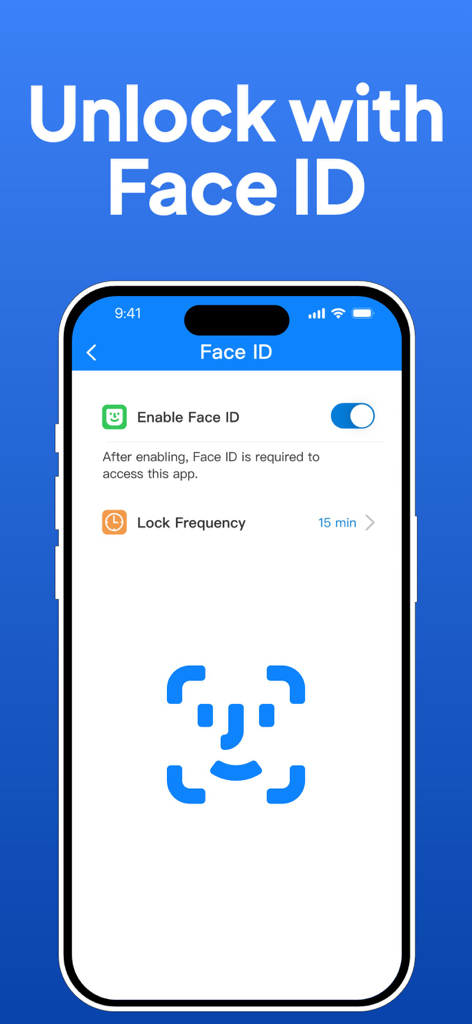
Authenticator App: 2FA, MFA - 安全なアクセスを可能にするAuthenticator AppのFace IDロック解除設定を表示するインターフェイス
安全なアクセスを可能にするAuthenticator AppのFace IDロック解除設定を表示するインターフェイス

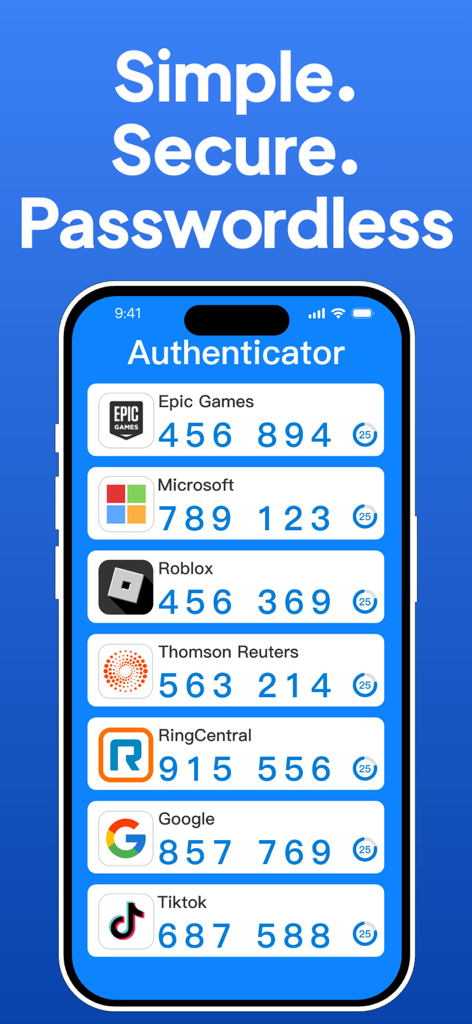
Authenticator App: 2FA, MFA - さまざまなオンラインアカウントの2FAコードを表示するAuthenticatorアプリインターフェイスを示すスマートフォン

さまざまなオンラインアカウントの2FAコードを表示するAuthenticatorアプリインターフェイスを示すスマートフォン

説明

Authenticator is the ultimate solution for secure, convenient two-factor authentication (2FA) across your digital life. Empower your digital life with secure sign-ins across all online accounts using the strength of multi-factor authentication, passwordless convenience, and seamless password autofill.Optimized for iPhone and Apple Watch, and compatible with iPad and Mac, it's designed to work effortlessly with a multitude of services including Google, Facebook, Amazon, Microsoft, Instagram, WhatsApp, TikTok, LinkedIn, Twitter, YouTube, Blizzard, Thomson Reuters, Epic Games, Stripe, Federal Student Aid, AMFI, Warzone Mobile, Drake Tax, RealMe, Login.gov, RingCentra, Textbroker, Godaddy, Ring, Outlook, Xbox, eBay, PayPal, Snapchat, Dropbox, Spotify, Reddit, Pinterest, Shopify, Airbnb, Uber, Zoom, Slack, Coinbase, Roblox, GitHub, Twitch, Binance, Salesforce, Tesla, Nvidia, ProtonMail, Robinhood, Uphold, PlayStation, Threads, Fortnite, Crypto, Notion, Yahoo, Hulu, Netflix, Disney+, Venmo, Trello, Asana, Strava, Duolingo, DoorDash, Postmates, Grubhub, Discord, Bittrex, 1Password, Озон.Ключ and more. Comprehensive Features: - Extensive Compatibility: Authenticator integrates with a vast array of platforms, enhancing the security of your online presence across various services. - Encrypted iCloud Backup: Securely store your 2FA codes with encryption, ensuring you have access to your accounts even if your device is lost. The backup functionality is robust, supporting both manual backup and quick restoration. - Seamless Synchronization: Effortlessly sync your authentication tokens across iPhone, Apple Watch, iPad, and Mac. - Offline OTP Generation: Generate One-Time Passwords (OTPs) even in areas without internet connectivity, keeping your accounts secure at all times. - Advanced Security with Face ID & Touch ID: Utilize cutting-edge security features on your iPhone and Apple Watch for swift and secure access. - Efficient Setup & Management: Configure and manage all your accounts easily with QR code scanning and centralized account management. Subscription Details: Unlock the full potential of the app with advanced two-factor authentication (2FA) features by choosing from our yearly, monthly, or weekly plans, each offering an initial free trial to explore more. Additionally, we offer a one-time purchase option that provides full access to all our authenticator and two-factor (2FA) security features without the need for a subscription. Payments can be made through your Apple account, and subscriptions will auto-renew unless turned off at least 24 hours before the end of the current subscription period. Join our plans to find the best deal for enhanced security and authentication! Key Links: Privacy Policy: https://downloadauthenticator.com/privacy-policy/ Terms of Service: https://downloadauthenticator.com/terms-of-use/ With Authenticator, you can confidently secure your online accounts on a wide range of popular platforms, ensuring a safe and streamlined digital experience.

Download

ダウンロード: App Store

このページはアプリまたはその開発者の公式ページではなく、情報提供および論評を目的として作成された独立した編集出版物です。明示的に別段の記載がない限り、アプリおよびその開発者は、MWM、Apple、Google Play、アプリのパブリッシャー、またはアプリの開発者と提携、承認、後援、認可、またはその他の公式的な関係はなく、このページのいかなる内容も、アプリがMWMのサービスを使用して開発されたことを意味するものではありません。すべての商標、ロゴ、スクリーンショット、その他のコンテンツはそれぞれの所有者の財産です。








