
このページはアプリまたはその開発者の公式ページではなく、情報提供および論評を目的として作成された独立した編集出版物です。明示的に別段の記載がない限り、アプリおよびその開発者は、MWM、Apple、Google Play、アプリのパブリッシャー、またはアプリの開発者と提携、承認、後援、認可、またはその他の公式的な関係はなく、このページのいかなる内容も、アプリがMWMのサービスを使用して開発されたことを意味するものではありません。すべての商標、ロゴ、スクリーンショット、その他のコンテンツはそれぞれの所有者の財産です。


Authenticator ® App
オンラインの弱点を消し去り、デジタルライフ全体を鉄壁の守りで固める。このアプリは、脆弱なパスワードと認証の混沌に終止符を打つ。
ダウンロード
1M+ユーザー評価
評価数
8.9K開発元
カテゴリ
Productivity対応言語
12最新バージョン
3.0.1サイズ
130.6 MBリリース日
2024年3月31日デジタルセキュリティとプライバシー保護を強化する主要な機能
Authenticator ® Appのセキュリティ機能分析
パスワード漏洩検出
ユーザーのパスワードがオンラインで侵害された場合に通知し、データ漏洩からアカウントを保護します。
セキュアなクラウドバックアップ
認証データが安全にクラウドにバックアップされ、デバイスの紛失時でもアカウントへのアクセスが保証されます。
生体認証と強力なパスワードによる保護
Face ID、Touch ID、または強力なパスワードを使用して、アプリ自体への不正アクセスを防ぎ、重要なセキュリティ情報に追加の保護層を提供します。
QRコードスキャンによる簡単設定
QRコードスキャンにより、二要素認証(2FA)を迅速かつ簡単に設定し、時間ベースのセキュリティコードを即座に利用可能にします。
VPN保護
パブリックWi-Fi接続時やインターネット閲覧中にトラフィックを暗号化し、IPアドレスを隠すことで、ユーザーのプライバシーとオンラインセキュリティを強化します。
パスワードとアカウントの自動入力
お気に入りのウェブサイトやアプリへのログインを簡素化し、保存されたユーザー名とパスワードを安全に自動入力することで、利便性と効率性を提供します。
広範なアプリ対応(1,000以上)
Gmail、Facebook、Instagramなど、1,000以上のアプリケーションに統合されており、多くのオンラインアカウントにわたるセキュリティを一元的に管理することを可能にします。
Wi-Fiセキュリティスキャナー
安全でないWi-Fiネットワークを検出し、回避することで、データ侵害から保護し、ユーザーのオンライン活動の安全性を確保します。
ウィジェットによるクイックアクセス
ウィジェットを通じて、アプリを開くことなく2FAコードに即座にアクセスできるため、ユーザーは迅速かつ効率的に認証を完了できます。
フォルダによるアプリ整理機能
フォルダを作成して、多数の二要素認証(2FA)アカウントを効率的に整理し、必要なセキュリティ情報を迅速に見つけられるようにします。
よくある質問
について知っておくべきこと Authenticator ® App
What is Authenticator App - FastOTP?
Authenticator App - FastOTP is an all-in-one security solution that manages two-factor authentication (2FA) codes and passwords. It adds an extra layer of security to over 1,000 online accounts.
How does Authenticator App - FastOTP set up two-factor authentication?
Authenticator App - FastOTP offers easy 2FA setup by scanning a QR code. This method provides instant, time-sensitive security codes, streamlining the process of securing your accounts.
Does Authenticator App - FastOTP protect many applications?
Yes, Authenticator App - FastOTP integrates with over 1,000 apps. It protects popular services like Gmail, Facebook, Instagram, and Twitter, securing all your accounts effortlessly.
Does Authenticator App - FastOTP include password leak detection?
Yes, Authenticator App - FastOTP features password leak detection. It notifies users if any of their passwords have been compromised online by checking for data breaches.
Can Authenticator App - FastOTP secure my online browsing?
Yes, Authenticator App - FastOTP provides VPN protection. This feature ensures privacy and security by encrypting your traffic and hiding your IP address on any network, including public Wi-Fi.
Does Authenticator App - FastOTP offer password autofill functionality?
Yes, Authenticator App - FastOTP includes Password & Account AutoFill. This smart system securely fills in saved usernames and passwords, enabling one-tap logins to websites and apps.
Is my data backed up with Authenticator App - FastOTP?
Yes, Authenticator App - FastOTP provides secure cloud backups. This feature ensures your data is safe and accessible, preventing loss of access to your accounts.
How can I secure access to the Authenticator App - FastOTP itself?
Authenticator App - FastOTP offers advanced security options like Face ID, Touch ID, or a strong password. This adds an extra layer of protection, preventing unauthorized access to the app.
Does Authenticator App - FastOTP offer private browsing?
Yes, Authenticator App - FastOTP includes private browsing features. It keeps your online activity safe from prying eyes by offering a fast browser without trackers or history logs.
How does Authenticator App - FastOTP handle subscriptions?
Payment for Authenticator App - FastOTP is charged to your iTunes account upon confirmation. Manage subscriptions and auto-renewal in Account Settings; auto-renewal occurs 24 hours before the period ends unless canceled.
Can Authenticator App - FastOTP scan Wi-Fi networks for security?
Yes, Authenticator App - FastOTP includes a Wi-Fi Security Scanner. This tool detects and helps avoid unsafe networks, protecting your data from potential breaches.
以下のスクリーンショットと説明は、アプリの公式ストアリスティングから直接取得されたものであり、アプリ開発者の所有物です。
アプリストア
スクリーンショット
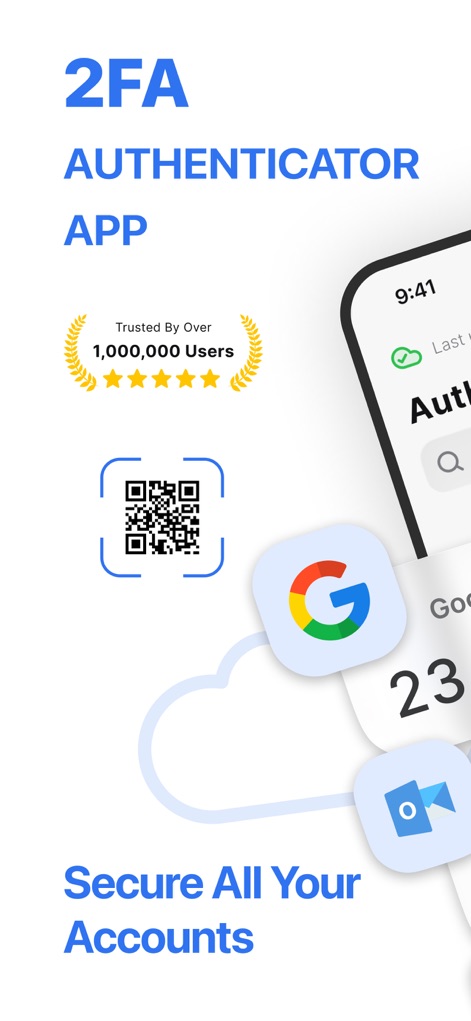
本アプリは、100万人以上のユーザーに信頼され、画面上のQRコードアイコンを介した認証機能により、アカウントの安全を確保します。
安全な認証、信頼の実績
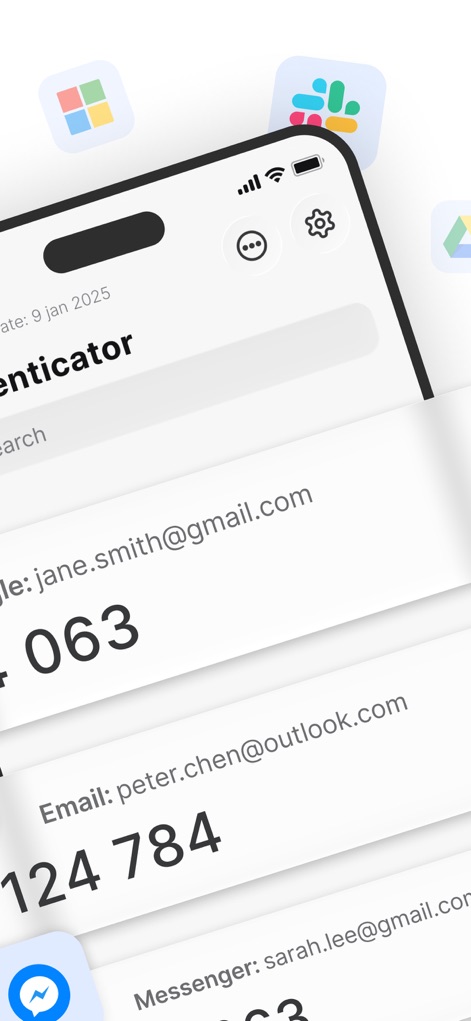
ユーザーは複数のアカウントの認証コード(例:Google: jane.smith@gmail.com)を一目で確認でき、上部の検索バーで必要なコードを素早く見つけられます。
アカウント一元管理
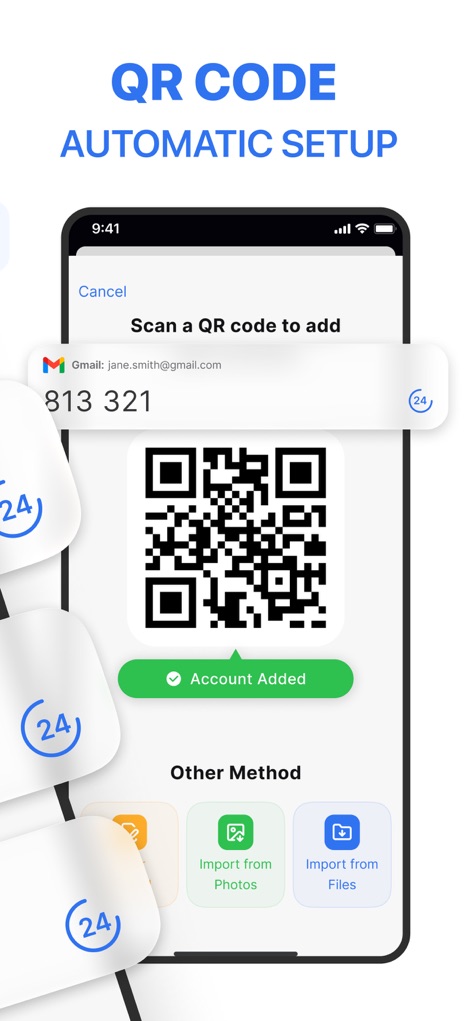
このアプリはQRコードスキャンで認証アカウントを簡単に追加でき、「Account Added」の成功表示で追加が完了したことを即座に確認できます。
簡単セットアップ

アプリはパスワードの安全性を一元管理し、上部のセキュリティ警告バナーを通じてユーザーのアカウントに関連するセキュリティ問題を即座に通知します。
パスワード保護、リスク検知

ユーザーはパスワード自動入力機能によりログインフォームへ手間なく情報を入力でき、ポップアップ表示されるパスワードのプレビューで内容を確認できます。
スマートな自動入力
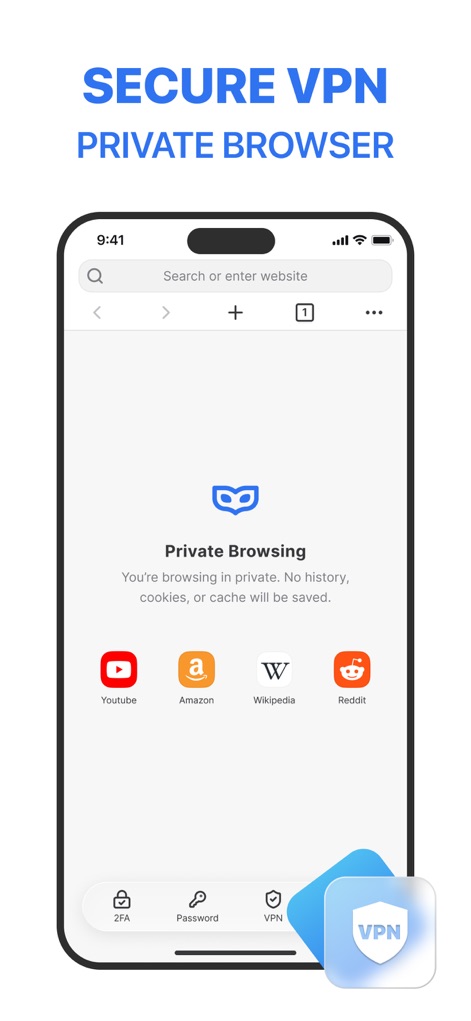
本アプリはプライベートブラウジング機能を提供し、下部のVPNタブからセキュアなインターネット接続を簡単に有効にできます。
安全なプライベートブラウジング
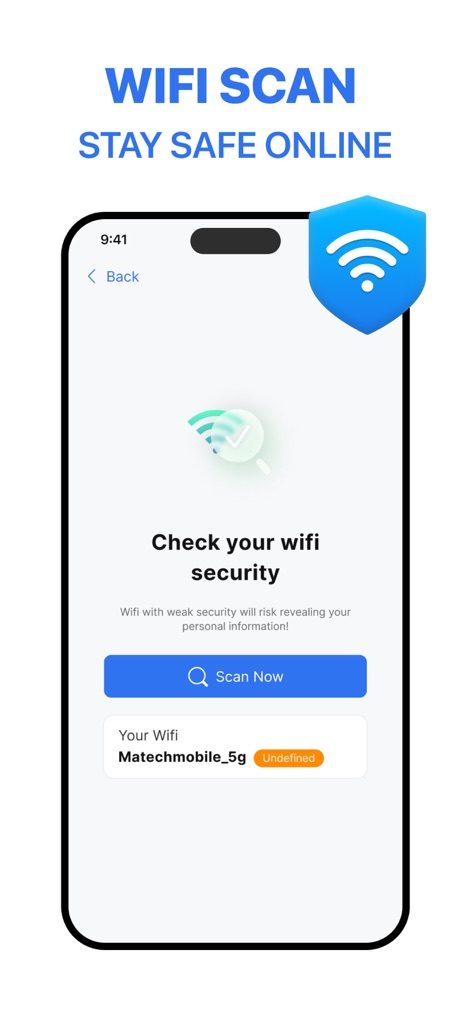
このアプリはWi-Fiセキュリティスキャンを実行し、現在接続中のWi-Fiネットワーク情報の表示を通じてユーザーに潜在的なリスクを通知します。
Wi-Fi安全診断
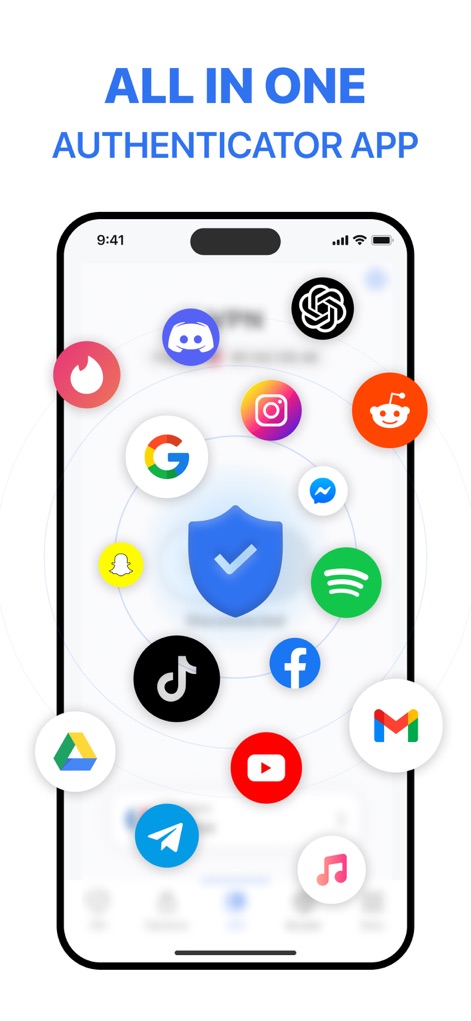
本アプリは中心のセキュリティシールドアイコンが示すように多様なプラットフォームに対応し、画面に表示される多数のアプリロゴを通じて様々な認証を一元的に保護します。
包括的セキュリティ
説明
Download
類似アプリ
似た機能とユーザー体験を持つアプリ

Proton Pass - Password Manager
Proton AG

Dashlane Password Manager
Dashlane

Password Manager - mSecure
mSeven Software, LLC

Kepttor Password Manager
MACREL SRL SEMPLIFICATA

DataVault Manager - Encrypted
MIKHAIL SHERSHNEV

Authenticator ·
SMM service, s.r.o.

Bitwarden Password Manager
Bitwarden Inc

Authenticator App ⁸
AGILE CODE LIMITED

Authenticator App ℗
RHO DEVELOPERS LLC
このページはアプリまたはその開発者の公式ページではなく、情報提供および論評を目的として作成された独立した編集出版物です。明示的に別段の記載がない限り、アプリおよびその開発者は、MWM、Apple、Google Play、アプリのパブリッシャー、またはアプリの開発者と提携、承認、後援、認可、またはその他の公式的な関係はなく、このページのいかなる内容も、アプリがMWMのサービスを使用して開発されたことを意味するものではありません。すべての商標、ロゴ、スクリーンショット、その他のコンテンツはそれぞれの所有者の財産です。