Big Keys Keyboard
Big Keys Keyboard
ダウンロード: App Store

このページはアプリまたはその開発者の公式ページではなく、情報提供および論評を目的として作成された独立した編集出版物です。明示的に別段の記載がない限り、アプリおよびその開発者は、MWM、Apple、Google Play、アプリのパブリッシャー、またはアプリの開発者と提携、承認、後援、認可、またはその他の公式的な関係はなく、このページのいかなる内容も、アプリがMWMのサービスを使用して開発されたことを意味するものではありません。すべての商標、ロゴ、スクリーンショット、その他のコンテンツはそれぞれの所有者の財産です。

ロゴ: Big Keys Keyboard
ダウンロード: App Store

Big Keys Keyboard

小さすぎるボタンや目の疲れに悩むのはもうやめましょう。高齢者やロービジョンのユーザーのために設計された高コントラストキーボードで、大切な人へのメッセージを自信を持って簡単に送信できます。

主要数値

ダウンロード

71K+

ユーザー評価

3.7/5

評価数

1K+

開発元

Hassan Hattab

カテゴリ

Productivity

対応言語

11

最新バージョン

4.2

サイズ

88.2 MB

リリース日

2017年3月7日
機能

クリアさと自信のために設計

小さすぎるボタンに悩むのはもうやめましょう。Big Keys Keyboardは、あなたのタイピング体験を、クリアで落ち着いた、楽なものに変えます。

特大キーと特大テキスト

文字とタイピングテキストを好みのサイズに拡大し、完璧な視認性で目の疲れをなくしましょう。

高コントラストテーマ

大胆で視認性の高いレイアウトから選択でき、文字が際立ち、視覚的な雑然さが軽減されます。

以下のスクリーンショットと説明は、アプリの公式ストアリスティングから直接取得されたものであり、アプリ開発者の所有物です。

アプリストア

スクリーンショット
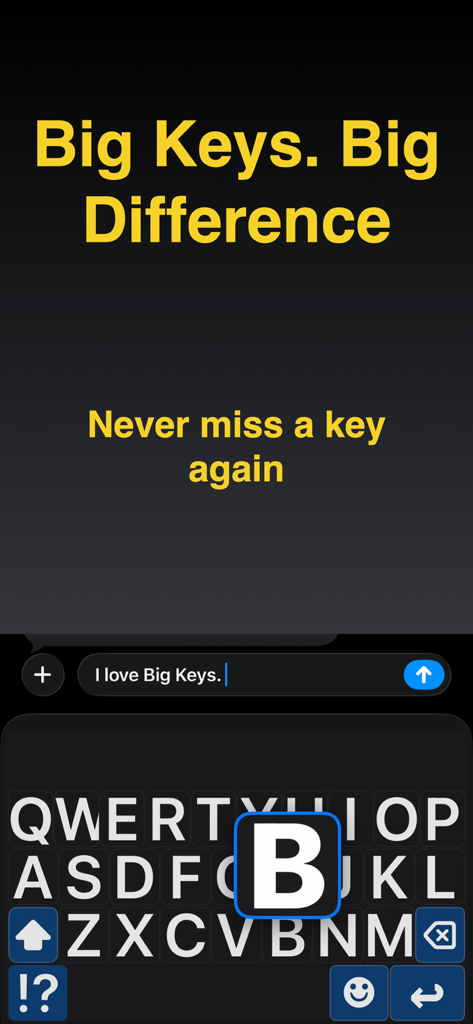
Big Keys Keyboard - 大きな文字とタイピングしやすい拡大された文字プレビューを備えた高コントラストキーボード
大きな文字とタイピングしやすい拡大された文字プレビューを備えた高コントラストキーボード

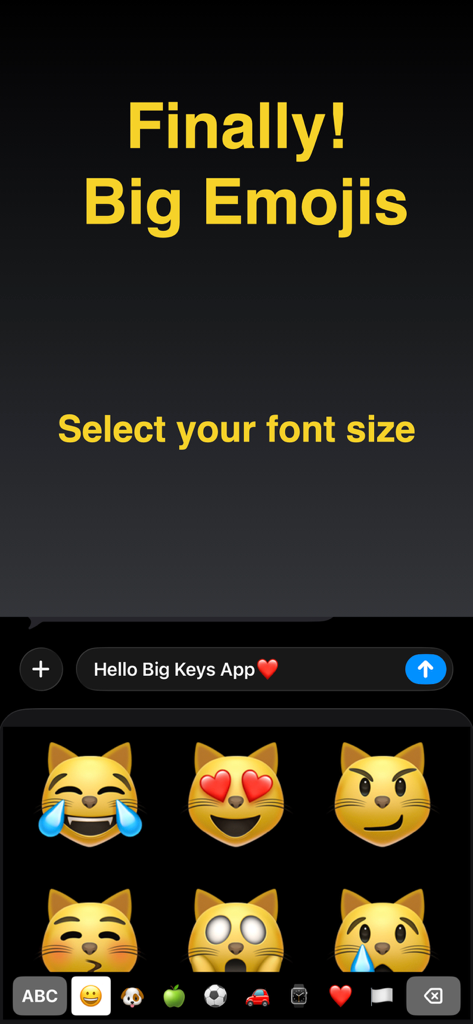
Big Keys Keyboard - 大きな猫の絵文字と、視認性を高めるための調整可能なフォントサイズを示すテキストが表示されたモバイル画面。
大きな猫の絵文字と、視認性を高めるための調整可能なフォントサイズを示すテキストが表示されたモバイル画面。

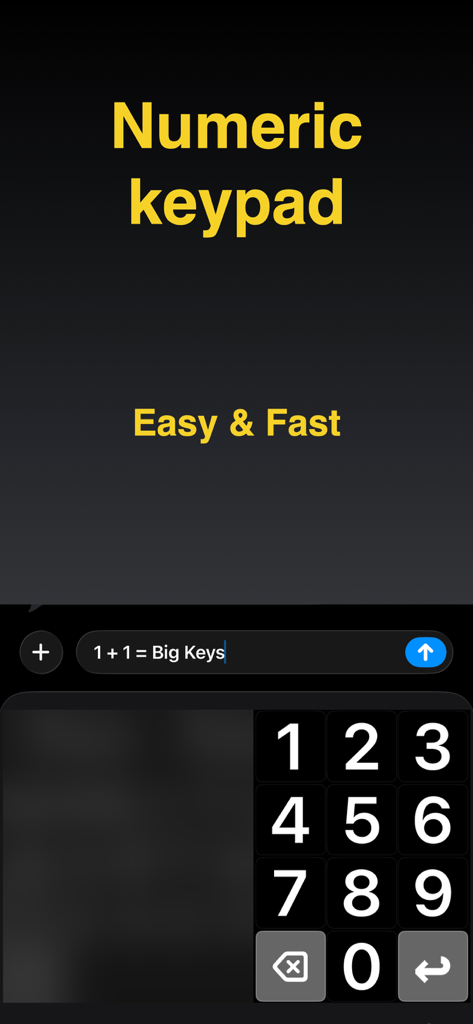
Big Keys Keyboard - iPhoneでの簡単なタイピングのために、大きくてクリアなテンキーを備えたBig Keys Keyboardアプリのスクリーンショット
iPhoneでの簡単なタイピングのために、大きくてクリアなテンキーを備えたBig Keys Keyboardアプリのスクリーンショット

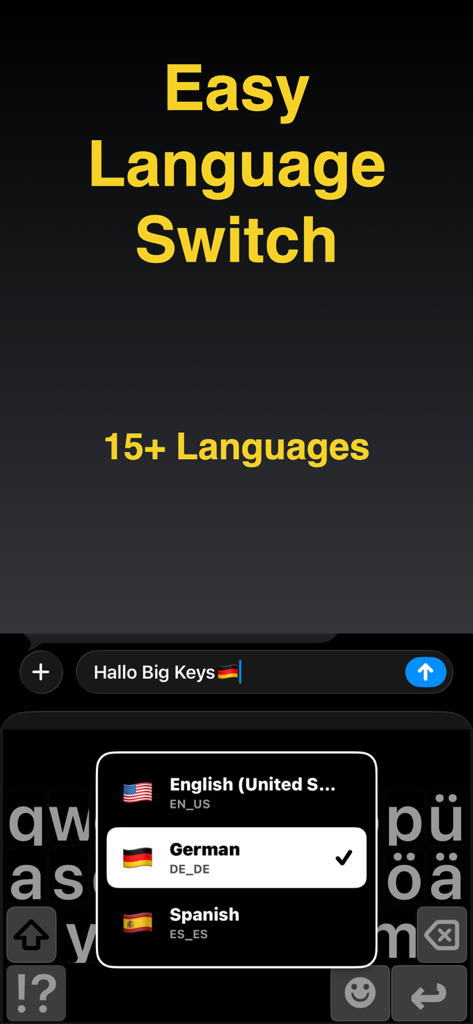
Big Keys Keyboard - 英語、ドイツ語、スペイン語の言語選択メニューが表示された、大き​​なキーを持つ高コントラストのモバイルキーボード

英語、ドイツ語、スペイン語の言語選択メニューが表示された、大き​​なキーを持つ高コントラストのモバイルキーボード

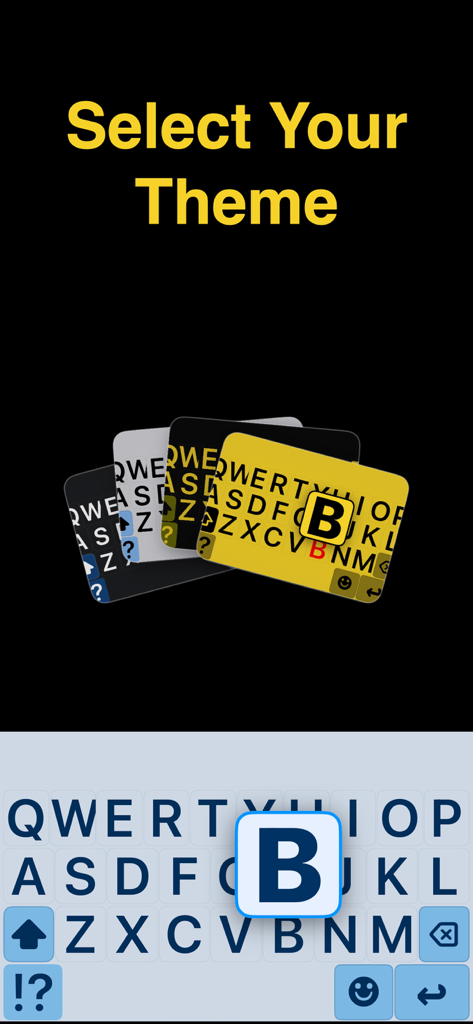
Big Keys Keyboard - 視認性を高めるための大き​​な文字キーを備えた高コントラストキーボードテーマ

視認性を高めるための大き​​な文字キーを備えた高コントラストキーボードテーマ

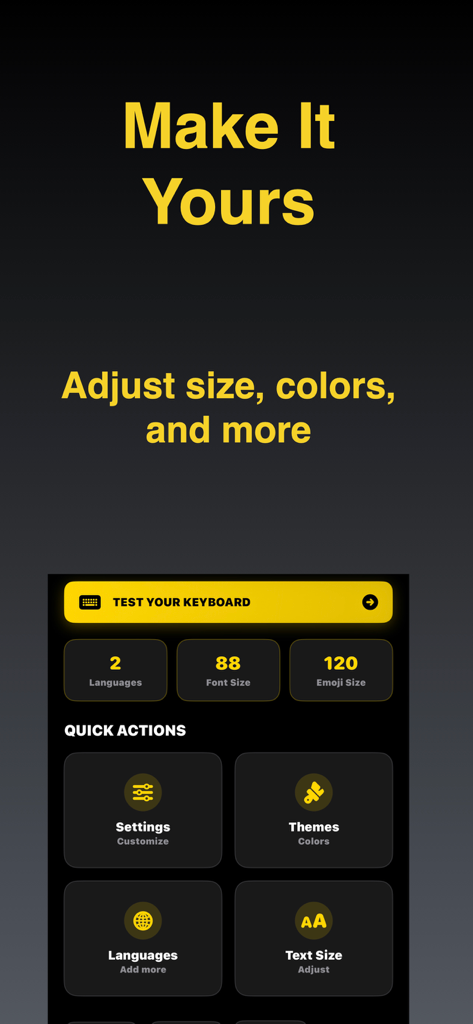
Big Keys Keyboard - フォントサイズ、絵文字サイズ、テーマを調整するオプションが表示されたBig Keys Keyboardのカスタマイズメニュー。

フォントサイズ、絵文字サイズ、テーマを調整するオプションが表示されたBig Keys Keyboardのカスタマイズメニュー。

説明

Big Keys Keyboard helps you type with large keys, large text, and an accessible keypad on iPhone. It is built for low vision, seniors, and anyone who wants a clearer, calmer keyboard. Make your next message easier to write and easier to trust, starting now! Built for visibility Most keyboards assume perfect vision and tiny, precise taps. Big Keys Keyboard focuses on clarity with bigger letters, clearer spacing, and layouts that feel easier to follow so you can type with less strain. A calmer keyboard experience Some people find standard keyboards visually noisy or overwhelming. This keyboard aims to feel more predictable by keeping things clear and reducing unnecessary clutter, which may help support focused typing for users who prefer a calmer layout. Helpful for caregivers If you are setting up a phone for a parent, child, or someone who needs accessibility support, Big Keys Keyboard can be a simple helper to get them typing comfortably faster. Keys, text, and emojis Adjust key size to reduce mistaps and make each tap feel more accurate. Make the typing text larger so you can confirm words faster before you hit send. And if emojis look tiny, scale them up so your favorites are easier to see and select. Dedicated keypad Need to type digits fast? The built-in keypad is there for PINs and codes, but also for phone numbers, prices, and addresses. High contrast themes Choose a look that keeps the keyboard clear and readable. Bright light can wash things out, so stronger contrast often helps. At night, a calmer theme can feel better while the letters stay easy to see. Language support If you type in more than one language, switching should not feel like work. Use the language options in the keyboard so you can keep your flow across messages, email, and search. Less retyping Gesture shortcuts can help you reach the keypad or special characters faster. If enabled, haptic feedback can make key presses feel more certain, and a last key indicator can make quick corrections easier. Quick answers - Can I really make the keys bigger? Yes, you can adjust key size to match your comfort. - Does it help with low vision? Yes, the design focuses on large letters, clear spacing, and contrast. - Is there a number pad? Yes, there is a dedicated keypad for fast digits and codes. - Can I make emojis bigger? Yes, emoji size can be increased too. - Is setup complicated? No. Enable the keyboard once in iPhone Settings and then use it anywhere you type. - Is there an upgrade? Big Keys Keyboard may offer optional upgrades that unlock additional options. Download our app and start typing with less strain and more confidence. Set your ideal key size, pick a high contrast theme, and keep the keypad ready for numbers whenever you need it. Enable Big Keys Keyboard in minutes and enjoy a clearer keyboard every day! Terms of Use: https://www.youapps.co/privacypolicy

Download

ダウンロード: App Store

このページはアプリまたはその開発者の公式ページではなく、情報提供および論評を目的として作成された独立した編集出版物です。明示的に別段の記載がない限り、アプリおよびその開発者は、MWM、Apple、Google Play、アプリのパブリッシャー、またはアプリの開発者と提携、承認、後援、認可、またはその他の公式的な関係はなく、このページのいかなる内容も、アプリがMWMのサービスを使用して開発されたことを意味するものではありません。すべての商標、ロゴ、スクリーンショット、その他のコンテンツはそれぞれの所有者の財産です。