
このページはアプリまたはその開発者の公式ページではなく、情報提供および論評を目的として作成された独立した編集出版物です。明示的に別段の記載がない限り、アプリおよびその開発者は、MWM、Apple、Google Play、アプリのパブリッシャー、またはアプリの開発者と提携、承認、後援、認可、またはその他の公式的な関係はなく、このページのいかなる内容も、アプリがMWMのサービスを使用して開発されたことを意味するものではありません。すべての商標、ロゴ、スクリーンショット、その他のコンテンツはそれぞれの所有者の財産です。

Blend: Combine Photo Layers
プロフェッショナルなツールで、シームレスなInstagramレイアウト、ユニークなダブルエクスポージャー、インパクトのある写真グリッドをデザインしましょう。現代のビジュアルストーリーテラーのために作られています。
ダウンロード
64K+ユーザー評価
評価数
7K+開発元
カテゴリ
Photo & Video対応言語
14最新バージョン
3.3.4サイズ
162.4 MBリリース日
2015年4月12日あなたの完璧なフィードをデザインする
シンプルな写真をプロフェッショナルなビジュアルストーリーに変えたいインフルエンサーやクリエイターのために作られた強力なツール。
シームレスなスワイプ式カルーセル
フィード全体に完璧に流れるパノラマ投稿を作成し、エンゲージメントを高め、滞在時間を最大化します。
芸術的なダブルエクスポージャー
クリック一つでレイヤーをブレンドし、標準フィルターでは到達できないシュールでハイエンドなビジュアルを作成します。
よくある質問
について知っておくべきこと Blend: Combine Photo Layers
Blend: Combine Photo Layersとは何ですか?
Blend: Combine Photo Layersは、複数の写真をブレンド、レイヤー化、結合できるアプリケーションです。ダブルエクスポージャー編集や様々なエフェクトを提供し、ユニークな画像を作成できます。
Blendでダブルエクスポージャー効果を作成できますか?
はい、Blendはダブルエクスポージャー編集機能を提供します。ユーザーは写真をレイヤー化して結合することで、複雑な視覚効果を実現し、画像にユニークなひねりを加えることができます。
Blendアプリで写真をレイヤー化するにはどうすればよいですか?
Blendでは、写真を簡単にレイヤー化できます。アプリには複数の画像レイヤーを管理するためのコントロールがあり、描画や消去などの特殊効果を使った結合や編集が可能です。
Blend: Combine Photo Layersはどのような編集機能を提供していますか?
Blendは、レイヤーの描画と消去、フィルター、フレーム、そして明るさ、露出、コントラスト、暖かさ、彩度などの調整ツールといった特殊効果を含む、様々な編集機能を提供します。
Blendアプリには写真フィルターが含まれていますか?
はい、Blendアプリには様々な写真フィルターが含まれています。ユーザーは、ノーマル、カートゥーン、セピア、ガウスぼかし、エンボスなどのオプションから選択して画像を強化できます。
BlendでフォトコラージュやInstagramのカルーセルを作成できますか?
はい、BlendはユニークなフォトコラージュやInstagramのカルーセルを作成します。ソーシャルメディア投稿のために、無限のコラージュテンプレート、カスタムグリッド、スムーズでスワイプ可能なカルーセルデザインを提供します。
Blendの1つのプロジェクトに何枚の写真を追加できますか?
Blendでは、1つのプロジェクトに10枚以上の写真を追加できます。この機能により、クリエイターはストーリー全体を公開し、より多くのビジュアルやアイデアを1つの投稿に統合することができます。
Blendのサブスクリプションの料金はいくらですか?
Blendは、米国では週3.99ドル、月7.99ドル、年39.99ドルの3つの自動更新サブスクリプションオプションを提供しています。料金は国によって異なる場合があります。
Blendのサブスクリプションをキャンセルするにはどうすればよいですか?
ユーザーは、iTunesアカウント設定からいつでもBlendサブスクリプションの自動更新をオフにすることができます。期間の未使用分に対する返金は提供されません。
Blend: Combine Photo Layersの利用規約はどこで見られますか?
Blend: Combine Photo Layersの利用規約は、https://architectapps.co/terms-of-use/ でご覧いただけます。このリンクには、利用ポリシーに関する詳細情報が記載されています。
Blendにはプライバシーポリシーがありますか?
はい、Blendにはプライバシーポリシーがあります。https://architectapps.co/privacy-policy/ でアクセスでき、ユーザーデータの収集と管理方法が記載されています。
以下のスクリーンショットと説明は、アプリの公式ストアリスティングから直接取得されたものであり、アプリ開発者の所有物です。
アプリストア
スクリーンショット
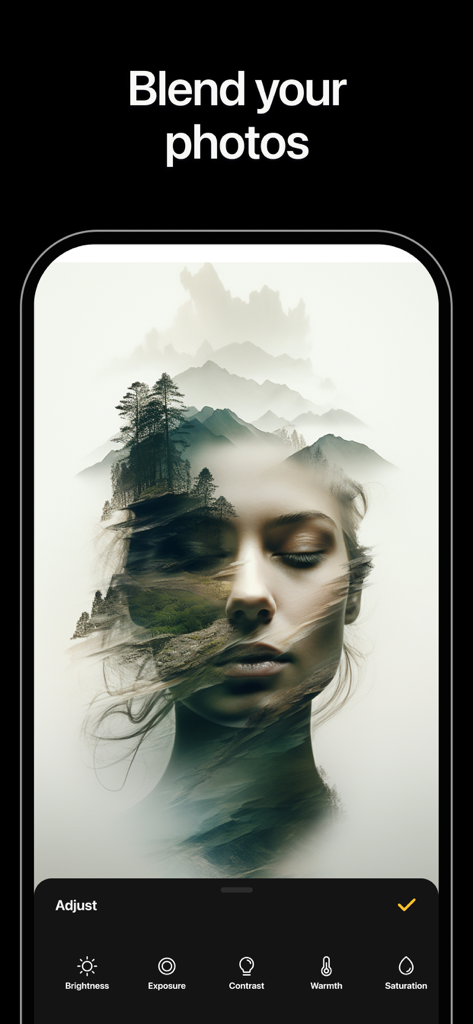
女性の顔と山の風景をブレンドするダブルエクスポージャー効果
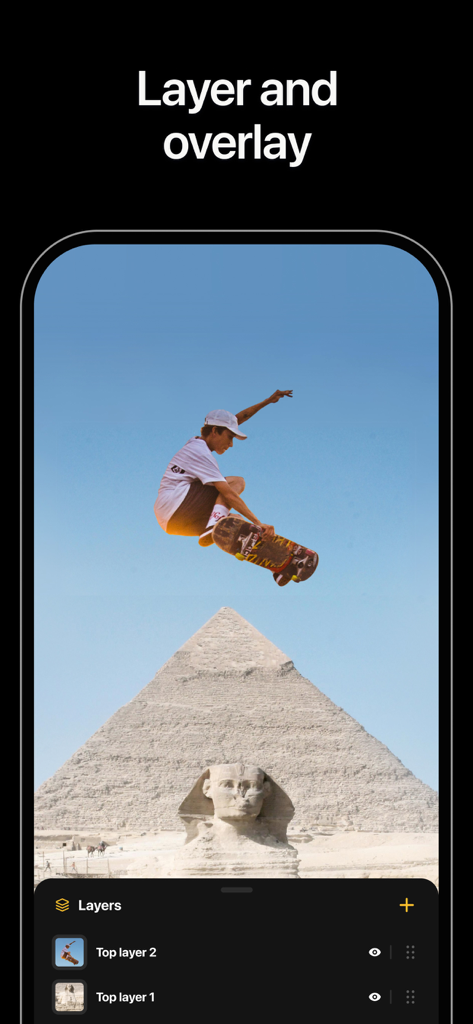
Blendアプリのインターフェース。ピラミッドの上にスケートボーダーがいる写真のレイヤーとオーバーレイ機能を表示
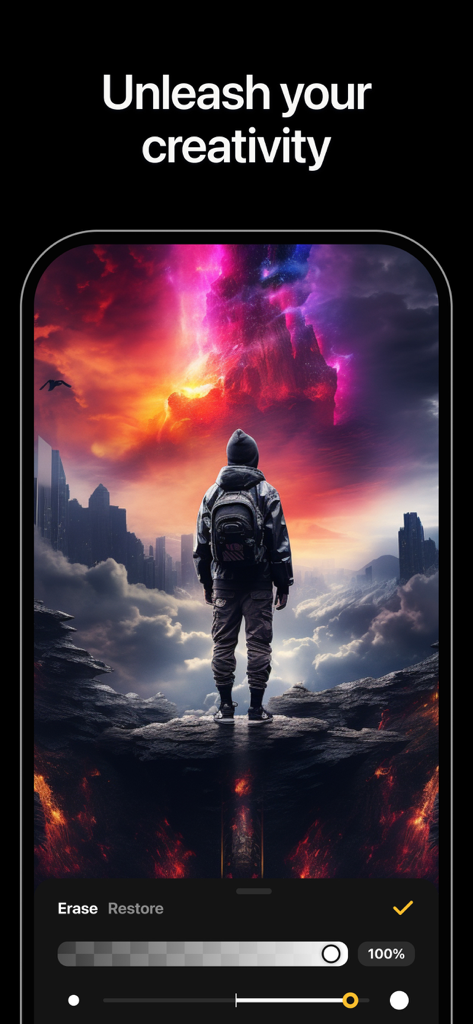
Blendアプリでのクリエイティブなダブルエクスポージャー写真編集。
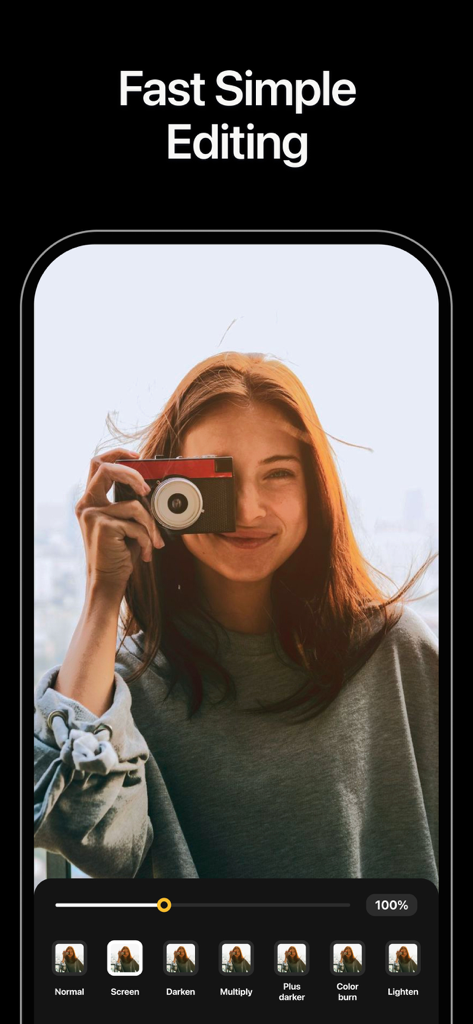
写真のブレンドオプションとビンテージカメラを持つ若い女性を表示するモバイルアプリ画面
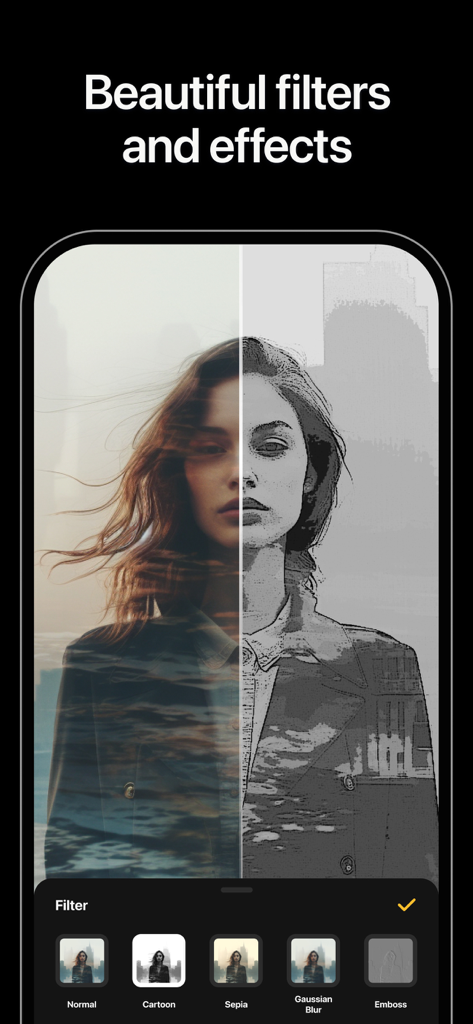
CartoonとDouble Exposureフィルターの分割画面を表示するBlendアプリインターフェース
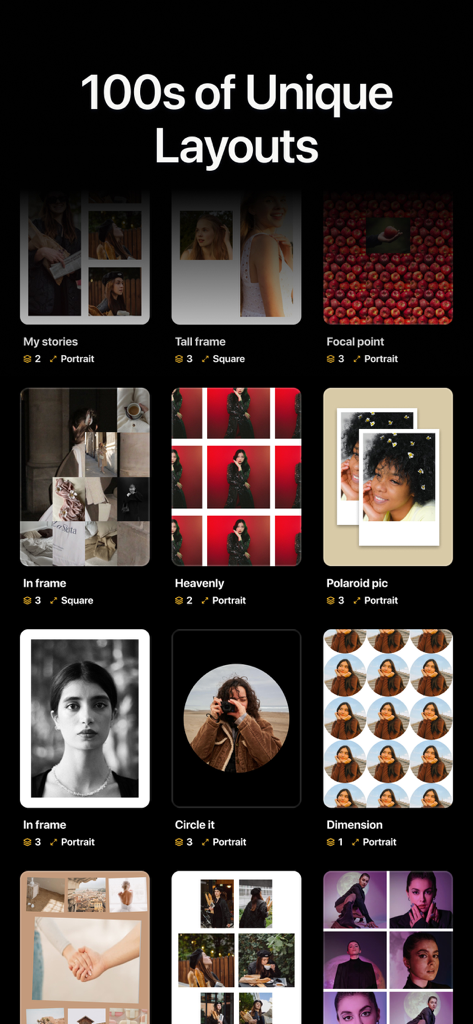
ソーシャルメディア用のコラージュ、ポラロイドスタイル、円形フレームを含む多様な写真レイアウトテンプレートのコレクション。
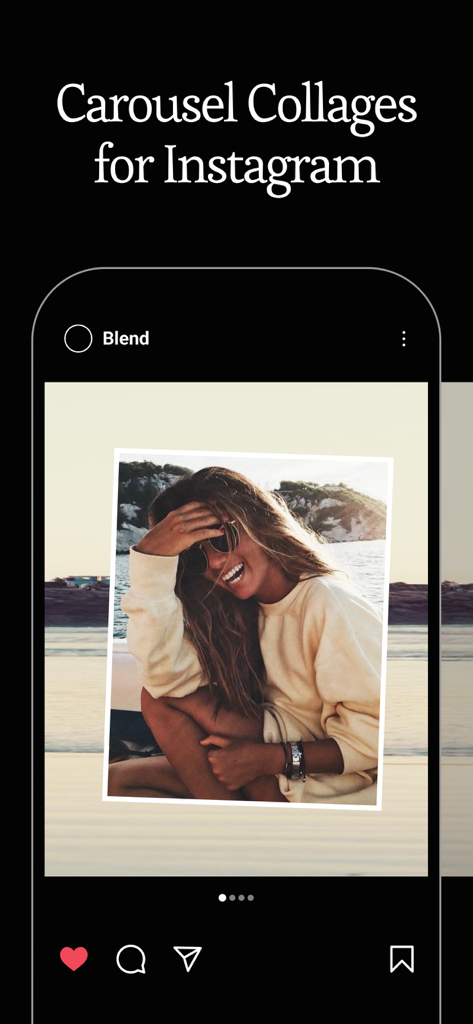
Blendアプリで作成したInstagram用のカルーセルコラージュデザインを表示するiPhoneモックアップ
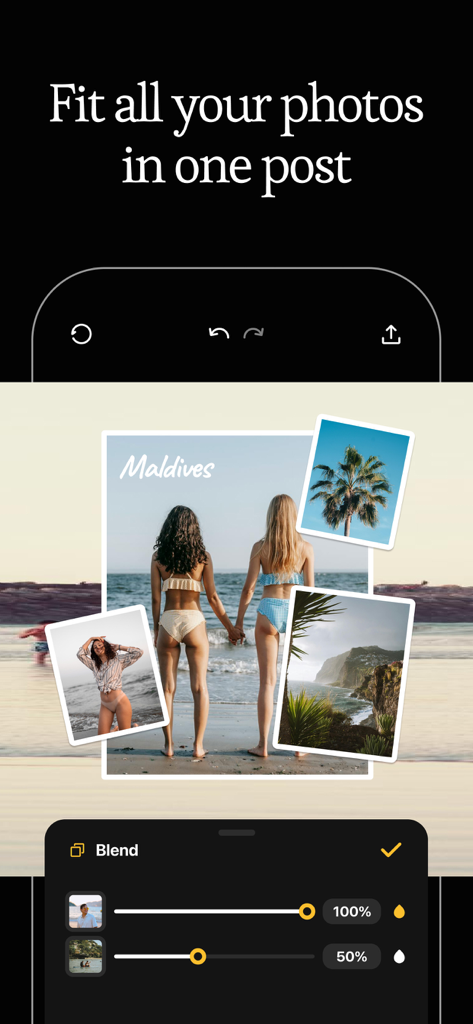
レイヤーブレンドツールと不透明度スライダーを備えたマルチフォトトラベルコラージュを表示するモバイルアプリインターフェース。
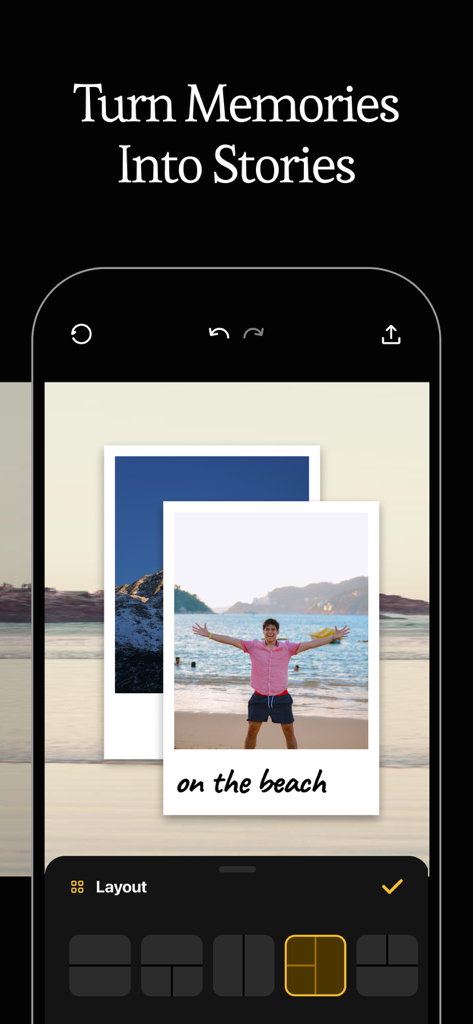
レイヤー化されたレイアウトを使用して写真の思い出を美的ストーリーに変えるモバイルアプリインターフェース
説明
Download
類似アプリ
同じカテゴリのトップランクアプリ

CapCut: Photo & Video Editor
BYTEDANCE PTE. LTD.

Instagram, Inc.

YouTube
Google LLC

Canva: AI Photo & Video Editor
Canva Pty Ltd

Snapchat
Snap, Inc.

快手
Beijing Kwai Technology Co., Ltd.

Edits: Video Editor
Instagram, Inc.

Meitu- AI Photo & Video Editor
Xiamen Meitu Technology Co., Ltd.

Google Photos: Backup & Edit
Google LLC
このページはアプリまたはその開発者の公式ページではなく、情報提供および論評を目的として作成された独立した編集出版物です。明示的に別段の記載がない限り、アプリおよびその開発者は、MWM、Apple、Google Play、アプリのパブリッシャー、またはアプリの開発者と提携、承認、後援、認可、またはその他の公式的な関係はなく、このページのいかなる内容も、アプリがMWMのサービスを使用して開発されたことを意味するものではありません。すべての商標、ロゴ、スクリーンショット、その他のコンテンツはそれぞれの所有者の財産です。