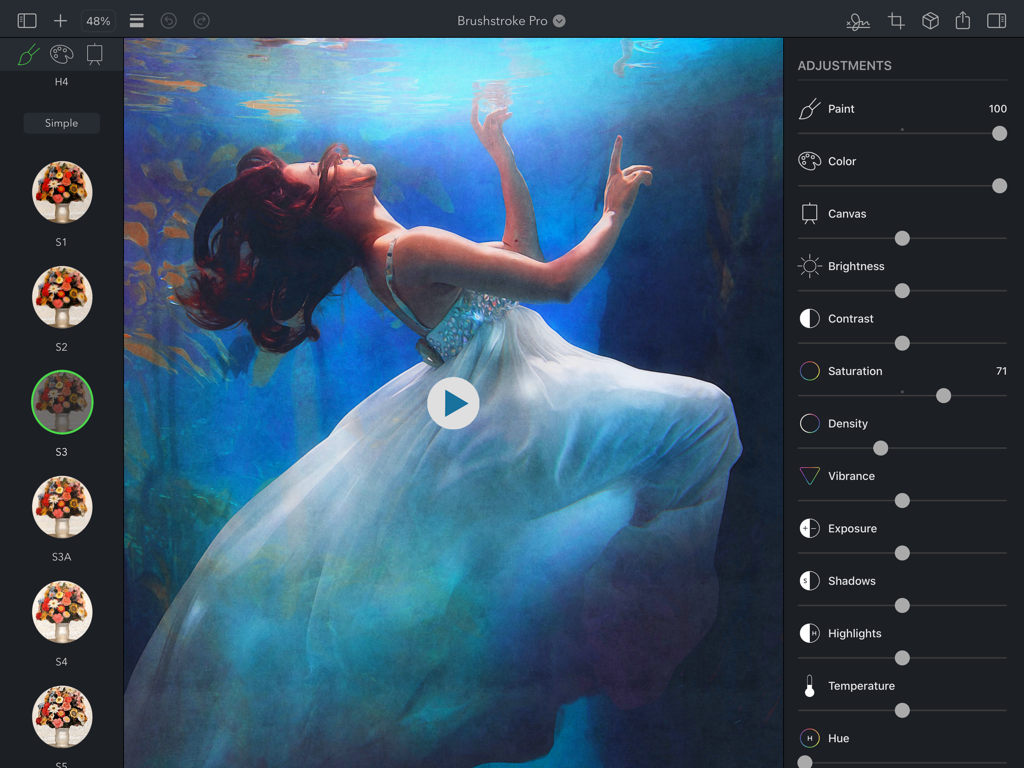
Brushstroke Pro for iPad
ダウンロード: App Store

このページはアプリまたはその開発者の公式ページではなく、情報提供および論評を目的として作成された独立した編集出版物です。明示的に別段の記載がない限り、アプリおよびその開発者は、MWM、Apple、Google Play、アプリのパブリッシャー、またはアプリの開発者と提携、承認、後援、認可、またはその他の公式的な関係はなく、このページのいかなる内容も、アプリがMWMのサービスを使用して開発されたことを意味するものではありません。すべての商標、ロゴ、スクリーンショット、その他のコンテンツはそれぞれの所有者の財産です。

ロゴ: Brushstroke Pro for iPad
ダウンロード: App Store

Brushstroke Pro for iPad

クリエイターと思い出の保存者のための究極のiPadスタジオ。リアルな3Dテクスチャで高解像度の絵画を作成し、あなたの芸術に署名し、すぐにあなたの家のためのプロフェッショナルプリントを注文しましょう。

主要数値

ダウンロード

7K+

ユーザー評価

4.7/5

評価数

200

開発元

Code Organa LLC

カテゴリ

Photo & Video

対応言語

10

最新バージョン

4.5.2

サイズ

116.0 MB

リリース日

2023年6月28日
機能

あなたの思い出をギャラリー品質の傑作に

Brushstroke Proは、洗練された3Dモデリングとプロフェッショナルな芸術的なパレットを組み合わせて、あなたのiPadを強力なデジタルスタジオに変えます。本物の芸術のように見え、感じられ、印刷できる高解像度の絵画を作成しましょう。

比類なき芸術的忠実度

油絵、水彩、アクリルを含む90以上のスタイルから選択してください。3Dモデリングされた表面と組み合わせて、すべての筆致をリアルに吸収し、反応させます。

あなただけのものに

あなたの実際の署名をインポートするか、iPad上で新しい署名を作成して作品に署名し、あなたが作成するすべての作品がユニークにパーソナライズされたオリジナルであることを保証します。

以下のスクリーンショットと説明は、アプリの公式ストアリスティングから直接取得されたものであり、アプリ開発者の所有物です。

アプリストア

スクリーンショット
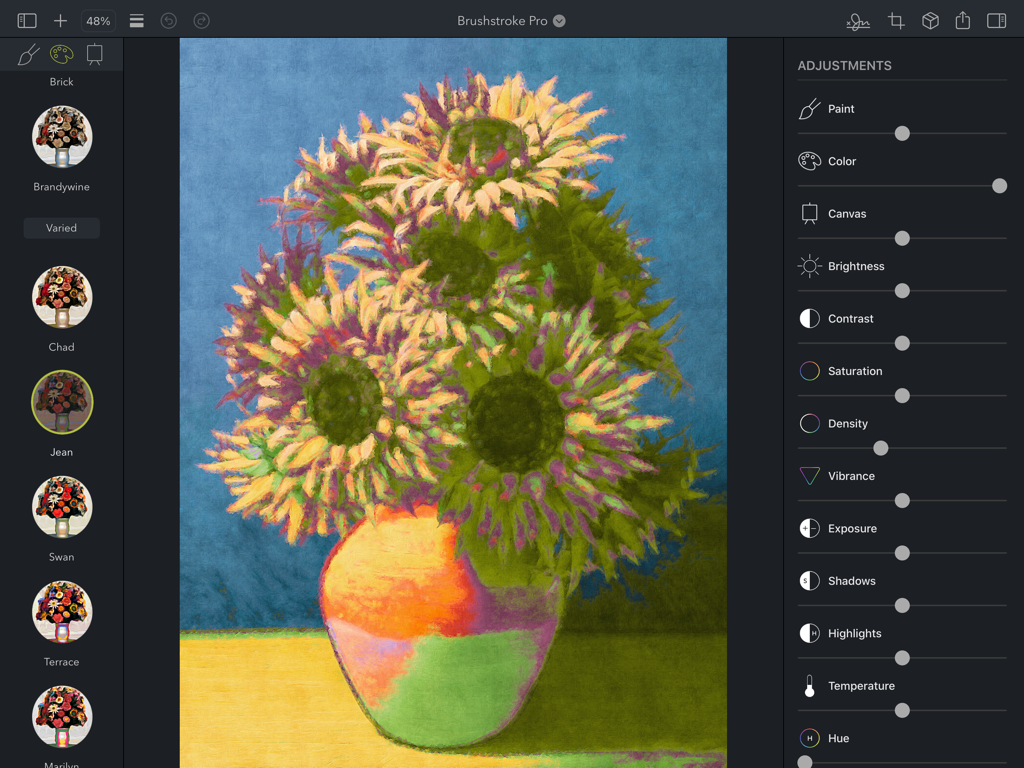
Brushstroke Pro for iPad - Brushstroke Pro iPadアプリの編集画面のスクリーンショット。ひまわりの絵画が芸術的なスタイルと調整スライダーで編集されています。
Brushstroke Pro iPadアプリの編集画面のスクリーンショット。ひまわりの絵画が芸術的なスタイルと調整スライダーで編集されています。

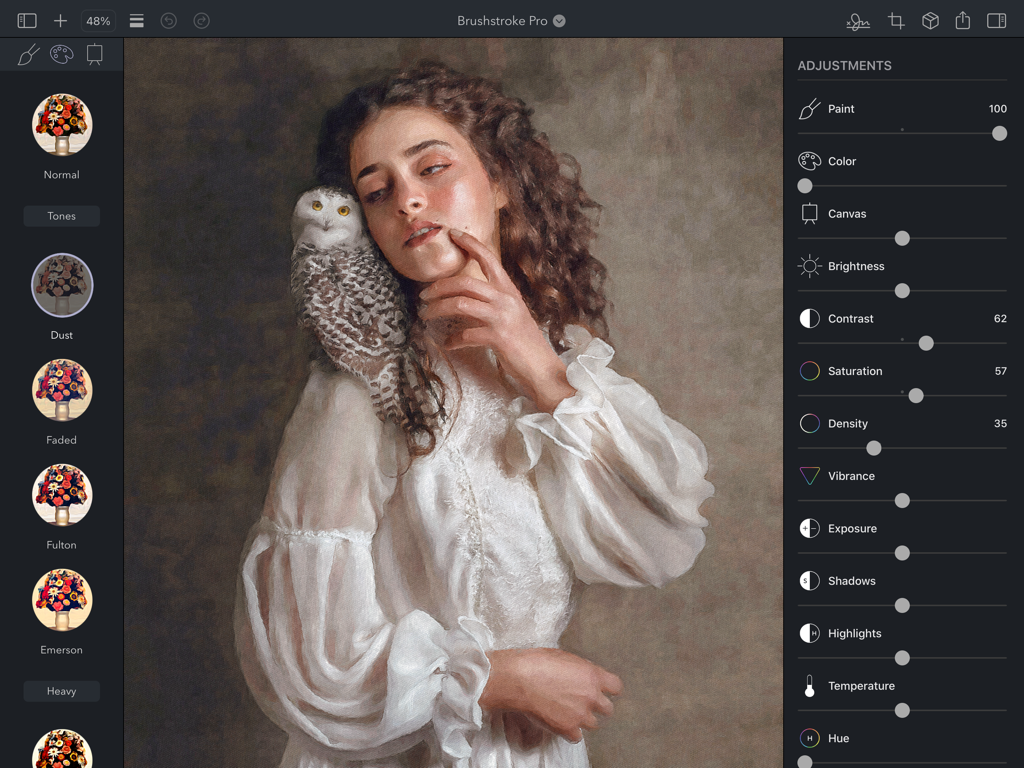
Brushstroke Pro for iPad - Brushstroke ProのiPadインターフェース。芸術的な油絵のポートレートのためのプロフェッショナルな編集調整が表示されています。
Brushstroke ProのiPadインターフェース。芸術的な油絵のポートレートのためのプロフェッショナルな編集調整が表示されています。

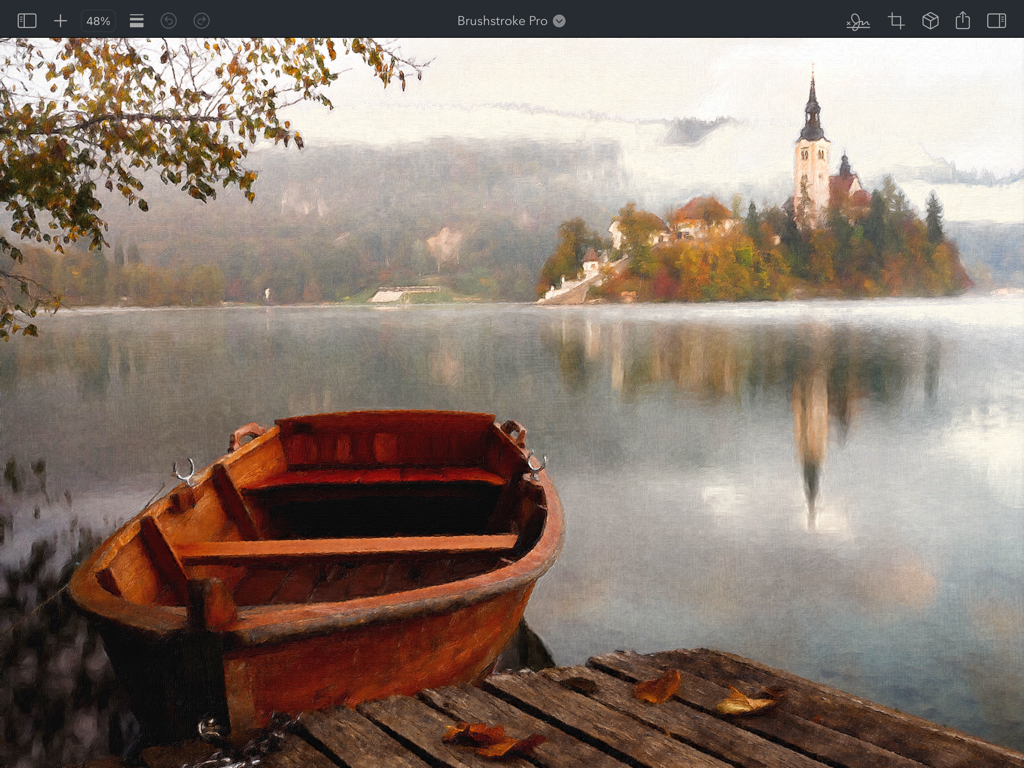
Brushstroke Pro for iPad - Brushstroke Pro for iPadで作成された、島にある教会と湖の上の木造船のデジタル風景画。
Brushstroke Pro for iPadで作成された、島にある教会と湖の上の木造船のデジタル風景画。

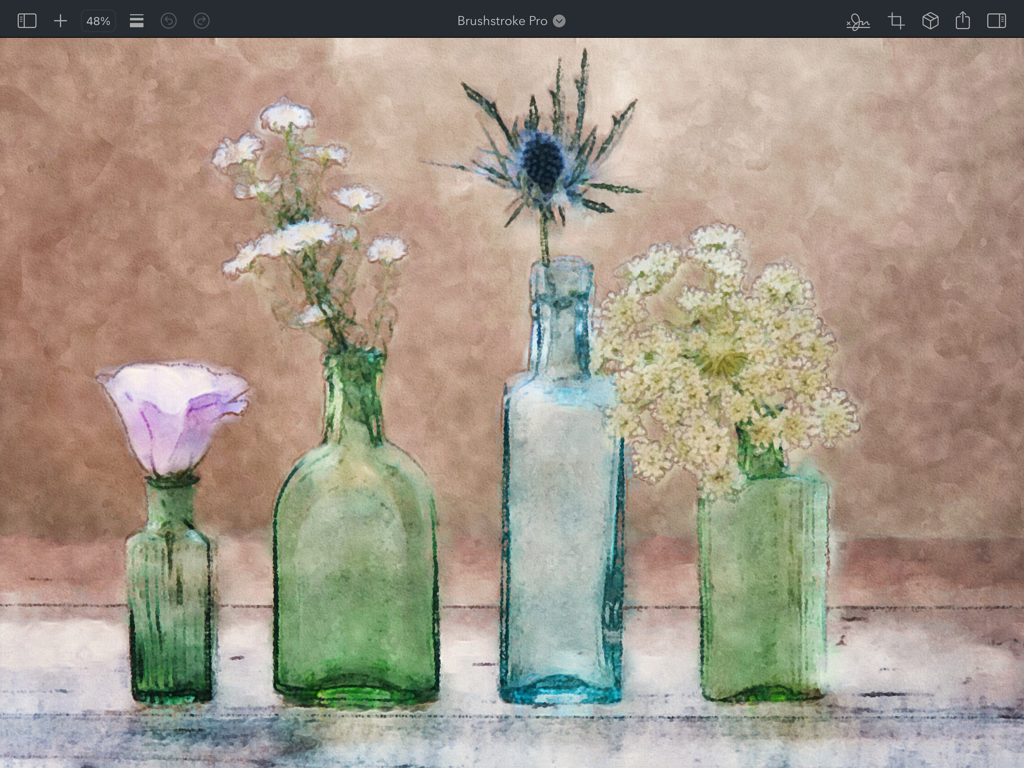
Brushstroke Pro for iPad - ガラス瓶に入った水彩花の静物画、キャンバスのテクスチャ付き。

ガラス瓶に入った水彩花の静物画、キャンバスのテクスチャ付き。

Brushstroke Pro for iPad - iPad上のBrushstroke Proアプリのインターフェース。プロフェッショナルな調整スライダーが付いたデジタル絵画が表示されています。
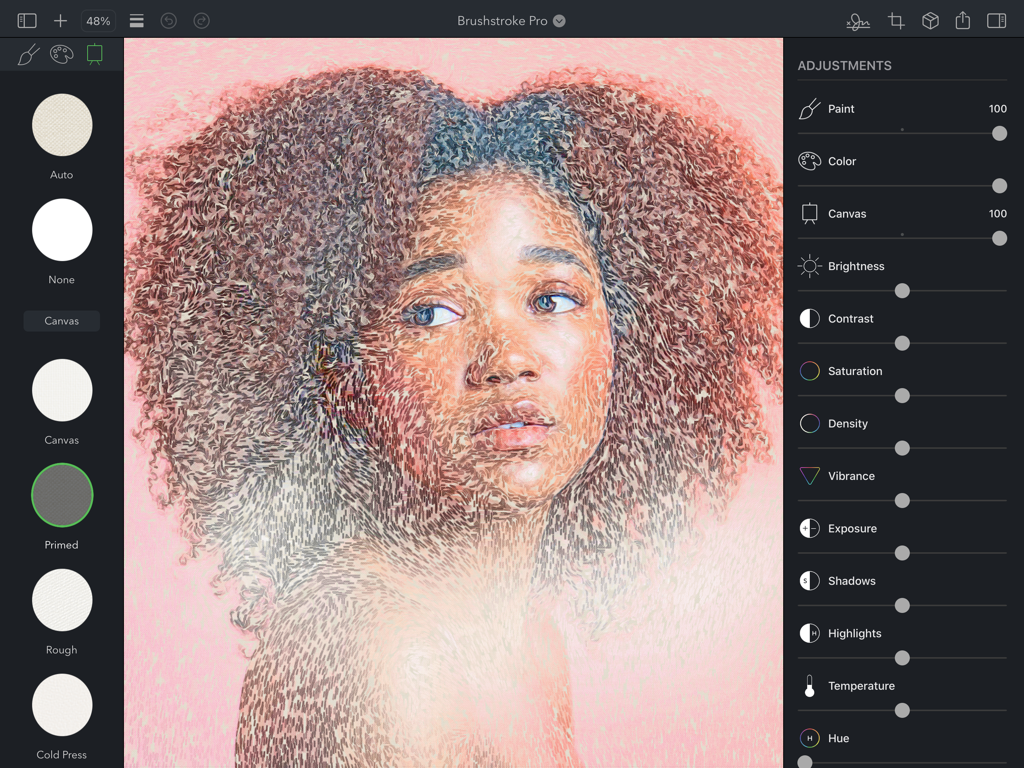
iPad上のBrushstroke Proアプリのインターフェース。プロフェッショナルな調整スライダーが付いたデジタル絵画が表示されています。

Brushstroke Pro for iPad - Brushstroke Pro for iPadの女性のデジタル絵画。編集ツールとキャンバスのテクスチャが表示されています。
Brushstroke Pro for iPadの女性のデジタル絵画。編集ツールとキャンバスのテクスチャが表示されています。

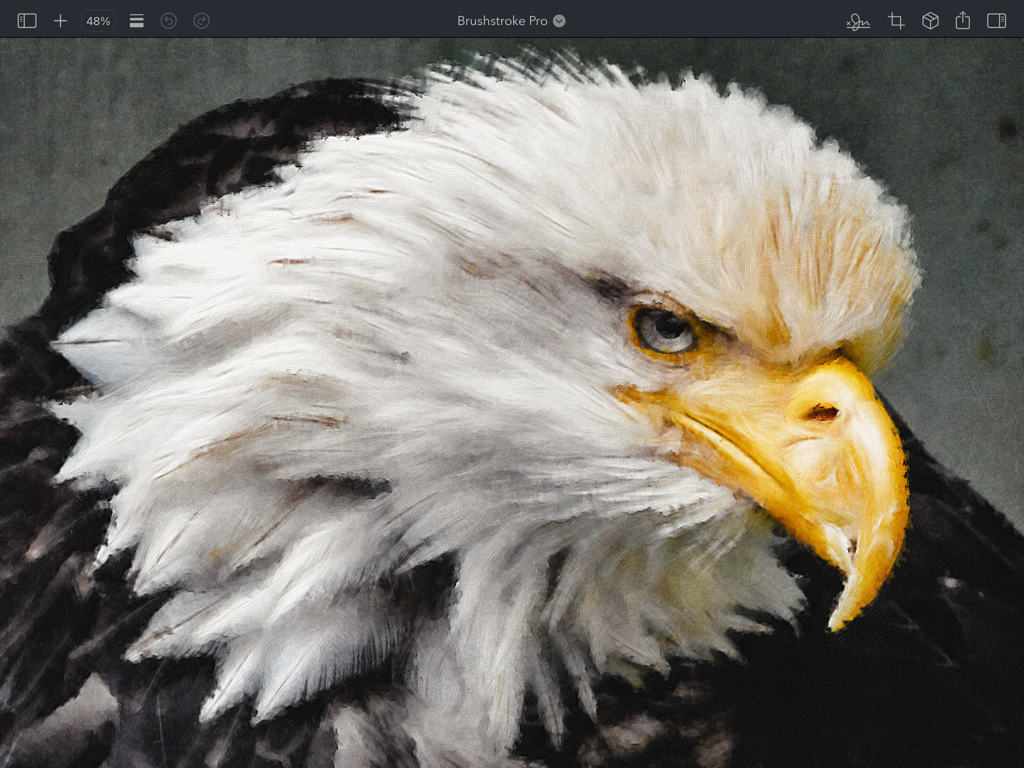
Brushstroke Pro for iPad - iPad上のBrushstroke Proで作成された、ハクトウワシの頭部のリアルなデジタル油絵。
iPad上のBrushstroke Proで作成された、ハクトウワシの頭部のリアルなデジタル油絵。

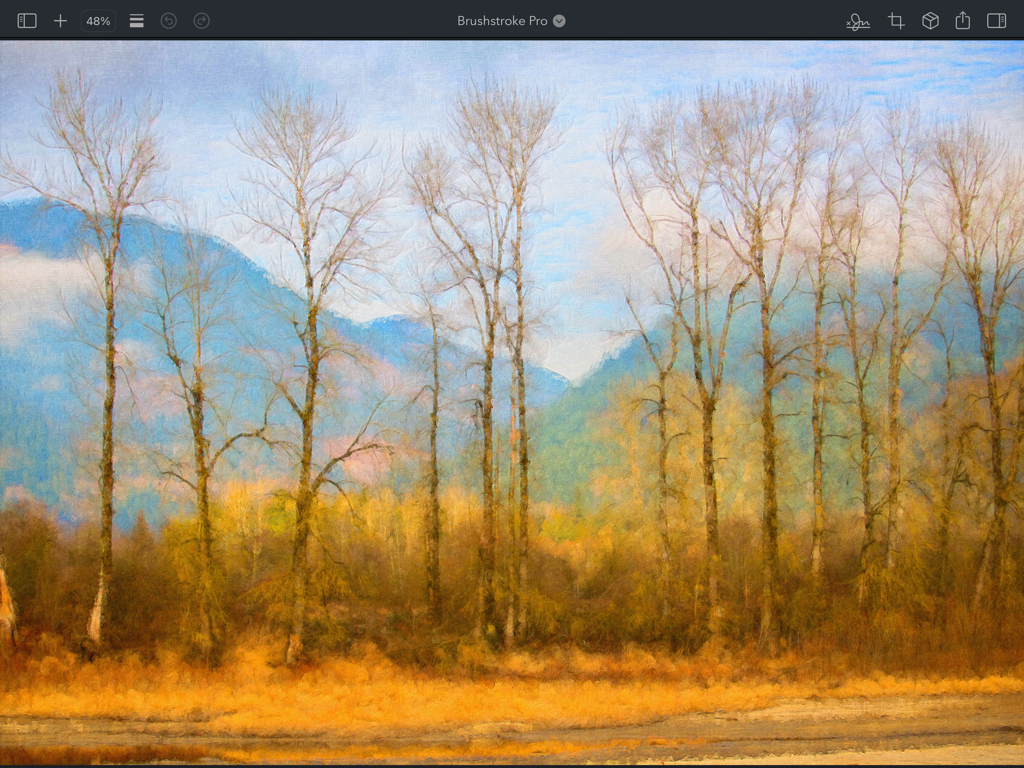
Brushstroke Pro for iPad - iPad上のBrushstroke Proアプリで作成された、高い冬の木々と青い山々のデジタル油絵。
iPad上のBrushstroke Proアプリで作成された、高い冬の木々と青い山々のデジタル油絵。

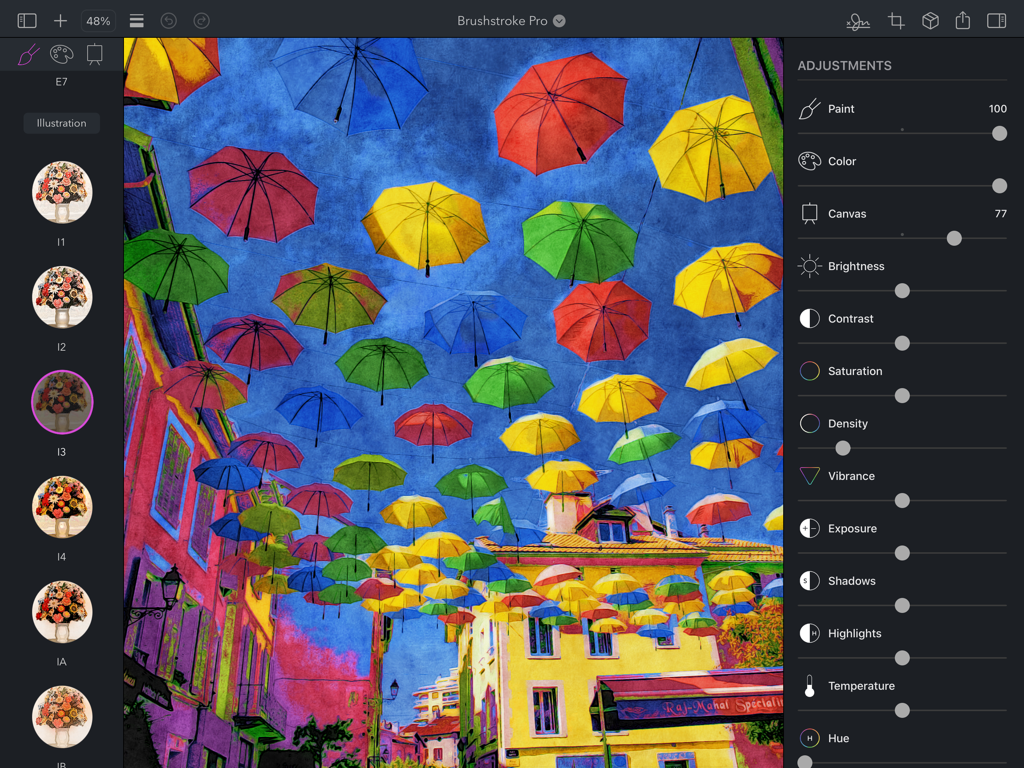
Brushstroke Pro for iPad - Brushstroke Pro iPadアプリのインターフェース。カラフルな街の傘の写真がプロフェッショナルな調整スライダーで絵画に変換されています。
Brushstroke Pro iPadアプリのインターフェース。カラフルな街の傘の写真がプロフェッショナルな調整スライダーで絵画に変換されています。

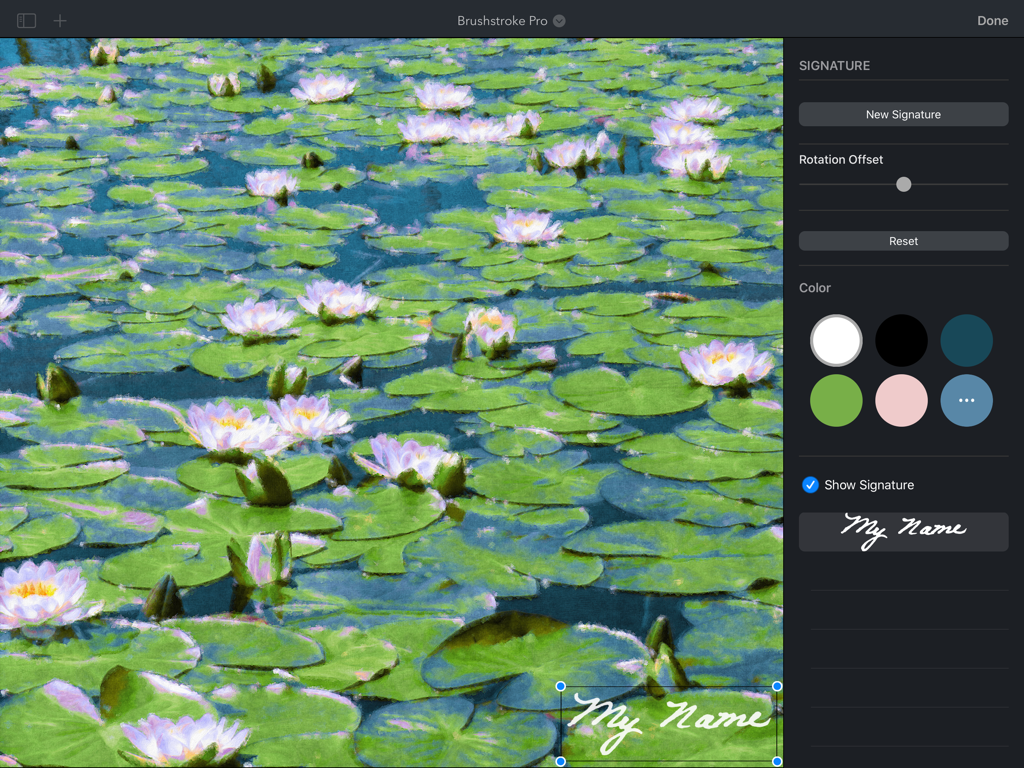
Brushstroke Pro for iPad - Brushstroke Pro iPadアプリで、スイレンのデジタル絵画にカスタム署名を追加しています。

Brushstroke Pro iPadアプリで、スイレンのデジタル絵画にカスタム署名を追加しています。

説明

Brushstroke Pro turns your photos and videos into beautiful paintings instantly. Now on iPadOS, Brushstroke Pro builds on our already feature-rich Brushstroke app with improved visual fidelity and detail, allowing you to create stunning high-resolution artwork with a few clicks, no brushes or cleanup required. Save your art as a project to continue your paintings later, create multiple signatures, import your real-world signature from a photo, create film-quality 4K video paintings, and much more. Create Your Own Masterpiece Transform ordinary photos and videos into something magical with over 90 painting and art styles. Explore familiar mediums like oil, watercolor, and acrylic, or create unique looks with styles inspired by illustrations, experimental art, and more. Customize your work of art with different canvases, color palettes, adjustments, and your signature to create your own masterpiece. Realistic Color Palettes Color palettes alter the color and tonality of your artwork to evoke different moods and feelings. Brushstroke Pro contains over 70 palettes inspired by and modeled after works by well-known artists and schools of art. Specialized algorithms intelligently apply the palettes to your art, realizing your vision as an artist. 3D-Modeled Canvases Choose from more than 30 canvases and other surfaces to paint on, from canvases and papers to wood and stone, each modeled realistically in 3D. Paint pools, absorbs and changes density based on each surface’s individual weave, texture and granularity, all while interacting with the unique characteristics of the chosen paint style. Professional Adjustments Add your finishing touch. Brushstroke Pro contains a complete set of professional-grade lighting and color adjustments, as well as painting-specific adjustments that let you fine-tune your work to create something that’s truly your own. Change paint thickness and density, adjust canvas depth, blend your color palette, tweak lighting, and much more for just the right look. Sign Your Art Make your painting your own by signing it. Create a signature on your iPad, or import your real-world signature from a photo or the camera. Select a signature color and your signature is realistically applied to your painting. Save multiple signatures and pick just the right one for each unique work of art. Make It Real Turn your digital painting into a real-world one. We've teamed up with CanvasPop to provide the highest quality prints available with a 100% “Love It” lifetime guarantee that ensures you love your print or your money back. Choose a canvas, framed print or poster, then select a frame, matte, and size, and you’ll have your masterpiece delivered and hanging on your wall in no time - or ready to be given as a gift for a special occasion. Also on Mac Brushstroke Pro is also available as a separate purchase on Mac, allowing you to save projects to iCloud and share projects between your iPad and Mac, so you can pick up wherever you left off.

Download

ダウンロード: App Store

このページはアプリまたはその開発者の公式ページではなく、情報提供および論評を目的として作成された独立した編集出版物です。明示的に別段の記載がない限り、アプリおよびその開発者は、MWM、Apple、Google Play、アプリのパブリッシャー、またはアプリの開発者と提携、承認、後援、認可、またはその他の公式的な関係はなく、このページのいかなる内容も、アプリがMWMのサービスを使用して開発されたことを意味するものではありません。すべての商標、ロゴ、スクリーンショット、その他のコンテンツはそれぞれの所有者の財産です。