bVNC Pro - VNC Screen Sharing
ダウンロード: App Store

このページはアプリまたはその開発者の公式ページではなく、情報提供および論評を目的として作成された独立した編集出版物です。明示的に別段の記載がない限り、アプリおよびその開発者は、MWM、Apple、Google Play、アプリのパブリッシャー、またはアプリの開発者と提携、承認、後援、認可、またはその他の公式的な関係はなく、このページのいかなる内容も、アプリがMWMのサービスを使用して開発されたことを意味するものではありません。すべての商標、ロゴ、スクリーンショット、その他のコンテンツはそれぞれの所有者の財産です。


ロゴ: bVNC Pro - VNC Screen Sharing
ダウンロード: App Store

bVNC Pro - VNC Screen Sharing

高度な SSH 暗号化、PiKVM サポート、デスクトップ クラスの外部キーボードおよびマウス統合により、Linux、Mac、Windows サーバーをコマンドします。サブスクリプションなしで、SysAdmin およびパワーユーザー向けの強力なリモート管理。

主要数値

ダウンロード

20K+

ユーザー評価

4.2/5

評価数

0

開発元

iordan iordanov

カテゴリ

Productivity

対応言語

5

最新バージョン

56

サイズ

8.3 MB

リリース日

2020年4月11日
機能

あらゆる環境に対応するプロフェッショナル コントロール

マルチ OS インフラストラクチャを管理するシステム管理者およびパワーユーザー向けに構築された、安全でオープンソースの VNC クライアントでワークフローを強化します。

エンタープライズ グレードのセキュリティ

SSH トンネリングおよび VeNCrypt (x509) 証明書でセッションを保護し、データをプライベートに保ち、サードパーティのクラウド ブローカーをバイパスします。

ネイティブ マルチ OS 精度

Linux、Mac、Windows、PiKVM との完全な互換性。高度なマルチタッチ ジェスチャーと完全な外部キーボードおよびマウス サポートを備えています。

オープンソースとパフォーマンス

パフォーマンス重視の GPL ライセンスのエクスペリエンス。サブスクリプションなし — 透明性、低遅延、信頼性を重視するパワーユーザー向けに構築されています。

以下のスクリーンショットと説明は、アプリの公式ストアリスティングから直接取得されたものであり、アプリ開発者の所有物です。

アプリストア

スクリーンショット
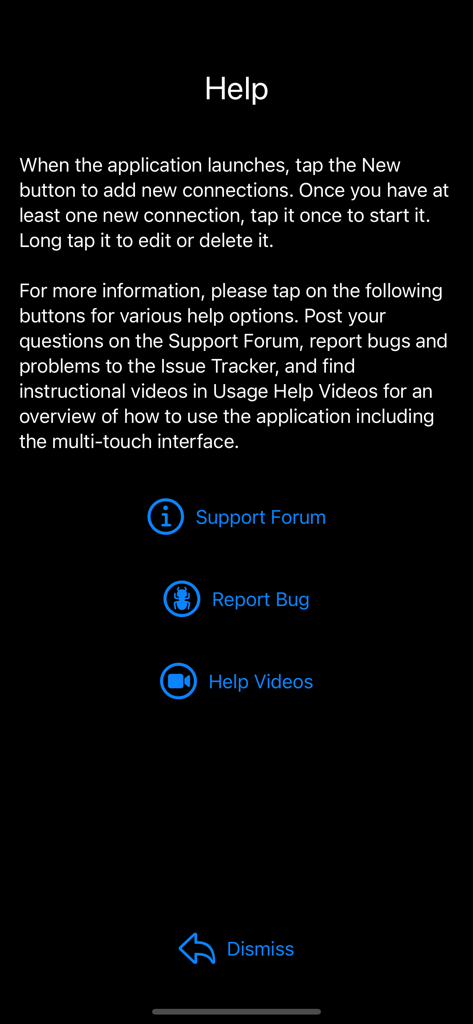
bVNC Pro - VNC Screen Sharing - bVNC Pro アプリのヘルプ画面。サポート フォーラム、バグ レポート、チュートリアル ビデオへのリンクが表示されます。
bVNC Pro アプリのヘルプ画面。サポート フォーラム、バグ レポート、チュートリアル ビデオへのリンクが表示されます。

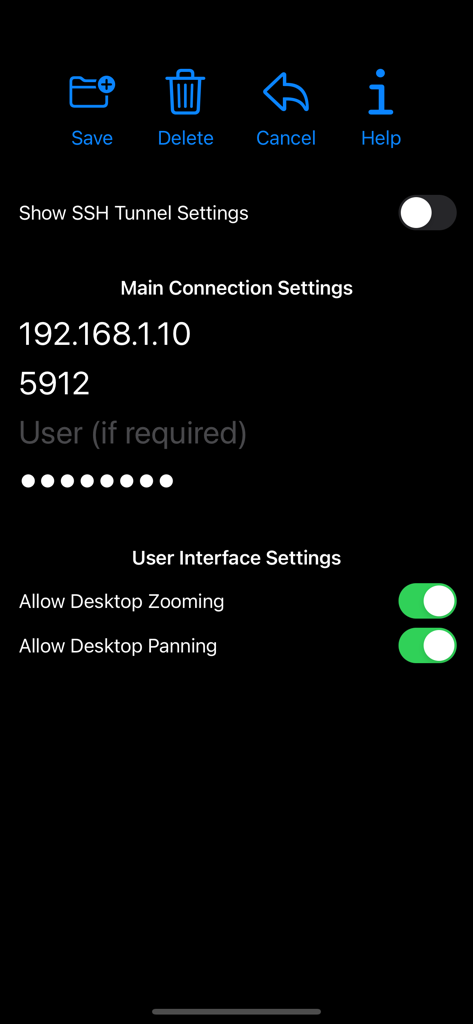
bVNC Pro - VNC Screen Sharing - bVNC Pro アプリのインターフェイス。IP アドレス、ポート、ユーザー インターフェイス トグルを含むリモート デスクトップ接続設定が表示されます。
bVNC Pro アプリのインターフェイス。IP アドレス、ポート、ユーザー インターフェイス トグルを含むリモート デスクトップ接続設定が表示されます。

bVNC Pro - VNC Screen Sharing - bVNC Pro アプリのメイン メニュー。新規、ヘルプ、ログのアイコンが表示されます。
bVNC Pro アプリのメイン メニュー。新規、ヘルプ、ログのアイコンが表示されます。

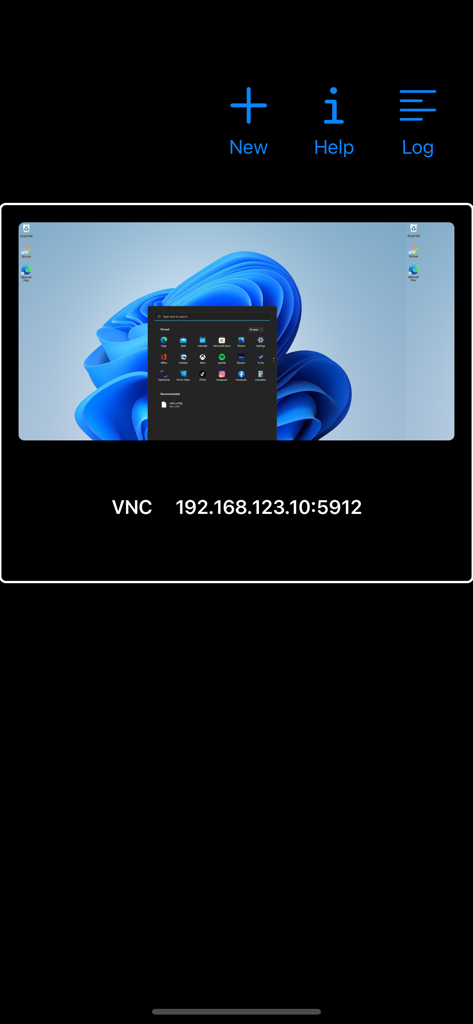
bVNC Pro - VNC Screen Sharing - bVNC Pro インターフェイス。IP アドレスの詳細が表示された Windows デスクトップへのリモート接続が表示されます。
bVNC Pro インターフェイス。IP アドレスの詳細が表示された Windows デスクトップへのリモート接続が表示されます。

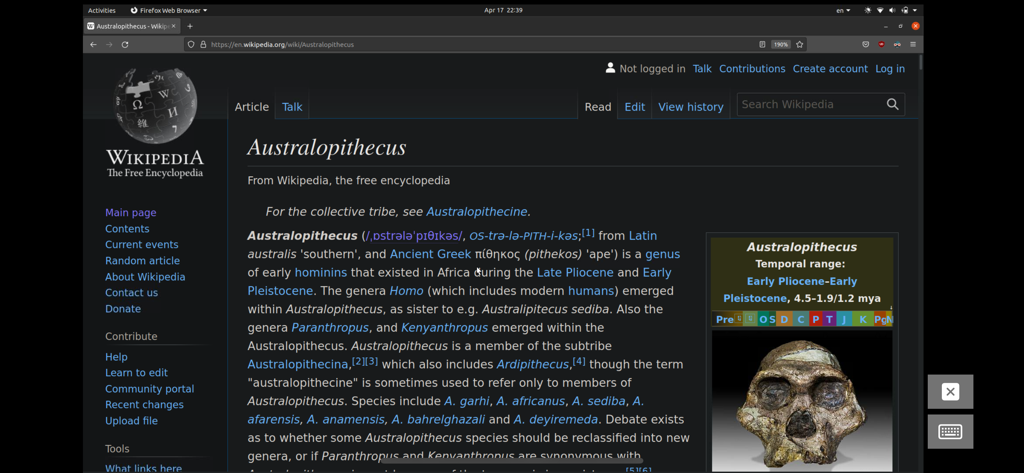
bVNC Pro - VNC Screen Sharing - bVNC Pro 経由でリモート アクセスされた Linux デスクトップ セッション。Wikipedia を開いた Firefox ブラウザー ウィンドウが表示されます。
bVNC Pro 経由でリモート アクセスされた Linux デスクトップ セッション。Wikipedia を開いた Firefox ブラウザー ウィンドウが表示されます。

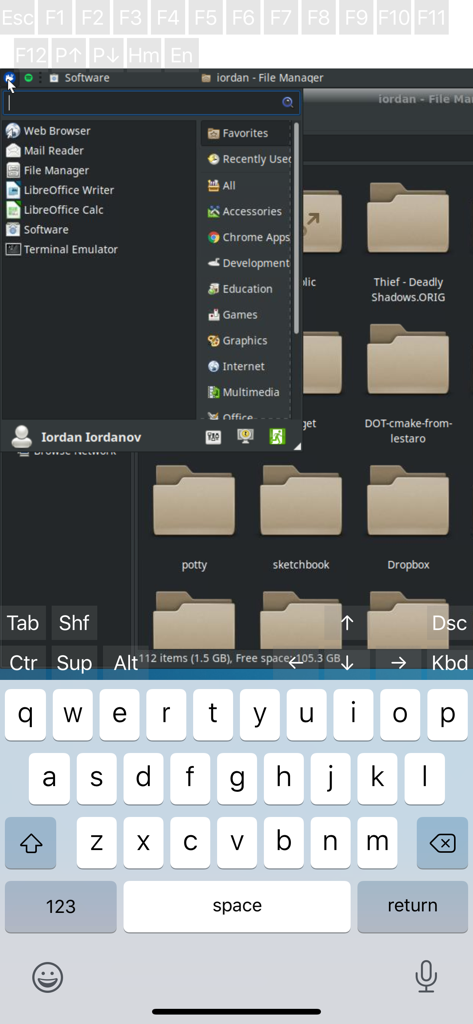
bVNC Pro - VNC Screen Sharing - bVNC Pro でのリモート Linux デスクトップ セッション。ファイル マネージャーと仮想キーボードが表示されます。
bVNC Pro でのリモート Linux デスクトップ セッション。ファイル マネージャーと仮想キーボードが表示されます。

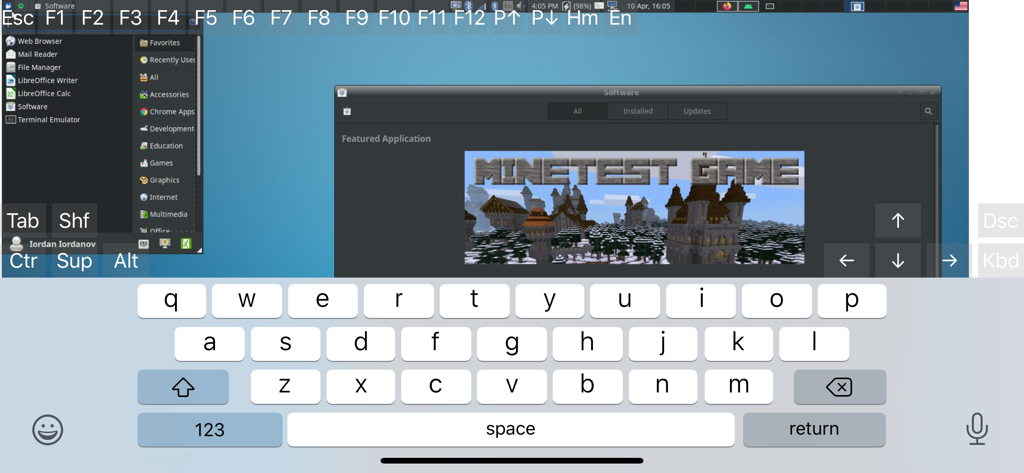
bVNC Pro - VNC Screen Sharing - bVNC Pro アプリのインターフェイス。画面上のキーボードと技術的なコントロール キーが表示されたリモート Linux デスクトップが表示されます。
bVNC Pro アプリのインターフェイス。画面上のキーボードと技術的なコントロール キーが表示されたリモート Linux デスクトップが表示されます。

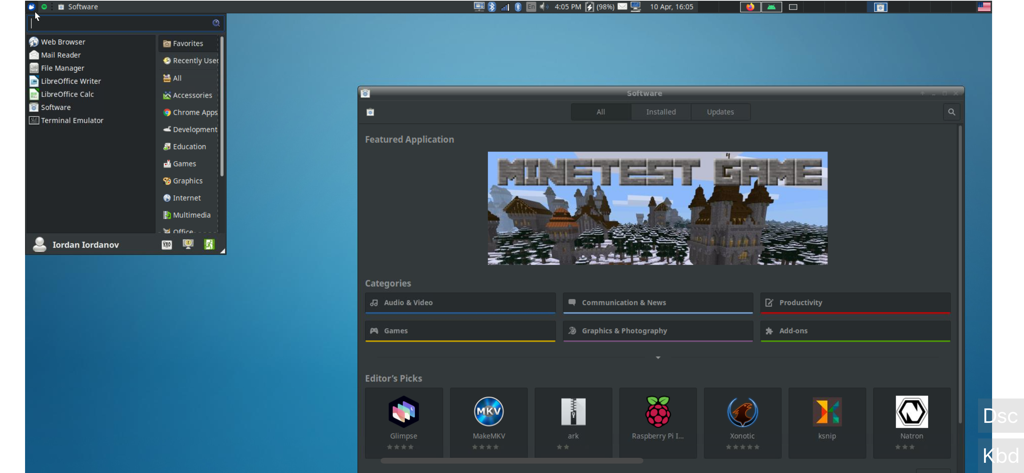
bVNC Pro - VNC Screen Sharing - bVNC Pro のスクリーンショット。ソフトウェア マネージャー ウィンドウが開いたリモート Linux デスクトップが表示されます。

bVNC Pro のスクリーンショット。ソフトウェア マネージャー ウィンドウが開いたリモート Linux デスクトップが表示されます。

説明

Thank you for supporting my work and GPL open-source software by buying bVNC Pro! If you are unhappy, please don't give us a bad review, instead, request a refund and get in touch by email support _at_ morpheusly _dot_ com: https://support.apple.com/en-ca/118223 Need an RDP app to control Windows, Ubuntu 22.04+ or XRDP remotely? https://apps.apple.com/app/ardp-pro/id1620745523 Need a SPICE or Proxmox or oVirt client for controlling virtual machines remotely? https://apps.apple.com/app/aspice-pro/id1560593107 If bVNC doesn't work for you or you're unhappy, please do not ask for help in a review but do post your question in the forum: https://groups.google.com/forum/#!forum/bvnc-ardp-aspice-opaque-remote-desktop-clients If you have a feature request, or you found a bug, please open an issue at: https://github.com/iiordanov/remote-desktop-clients/issues - Instructions for Mac OS X: Plain VNC (Remote Desktop for Mac OS X): http://iiordanov.blogspot.ca/2012/04/how-to-connect-to-mac-os-x-using-bvnc.html Secure VNC over SSH: http://iiordanov.blogspot.ca/2012/04/tunneling-vnc-over-ssh-to-mac-os-x.html - Instructions for Windows: Plain VNC: http://iiordanov.blogspot.ca/2012/04/how-to-install-and-connect-to-tightvnc.html Secure VNC over VeNCrypt: https://groups.google.com/d/msg/bvnc-ardp-aspice-opaque-remote-desktop-clients/lINJkYJbN-U/3Q3oHWjjDQAJ Secure VNC over SSH: http://iiordanov.blogspot.ca/2012/04/tunneling-vnc-over-ssh-to-windows.html - Instructions for Ubuntu 20.04 and earlier Linux Plain VNC not tunneled over SSH: https://help.ubuntu.com/stable/ubuntu-help/sharing-desktop.html.en http://www.howtoforge.com/configure-remote-access-to-your-ubuntu-desktop If your business is looking for fixes and features, please get in touch by email at support _at_ morpheusly.com bVNC is a secure, open source VNC client. Its features include: - Controls Windows, Mac, Linux, BSD with VNC server installed - PiKVM compatible - External keyboard support - External mouse support - Magic Trackpad support - Multi-language support - Supports Mac OS X built-in remote desktop server (ARD) and Mac OS X authentication! - Windows, Mac, Linux, BSD, or any other OS with a VNC server installed - Multi-touch control over the remote mouse. One finger tap left-clicks, two-finger tap right-clicks, and three-finger tap middle-clicks - Right and middle-drag and drop if you don't lift the first finger that tapped - Scrolling with a two-finger gesture - Pinch-zoom - Dynamic resolution changes, allowing you to reconfigure your desktop while connected, and control over virtual machines from BIOS to OS - All device orientations - Full desktop visibility even with soft keyboard extended - SSH tunneling, AnonTLS and VeNCrypt for secure connections (does not support RealVNC encryption). - High-grade encryption superior to RDP using SSH and VeNCrypt (x509 certificates and SSL), preventing man-in-the-middle attacks - Tight and CopyRect encodings for quick updates - SSH public/private (pubkey)- Supports most VNC servers including TightVNC, UltraVNC, TigerVNC, (and RealVNC Enterprise only, when configured appropriately) - Clipboard integration for copy/pasting from your device Some of the planned features to look forward to: - AutoX session discovery/creation similar to NX client - Ability to reduce the color depth over slow links - Importing encrypted/unencrypted RSA keys in PEM format - View-only mode - On-device help on available input modes in the Menu when connected GPL source code here: https://gitlab.com/iiordanov/remote-desktop-clients-ios

Download

ダウンロード: App Store

このページはアプリまたはその開発者の公式ページではなく、情報提供および論評を目的として作成された独立した編集出版物です。明示的に別段の記載がない限り、アプリおよびその開発者は、MWM、Apple、Google Play、アプリのパブリッシャー、またはアプリの開発者と提携、承認、後援、認可、またはその他の公式的な関係はなく、このページのいかなる内容も、アプリがMWMのサービスを使用して開発されたことを意味するものではありません。すべての商標、ロゴ、スクリーンショット、その他のコンテンツはそれぞれの所有者の財産です。








