Chime Clock
Chime Clock
ダウンロード: App Store

このページはアプリまたはその開発者の公式ページではなく、情報提供および論評を目的として作成された独立した編集出版物です。明示的に別段の記載がない限り、アプリおよびその開発者は、MWM、Apple、Google Play、アプリのパブリッシャー、またはアプリの開発者と提携、承認、後援、認可、またはその他の公式的な関係はなく、このページのいかなる内容も、アプリがMWMのサービスを使用して開発されたことを意味するものではありません。すべての商標、ロゴ、スクリーンショット、その他のコンテンツはそれぞれの所有者の財産です。


ロゴ: Chime Clock
ダウンロード: App Store

Chime Clock

エレガントでカスタマイズ可能なチャイムで、集中力を維持し、時間の盲点を克服し、生産性を取り戻しましょう。プライベートで広告なしのアプリで、ノスタルジアとディープワークの完璧な融合を体験してください。

主要数値

ダウンロード

18K+

ユーザー評価

2.7/5

評価数

0

開発元

Tan Chia Ling

カテゴリ

Lifestyle

対応言語

9

最新バージョン

1.3

サイズ

6.0 MB

リリース日

2018年8月31日
機能

画面に頼らず、フローをマスターする

Chime Clockは、伝統的な計時のエレガンスと最新の生産性ツールを組み合わせ、一日を通して現在に集中し、整理された状態を保つのに役立ちます。

時間の盲点に対処する

毎時の穏やかなチャイムで、脳ののリズミックなアンカーを提供し、ディープワークやADHDの管理に最適です。

スクロールのサイクルを断ち切る

携帯電話を手に取ることなく時間を聞き、通知をチェックして集中力を失う誘惑を排除します。

以下のスクリーンショットと説明は、アプリの公式ストアリスティングから直接取得されたものであり、アプリ開発者の所有物です。

アプリストア

スクリーンショット
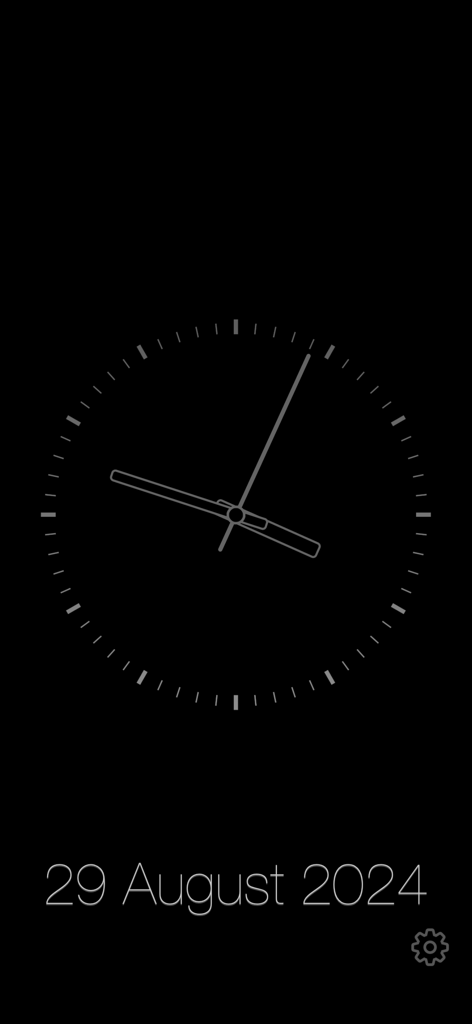
Chime Clock - Chime Clockアプリの暗い背景に日付が表示されたミニマリストのアナログ時計ディスプレイ。
Chime Clockアプリの暗い背景に日付が表示されたミニマリストのアナログ時計ディスプレイ。

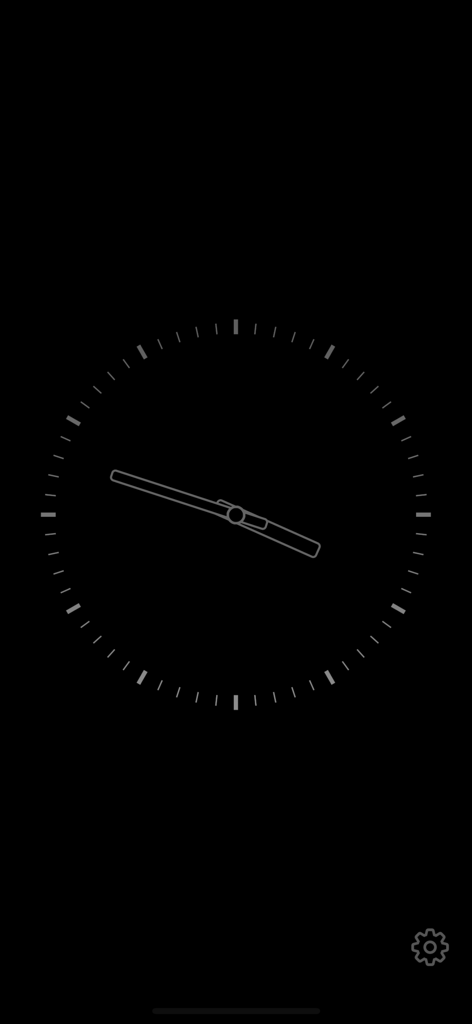
Chime Clock - 黒い背景のミニマリストのアナログ時計インターフェース

黒い背景のミニマリストのアナログ時計インターフェース

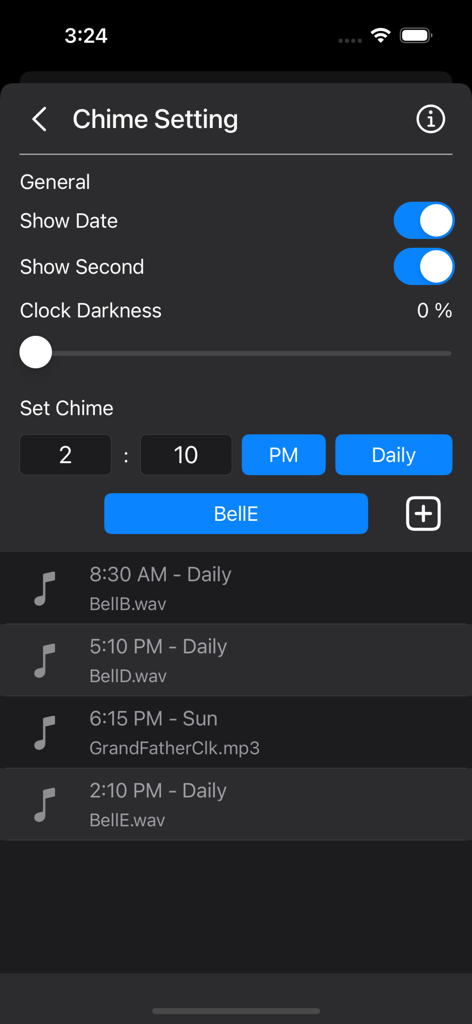
Chime Clock - Chime Clockアプリのインターフェース。チャイムスケジューリング設定とカスタムサウンドオプションを表示。
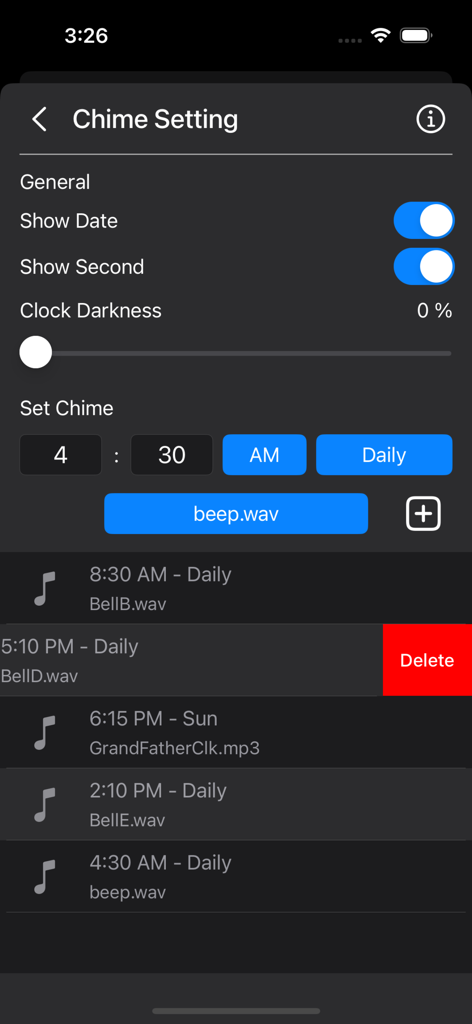
Chime Clockアプリのインターフェース。チャイムスケジューリング設定とカスタムサウンドオプションを表示。

Chime Clock - Chime Clockアプリのインターフェース。毎時チャイムアラートのスケジュール設定とカスタムサウンドの選択用。
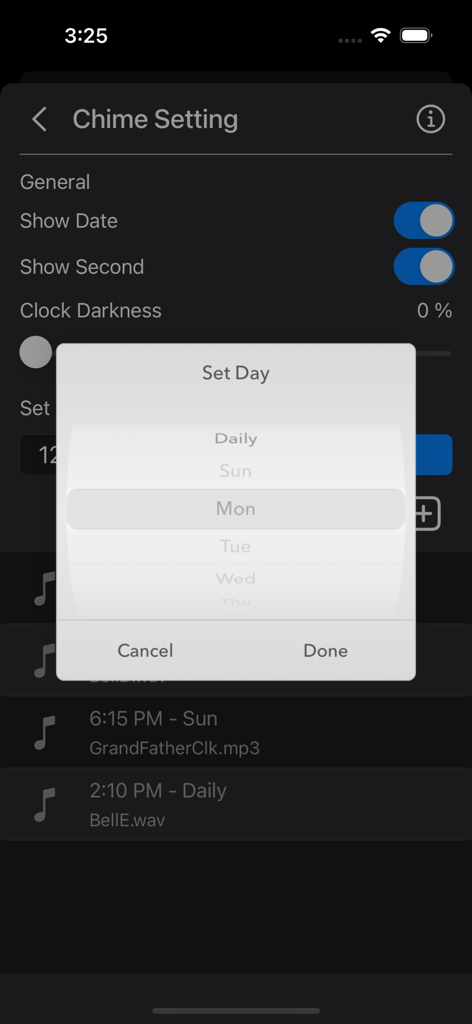
Chime Clockアプリのインターフェース。毎時チャイムアラートのスケジュール設定とカスタムサウンドの選択用。

Chime Clock - Chime Clockアプリの設定画面。チャイムアラートのスケジュール設定用デイピッカーメニューを表示。
Chime Clockアプリの設定画面。チャイムアラートのスケジュール設定用デイピッカーメニューを表示。

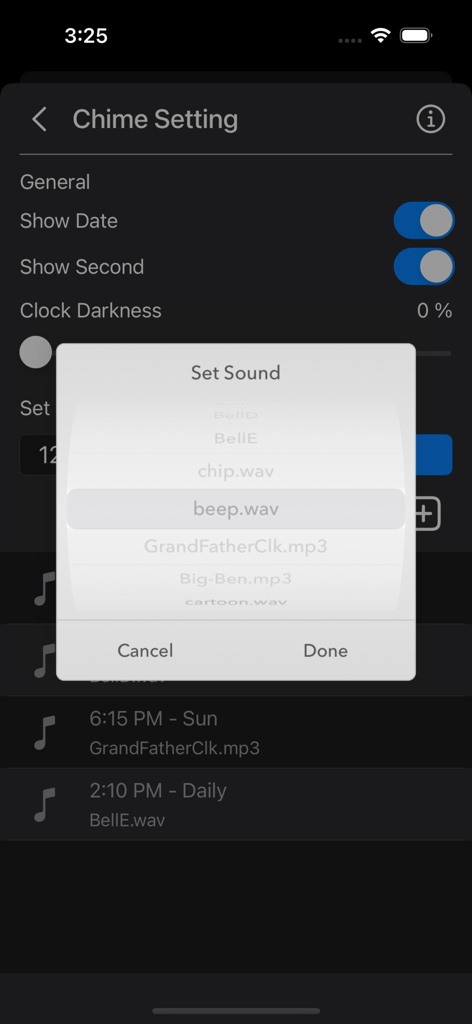
Chime Clock - Chime Clockアプリのインターフェース。毎時アラートのカスタムサウンド選択を表示。

Chime Clockアプリのインターフェース。毎時アラートのカスタムサウンド選択を表示。

説明

The Chime Clock App helps you keep track of time effortlessly. Set chimes for specific days and times, choose from a variety of preset sounds, or add your own favorite sounds. Use it in various settings—whether in class, at work, at home, as a morning alarm, during meetings, or whenever you want to know the time without checking the clock. Features: •- Clock Display -• • Show or hide the date • Show or hide the seconds • Dim the screen to conserve battery life •- Chime Function [Offline Mode] -• • Manually set chime times • Choose from 5 default bell sounds, plus Big Ben and Grandfather Clock options • Schedule chimes for specific days (e.g., Daily, Sunday, or Monday through Saturday) • Add custom notification sounds For custom notification sounds: • Copy custom sounds into the Chime Clock folder in the Files app. • Sound clips need to be under 30 seconds and in MP3 or WAV format. - Works seamlessly on both iPhone and iPad. - Lightweight, compact app optimized for everyday use. - Ad-free and built with privacy in mind. Info: A clock chime is a melody that plays at set intervals, usually on the hour, to signify the passing of time. These chimes are commonly heard from grandfather clocks, carillons, or bell towers, and different melodies are often tied to specific locations or towers. A striking clock, also called a chiming clock, audibly strikes the hours on a bell or gong. In the typical 12-hour striking system, the clock strikes once at 1:00 AM, twice at 2:00 AM, and continues up to twelve times at 12:00 PM. It then repeats the process from 1:00 PM to 12:00 AM. Note: Ensure notifications are enabled for the chimes to work properly. Notification sound will be disabled if the phone is in Low Power Mode, Do Not Disturb mode, or Sleep mode. Thank you for your support! Visit nitrio.com for more iOS apps.

Download

ダウンロード: App Store

このページはアプリまたはその開発者の公式ページではなく、情報提供および論評を目的として作成された独立した編集出版物です。明示的に別段の記載がない限り、アプリおよびその開発者は、MWM、Apple、Google Play、アプリのパブリッシャー、またはアプリの開発者と提携、承認、後援、認可、またはその他の公式的な関係はなく、このページのいかなる内容も、アプリがMWMのサービスを使用して開発されたことを意味するものではありません。すべての商標、ロゴ、スクリーンショット、その他のコンテンツはそれぞれの所有者の財産です。