
このページはアプリまたはその開発者の公式ページではなく、情報提供および論評を目的として作成された独立した編集出版物です。明示的に別段の記載がない限り、アプリおよびその開発者は、MWM、Apple、Google Play、アプリのパブリッシャー、またはアプリの開発者と提携、承認、後援、認可、またはその他の公式的な関係はなく、このページのいかなる内容も、アプリがMWMのサービスを使用して開発されたことを意味するものではありません。すべての商標、ロゴ、スクリーンショット、その他のコンテンツはそれぞれの所有者の財産です。


Chromecast TV Streamer #1
iPhoneまたはiPadからChromecast、Sony、Vizioテレビに、あらゆるウェブ動画、ライブスポーツ、個人メディアを直接キャストできます。真のコードカッティングの自由を体験し、見たいものを、見たいときにストリームしましょう。
ダウンロード
954K+ユーザー評価
評価数
9K+開発元
カテゴリ
Photo & Video対応言語
1最新バージョン
3.8サイズ
34.3 MBリリース日
2015年5月3日ウェブのあらゆるコーナーを大画面に
小さな画面からの完全な自由を体験してください。シングルタップで、ウェブ動画、ライブスポーツ、個人のメディアをあらゆるGoogle Castデバイスに簡単にキャストできます。
あらゆるウェブ動画をストリーム
アプリの制限から解放されます。ブラウザで見つけられるものなら何でも――ニッチなスポーツから国際ニュースまで――テレビで見ることができます。
クリーンで広告なしの視聴
モバイルウェブ広告やポップアップの煩わしさを排除します。内蔵の広告ブロッカーにより、中断ではなくコンテンツに集中した映画鑑賞が可能です。
よくある質問
について知っておくべきこと Chromecast TV Streamer #1
Chromecast TV Streamer #1とは何ですか?
Chromecast TV Streamer #1を使用すると、Webビデオ、オンラインムービー、ライブストリーム、および個人メディアを、さまざまなスマートTVやChromecastなどのGoogle Cast対応デバイスにキャストできます。
Chromecast TV Streamer #1は、デバイスの画面をテレビにミラーリングできますか?
いいえ、Chromecast TV Streamer #1はWebサイトのビデオ部分のみをストリーミングします。画面またはタブのミラーリング機能は提供しません。
Chromecast TV Streamer #1はどのデバイスと互換性がありますか?
Chromecast TV Streamer #1は、TCL、Sony、Hisense、Vizio、Philips、Sharp、Toshiba TV、Chromecast、Nexus Player、Nvidia Shieldなど、Google CastまたはChromecast内蔵デバイスと互換性があります。
Chromecast TV Streamer #1は、NetflixやAmazon Primeなどのストリーミングサービスからのキャストをサポートしていますか?
いいえ、Chromecast TV Streamer #1は、Netflix、Amazon Prime、Hulu、Vudu、DirecTV、Xfinity、HBO nowなどのサービスからのDRM保護されたビデオをサポートしていません。
Chromecast TV Streamer #1はサブスクリプションが必要ですか?
いいえ、Chromecast TV Streamer #1はサブスクリプションを必要としません。プレミアム機能は、アプリ内での1回限りの購入として利用できます。
Chromecast TV Streamer #1は、個人の写真、ビデオ、または音楽をキャストできますか?
はい、Chromecast TV Streamer #1は、Personal Mediaアップグレードにより、デバイスまたはiCloudやDropboxなどのクラウドサービスから無制限の個人の写真、ビデオ、音楽を直接キャストできます。
Chromecast TV Streamer #1を使用しているときに広告をブロックするにはどうすればよいですか?
Chromecast TV Streamer #1は、アプリ内購入として広告ブロッカー機能を提供します。これにより、ほとんどのWebサイトの広告やポップアップがブロックされ、アプリのスポンサー広告が削除されます。
Chromecast TV Streamer #1のプレミアムエディションには何が含まれていますか?
Chromecast TV Streamer #1のプレミアムエディションは、リストされているすべてのアップグレード機能(将来の機能を含む)をロック解除し、後続のリリースに追加の支払いが発生しないことを保証します。
Chromecast TV Streamer #1は、ストリーミングコンテンツに字幕を提供しますか?
はい、Chromecast TV Streamer #1は、Subtitlesアプリ内購入機能を使用して、テレビに字幕やクローズドキャプションを表示することをサポートしています。
以下のスクリーンショットと説明は、アプリの公式ストアリスティングから直接取得されたものであり、アプリ開発者の所有物です。
アプリストア
スクリーンショット
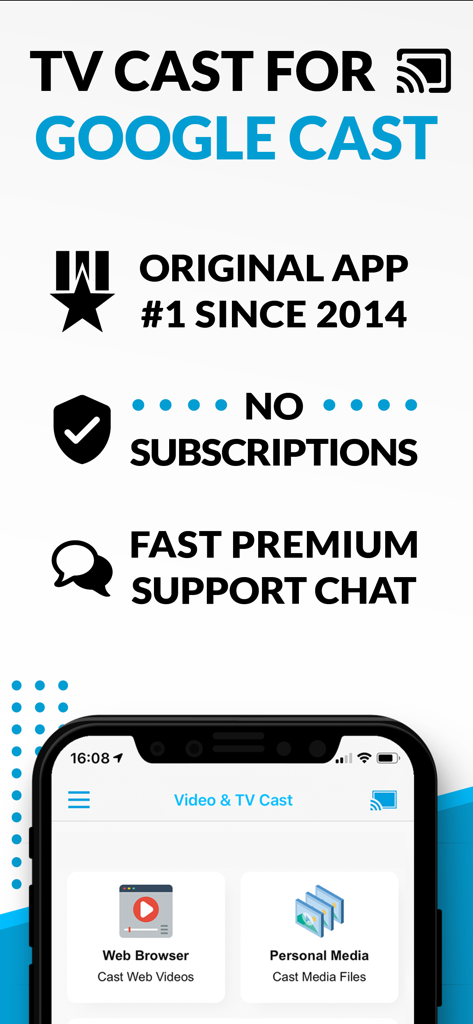
TV Cast for Google Castアプリのスクリーンショット。ウェブブラウザと個人メディアのキャストオプションが表示され、サブスクリプションメッセージはありません。
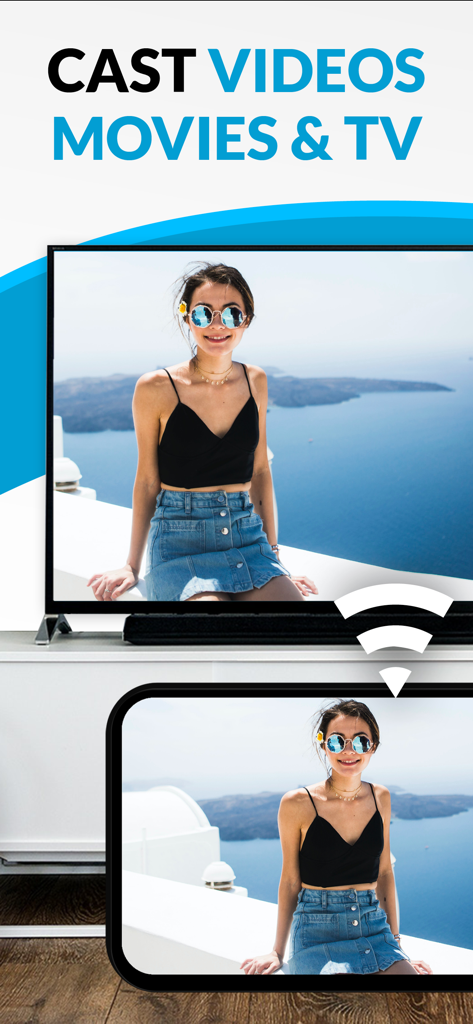
スマートフォンが、女性の個人の写真を、Chromecast TV Streamerアプリを使用して、大きなテレビ画面にキャストしています。
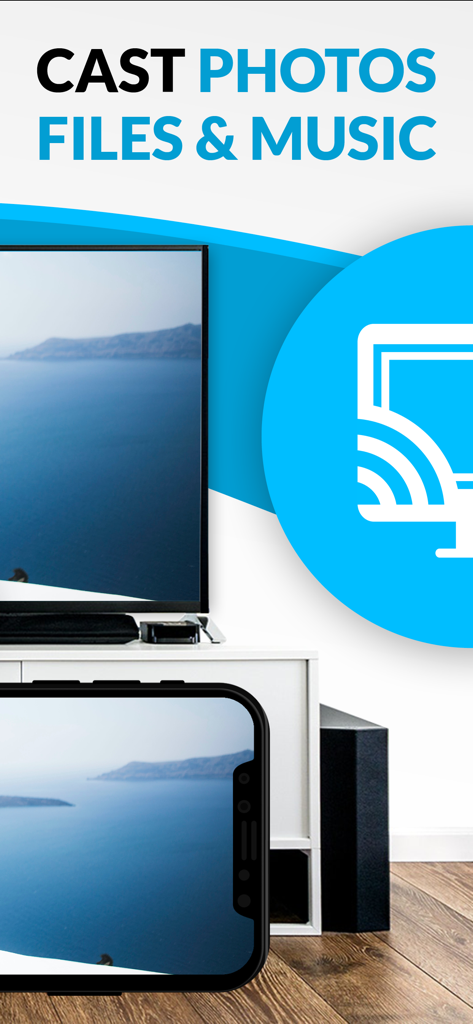
iPhone画面が、Chromecast TV Streamerアプリを使用して、風景写真を大きなテレビ画面にキャストしています。
説明
Download
類似アプリ
同じカテゴリのトップランクアプリ

CapCut: Photo & Video Editor
BYTEDANCE PTE. LTD.

Instagram, Inc.

YouTube
Google LLC

Canva: AI Photo & Video Editor
Canva Pty Ltd

Snapchat
Snap, Inc.

快手
Beijing Kwai Technology Co., Ltd.

Edits: Video Editor
Instagram, Inc.

Meitu- AI Photo & Video Editor
Xiamen Meitu Technology Co., Ltd.

Google Photos: Backup & Edit
Google LLC
このページはアプリまたはその開発者の公式ページではなく、情報提供および論評を目的として作成された独立した編集出版物です。明示的に別段の記載がない限り、アプリおよびその開発者は、MWM、Apple、Google Play、アプリのパブリッシャー、またはアプリの開発者と提携、承認、後援、認可、またはその他の公式的な関係はなく、このページのいかなる内容も、アプリがMWMのサービスを使用して開発されたことを意味するものではありません。すべての商標、ロゴ、スクリーンショット、その他のコンテンツはそれぞれの所有者の財産です。