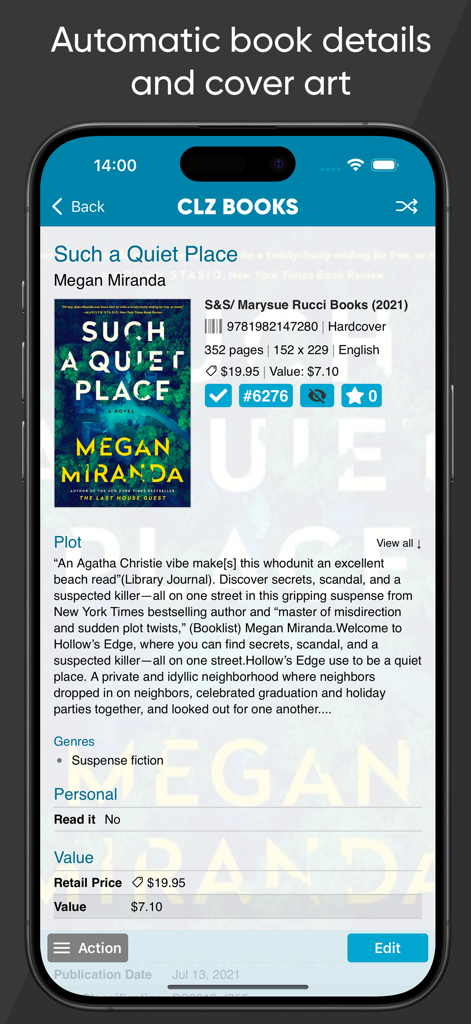
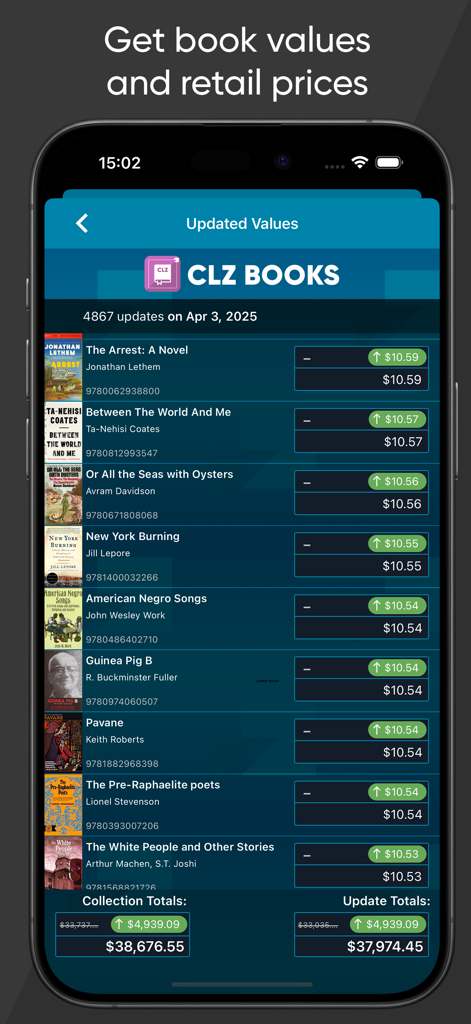
Easily catalog your book collection. Automatic book details, book values and cover art.
Just scan ISBN barcodes or search CLZ Core by author and title.
CLZ Books is a paid subscription app, costing US $1.99 per month or US $19.99 per year.
Use the free 7-day trial to try all of the app's features and online services!
TWO EASY WAYS TO ADD BOOKS:
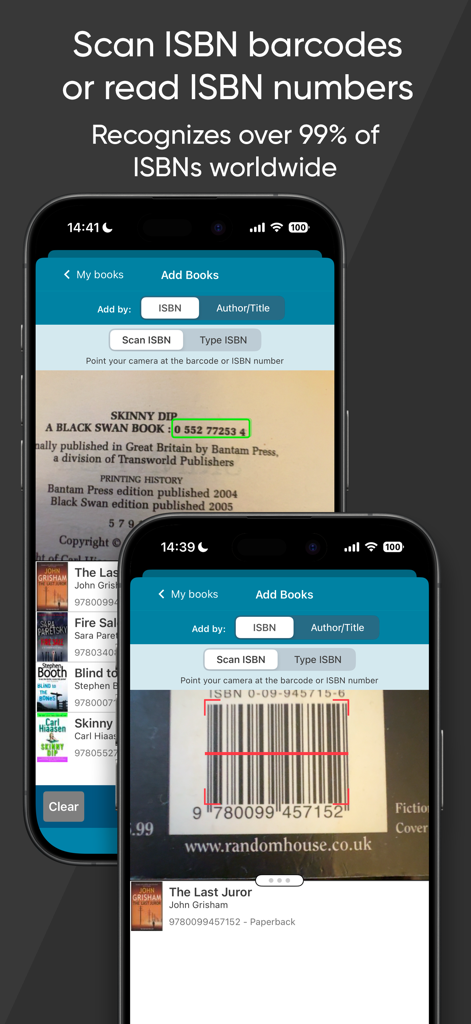
1. Search our CLZ Core by ISBN:
You can either scan ISBN barcodes, ISBN numbers using OCR or use a USB barcode scanner
Guaranteed 98% success rate on ISBN lookups!
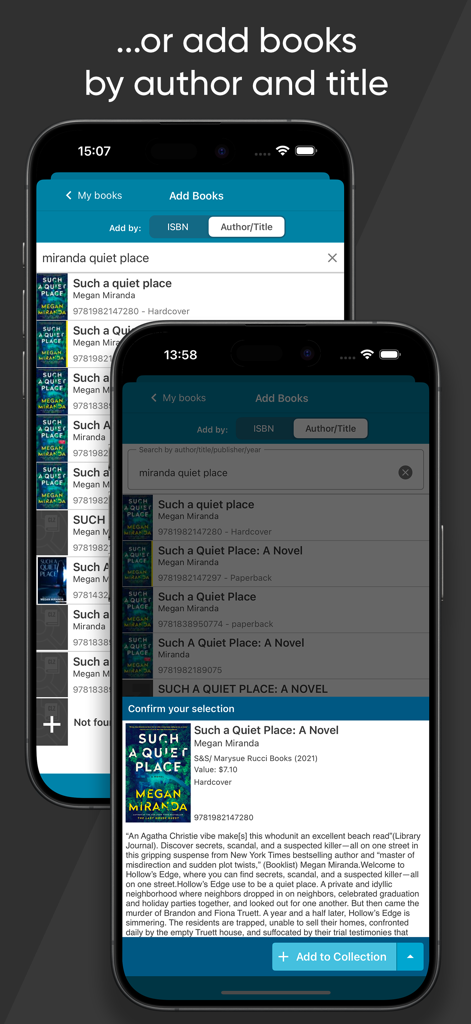
2. Search our CLZ Core by author and title
Our CLZ Core online book database automatically provides cover images and full book details, like author, title, publisher, publication date, plot, genres, subjects, etc..
EDIT ALL FIELDS:
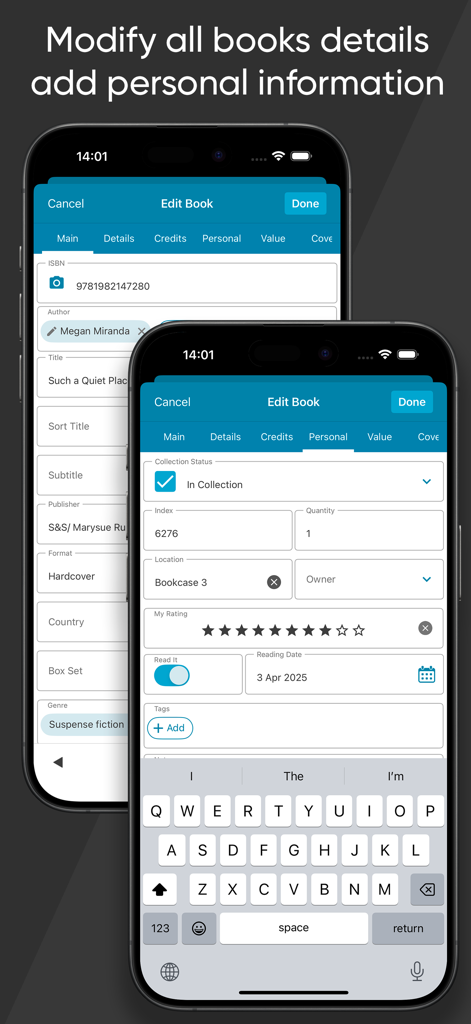
You can even edit the automatically provided details from Core, like Authors, Titles, Publishers, Publications Dates, Plot descriptions, etc.. you can even upload your own cover art (front and back!). Also, add personal details like condition, location, purchase date / price / store, notes, etc..
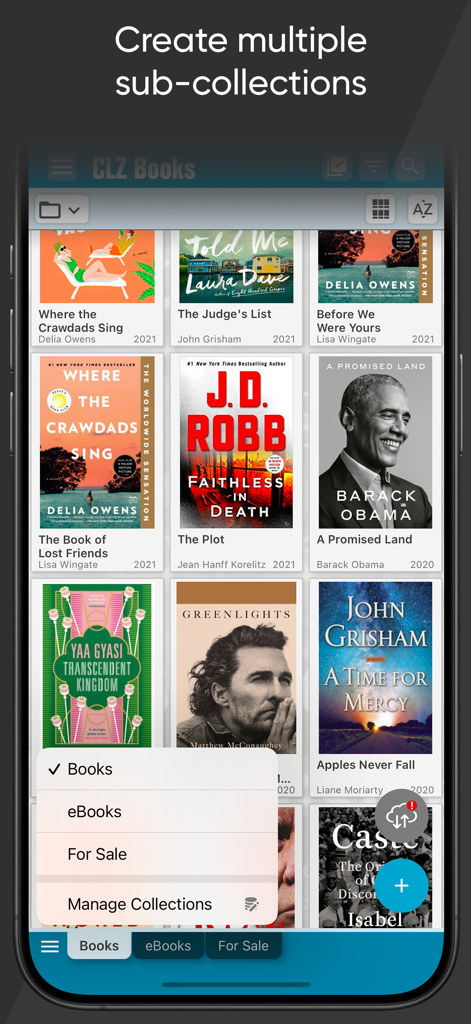
CREATE MULTIPLE COLLECTIONS:
Collections will appear as Excel-like tabs at the bottom of your screen. E.g. for different people, to separate your physical books from your ebooks, to keep track of books you sold or have for sale, etc...
FULL CUSTOMIZABLE:
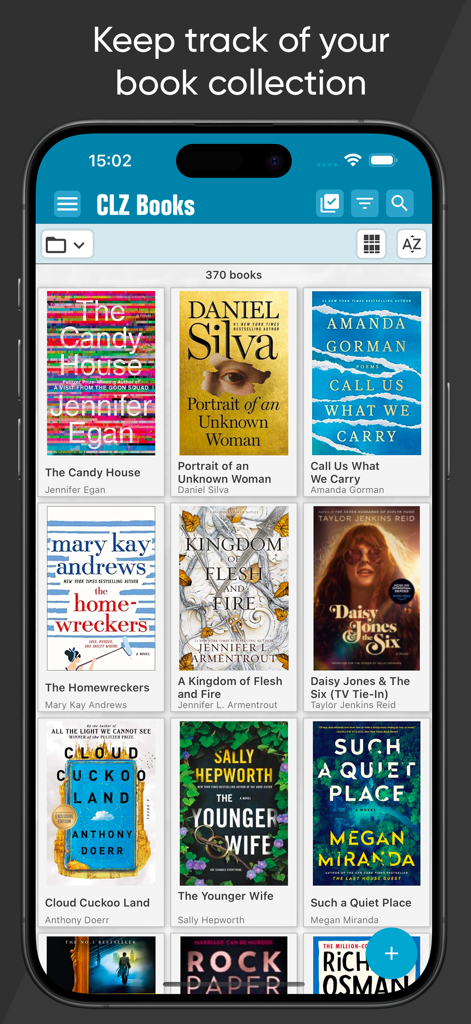
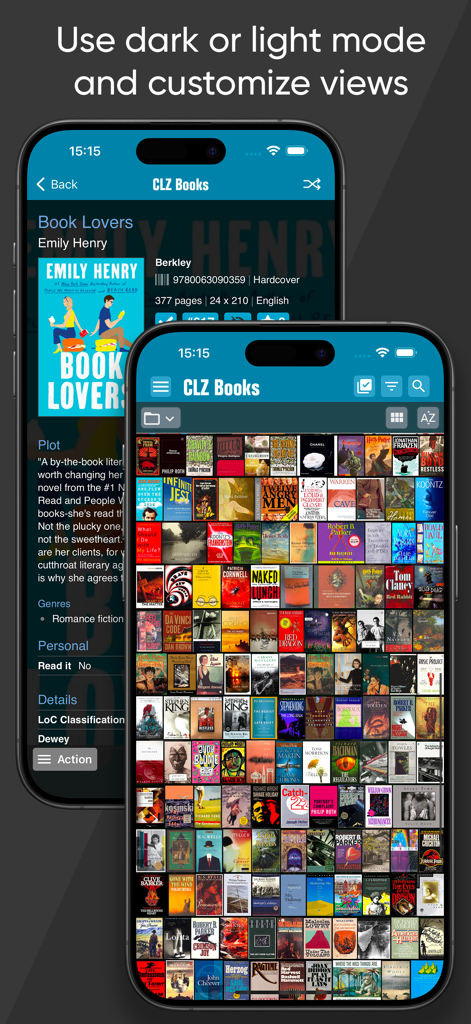
Browse your book catalog as a list with small thumbnails or as cards with big images.
Sort any way you want, e.g. by author, title, publication date, date added etc.. Group your books into folders by author, publisher, genre, subject, location, etc...
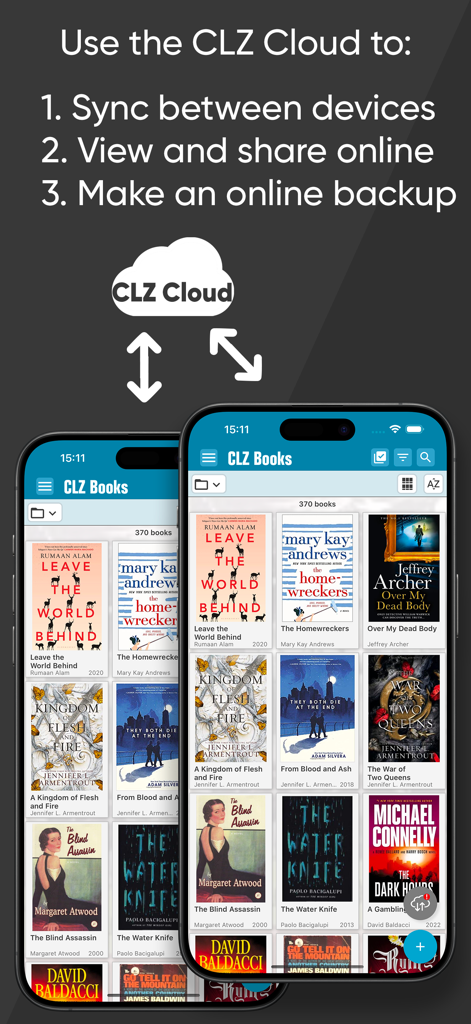
USE CLZ CLOUD TO:
* Always have an online backup of your book organizer database.
* Sync your book library between multiple devices
* View and share your book collection online
GOT A QUESTION OR NEED HELP?
We are always ready to help or to answer your questions, 7 days a week.
Just use "Contact Support" or "CLZ Club forum" from the menu.
OTHER CLZ APPS:
* CLZ Movies, for cataloging your DVDs, Blu-rays and 4K UHDs
* CLZ Music, for creating a database of your CDs and vinyl records
* CLZ Comics, for your collection of US comic books.
* CLZ Games, for creating a database of your video game collection
ABOUT COLLECTORZ / CLZ
CLZ has been developing collection database software since 1996. Located in Amsterdam, the Netherlands, the CLZ team now consists of 12 guys and one gal. We're always working to bring you regular updates for the apps and software, and to keep our Core online databases up-to-date with all weekly releases.
CLZ USERS ABOUT CLZ BOOKS:
"A fantastically nice book library app that I am incredibly happy with, you really get an overview of the things that need to be sorted out, for a good overview, easy to use and everything works seamlessly. Strongly recommend."
Emmanate (Norway)
"The best I have found. I have over 1200 books and have used a number of book cataloging apps over the years. CLZ Books does the job of keeping track of my library and gets syncing right. Most importantly (speaking as a software developer) they keep improving the app. It’s tough to make a business of niche software products. These folks have apparently figured out how to make a go of it and they keep improving. Kudos to them!"
LEK2 (USA)
ABOUT AUTO-RENEWABLE SUBSCRIPTIONS
* The payment will be charged to your iTunes Account when you confirm the purchase.
* The subscription automatically renews unless auto-renew is turned off at least 24-hours before the end of the current period.
* Your account will be charged for renewal within 24-hours prior to the end of the current period. Automatic renewals will cost the same price you were originally charged for the subscription.
* You can manage your subscriptions and turn off auto-renewal by going to your Account Settings on the App Store after purchase.
End User License Agreement:
https://www.apple.com/legal/internet-services/itunes/dev/stdeula/