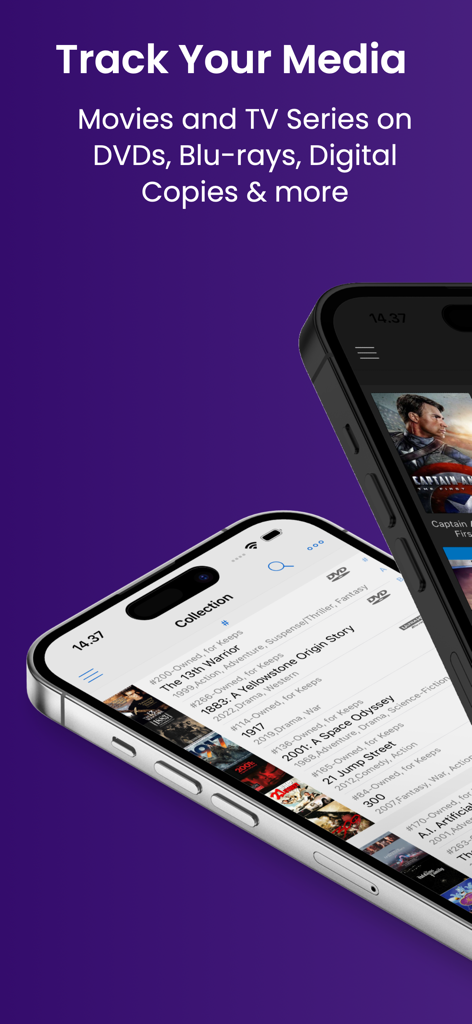
2台のスマートフォンに、映画とテレビシリーズのコレクションリストが表示された My Movies 6 アプリが表示されています
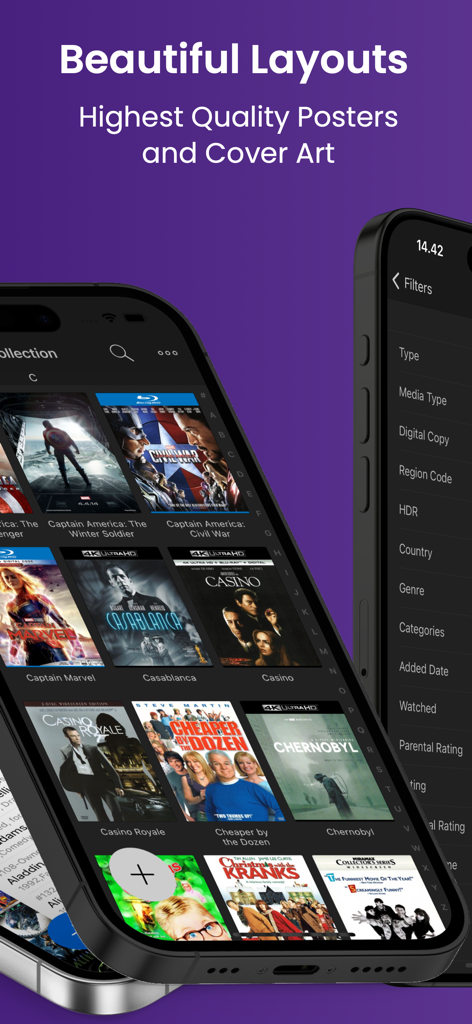
My Movies 6 アプリのグリッド状に並んだ高品質の映画ポスターとコレクションフィルターが表示されたスマートフォンのインターフェイス
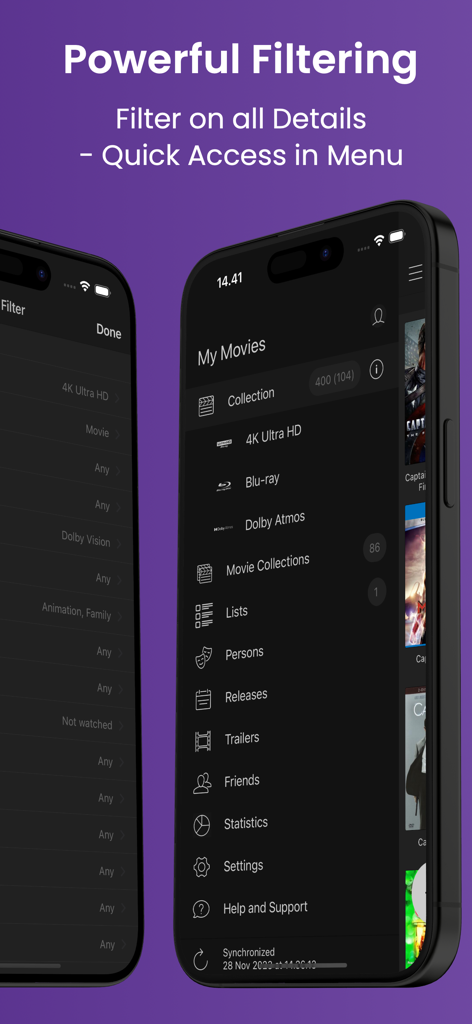
My Movies 6 アプリのインターフェイスに、コレクションのフィルタリングオプションと詳細なナビゲーションメニューが表示されています。
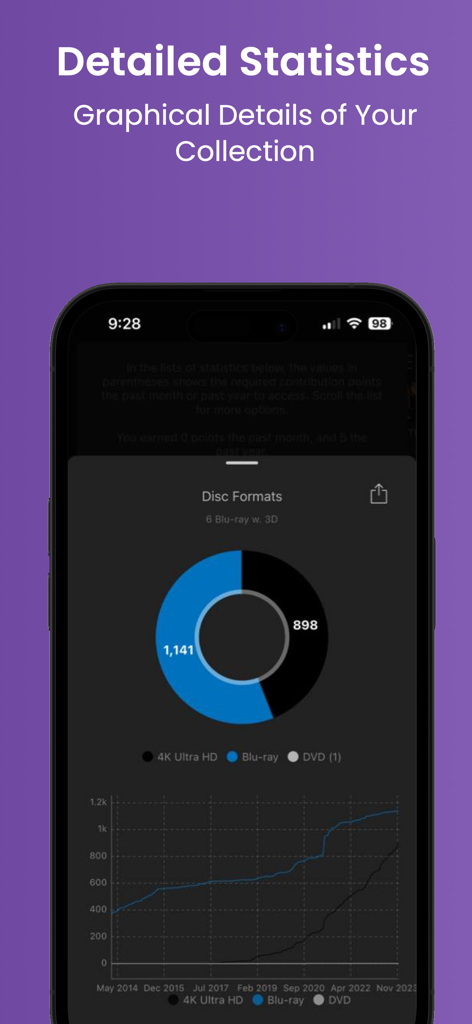
ディスクフォーマット別に整理された映画コレクションを示す詳細な統計とチャート
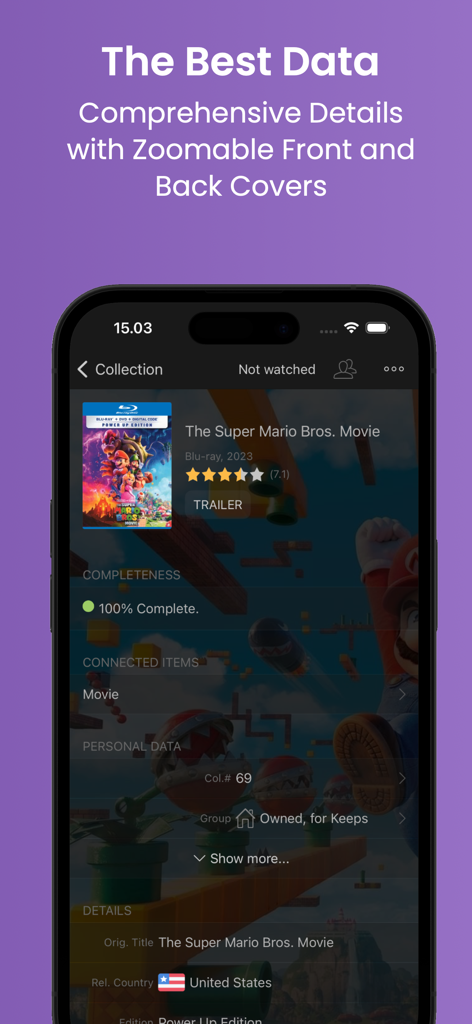
My Movies 6 アプリの詳細な映画情報ページ。カバーアート、評価、所有状況を含む「ザ・スーパーマリオブラザーズ・ムービー」のメタデータが表示されています。
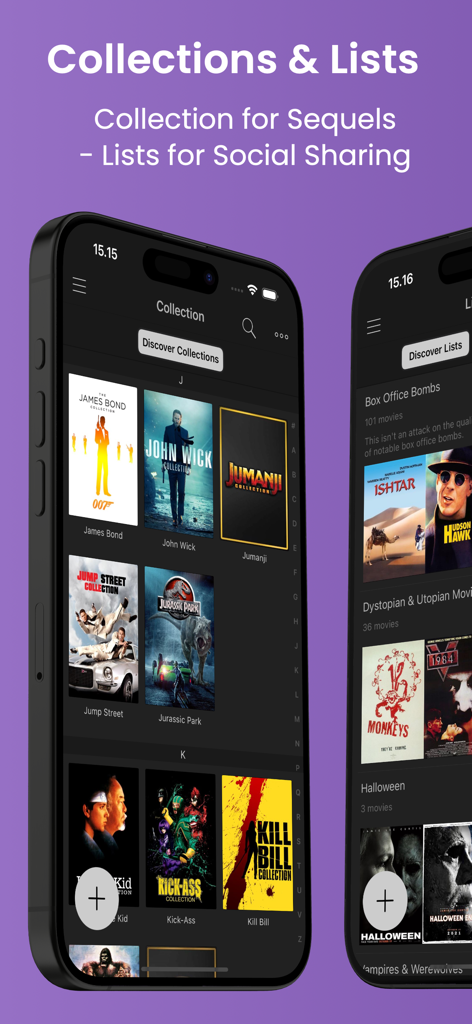
My Movies 6 のインターフェイスに、続編やキュレーションされたリスト別に整理された映画コレクションが表示されています
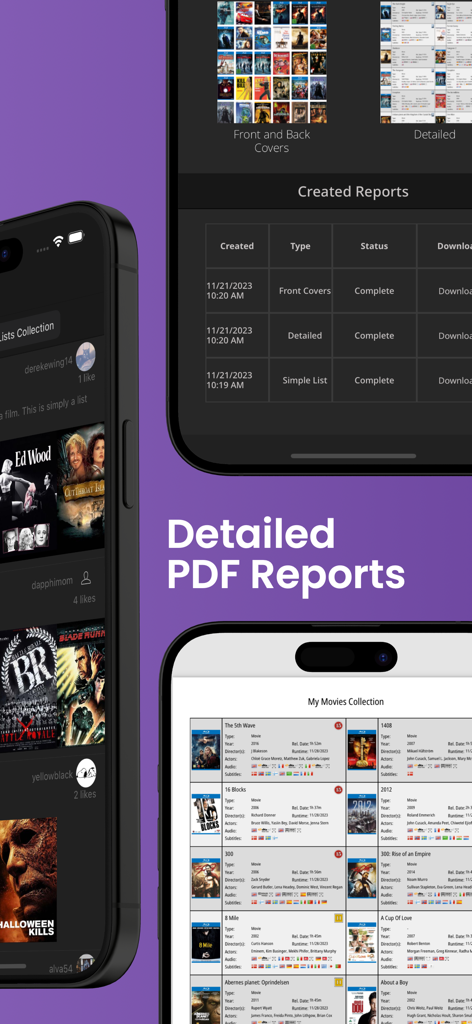
My Movies 6 アプリのインターフェイスに、作成されたレポートのリストと映画コレクションの詳細な PDF エクスポートが表示されています。
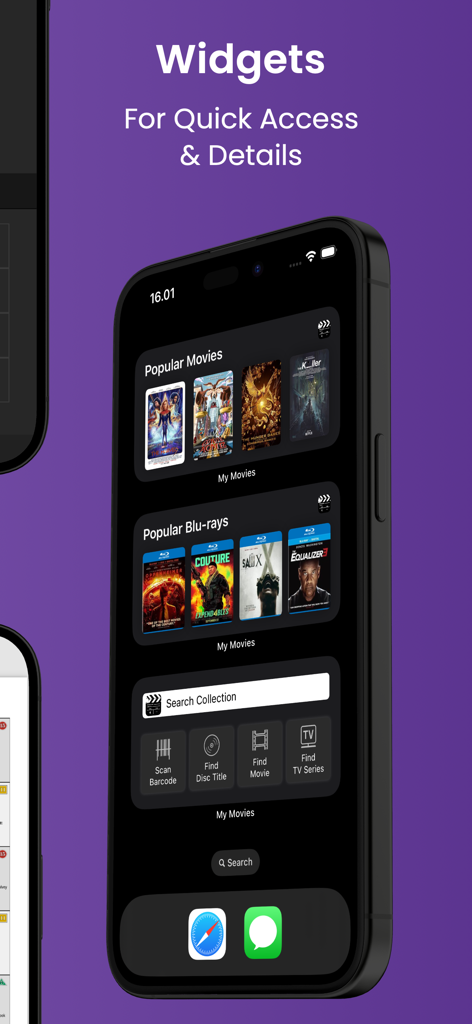
人気映画、Blu-ray、バーコードスキャンなどのクイック検索ツール用の My Movies 6 ウィジェットが表示された iPhone ホーム画面。
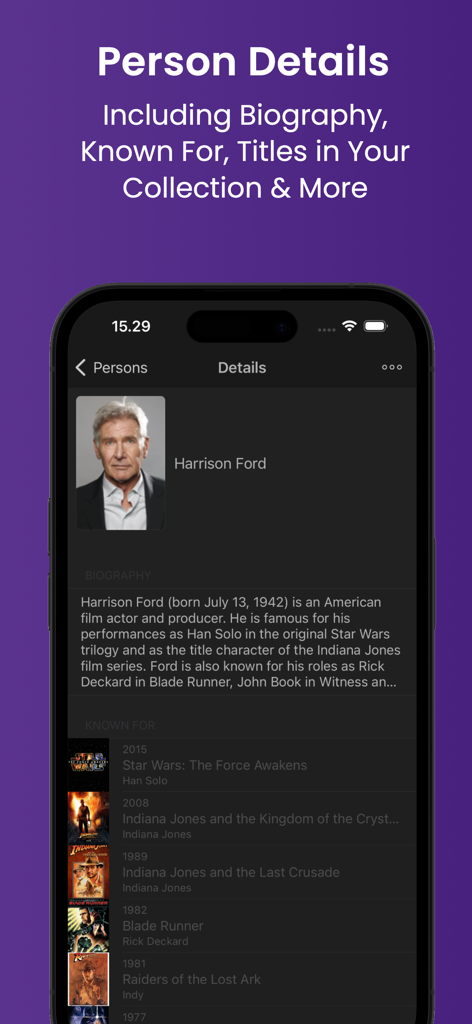
My Movies 6 アプリの人物詳細ページ。ハリソン・フォードの経歴と映画の履歴が表示されています。
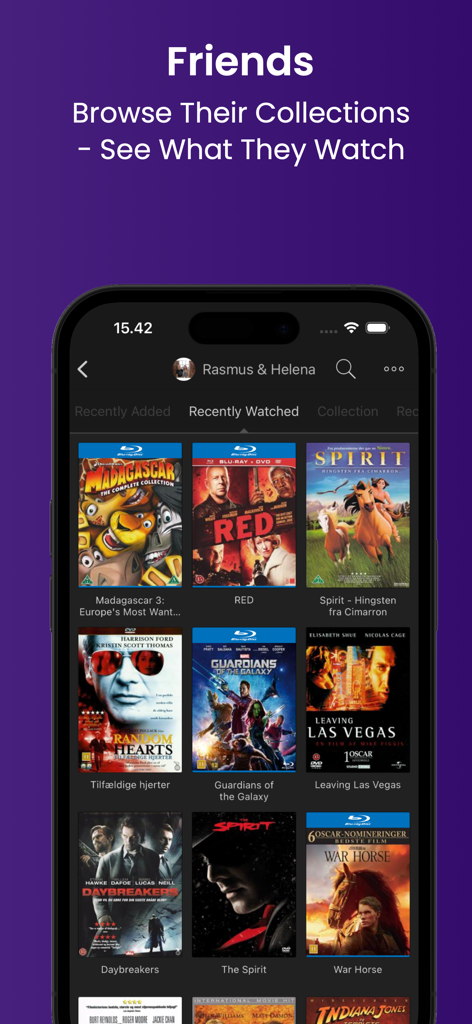
友人の映画コレクションと最近視聴したタイトルを表示するモバイルアプリのインターフェイス
説明
My Movies is the #1 app for managing your Movie & TV Series collection! Just scan the barcodes of your 4K Ultra HD, Blu-ray and DVDs, and never double-purchase again.
The community-driven My Movies online service holds detailed data for more than 1,500,000 disc-based titles worldwide, across more than 150,000 movies and 125,000 TV series, allowing you to track both your disc-based collection and your collection of digital copies across any online service.
• Keep track of your collection of both physical media and digital copies, as well as your wish list.
• Our exclusive service lets you report titles missing from the app in the rare situation where you have something in your collection which we do not have. Our staff will rapidly create the titles.
• Should you find any incorrect data, report this to our staff within the app and we make sure that it gets corrected.
Attention Upgraders! Users of a prior My Movies version, or users transferring from another platform, simply log into the same user account that you previously used and your existing collection will synchronise to the new application. You can find your username at the bottom of the settings page. Contact us at support@mymovies.dk if you need help.
The application lets you evaluate using your full collection by starting a subscription trial. The subscription will automatically renew unless cancelled before the end of the trial period. You can keep the subscription, cancel it at any time and revert to being limited to 50 titles, or alternatively choose to purchase an unlimited 24-month service plan as a one-time purchase.
• Be sure to try our unmatched speed of batch barcode scanning combined with by far the best data coverage, and quickly enter even huge collections.
• Import existing collections from other apps, such as CLZ Movies, DVD Profiler, Delicious Library, Sort It! Apps, iCollect and many more, when you as others conclude that this is the app for you.
By using a required user account, your collection will synchronise through our online servers, allowing you to switch between different clients, also acting as a backup if a device gets lost or stolen, ensuring that you will never lose your data. We have clients available for all popular platforms. If you log in to an existing account, your current collection will automatically be synchronised to your device.
• Share your login with household members and keep your collection synchronised between all household devices.
• Connect with friends and view each other’s collections, watches, and similar within the app.
• Create an online collection to share with family and friends (https://oc.mymovies.dk/demonstration).
• Loan titles to friends and family to keep track, and never lose a title again.
• Parental control functionality.
• Comprehensive filtering options.
Notice! If you have a problem or a suggestion, please contact us at support@mymovies.dk. The quality and stability of the application is our top priority, and we will happily help you with any problems or concerns.
• Personalise titles with location, tags, notes, rating, purchase details and more.
• Watch trailers for titles in your collection, or in sections for cinema releases or upcoming physical media releases.
• Movie collections feature to see which titles you are missing from a specific movie sequel.
Our detailed data on the titles in your collection gives you many advanced options for browsing your collection, with extensive sort options, filter functionality, advanced search options, different views with many configuration options, a choice between a black or white interface, and much more.
• Create detailed PDF reports.
• E-mail collection as TXT or CSV.
The list of features is much longer. You may open the “Help & Support” section in the left side menu within the app to see presentations of many more features.
Terms of Use:
https://www.apple.com/legal/internet-services/itunes/dev/stdeula