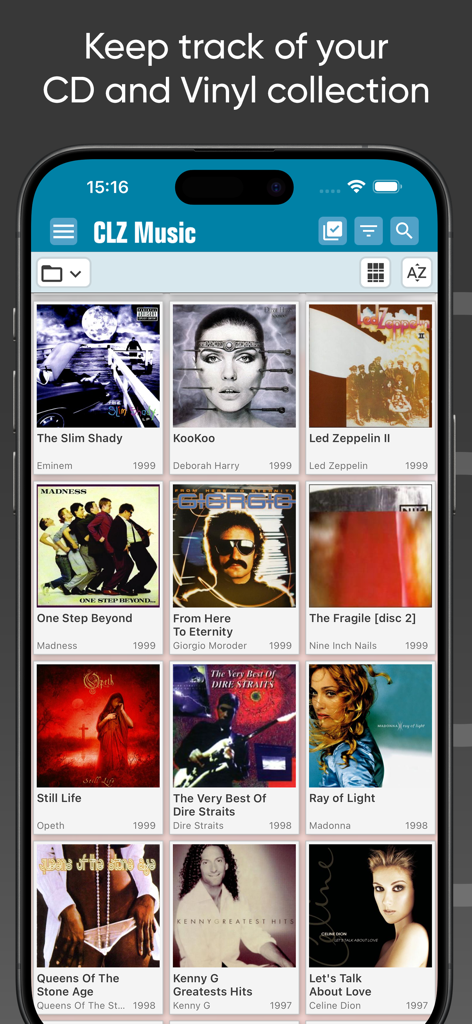
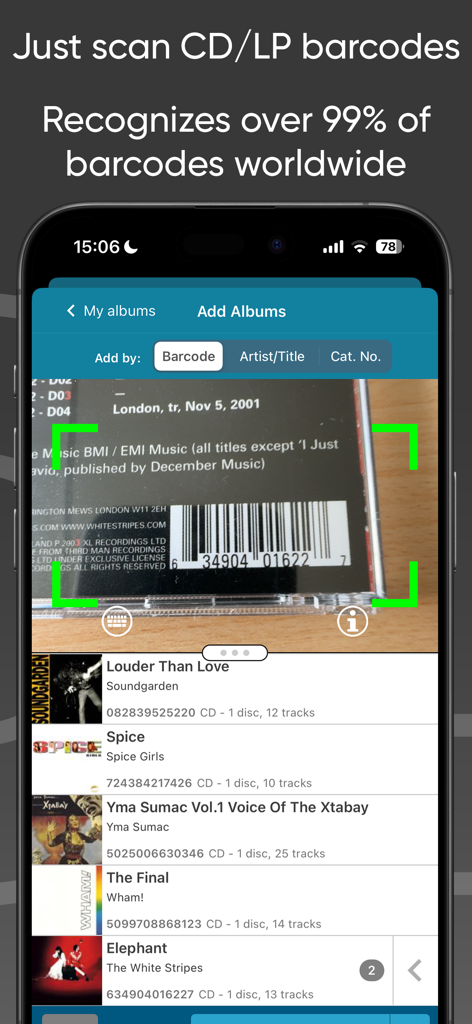
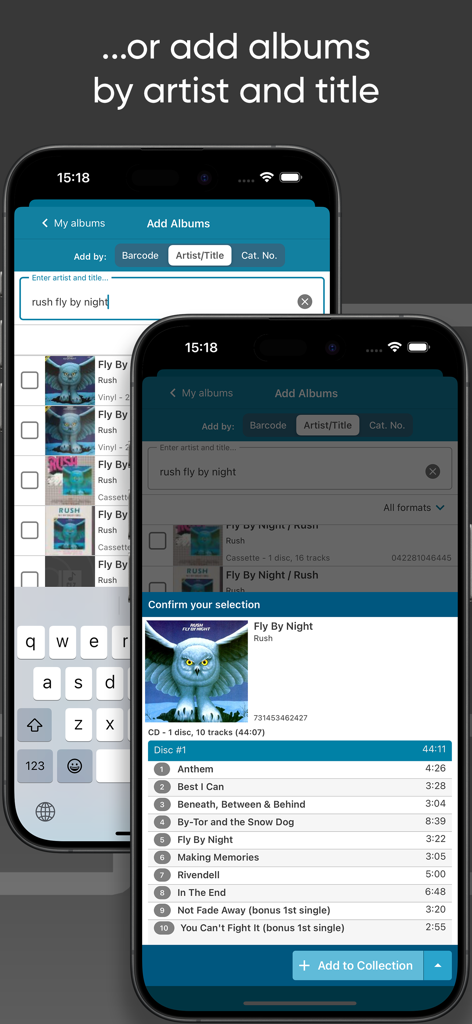
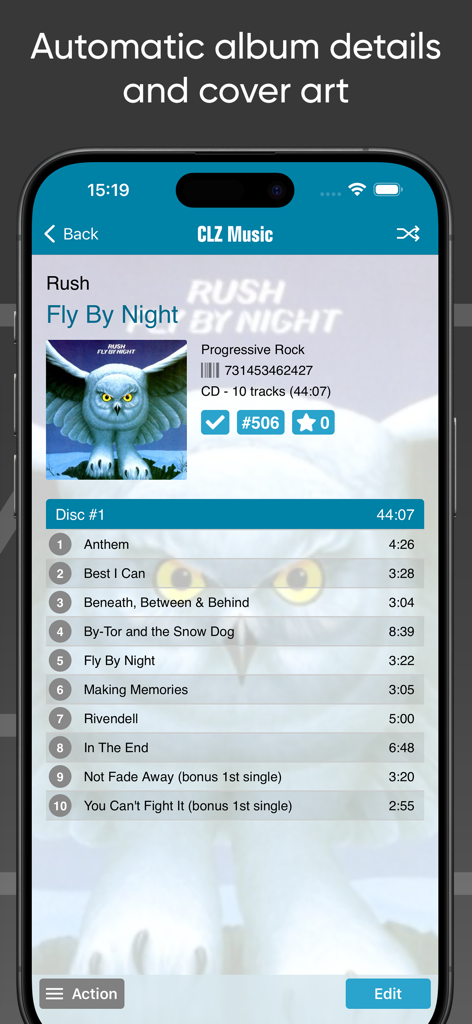
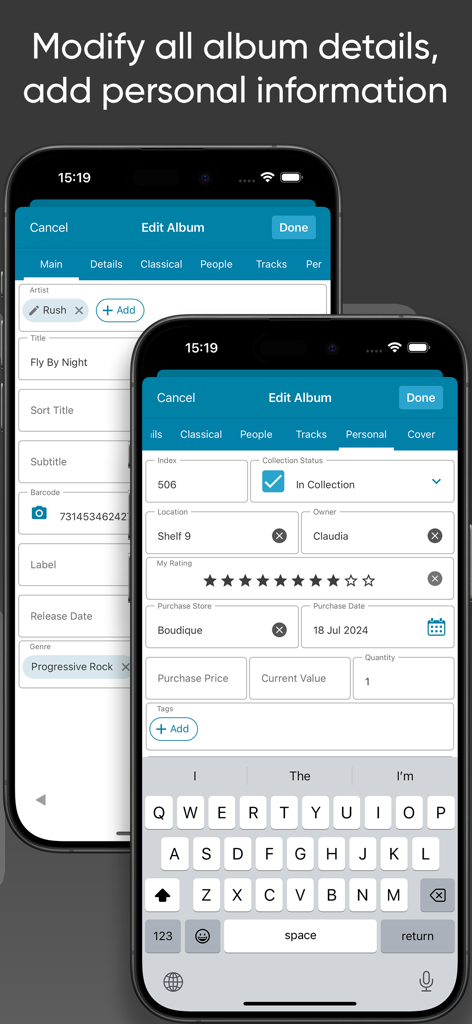
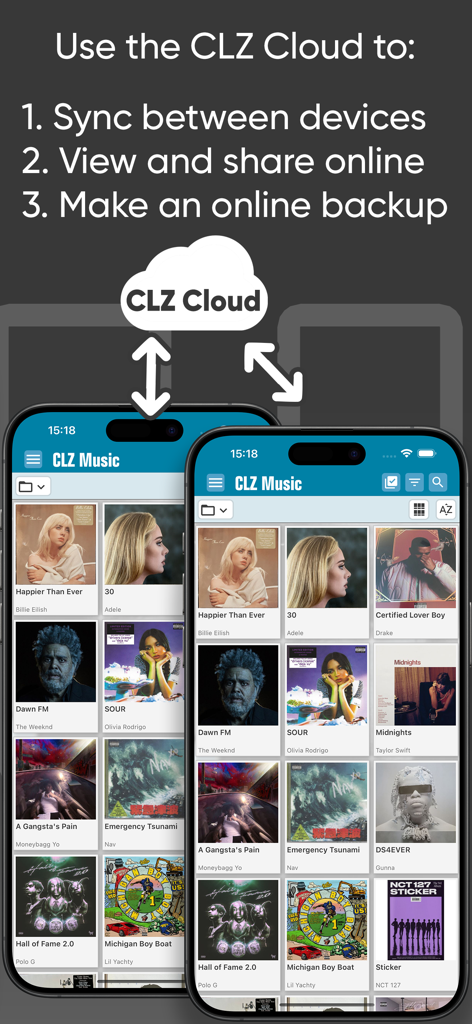
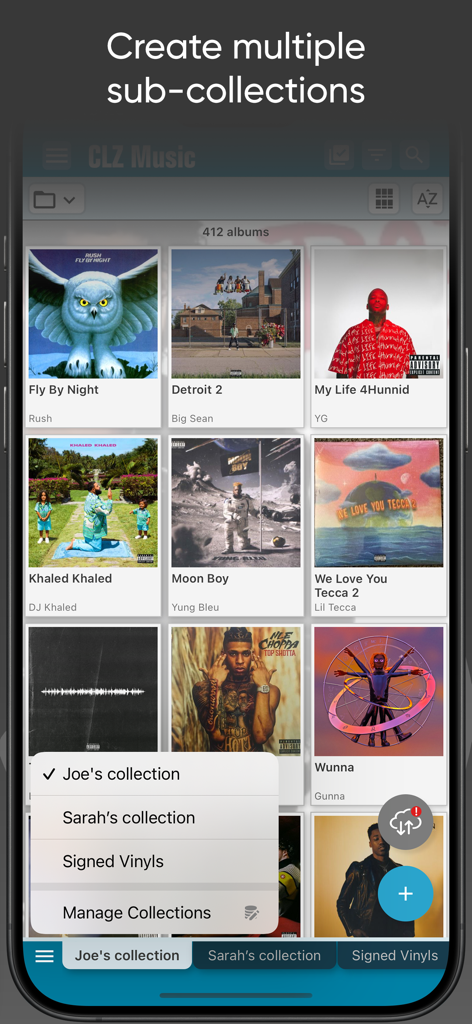
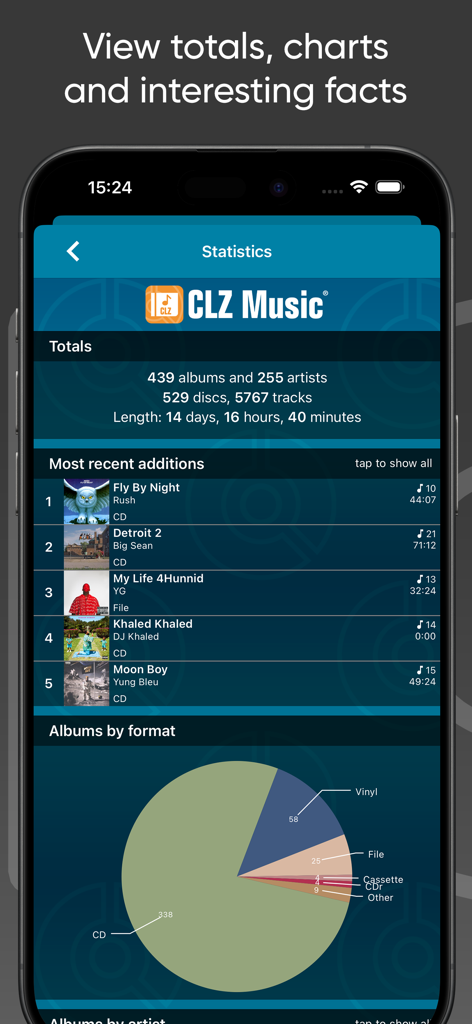
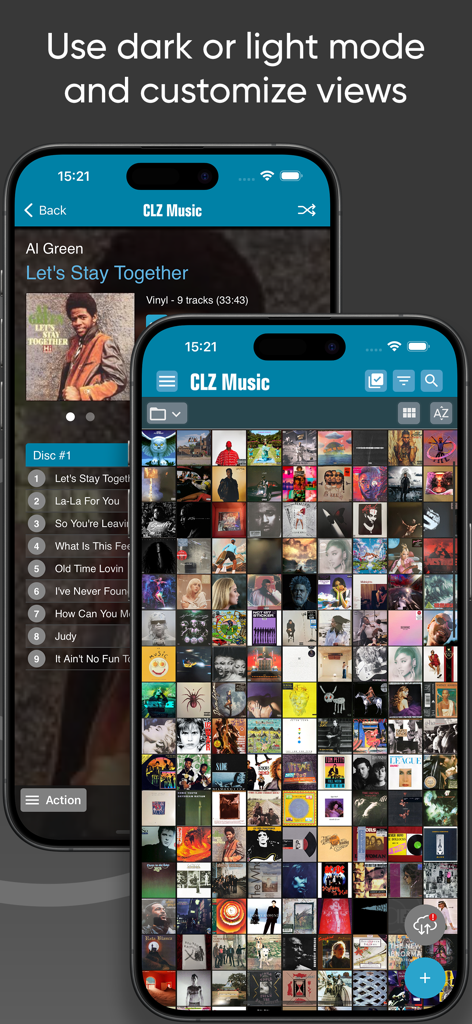
Easily catalog your collection of CDs and vinyl records. Just scan barcodes or search our CLZ Core online music database by artist/title or catalog number. Automatic album details, song lists and cover art. CLZ Music is a paid subscription app, costing US $1.99 per month or US $19.99 per year. Start the free 7-day trial to try the app for a week! EASILY ADD ALBUMS: Three ways to add CDs or vinyl records to your music collection database: 1. scan their barcodes with the built-in camera scanner (we guarantee a 95% success rate on your barcode searches!) 2. search by artist and title 3. search by catalog number (great for finding Discogs entries) Either the CLZ Core online CD database or the Discogs CD/vinyl database will automatically give you cover images and full album details, including tracks lists. ALLOWS MULTIPLE COLLECTIONS: Use Manage Collections from the menu to create multiple sub-sections in your database, called "collections". These will appears as tab Excel-like tabs at the bottom of your screen. Super useful to keep separate collections for different people, to separate physical CDs and vinyl records from your digital music, to keep track of CDs you sold or have for sale, etc... the possibilities are endless. EDIT EVERYTHING: Use the efficient edit and batch-edit screens to modify your album entries. ALL fields can be edited, including the Artists, Titles, Labels, Release Dates, Genres, Track lists, etc.. you can even upload your own cover art (front and back!). Also, add personal details like condition, location, purchase date / price / store, notes, etc.. BROWSE, SORT, GROUP & SEARCH: Browse your music collection as a list, as cards with big images or as a "cover wall" with resizable cover thumbnails! Sort by artist, title, release date, length, date added etc.. Group your albums into folders by author, composer, format, label, genre, location, etc... Or just use the search box top right. CLZ CLOUD SYNCING: Use our CLZ Cloud service to: * Always have an online cloud-backup of your music organizer database. * Sync your music library between devices (e.g. your phones and tablets). * View and share your music collection online, using the CLZ Cloud viewer website. * Sync data to/from our Music Connect web-based software (separate subscription). * Share your app subscription to other mobile devices, without paying again. GOT QUESTIONS OR CONCERNS? If you have any questions or have run into a problem, just contact us! We love to hear your feedback, we are here to help with any problems or concerns, 7 days a week. In the app, tap the menu icon top left, then choose Contact Support. Or come join our Club CLZ forum to talk to us and other users. OTHER CLZ APPS: * CLZ Movies, for cataloging your DVDs, Blu-rays and 4K UHDs * CLZ Books, for organizing your book collection by ISBN * CLZ Comics, for tracking your US comic books. * CLZ Games, for keeping track of your video games collection ABOUT COLLECTORZ / CLZ CLZ has been developing collection database software since 1996. Located in Amsterdam, the Netherlands, the CLZ team now consists of 12 guys and one gal. We're always working to bring you regular updates for the apps and software, and to keep our Core online databases up-to-date with all weekly releases. ABOUT AUTO-RENEWABLE SUBSCRIPTIONS * The payment will be charged to your iTunes Account when you confirm the purchase. * The subscription automatically renews unless auto-renew is turned off at least 24-hours before the end of the current period. * Your account will be charged for renewal within 24-hours prior to the end of the current period. Automatic renewals will cost the same price you were originally charged for the subscription. * You can manage your subscriptions and turn off auto-renewal by going to your Account Settings on the App Store after purchase. Collectorz.com Terms of Use: https://www.collectorz.com/terms-of-use