
このページはアプリまたはその開発者の公式ページではなく、情報提供および論評を目的として作成された独立した編集出版物です。明示的に別段の記載がない限り、アプリおよびその開発者は、MWM、Apple、Google Play、アプリのパブリッシャー、またはアプリの開発者と提携、承認、後援、認可、またはその他の公式的な関係はなく、このページのいかなる内容も、アプリがMWMのサービスを使用して開発されたことを意味するものではありません。すべての商標、ロゴ、スクリーンショット、その他のコンテンツはそれぞれの所有者の財産です。
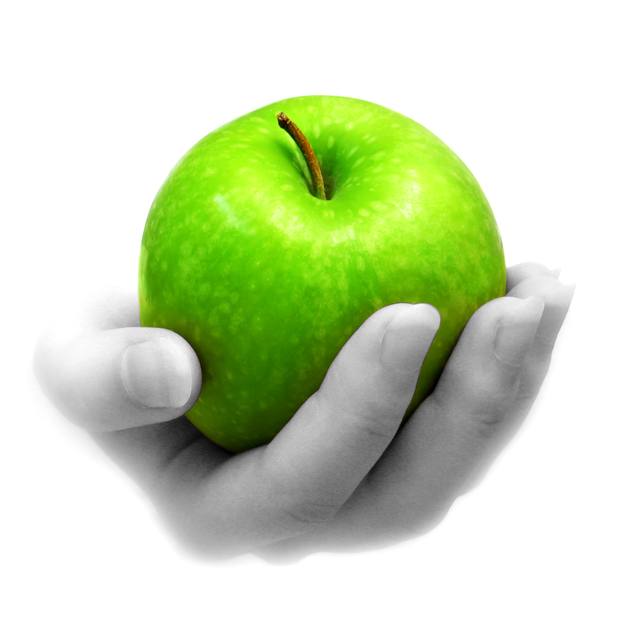

Color Splash
白黒の思い出に鮮やかな色を塗り戻すことで、クリエイティブな編集の喜びを体験してください。細部を重視するクリエイターのために設計された直感的なブラシで、ピクセルパーフェクトな結果を実現します。
ダウンロード
395K+ユーザー評価
評価数
64K+開発元
カテゴリ
Photo & Video対応言語
3最新バージョン
3.14サイズ
37.7 MBリリース日
2009年2月15日あなたの写真を時代を超えた芸術に変える
精度と芸術的なセンスのために設計された直感的な部分カラーリングツールで、最も重要な瞬間を強調します。
正確なブラシツール
ピクセルレベルの精度でズームインし、調整可能なブラシスタイルを使用して、完全なコントロールで細部をすべて強調します。
ドラマチックな部分カラー
写真を選択した色で鮮やかに保ちながら白黒に変換することで、瞬時に視聴者の注意を引きます。
以下のスクリーンショットと説明は、アプリの公式ストアリスティングから直接取得されたものであり、アプリ開発者の所有物です。
アプリストア
スクリーンショット
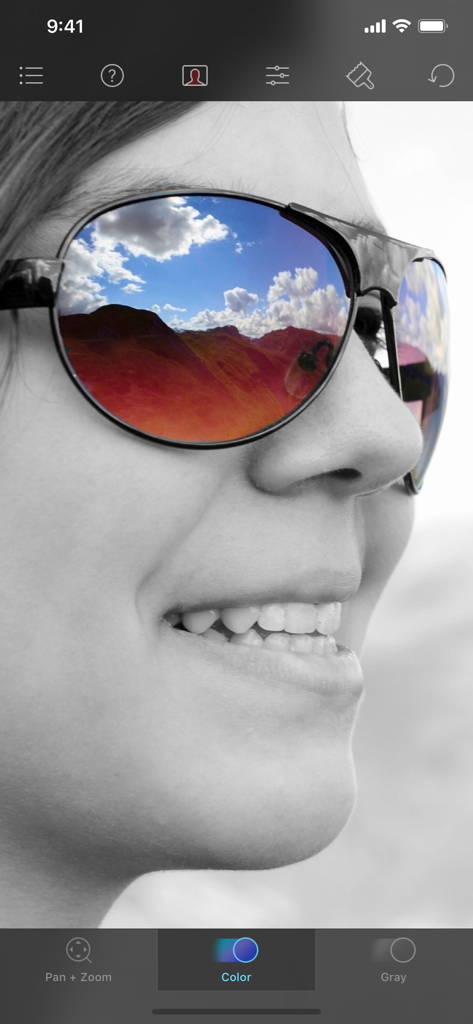
カラー泼墨アプリで編集中の、サングラスに鮮やかな色の風景が映っている、女性の白黒写真。
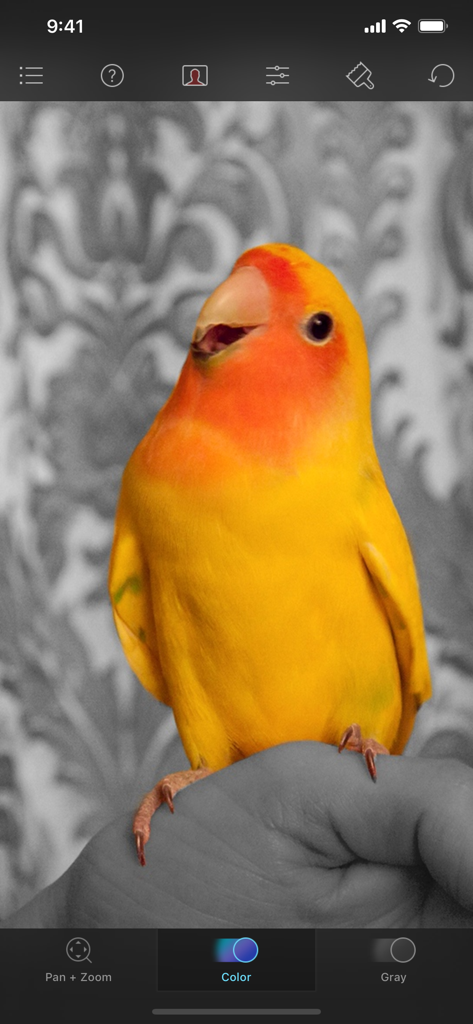
カラー泼墨アプリのインターフェースで編集中の、白黒の背景に対して鮮やかな黄色の鳥。
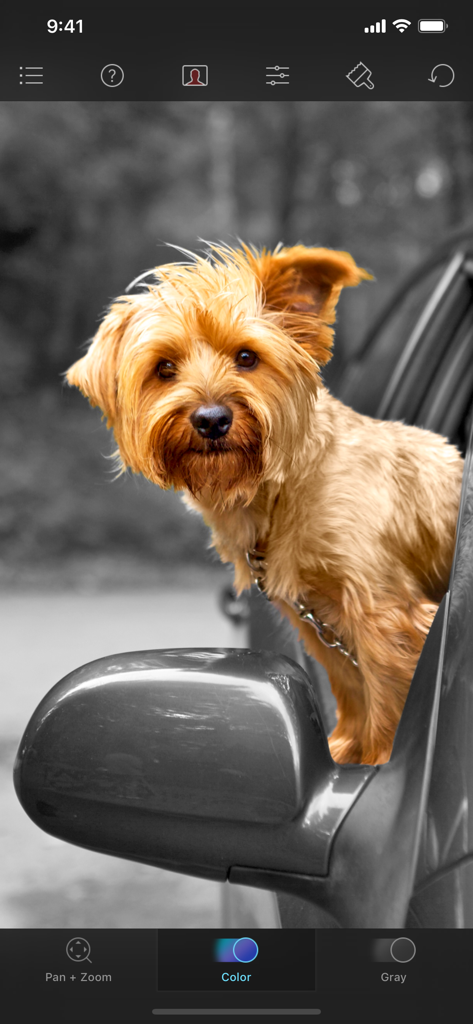
白黒の背景の車の窓にいる茶色の犬の部分カラー写真編集
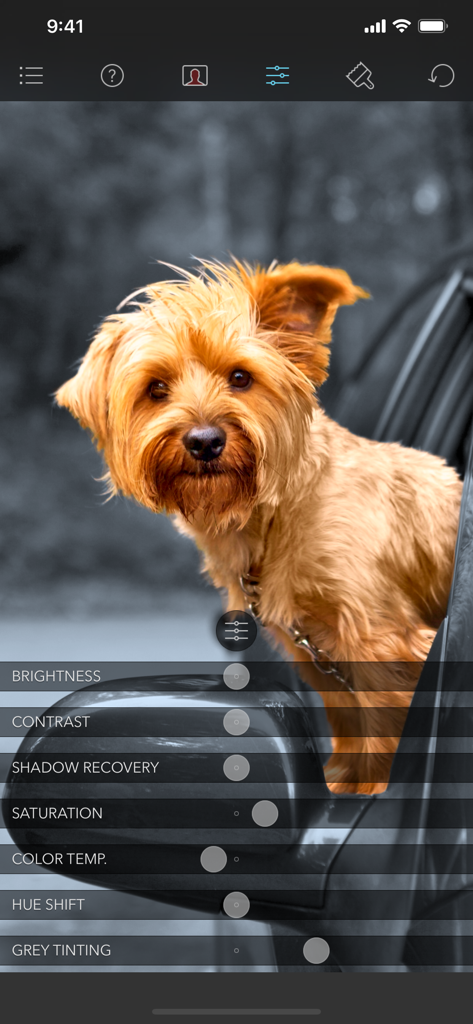
調整スライダーが表示されているカラー泼墨アプリのインターフェースで犬の部分カラー編集
説明
Download
類似アプリ
同じカテゴリのトップランクアプリ

CapCut: Photo & Video Editor
BYTEDANCE PTE. LTD.

Instagram, Inc.

YouTube
Google LLC

Canva: AI Photo & Video Editor
Canva Pty Ltd

Snapchat
Snap, Inc.

快手
Beijing Kwai Technology Co., Ltd.

Edits: Video Editor
Instagram, Inc.

Meitu- AI Photo & Video Editor
Xiamen Meitu Technology Co., Ltd.

Google Photos: Backup & Edit
Google LLC
このページはアプリまたはその開発者の公式ページではなく、情報提供および論評を目的として作成された独立した編集出版物です。明示的に別段の記載がない限り、アプリおよびその開発者は、MWM、Apple、Google Play、アプリのパブリッシャー、またはアプリの開発者と提携、承認、後援、認可、またはその他の公式的な関係はなく、このページのいかなる内容も、アプリがMWMのサービスを使用して開発されたことを意味するものではありません。すべての商標、ロゴ、スクリーンショット、その他のコンテンツはそれぞれの所有者の財産です。